

Adobe Illustrator Review: Pros, Cons, Features and Pricing
Adobe Illustrator excels with its powerful vector tools, making it the go-to choice for professional designers seeking precision and versatility.

We review tools independently, and commissions help fund our testing. See our transparency policy, our methodology, or suggest a tool.
Adobe Illustrator is a collaborative design software built around vector illustration, typography, and print-ready artwork. It's worth considering if your team produces brand assets, packaging, or editorial graphics that require precision and professional output. I'd reach for it over Figma when deep illustration capabilities and tight Creative Cloud integration matter more to your workflow than a browser-first collaboration experience.
Adobe Illustrator Evaluation Summary
4.6/5
- From $22.99/month (billed annually)
- 7-day free trial available
Why Trust Our Software Recommendations
6,700+
Reviews
20
Industry experts
16+
Evaluation factors
14
Years
Our team has been testing and reviewing software since 2012. As product managers ourselves, we know how difficult—and important—it is to choose the right software.
For this guide, we evaluated tools using hands-on testing and independent research, scoring tools using our selection criteria.
Our reviews reflect our human editorial judgment, not a sales pitch.
Expert reviewers:
- Andrew LumbySenior TPM
- Cristiano ValimSenior UI/UX Lead


Adobe Illustrator Overview
From my perspective, Adobe Illustrator offers powerful tools for professional designers, making it a standout in vector graphics. It excels in precision and versatility, but its complexity can be a hurdle for beginners. Compared to other software, it provides superior design capabilities but lacks the intuitive interface some competitors offer. I think it's best suited for industries like advertising and publishing, where high-quality design is crucial. While it might not be the easiest to learn, its comprehensive toolset justifies the investment for those who require detailed and scalable graphics. If your team values advanced design features over ease of use, Adobe Illustrator could be the right choice.
Pros
- You can create precise and scalable vector graphics with ease.
- Your team can access a wide range of professional design tools.
- You can produce high-quality designs suitable for print and digital media.
Cons
- It can be challenging for beginners to learn.
- Your team might find the interface less intuitive than other options.
- You may experience slower performance on less powerful computers.
Is Adobe Illustrator Right For Your Needs?
Who Would be a Good Fit for Adobe Illustrator?
Adobe Illustrator is ideal for graphic designers, marketing teams, and creative professionals who need precision in their work. If your team is in advertising or publishing, you'll benefit from its advanced vector tools that allow for detailed and scalable designs. Its extensive feature set is perfect for creating high-quality visuals for both print and digital media. If your work demands intricate design elements, Adobe Illustrator's capabilities make it a worthy choice.
- Graphic DesignYou can use Adobe Illustrator to create detailed and precise vector graphics for logos, branding, and marketing materials.
- Advertising AgenciesYour team can produce high-quality, scalable designs for campaigns that need to look great in any format.
- PublishingIf you're in publishing, Adobe Illustrator helps you craft visually appealing layouts and illustrations for books and magazines.
- Marketing TeamsYou can enhance your marketing materials with professional-quality graphics that resonate with your audience.
- Creative DepartmentsYour creative team can collaborate on intricate designs that require a wide range of tools and features.
- Freelance DesignersAs a freelancer, you can deliver professional and polished designs that meet client expectations for quality and precision.
Who Would be a Bad Fit for Adobe Illustrator?
Adobe Illustrator isn't the best choice for teams or individuals needing quick and simple graphic edits, like small businesses with limited design expertise. If your work involves basic image editing or requires a more intuitive interface, you might find Adobe Illustrator's complexity overwhelming. It's not ideal for those who need immediate results without a steep learning curve, such as teams focusing on basic social media graphics or minor design tweaks.
- Small BusinessesYour small business might struggle with Adobe Illustrator if you need simple edits and lack design expertise.
- Social Media TeamsIf your team requires quick and easy graphics, Adobe Illustrator's complexity could slow you down.
- Beginner DesignersYou might find Adobe Illustrator overwhelming if you're new to design and prefer an intuitive tool.
- Basic Photo EditingIf your work involves simple photo edits, Adobe Illustrator's advanced features might be more than you need.
- Non-Design DepartmentsYour non-design department could find Adobe Illustrator too complex if design isn't your primary focus.
- Educational InstitutionsFor educational settings needing simple tools for teaching basic design, Adobe Illustrator might be overkill.
How We Test & Score Tools
We’ve spent years building, refining, and improving our software testing and scoring system. The rubric is designed to capture the nuances of software selection and what makes a tool effective, focusing on critical aspects of the decision-making process.
Below, you can see exactly how our testing and scoring works across seven criteria. It allows us to provide an unbiased evaluation of the software based on core functionality, standout features, ease of use, onboarding, customer support, integrations, customer reviews, and value for money.
Core Functionality (25% of final scoring)
The starting point of our evaluation is always the core functionality of the tool. Does it have the basic features and functions that a user would expect to see? Are any of those core features locked to higher-tiered pricing plans? At its core, we expect a tool to stand up against the baseline capabilities of its competitors.
Standout Features (25% of final scoring)
Next, we evaluate uncommon standout features that go above and beyond the core functionality typically found in tools of its kind. A high score reflects specialized or unique features that make the product faster, more efficient, or offer additional value to the user.
We also evaluate how easy it is to integrate with other tools typically found in the tech stack to expand the functionality and utility of the software. Tools offering plentiful native integrations, 3rd party connections, and API access to build custom integrations score best.
Ease of Use (10% of final scoring)
We consider how quick and easy it is to execute the tasks defined in the core functionality using the tool. High scoring software is well designed, intuitive to use, offers mobile apps, provides templates, and makes relatively complex tasks seem simple.
Onboarding (10% of final scoring)
We know how important rapid team adoption is for a new platform, so we evaluate how easy it is to learn and use a tool with minimal training. We evaluate how quickly a team member can get set up and start using the tool with no experience. High scoring solutions indicate little or no support is required.
Customer Support (10% of final scoring)
We review how quick and easy it is to get unstuck and find help by phone, live chat, or knowledge base. Tools and companies that provide real-time support score best, while chatbots score worst.
Customer Reviews (10% of final scoring)
Beyond our own testing and evaluation, we consider the net promoter score from current and past customers. We review their likelihood, given the option, to choose the tool again for the core functionality. A high scoring software reflects a high net promoter score from current or past customers.
Value for Money (10% of final scoring)
Lastly, in consideration of all the other criteria, we review the average price of entry level plans against the core features and consider the value of the other evaluation criteria. Software that delivers more, for less, will score higher.
Core Features
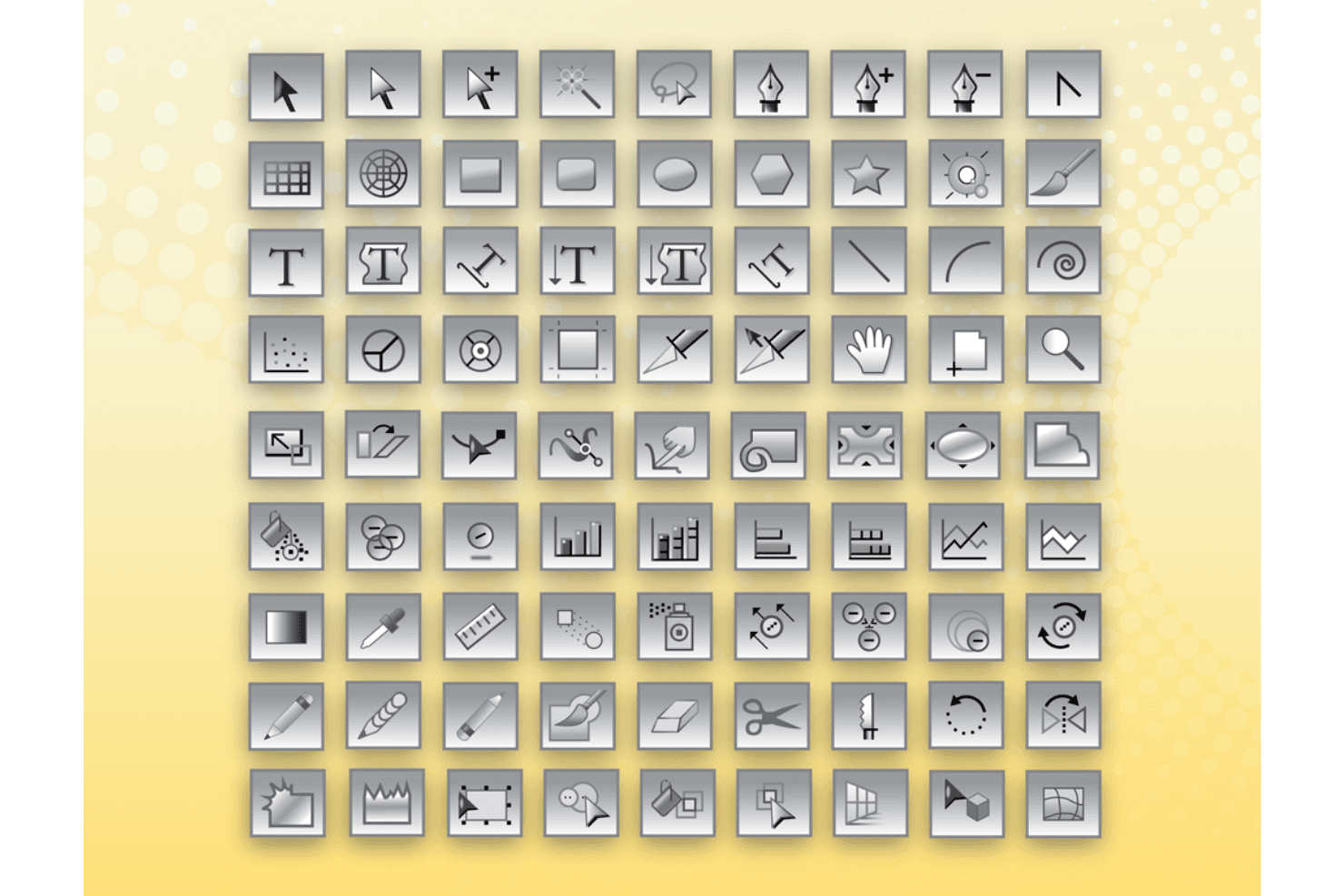
Vector Graphics Tools: You can create scalable designs that maintain quality at any size. This is vital for logos and branding used across various formats.
Layer System: Your team can organize complex designs efficiently, allowing for easy edits and adjustments. This feature enhances workflow and collaboration.
Typography Tools: You can access a wide range of fonts and text manipulation options. This allows for creative and dynamic text designs in your projects.
Color Management: You can use precise color controls to ensure consistency across different media. This is essential for brand integrity and professional output.
Pen Tool: You can draw custom shapes and paths with accuracy. This tool is crucial for creating detailed and unique designs.
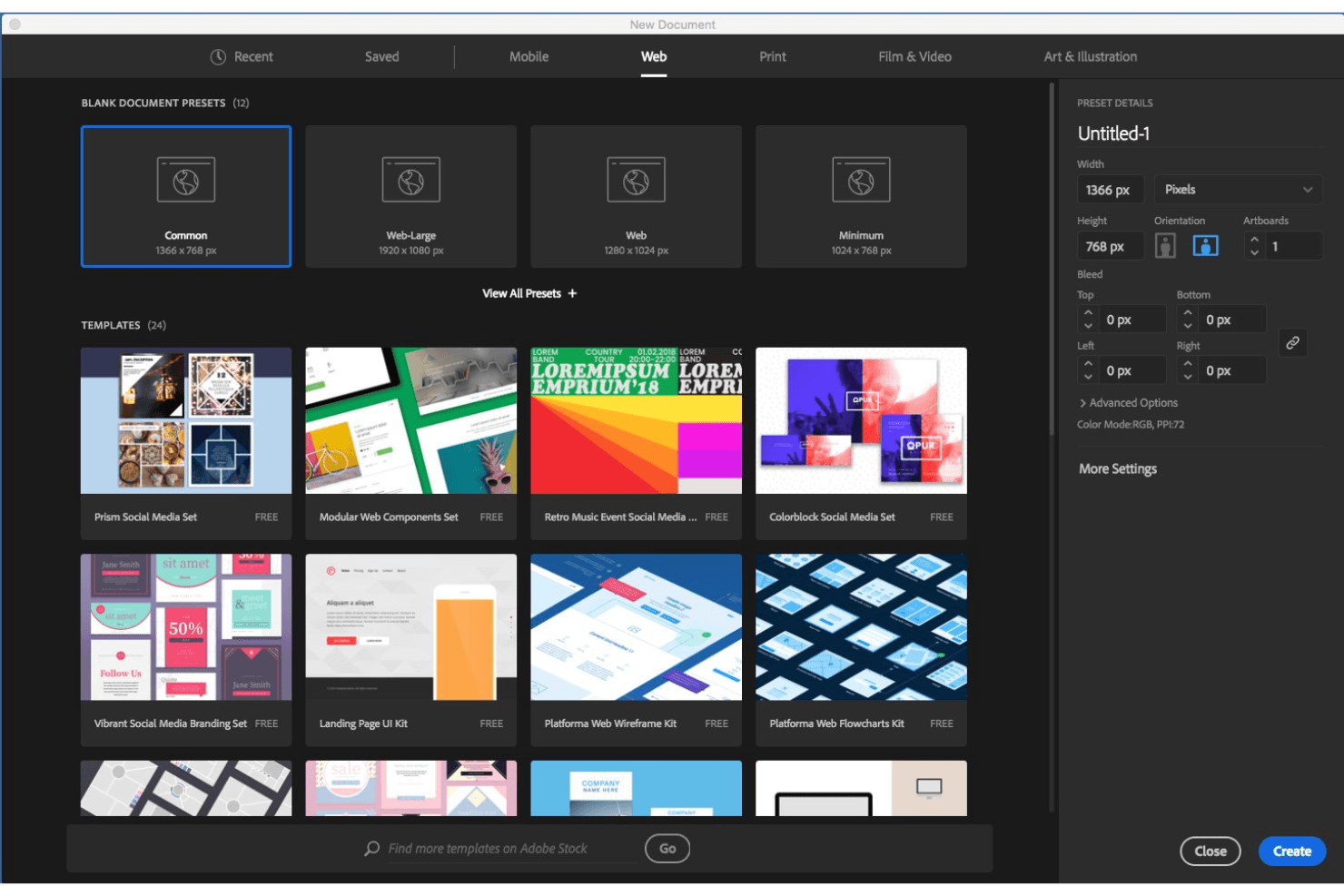
Artboards: You can work on multiple design layouts simultaneously within a single document. This feature streamlines project management and design variations.
Standout Features
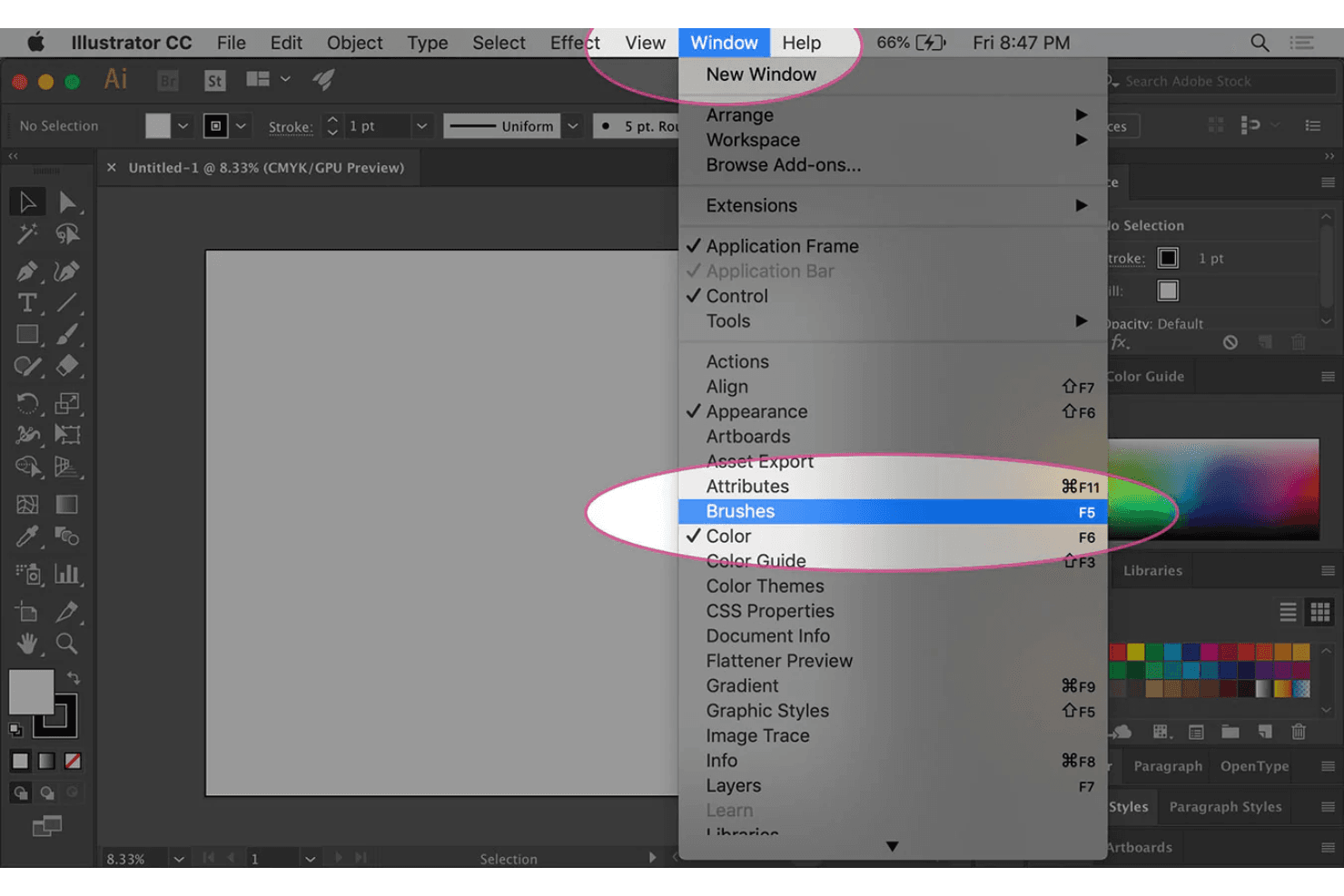
Advanced Brushes: You can create intricate designs using a variety of brush styles and textures. This feature allows for artistic expression and detailed illustrations.
Live Trace: You can convert raster images into editable vector graphics with ease. This is invaluable for transforming sketches into digital art efficiently.
Ease of Use
Adobe Illustrator can be challenging for beginners due to its complex interface and vast array of tools. It requires time and practice to master, which might slow down your team's initial productivity. However, once you get the hang of it, the software's depth and precision offer unmatched control over your designs. Compared to simpler tools, Adobe Illustrator demands more effort, but it rewards you with professional-quality results that are worth the learning curve.
Onboarding
Adobe Illustrator's onboarding can feel daunting due to its steep learning curve and complex features. While the software offers tutorials and extensive online resources, your team might take time to reach full proficiency. The initial setup and understanding of the tools require patience, but the available support helps ease the transition. Compared to simpler tools, Adobe Illustrator requires more effort upfront, but the eventual skill mastery provides significant value for your design projects.
Customer Support
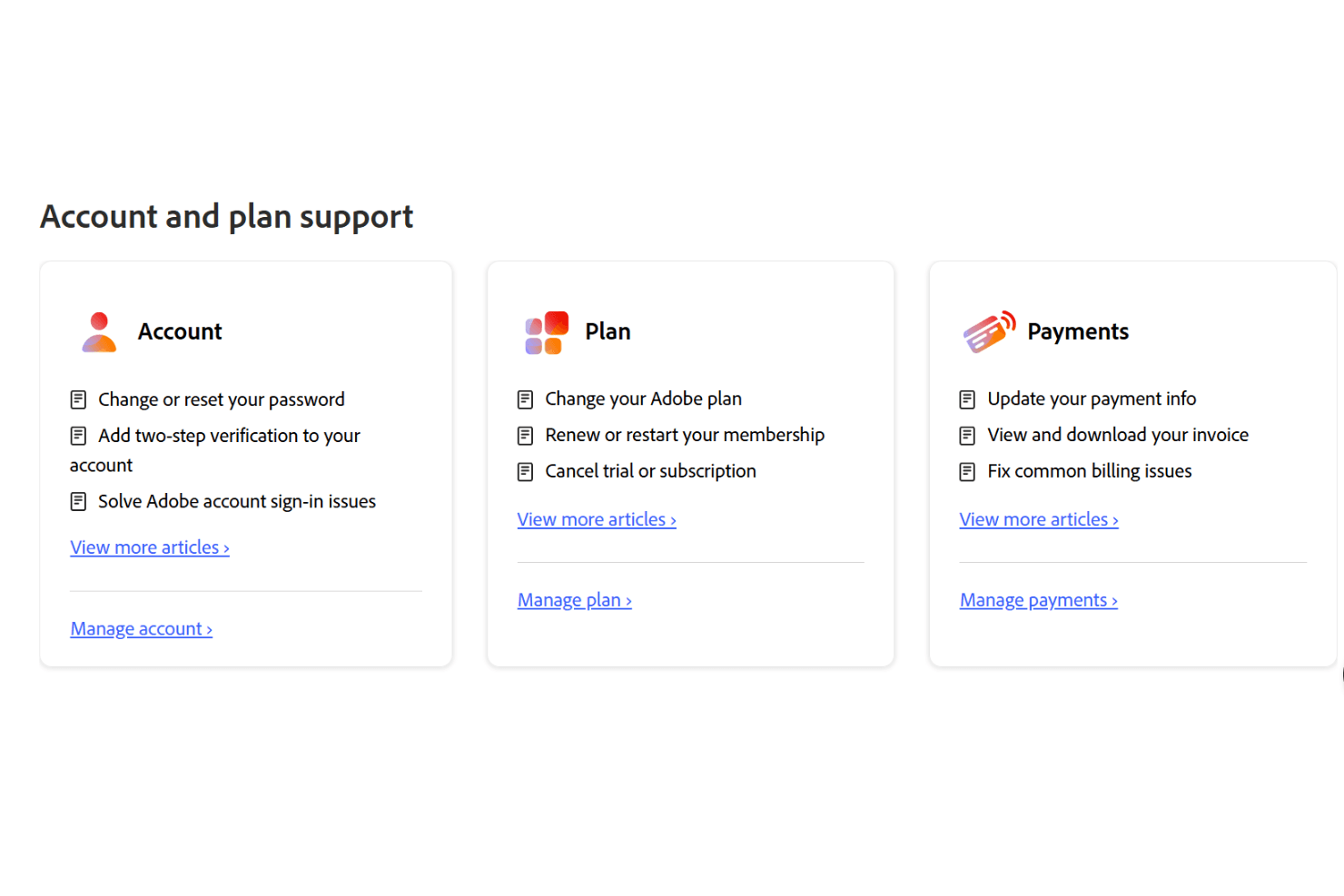
Adobe Illustrator's customer support is decent but not exceptional. Users often find the response times slower than expected, which can be frustrating when you're in need of quick help. While there are various support channels like forums and help centers, you might need patience to get detailed assistance. The available resources are helpful, but direct support could be more responsive to enhance your overall experience with the software.
Integrations
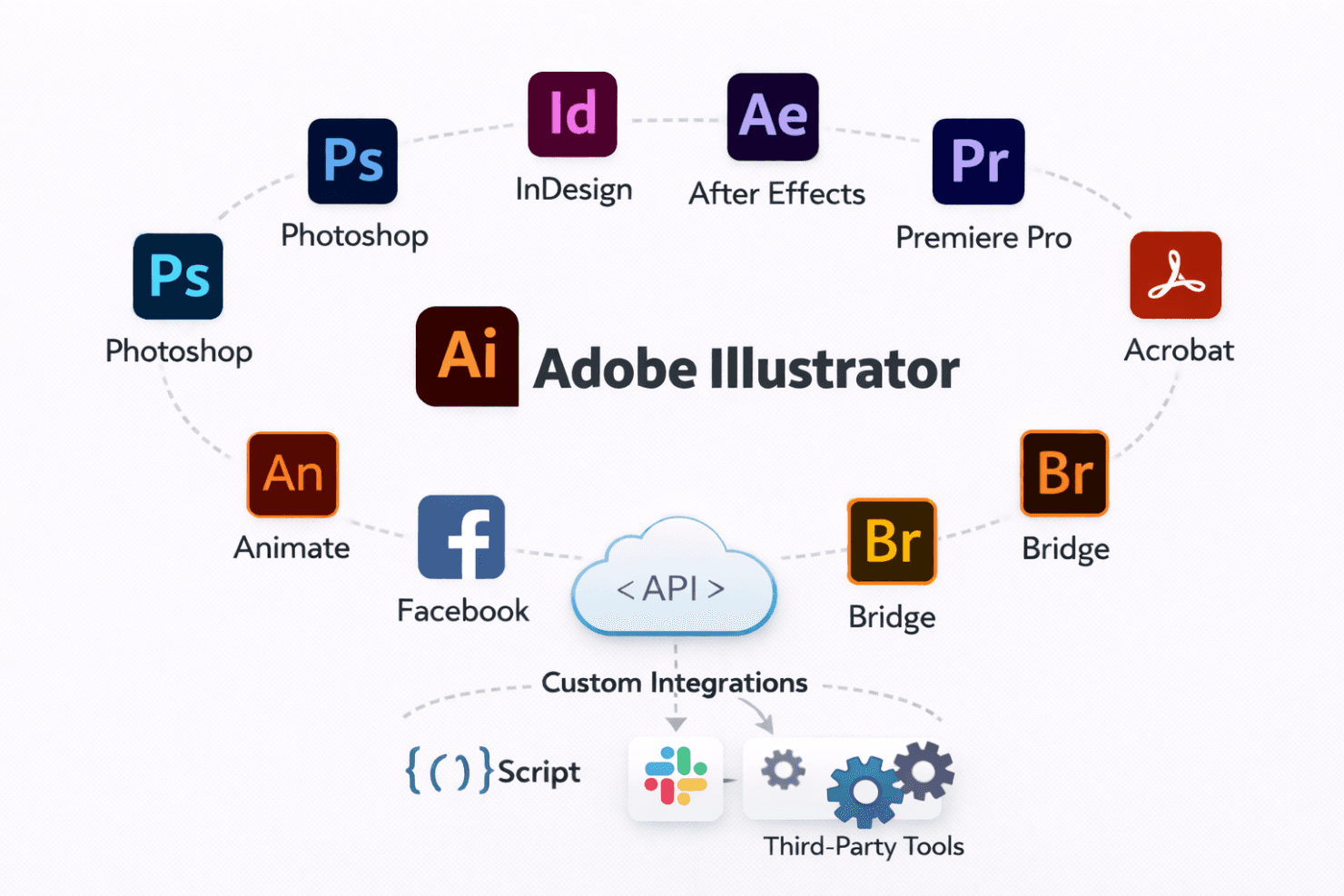
Adobe Illustrator integrates with Photoshop, InDesign, After Effects, Premiere Pro, Acrobat, Bridge, and Animate, supporting smooth workflows across design, motion, and publishing tools.
Adobe Illustrator also supports scripting and APIs, letting teams extend functionality and build custom integrations.
Value for Money
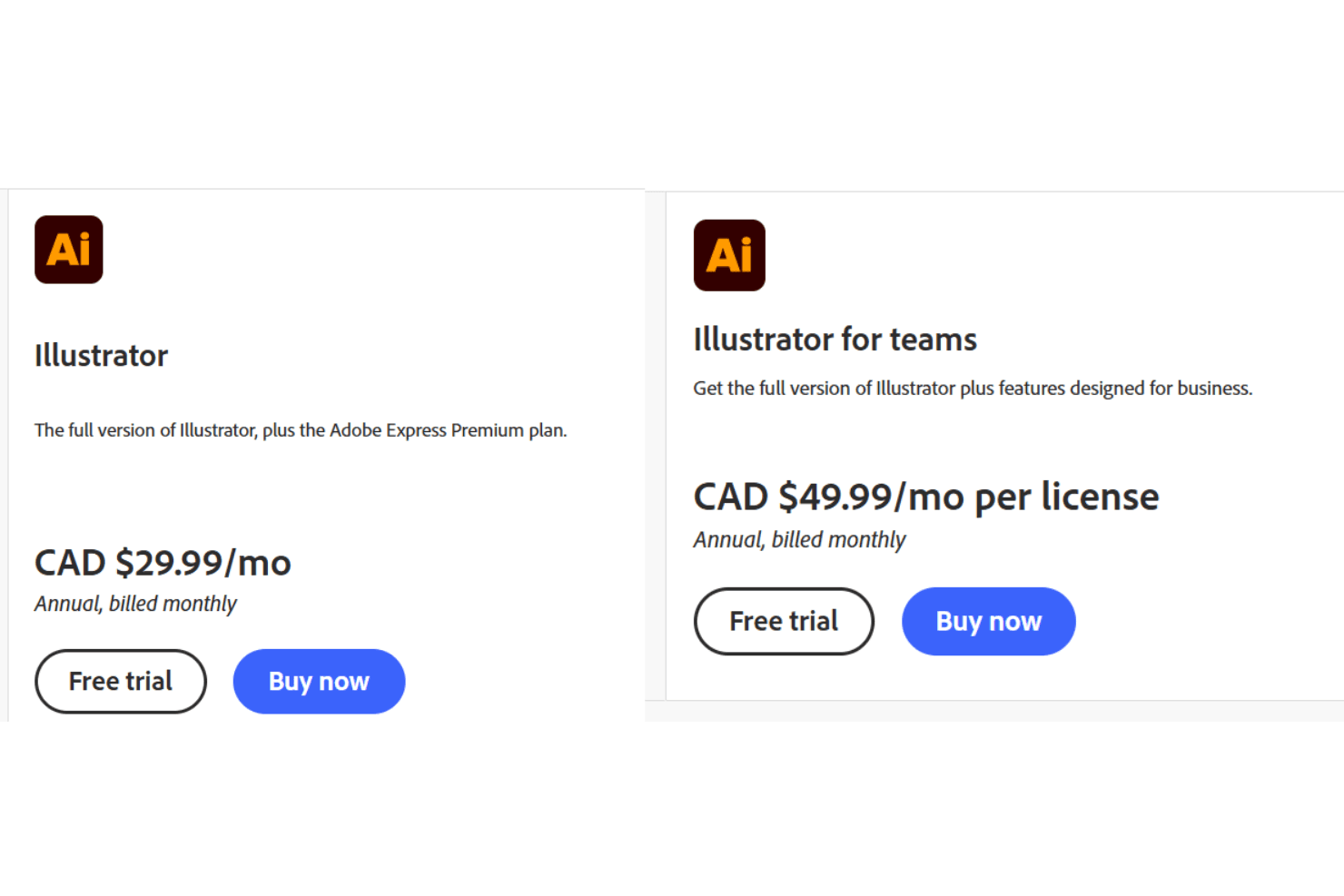
Adobe Illustrator delivers strong value if you rely on precise, professional design tools every day. Reviews often say the price feels justified because you get industry-grade vector, typography, and color tools in one app, with regular updates included. The team plan adds admin controls and shared assets, which makes sense as your work scales. There’s a free trial, so you can test it before paying.
- Individual: $22.99/user/month. Full access to Illustrator with updates for solo designers.
- Teams: $34.99/seat/month. Multiple licenses with shared libraries, admin controls, and secure collaboration.
Adobe Illustrator Specs
- A/B Testing: No
- API: Yes
- Data Export: Yes
- Data Import: Yes
- External Integrations: Yes
- Multi-User: Yes
- Third-Party Plugins/Add-Ons: Yes
Adobe Illustrator FAQs
Adobe Illustrator Company Overview & History
Adobe Illustrator, developed by Adobe Inc., is a leading vector graphics editor first launched in 1987. Initially designed for Apple Macintosh, it has evolved through various updates, introducing features like Creative Suite and Creative Cloud. Adobe, headquartered in San Jose, California, has positioned Illustrator as a staple in the design industry, continuously enhancing it to meet the needs of graphic designers and artists worldwide.
Adobe Illustrator Major Milestones
- 1987: Adobe Illustrator was first released, revolutionizing vector graphics editing.
- 1994: Adobe acquired Aldus, leading to the discontinuation of FreeHand.
- 2003: Introduction of the Creative Suite (CS), integrating Illustrator with other Adobe products.
- 2012: Transition to the Creative Cloud (CC), offering a subscription model for users.
- 2025: Latest version set to release, promising enhanced features and improved collaboration tools.