
Sketch Review: Pros, Cons, Features, and Pricing Explained
In my career, I have used many UX design tools, including Sketch. In this review, let me tell you about Sketch’s best use cases, pros and cons, pricing, alternatives, and more.

We review tools independently, and commissions help fund our testing. See our transparency policy, our methodology, or suggest a tool.
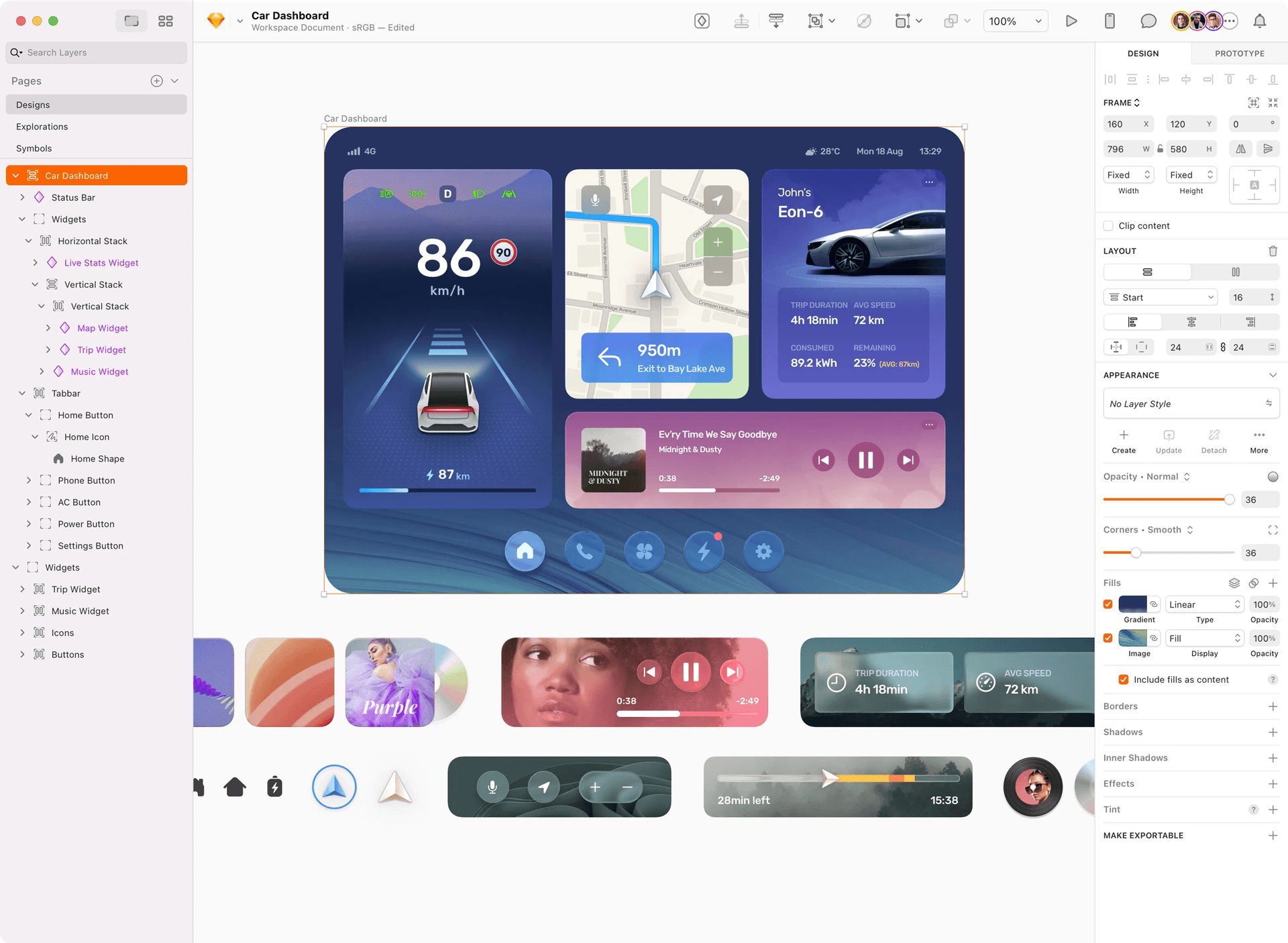
Sketch is a web design software for designers who want a straightforward way to create digital interfaces and prototypes. It’s a strong fit if you’re looking to produce user interfaces or mobile app screens without the complexity of tools built for heavy illustration or photo editing. I’d pick Sketch over Adobe XD because its interface is easier to navigate, and its plugin library gives you more flexibility to customize your workflow.
Sketch Evaluation Summary
4.5/5
- From $12/user/month (billed annually)
- Free plan available; 30-day free trial
Why Trust Our Software Recommendations
6,700+
Reviews
20
Industry experts
16+
Evaluation factors
14
Years
Our team has been testing and reviewing software since 2012. As product managers ourselves, we know how difficult—and important—it is to choose the right software.
For this guide, we evaluated tools using hands-on testing and independent research, scoring tools using our selection criteria.
Our reviews reflect our human editorial judgment, not a sales pitch.
Expert reviewers:
- Andrew LumbySenior TPM
- Cristiano ValimSenior UI/UX Lead


Sketch Overview
When judging Sketch as a UX design tool, its clean interface, real-time collaboration, and extensive plugin library make it a top pick for Mac-based teams focused on digital product design. Sketch’s pricing is straightforward, and onboarding is quick for designers familiar with vector workflows. While it lacks native Windows support and some advanced prototyping features, its integration options and reusable components set it apart for teams prioritizing speed and consistency. If you’re selecting a tool for a design-driven SaaS environment or a creative agency using Macs, Sketch remains a strong contender.
Pros
- Sketch offers a clean and intuitive interface that makes design tasks easy for your team.
- It provides robust vector editing tools that enhance your design precision.
- Sketch's extensive library of plugins allows you to customize your workflow to fit your needs.
Cons
- Sketch is only available on macOS, which limits access for Windows users.
- It lacks real-time collaboration features that some other design tools offer.
- Some users find Sketch's prototyping capabilities less advanced compared to competitors.
Is Sketch Right For Your Needs?
Who Would be a Good Fit for Sketch?
Sketch is ideal for small to medium-sized design teams in tech startups or creative agencies. If your team values simplicity and efficient design processes, Sketch’s intuitive interface and powerful vector editing tools will suit your needs. It’s particularly beneficial if you’re working on macOS and prefer a design tool that integrates seamlessly with a wide range of plugins to tailor your workflow. Sketch’s lack of real-time collaboration and limited prototyping capabilities may not hinder you if your primary focus is on design precision and customization.
- Tech StartupsSketch’s simplicity and customization options help your team quickly iterate on design ideas, staying agile in a fast-paced environment.
- Creative AgenciesYour agency can benefit from Sketch’s extensive plugin library, allowing for a tailored design process that meets diverse client needs.
- Freelance DesignersSketch’s clean interface and robust vector tools make it easy for you to deliver high-quality work without unnecessary complexity.
- UI/UX DepartmentsSketch provides the essential tools your team needs for precise design work, making it a reliable choice for focused UI/UX tasks.
- Small Design TeamsIf your team values efficiency and customization, Sketch’s straightforward setup and plugin options enhance your collaborative workflow.
- Mac-Exclusive TeamsFor teams using macOS, Sketch’s platform-specific optimizations ensure seamless performance and integration with your existing tools.
Who Would be a Bad Fit for Sketch?
If your team relies heavily on Windows or requires real-time collaboration, Sketch isn’t your best option. Large enterprises needing advanced prototyping and cross-platform support will find Sketch lacking in these areas. Teams that need seamless integration with other software and comprehensive prototyping tools may struggle, as Sketch’s features in these areas don’t match some competitors.
- Windows-Based TeamsSketch is macOS-exclusive, making it inaccessible for your team relying on Windows systems.
- Large EnterprisesSketch’s limited collaboration and prototyping features won’t meet the demands of your large-scale projects.
- Real-Time CollaborationIf your team needs to work simultaneously in real-time, Sketch lacks the necessary collaboration features.
- Advanced PrototypingYour team won’t find the advanced prototyping capabilities needed for complex design projects in Sketch.
- Cross-Platform TeamsTeams requiring seamless workflow across different operating systems will find Sketch’s macOS exclusivity a barrier.
- Educational InstitutionsSchools and universities using diverse systems can’t fully adopt Sketch due to its macOS limitations.
How We Test & Score Tools
We’ve spent years building, refining, and improving our software testing and scoring system. The rubric is designed to capture the nuances of software selection and what makes a tool effective, focusing on critical aspects of the decision-making process.
Below, you can see exactly how our testing and scoring works across seven criteria. It allows us to provide an unbiased evaluation of the software based on core functionality, standout features, ease of use, onboarding, customer support, integrations, customer reviews, and value for money.
Core Functionality (25% of final scoring)
The starting point of our evaluation is always the core functionality of the tool. Does it have the basic features and functions that a user would expect to see? Are any of those core features locked to higher-tiered pricing plans? At its core, we expect a tool to stand up against the baseline capabilities of its competitors.
Standout Features (25% of final scoring)
Next, we evaluate uncommon standout features that go above and beyond the core functionality typically found in tools of its kind. A high score reflects specialized or unique features that make the product faster, more efficient, or offer additional value to the user.
We also evaluate how easy it is to integrate with other tools typically found in the tech stack to expand the functionality and utility of the software. Tools offering plentiful native integrations, 3rd party connections, and API access to build custom integrations score best.
Ease of Use (10% of final scoring)
We consider how quick and easy it is to execute the tasks defined in the core functionality using the tool. High scoring software is well designed, intuitive to use, offers mobile apps, provides templates, and makes relatively complex tasks seem simple.
Onboarding (10% of final scoring)
We know how important rapid team adoption is for a new platform, so we evaluate how easy it is to learn and use a tool with minimal training. We evaluate how quickly a team member can get set up and start using the tool with no experience. High scoring solutions indicate little or no support is required.
Customer Support (10% of final scoring)
We review how quick and easy it is to get unstuck and find help by phone, live chat, or knowledge base. Tools and companies that provide real-time support score best, while chatbots score worst.
Customer Reviews (10% of final scoring)
Beyond our own testing and evaluation, we consider the net promoter score from current and past customers. We review their likelihood, given the option, to choose the tool again for the core functionality. A high scoring software reflects a high net promoter score from current or past customers.
Value for Money (10% of final scoring)
Lastly, in consideration of all the other criteria, we review the average price of entry level plans against the core features and consider the value of the other evaluation criteria. Software that delivers more, for less, will score higher.
Core Features
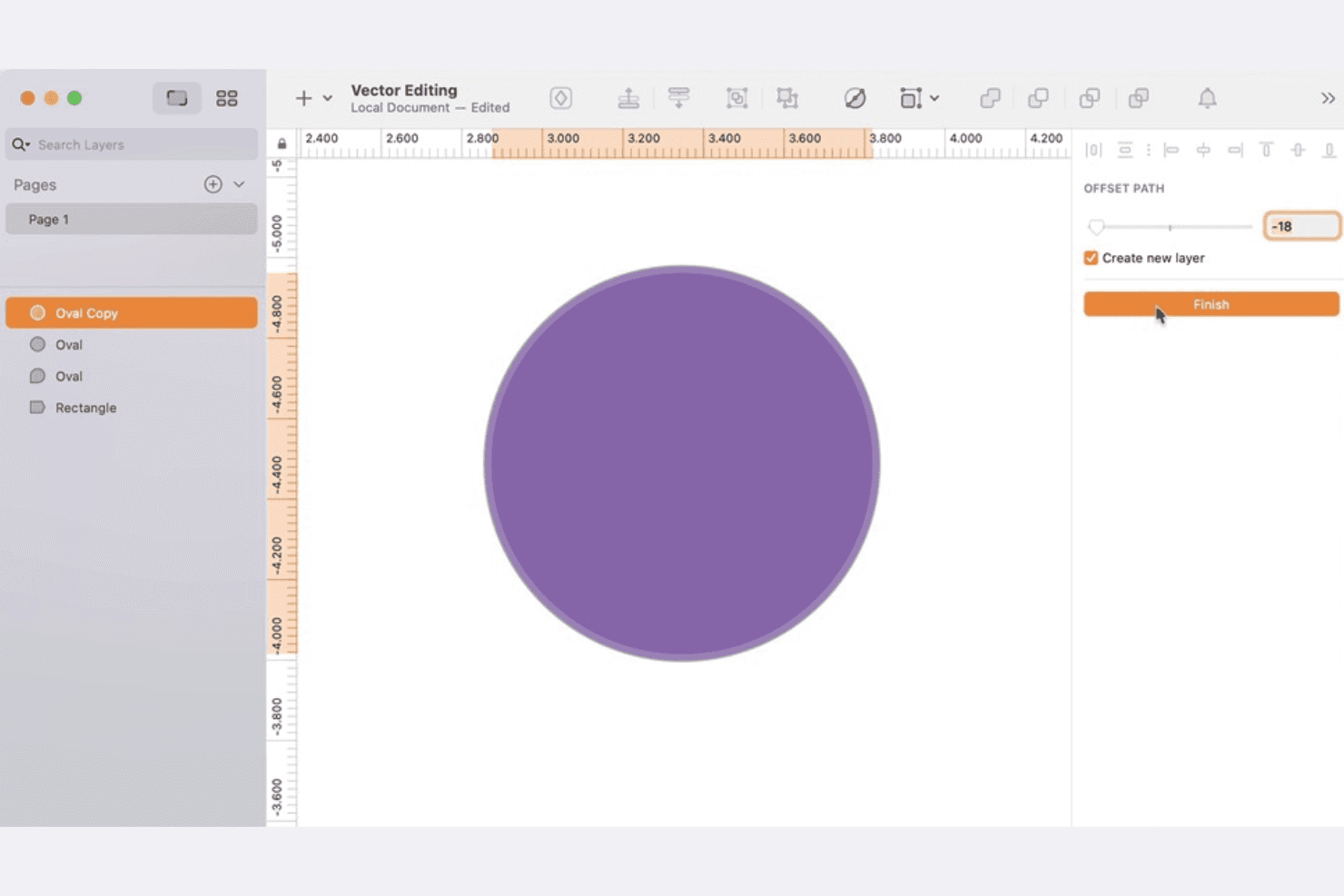
Vector Editing
Create and adjust shapes, icons, and illustrations using precise vector tools. This allows you to scale designs without losing quality, which is essential for responsive interfaces.
Artboards
Design multiple screens or device layouts within a single document. Organize flows for web, mobile, or tablet projects side by side for easy comparison.
Symbols
Build reusable components like buttons, headers, or icons that update across your project when edited. This keeps your design system consistent and speeds up changes.
Prototyping
Link artboards with interactive hotspots to simulate user flows and navigation. Preview and test interactions directly in Sketch before handing off to developers.
Shared Libraries
Store and manage design assets, styles, and components in libraries accessible to your team. This supports collaboration and ensures everyone uses the same visual language.
Real-Time Collaboration
Invite team members to co-edit files, leave comments, and review changes live. This reduces feedback cycles and helps teams stay aligned throughout the design process.
Standout Features
Native Mac Performance
Sketch is built specifically for macOS, delivering fast performance and a smooth user experience. Designers benefit from system-level optimizations, including support for Retina displays and Apple Silicon chips.
Extensive Plugin Ecosystem
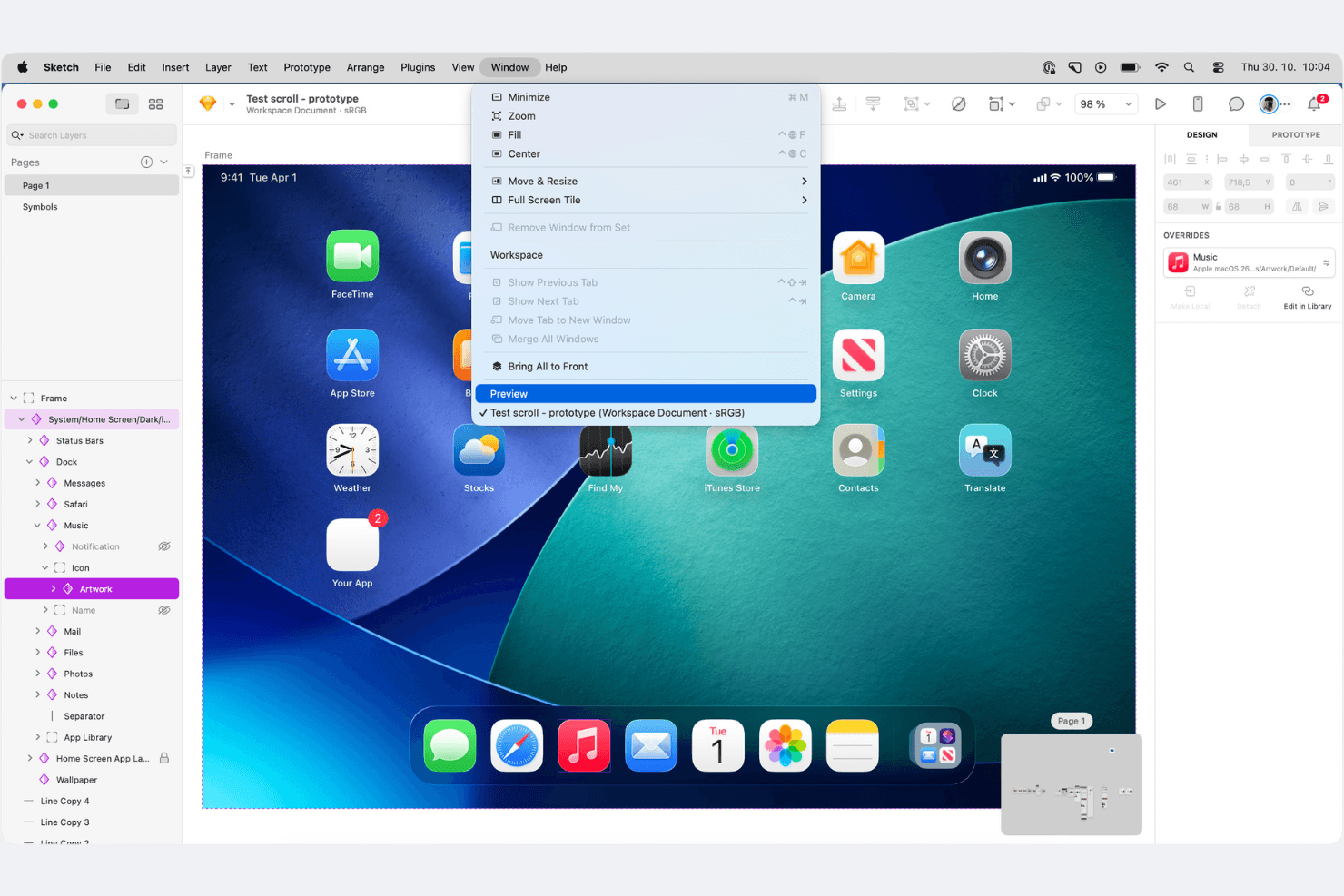
Access hundreds of plugins directly from Sketch’s built-in directory to extend functionality. Users can automate tasks, add new design tools, or connect with third-party services to customize their workflow.
Ease of Use
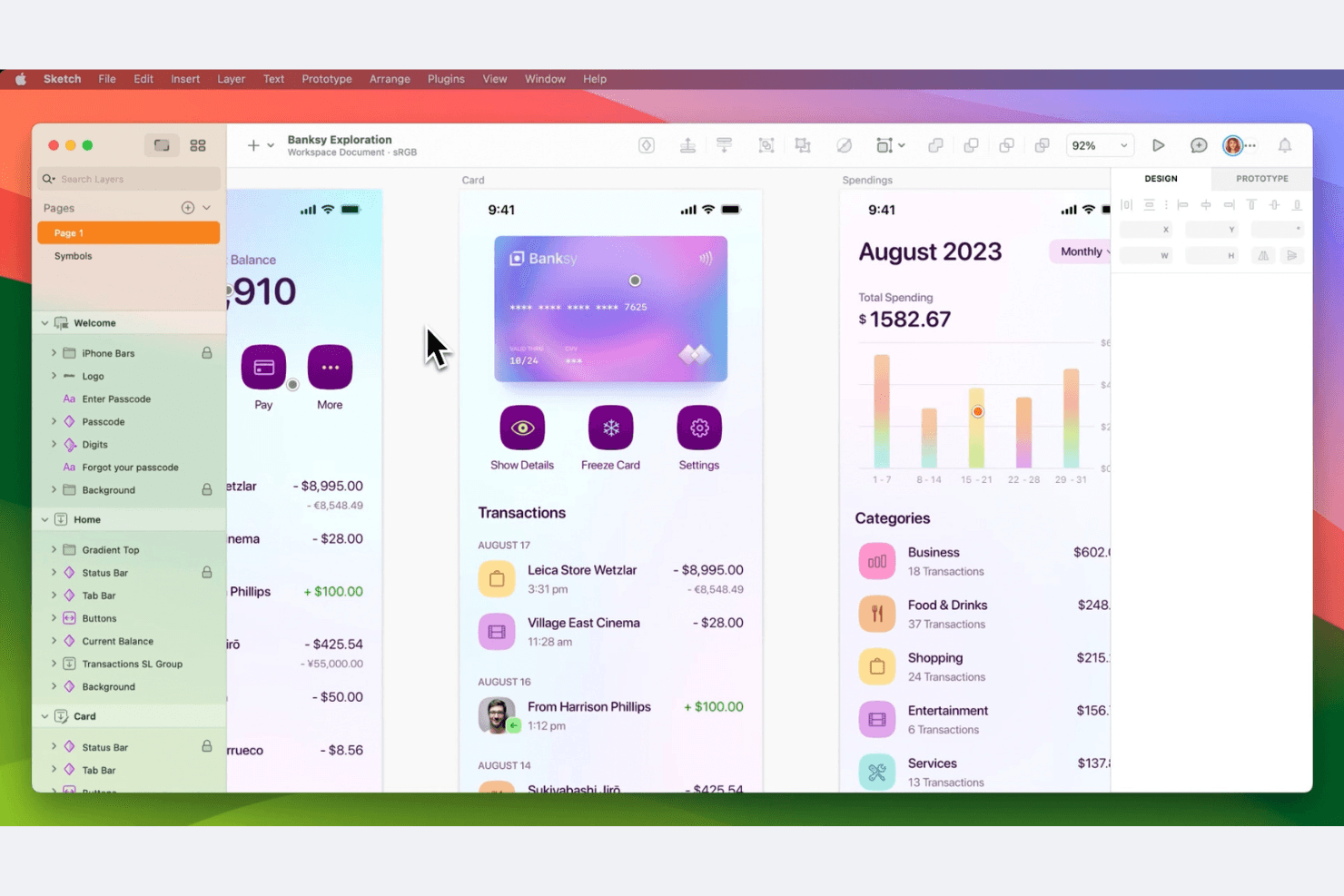
Sketch offers a clean, intuitive interface that feels familiar to most Mac users, making onboarding quick for new designers. Its drag-and-drop tools, logical layer organization, and contextual menus help users move from wireframes to high-fidelity designs without friction. Many users highlight the straightforward workflow for creating and updating components, though some note that advanced features like prototyping require extra exploration. Overall, Sketch balances simplicity with enough depth for professional design work.
Onboarding
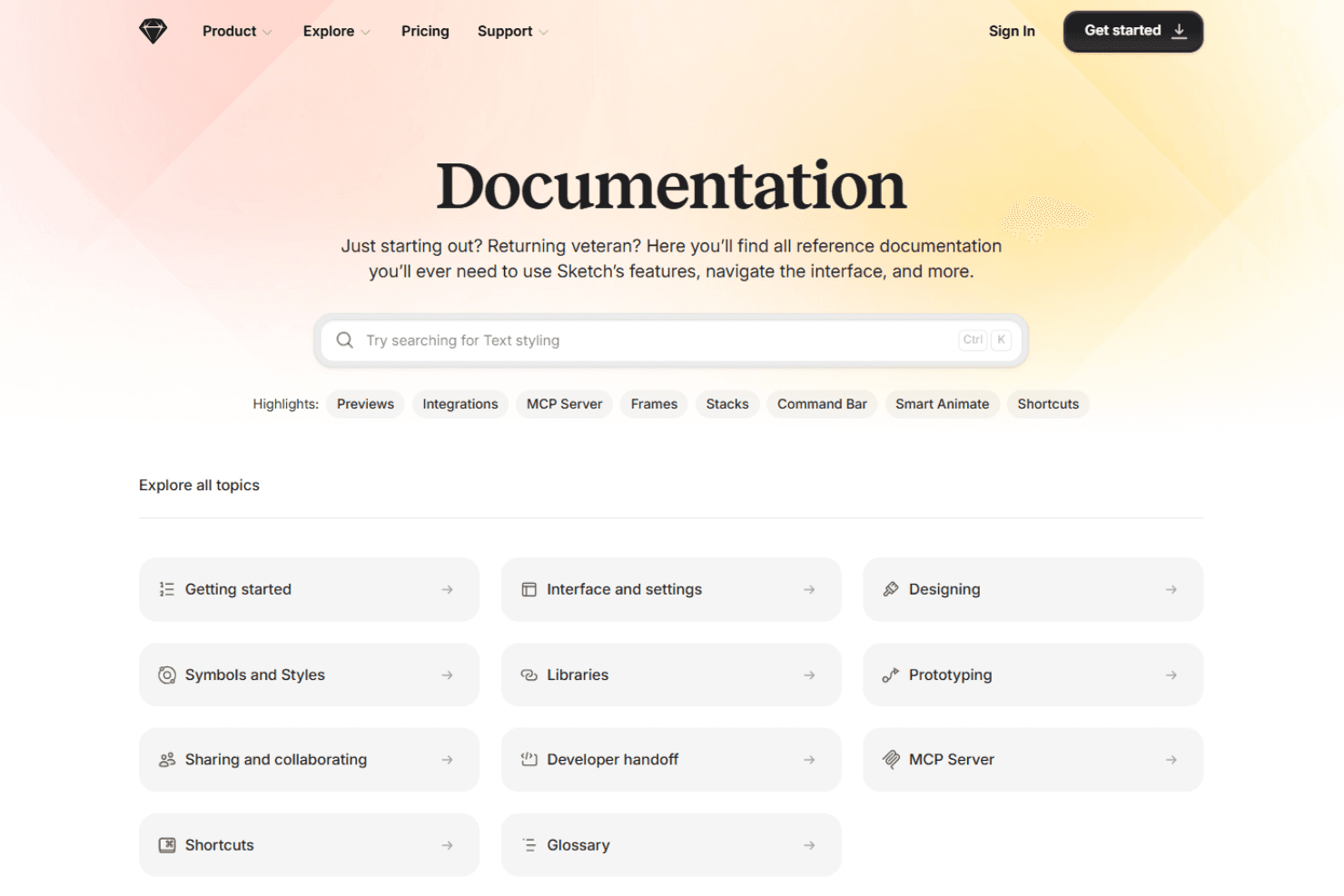
Sketch offers a smooth onboarding experience, making it easy for your team to get started quickly. The platform provides clear tutorials and a wealth of resources that guide you through its features, ensuring you grasp the basics without hassle. Users find the documentation helpful, allowing you to unlock Sketch’s potential swiftly. With a supportive community and detailed guides, Sketch ensures your team can achieve value fast, enhancing your design process from the start.
Customer Support
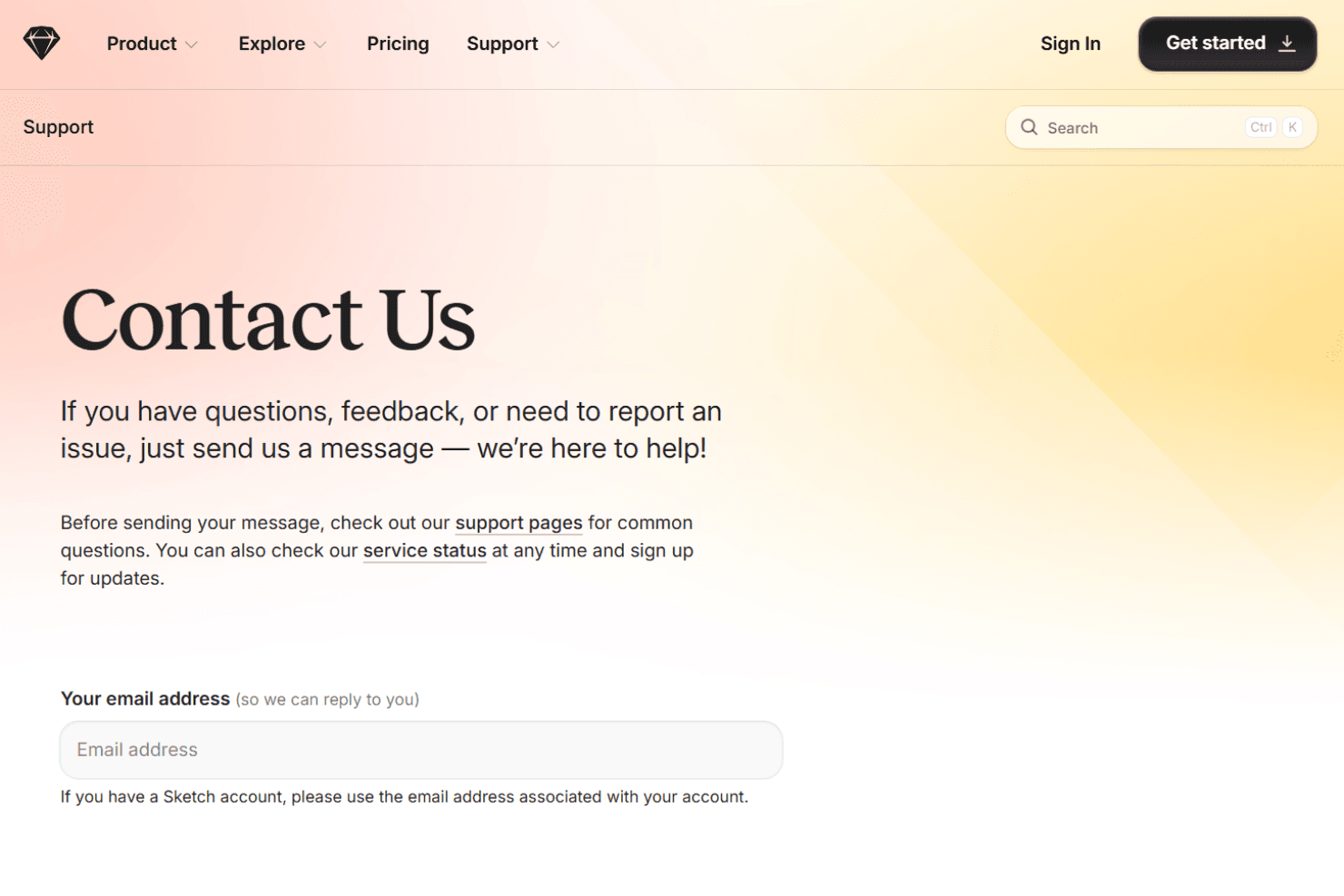
Sketch offers responsive email support, a detailed knowledge base, and an active community forum, which most users find helpful for resolving issues. Many reviewers note that support queries are answered promptly and that the documentation covers both basic and advanced topics. While there’s no live chat or phone support, the combination of self-serve resources and community-driven advice helps users troubleshoot and learn efficiently. Overall, Sketch’s support is reliable for most day-to-day needs.
Integrations
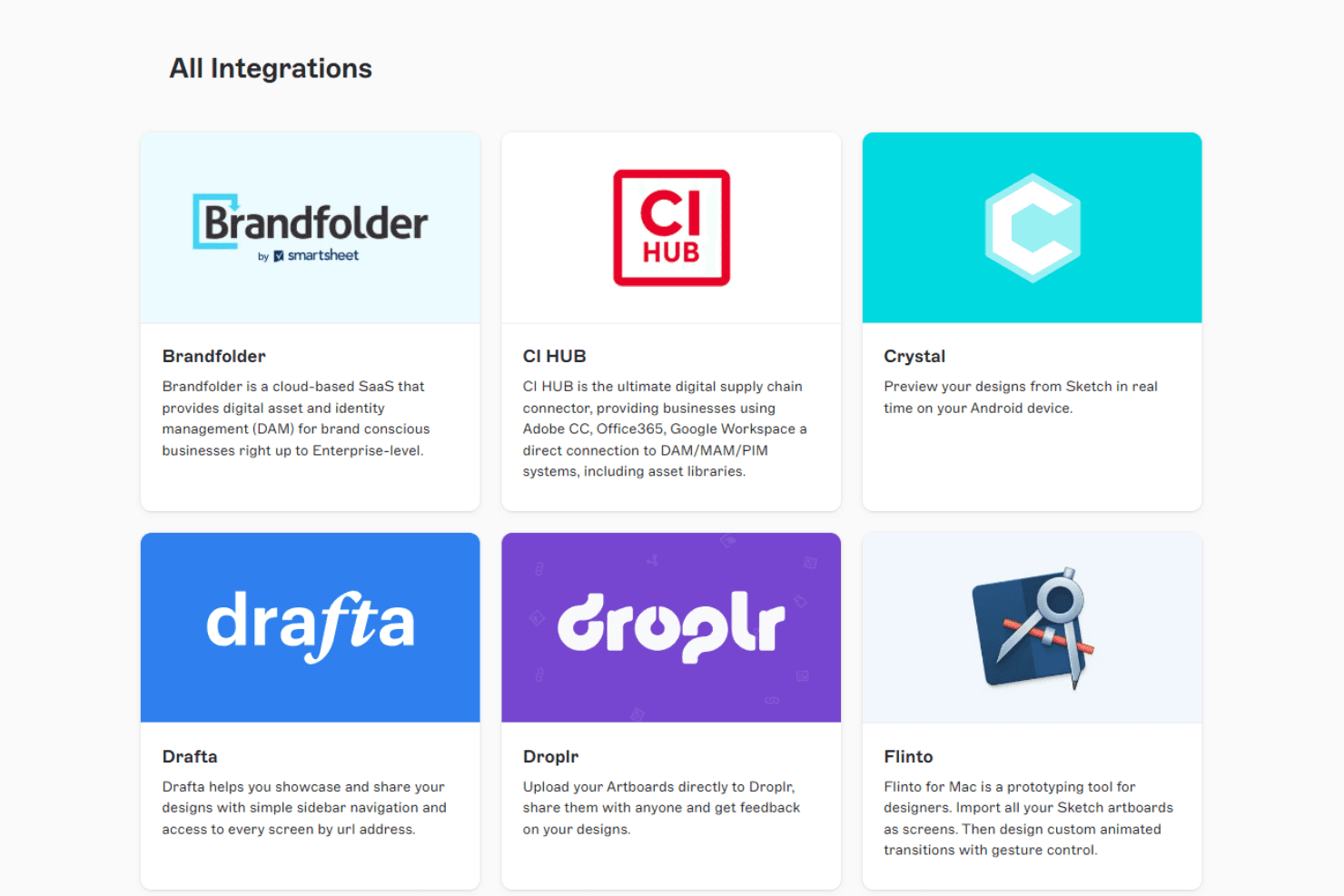
Sketch integrates with Abstract, Zeplin, InVision, Marvel, Avocode, ProtoPie, UXPin, Plant, Overflow, and Maze, among others.
Sketch also offers an API and supports connections with third-party integration tools for custom workflows.
Value for Money
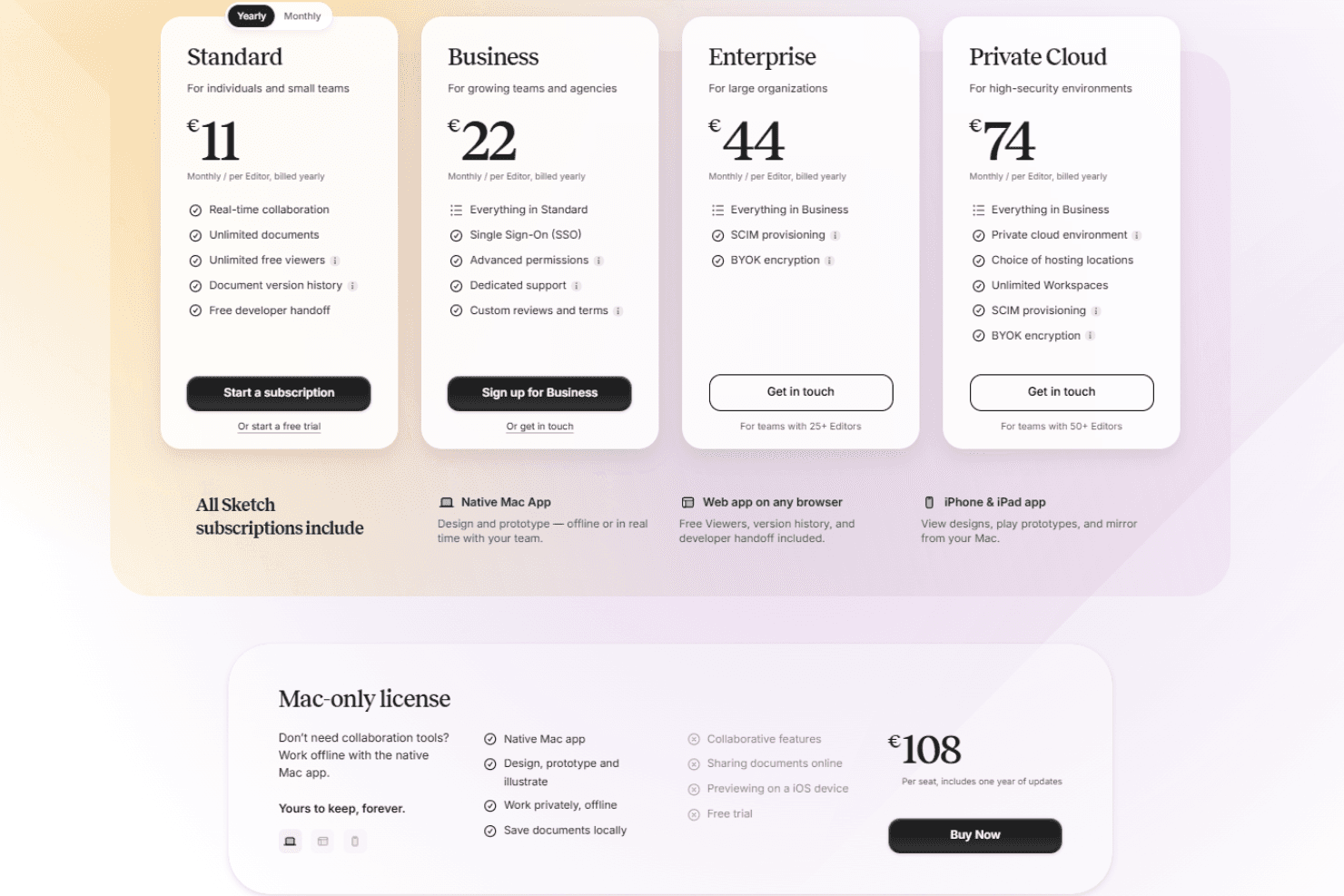
Sketch is widely seen as affordable, especially for individuals and small teams, with a straightforward pricing model and no hidden fees. Users appreciate the one-time license option and the value provided by core features, though some wish for more advanced collaboration tools at lower tiers.
- Standard: Includes core design features, real-time collaboration, and shared libraries.
- Business: Adds advanced admin controls, priority support, and centralized billing for larger teams.
- Enterprise: Adds SCIM provisioning and BYOK encryption for larger teams.
- Private Cloud: Adds private hosting, location choice, unlimited workspaces, and enterprise-grade security controls.
- Mac-only license: Offline native app use without collaboration features.
Sketch Specs
- CAD Tools: No
- Data Export: Yes
- Data Import: No
- Multi-User: No
- Pixel Graphics: No
- Third-Party Plugins/Add-Ons: No
- Vector File Support: No
- Video: No
Sketch FAQs
Sketch Company Overview & History
Sketch is an independent software company headquartered in Zuid-Holland, Netherlands, with a workforce of around 100–140 employees. The company is known for its flagship product, Sketch, a vector-based design tool for macOS that has become a staple in the UX and UI design industry. Sketch does not own other products or have major affiliations, focusing solely on its core platform. Notable clients include agencies, startups, and enterprise teams worldwide, though specific client names are not publicly listed. Sketch has raised 28–$45 million.
Sketch Major Milestones
- 2010: Company founded in the Netherlands.
- 2010: Initial release of the Sketch app for macOS.
- 2012: Sketch wins an Apple Design Award.
- 2019: Raised $20 million in Series A funding.
- 2020: Launched real-time collaboration features.
- 2026: Continues as an independent company with a global user base.