


Miro is an idea management software built around an infinite visual canvas where teams can brainstorm, map concepts, and organize thinking together in real time. It's a strong fit for product and design teams who need a shared space for ideation sessions, workshops, and early-stage concept development. If you're weighing it against Mural, Miro tends to offer a deeper template library and broader integration support, making it the more versatile pick for cross-functional teams who need flexibility beyond facilitated workshops.
Miro Evaluation Summary
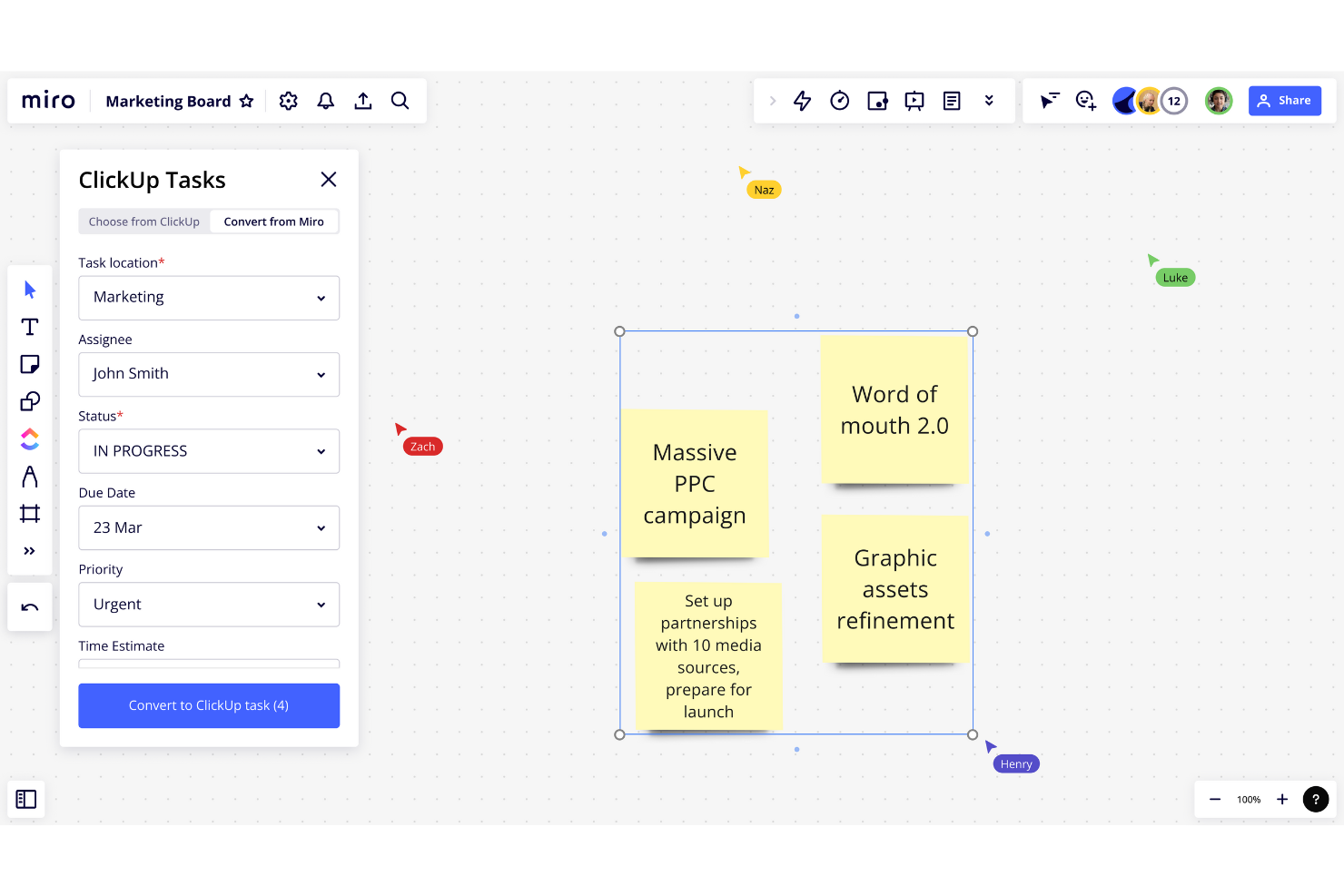
- From $8/user/month (billed annually)
- 14-day free trial + free plan available
Why Trust Our Software Reviews
We’ve been testing and reviewing product management software since 2020. As product managers ourselves, we know how critical and difficult it is to make the right decision when selecting software.
We invest in deep research to help our audience make better software purchasing decisions. We’ve tested more than 2,000 tools for different product management use cases and written over 1,000 comprehensive software reviews. Learn how we stay transparent & our software review methodology.
Miro Overview
In my opinion, Miro is a standout idea management software for teams that thrive on visual collaboration. Its standout features, like the infinite canvas and robust integrations, make it a leader in real-time collaboration, outperforming many competitors in this space. However, it can lag with heavy data loads and requires a constant internet connection, which may not suit every environment. Miro is best for creative teams, agile project groups, and product managers who value interactive and visual project management tools.
pros
-
You can easily collaborate with your team in real-time on an infinite canvas.
-
Miro makes brainstorming sessions more interactive and engaging.
-
Visual tools help your team organize ideas quickly and efficiently.
cons
-
Your team might experience lags with large data loads.
-
Miro requires a constant internet connection to function properly.
-
Some users find the initial setup overwhelming without guidance.
Is Miro Right For Your Needs?
Who Would be a Good Fit for Miro?
Miro is ideal for creative teams, agile project groups, and product managers who thrive on visual collaboration. If your work involves brainstorming sessions, design sprints, or strategic planning, you'll find Miro's infinite canvas and interactive tools invaluable. Tech startups and marketing agencies, where fast-paced idea generation is crucial, would benefit from Miro's ability to organize and visualize concepts quickly.
-
Creative Teams
Miro's visual tools make brainstorming and concept development intuitive and engaging for your team.
-
Agile Project Groups
You can manage sprints and retrospectives visually, keeping everyone aligned and interactive.
-
Product Managers
Miro helps map out product roadmaps and strategies with clarity and ease.
-
Remote Teams
Collaboration feels seamless with Miro's real-time features, even when your team is spread out globally.
-
Design Agencies
Miro's whiteboarding capabilities enhance your design thinking process and client presentations.
-
Tech Startups
Fast-paced idea generation and prototyping become effortless with Miro's dynamic workspace.
Who Would be a Bad Fit for Miro?
Miro might not suit teams in industries where internet connectivity is unreliable, as it requires a constant connection to function. If your work involves handling confidential information, Miro’s cloud-based nature might pose security concerns. Additionally, if your team prefers more traditional, linear project management tools over interactive, visual ones, Miro's dynamic features could feel unnecessary or overwhelming.
-
Security-Sensitive Industries
Miro's cloud-based platform might not meet stringent data security requirements for your sensitive projects.
-
Teams with Poor Internet
If your team struggles with connectivity issues, Miro's reliance on constant internet access could disrupt your work.
-
Traditional Project Management
For teams that prefer linear, text-based project management, Miro's visual approach may not align with your methods.
-
Finance Departments
Miro's visual tools might not cater to the structured, data-driven processes typical in finance.
-
Legal Teams
The collaborative and open nature of Miro may not suit your need for confidentiality and strict documentation.
-
Manufacturing Operations
Miro's focus on ideation and visual planning might not align with the structured, process-driven nature of your operations.
How We Test & Score Tools
We’ve spent years building, refining, and improving our software testing and scoring system. The rubric is designed to capture the nuances of software selection and what makes a tool effective, focusing on critical aspects of the decision-making process.
Below, you can see exactly how our testing and scoring works across seven criteria. It allows us to provide an unbiased evaluation of the software based on core functionality, standout features, ease of use, onboarding, customer support, integrations, customer reviews, and value for money.
Core Functionality (25% of final scoring)
The starting point of our evaluation is always the core functionality of the tool. Does it have the basic features and functions that a user would expect to see? Are any of those core features locked to higher-tiered pricing plans? At its core, we expect a tool to stand up against the baseline capabilities of its competitors.
Standout Features (25% of final scoring)
Next, we evaluate uncommon standout features that go above and beyond the core functionality typically found in tools of its kind. A high score reflects specialized or unique features that make the product faster, more efficient, or offer additional value to the user.
We also evaluate how easy it is to integrate with other tools typically found in the tech stack to expand the functionality and utility of the software. Tools offering plentiful native integrations, 3rd party connections, and API access to build custom integrations score best.
Ease of Use (10% of final scoring)
We consider how quick and easy it is to execute the tasks defined in the core functionality using the tool. High scoring software is well designed, intuitive to use, offers mobile apps, provides templates, and makes relatively complex tasks seem simple.
Onboarding (10% of final scoring)
We know how important rapid team adoption is for a new platform, so we evaluate how easy it is to learn and use a tool with minimal training. We evaluate how quickly a team member can get set up and start using the tool with no experience. High scoring solutions indicate little or no support is required.
Customer Support (10% of final scoring)
We review how quick and easy it is to get unstuck and find help by phone, live chat, or knowledge base. Tools and companies that provide real-time support score best, while chatbots score worst.
Customer Reviews (10% of final scoring)
Beyond our own testing and evaluation, we consider the net promoter score from current and past customers. We review their likelihood, given the option, to choose the tool again for the core functionality. A high scoring software reflects a high net promoter score from current or past customers.
Value for Money (10% of final scoring)
Lastly, in consideration of all the other criteria, we review the average price of entry level plans against the core features and consider the value of the other evaluation criteria. Software that delivers more, for less, will score higher.
Core Features
Infinite Canvas
Miro provides an endless space for your team to brainstorm and organize ideas visually. You can map out complex projects without running out of room.
Real-Time Collaboration
Your team can work together simultaneously, seeing each other's changes instantly. This feature makes meetings and brainstorming sessions more dynamic.
Templates Library
Miro offers a wide range of pre-built templates to jumpstart your projects. You can quickly adapt these to fit your needs, saving time and effort.
Sticky Notes
Use digital sticky notes to jot down and move ideas around easily. They help organize thoughts in a way that's accessible and familiar to everyone.
Drawing Tools
You can sketch and annotate directly on the board, making your ideas clearer and more expressive. This is perfect for design and brainstorming sessions.
Presentation Mode
Miro lets you present your boards directly to your team or clients. This feature helps you showcase your ideas seamlessly without leaving the platform.
Standout Features
Mind Mapping
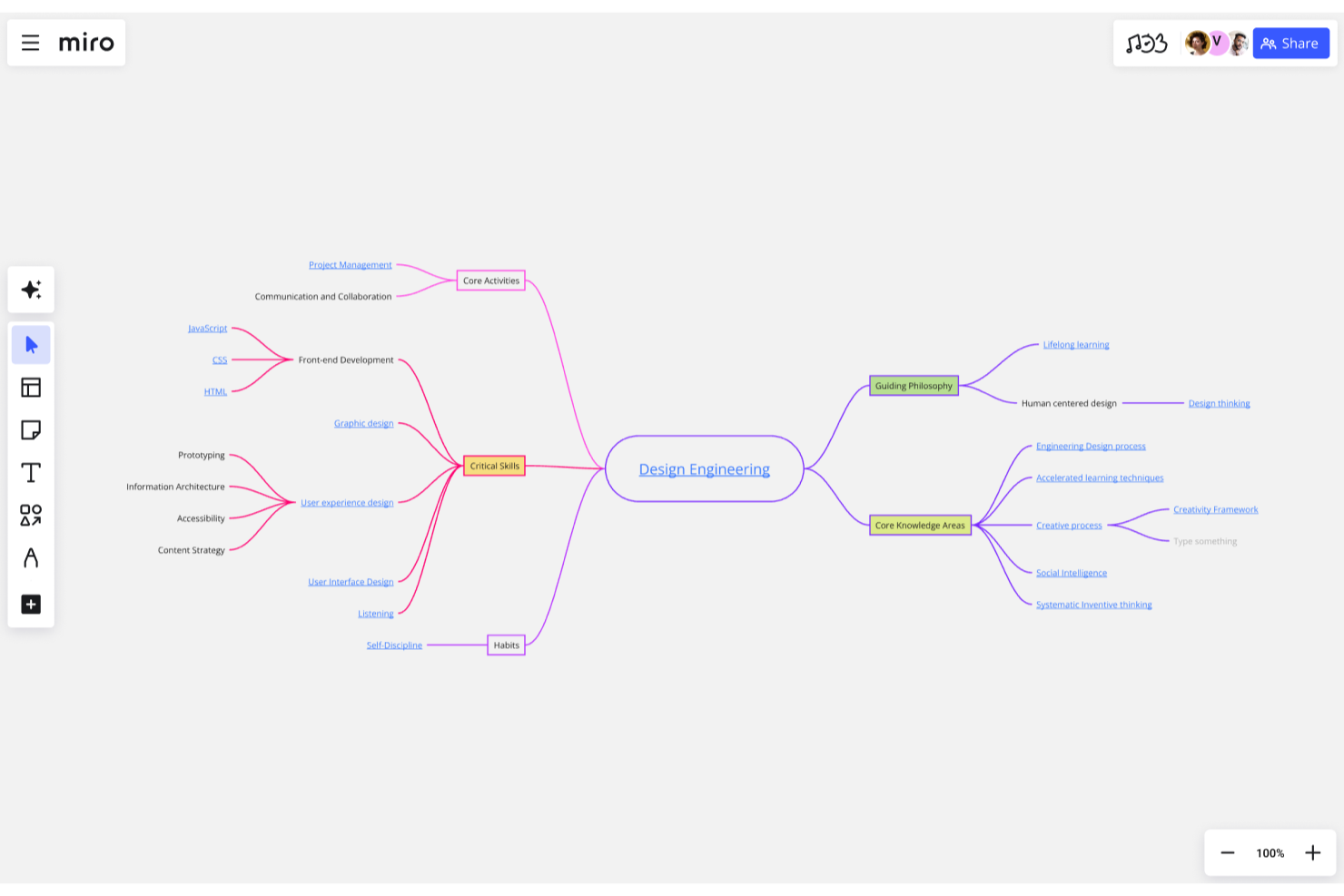
Miro's mind mapping tools help you visualize connections between ideas. This feature is great for brainstorming and exploring complex concepts.
Video Conferencing Integration
You can integrate video calls directly into your Miro board, keeping your team connected. This makes remote collaboration more efficient and engaging.

Ease of Use
Miro is incredibly user-friendly, making it easy for your team to dive right in without a steep learning curve. Its intuitive drag-and-drop interface lets you organize and edit ideas effortlessly. The platform's real-time collaboration ensures everyone stays on the same page, enhancing productivity. Unlike some other tools, Miro's visual and interactive approach simplifies complex projects, making it accessible even for non-tech-savvy users.
Onboarding
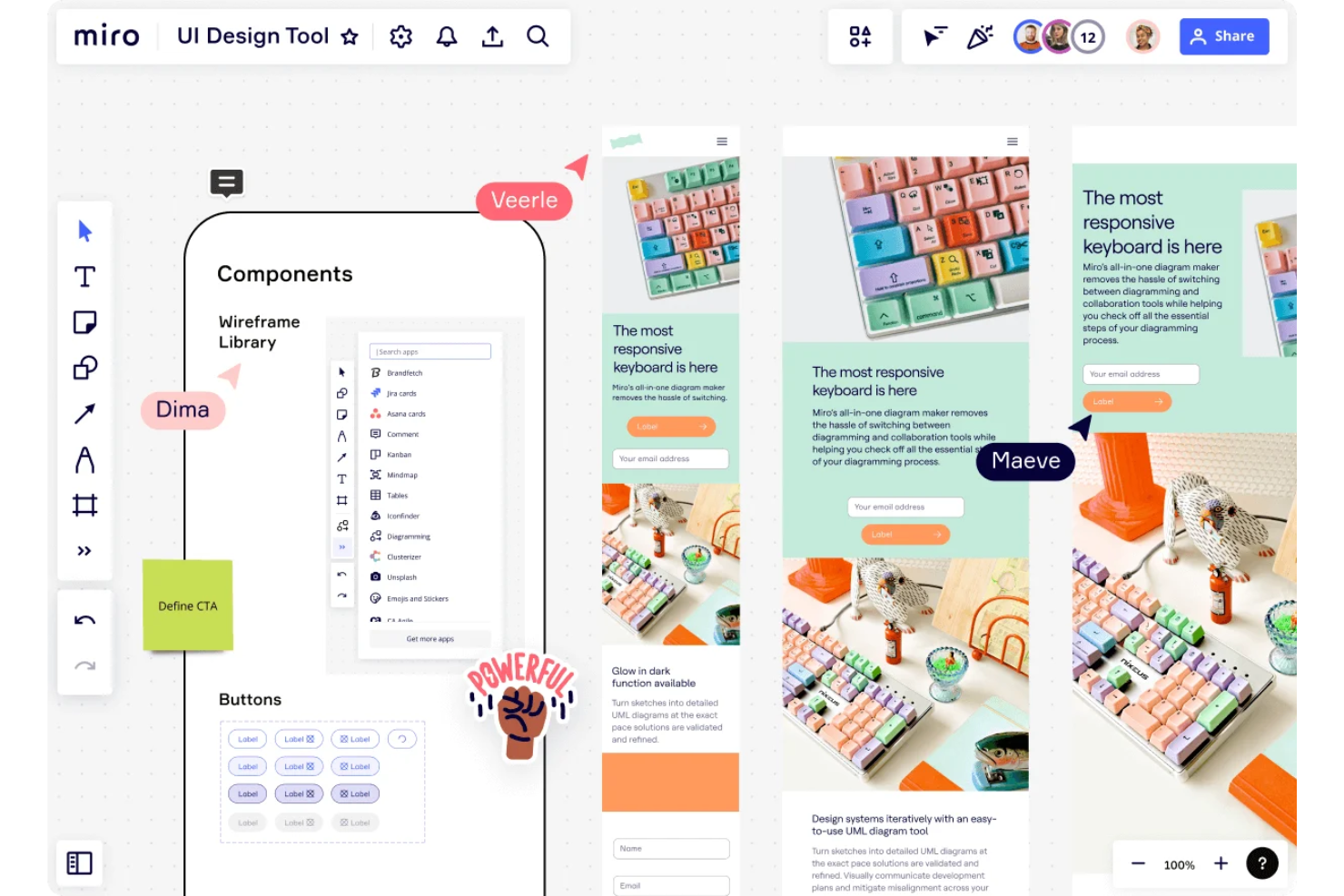
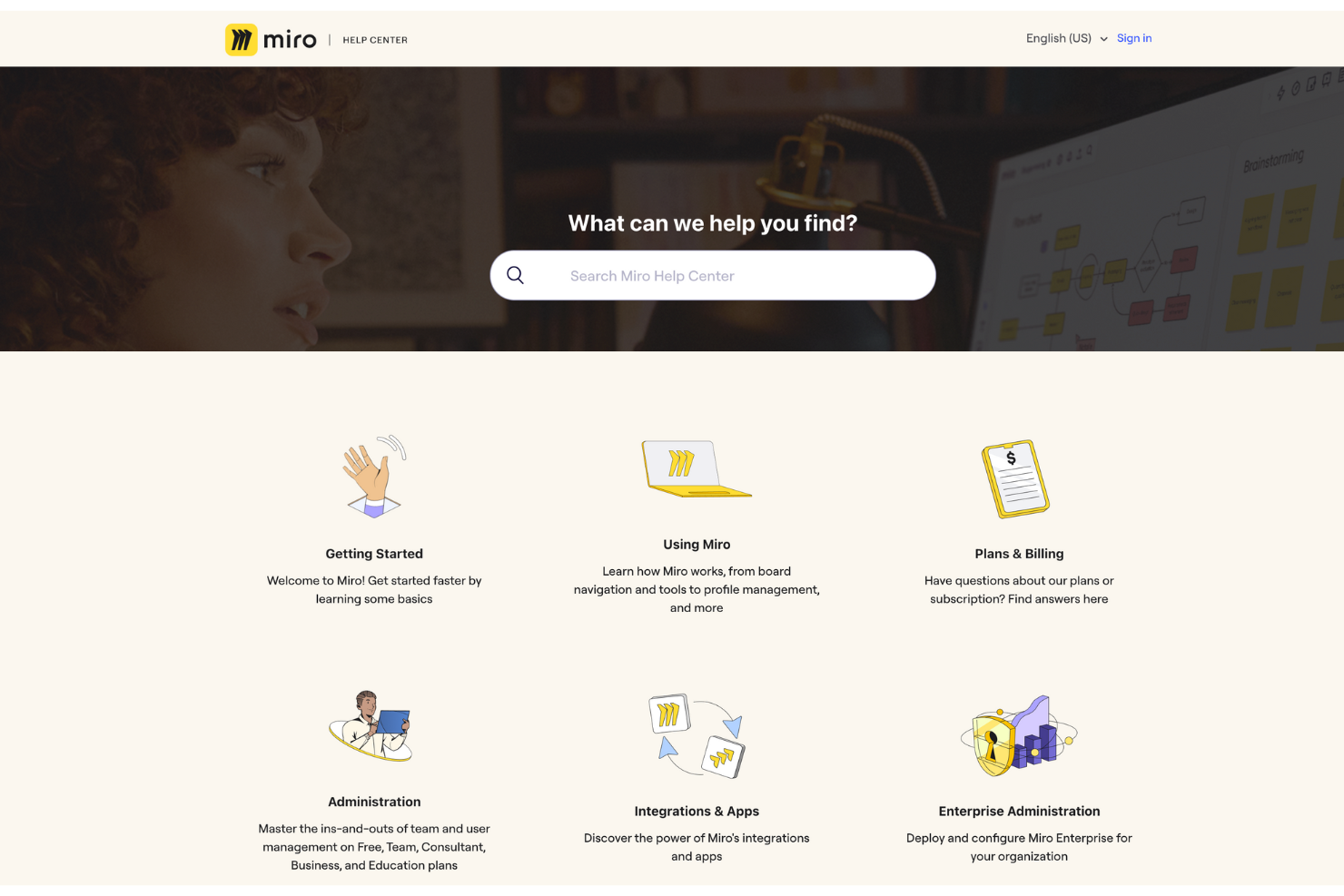
Miro offers a smooth onboarding experience, with plenty of resources to help your team get started quickly. Interactive tutorials and a comprehensive help center guide you through its features, making the learning curve manageable. The platform's intuitive design lets you see value almost immediately, engaging your team from the onset. While some users may initially feel overwhelmed by the array of tools, Miro's support resources ensure you can navigate and master the platform effectively.
Customer Support
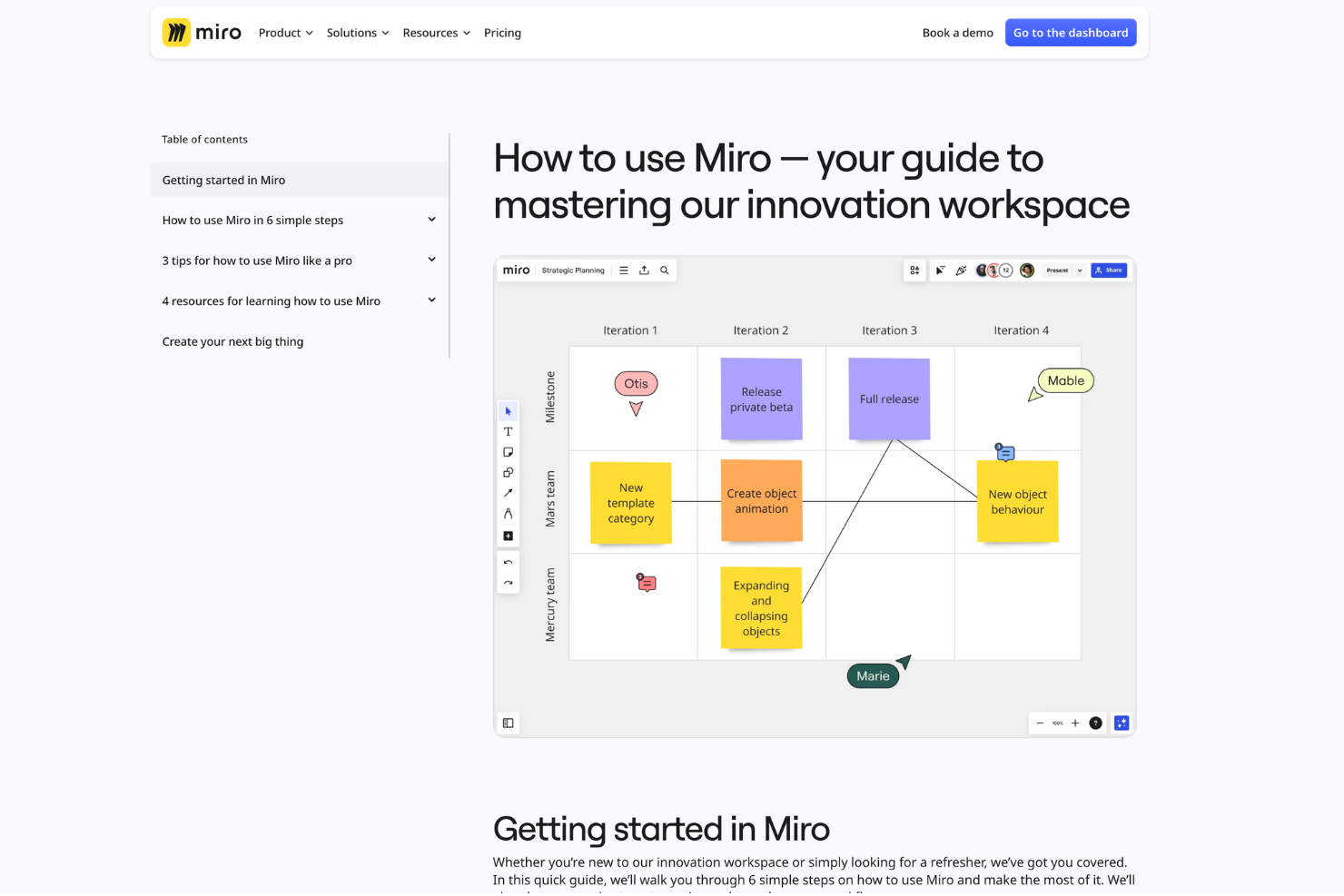
Miro provides solid customer support with various channels, including live chat and email, to assist your team promptly. While response times are generally quick, some users feel the need for more personalized help. The extensive online resources, including a community forum and detailed FAQs, offer additional support. This breadth of support options ensures you can resolve issues effectively, but the experience may vary depending on the complexity of your queries. Miro integrates natively with Microsoft Teams, Slack, Google Drive, Jira, Asana, Trello, Dropbox, Zoom, Airtable, and Confluence.
Miro also has an API and connects with third-party integration tools like Zapier.
Value for Money
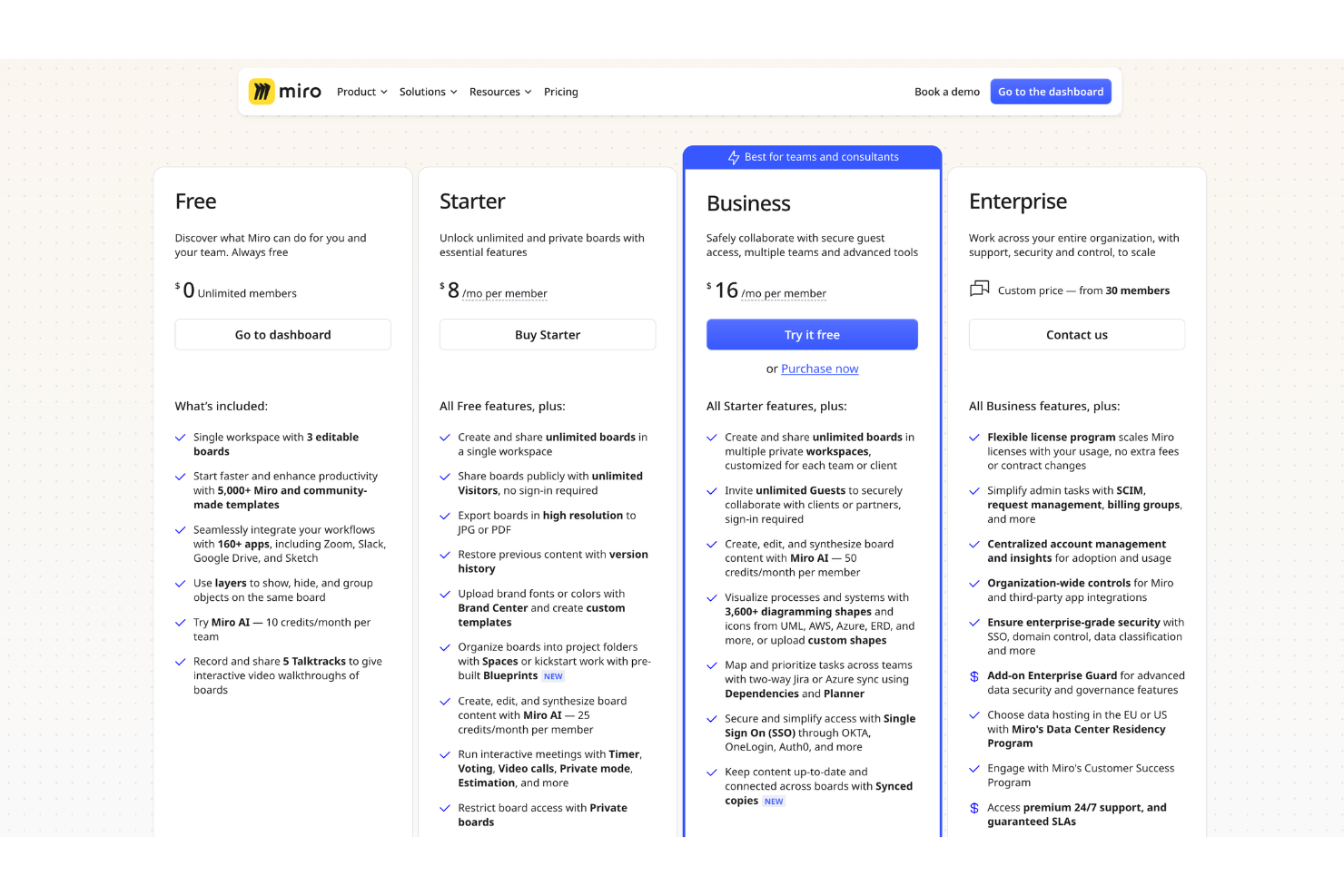
Miro pricing offers good value considering its robust feature set and versatility. Its tiered plans cater to different team sizes and needs, making it accessible for both small teams and larger enterprises. While some users find the cost high, the collaborative tools and integrations justify the investment for many.
- Free: Basic features for individual users or small teams.
- Team: Enhanced collaboration tools for small to medium teams.
- Business: Advanced features for larger teams with more complex needs.
- Enterprise: Custom solutions and additional security for large organizations.
New Product Updates from Miro
Miro Adds Japan Data Residency for Enterprise Customers
Miro has launched Japan data residency for enterprise customers, enabling organizations to keep eligible Miro data and processing within Japan. This helps teams meet local data residency expectations while continuing to collaborate on Miro with enterprise-grade controls. Highlights include:
- In-Region Data Storage: Store production data, backup data, and metadata in Japanese data centers.
- In-Region Compute Infrastructure: Process workloads within Japan to reduce cross-region data transfers and improve performance.
- Enterprise Data Residency: Support organizations with data residency, governance, and compliance requirements.
Visit Miro's official site for more details.
 for more details.
Miro Adds Copilot and GitHub AI Agent Integrations
Miro has introduced AI agent integrations for Microsoft Copilot, Work IQ, and GitHub to connect AI-generated information with visual workspaces. These updates help teams create boards, access project context, and turn complex information into collaborative visuals. Highlights include:
- Miro Agent for Microsoft Copilot: Creates boards, finds Miro content, and summarizes discussions from Microsoft Copilot workflows.
- Work IQ Support: Connects Microsoft 365 context with Miro Sidekicks and Flows for AI-powered collaboration.
- Miro Agent App for GitHub: Turns codebase information, architecture decisions, and development context into visual diagrams and documentation.
Visit Miro’s official site for more details.

Miro Canvas 26 Adds AI Sidekicks, Flows, and Prototypes
Miro introduces new AI collaboration, workflow automation, prototyping, and engagement capabilities as part of Canvas 26. The updates help teams centralize work, improve cross-tool collaboration, and speed up project execution. Highlights include:
- AI Sidekicks: Sidekicks can now handle more complex tasks, generate board content, and pull context from connected tools.
- Connectors and Miro Flows: Teams can automate workflows across tools like Slack, Atlassian, GitHub, and Notion directly from the Miro canvas.
- Miro Prototypes: Teams can bring prototype content from coding and AI tools into Miro for review and iteration workflows.
- Enhanced Talktrack: Multiple users can now record and edit Talktrack videos directly inside Miro projects.
- Miro Engage Improvements: New engagement activities help teams participate and collaborate more actively during workshops and meetings.
Visit Miro’s official site for more details.

Miro Launches AI Inputs, Jira Sync, Copilot, and Engage Features
Miro introduces PDF input for AI Flows, markdown file conversion into Miro Docs, Jira issue imports with two-way sync, Microsoft Copilot board creation, and Miro Engage Ranking and Scales activities. These updates improve workflow efficiency, reduce manual work, and help teams stay aligned with better inputs and integrations. Highlights include:
- PDF Input for AI Flows: Turn PDFs into structured inputs for AI workflows to extract insights and generate outputs faster.
- Markdown to Miro Docs: Convert markdown files into editable docs instantly for easier collaboration and reuse.
- Jira Integration with Tables: Import and sync Jira issues directly in Miro Tables to centralize planning and updates.
- Microsoft Copilot Integration: Create boards, diagrams, and timelines directly from Copilot conversations without switching tools.
- Miro Engage Ranking and Scales: Collect and visualize team input in real time to support faster, data-driven decisions.
Visit Miro’s official site for more details.

Miro Adds AI Prototyping, Search, and Workflow Updates
Miro introduces AI-powered prototyping, AI search, workflow automation, and integration updates. These enhancements help teams convert raw inputs into structured outputs faster while improving collaboration and efficiency. Highlights include:
- AI Prototyping: Turns screenshots into editable prototypes in minutes.
- AI Search: Finds boards and suggests templates using natural language.
- Flows Automation: Converts links and content into structured outputs instantly.
- Table Structure Lock: Preserves data format when running AI workflows.
- Sidekick Memory: Saves past prompts and outputs for continued workflows.
- reMarkable Integration: Converts handwritten notes into editable digital content.
Visit Miro's official site for more details.
Miro Specs
- API
- Campaign Management
- Collaboration Support
- Custom Reports
- Data Export
- Data Import
- Document Management
- Email Integration
- External Integrations
- Feedback Management
- Multi-User
- Notifications
- Project Management
- Review Moderation
- Workflow Management
Miro FAQs
How does Miro support remote team collaboration?
Can I customize Miro to fit my team's workflow?
What kind of support does Miro offer for troubleshooting?
Is Miro compliant with data security standards?
How can Miro help with project management?
Can I use Miro offline?
What resources are available for new users to learn Miro?
How does Miro handle large teams or enterprise-level needs?
Miro Company Overview & History
Miro is a collaboration software company headquartered in San Francisco, California, known for its online whiteboard platform that enhances team collaboration. It serves a diverse clientele, including tech, design, and consulting firms. Previously known as Realtime Board, Miro has gained popularity for its user-friendly interface and robust features. The company has experienced significant growth, backed by substantial funding rounds, and is recognized for fostering an innovative work culture.
Miro Major Milestones
- 2011: Founded as Realtime Board.
- 2018: Rebranded to Miro.
- 2019: Raised $50 million in Series B funding.
- 2020: Achieved over 5 million users globally.
- 2021: Secured $400 million in Series C funding.
- 2022: Expanded its headquarters to accommodate a growing workforce.
What's Next?
Don't forget to subscribe to our newsletter for more product management resources and guides, plus the latest podcasts, interviews, and other insights from industry leaders and experts.