

Blender Review: Pros, Cons, Features and Pricing
Blender excels in versatility and offers a free, open-source solution that empowers your team to create stunning 3D prototypes without breaking the bank.

We review tools independently, and commissions help fund our testing. See our transparency policy, our methodology, or suggest a tool.
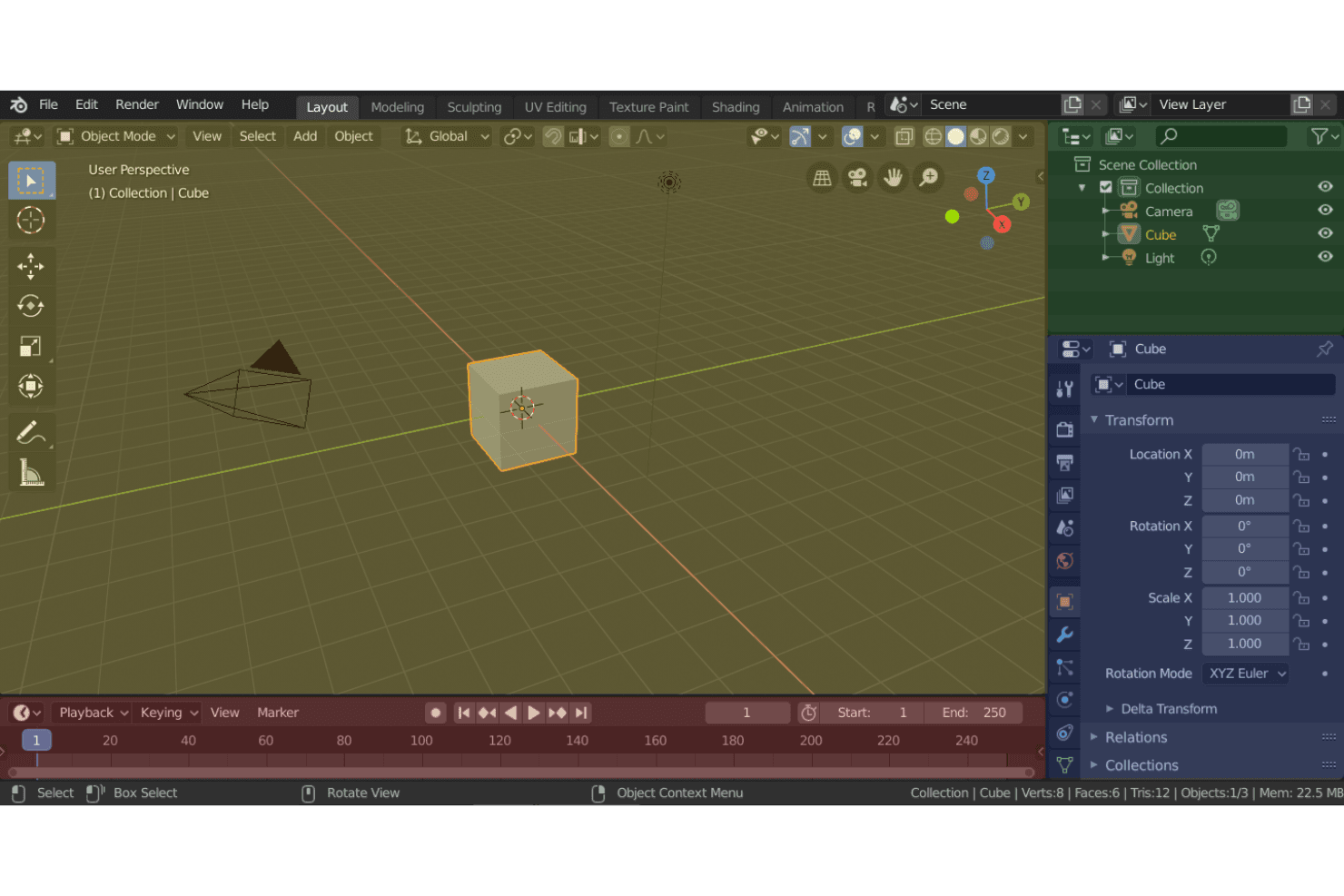
Blender is a free, open-source 3D prototyping software for designers and product teams who need to model, animate, and render 3D concepts from early-stage ideation through detailed visualization. I'd consider it over Autodesk Maya if your team needs a full-featured modeling environment without the annual licensing cost—particularly when you're iterating quickly on product concepts and budget flexibility matters more than enterprise support contracts.
Blender Evaluation Summary
4.7/5
- Free to use
Why Trust Our Software Recommendations
6,700+
Reviews
20
Industry experts
16+
Evaluation factors
14
Years
Our team has been testing and reviewing software since 2012. As product managers ourselves, we know how difficult—and important—it is to choose the right software.
For this guide, we evaluated tools using hands-on testing and independent research, scoring tools using our selection criteria.
Our reviews reflect our human editorial judgment, not a sales pitch.
- Andrew LumbySenior TPM
- Cristiano ValimSenior UI/UX Lead
Blender Overview
In my opinion, Blender is a standout choice for 3D prototyping due to its open-source nature and extensive feature set. While it boasts impressive modeling and animation capabilities, the initial learning curve can be steep compared to other tools. However, its zero-cost price point makes it exceptionally attractive for freelancers, small studios, and educational institutions that might struggle with budget constraints. It excels in providing high-quality results without the hefty price tag. Compared to competitors, Blender lacks in ease of use and onboarding support, but its community-driven development and vast online resources fill in gaps for motivated users. If you're after a versatile tool that maximizes value for money, Blender's worth considering.
Pros
- Blender offers powerful modeling and animation tools.
- It has a supportive and active user community for help.
- The software provides frequent updates with new features.
Cons
- Blender's interface can be overwhelming for beginners.
- You might find the learning curve steeper than the other tools.
- Customer support isn't as responsive as some competitors.
Is Blender Right For Your Needs?
Who Would be a Good Fit for Blender?
Blender is a great fit for creative professionals and small studios in industries like animation, film, and game design. Its powerful modeling and animation tools, combined with a supportive community, make it ideal for teams that need a versatile solution without spending much. If your team values frequent updates and new features, Blender's open-source nature offers that advantage. It's perfect if you're comfortable tackling a learning curve to access advanced capabilities.
- Animation StudiosBlender provides advanced animation tools that help your team create high-quality animated content.
- Game DevelopmentIts modeling and rendering capabilities make it a strong choice for designing intricate game environments.
- Freelance 3D ArtistsThe cost-free nature of Blender suits freelancers who need powerful tools without breaking the bank.
- Film ProductionBlender's comprehensive feature set supports visual effects and post-production work efficiently.
- Education InstitutionsBlender's open-source platform is perfect for teaching 3D design without licensing costs.
- Product Design TeamsIts versatile modeling tools are excellent for prototyping and visualizing product concepts.
Who Would be a Bad Fit for Blender?
Blender might not be ideal for large corporations or teams that require dedicated customer support and streamlined onboarding processes. If your team relies heavily on extensive customer support or needs quicker onboarding due to tight project timelines, Blender's open-source nature could be a drawback. Additionally, industries that need specialized 3D software with seamless integration into existing workflows might find Blender's interface challenging and its support lacking.
- Enterprise CorporationsBlender's limited customer support might not meet the needs of large-scale operations.
- Beginner DesignersThe steep learning curve can be overwhelming for those new to 3D design.
- Engineering FirmsBlender lacks specific CAD features needed for precise engineering tasks.
- Medical VisualizationBlender may not offer the specialized tools required for detailed medical modeling.
- Manufacturing CompaniesIts focus on artistic modeling might not align with manufacturing precision needs.
- Tech StartupsStartups needing fast integration and quick support might struggle with Blender's community-driven assistance.
How We Test & Score Tools
We’ve spent years building, refining, and improving our software testing and scoring system. The rubric is designed to capture the nuances of software selection and what makes a tool effective, focusing on critical aspects of the decision-making process.
Below, you can see exactly how our testing and scoring works across seven criteria. It allows us to provide an unbiased evaluation of the software based on core functionality, standout features, ease of use, onboarding, customer support, integrations, customer reviews, and value for money.
Core Functionality (25% of final scoring)
The starting point of our evaluation is always the core functionality of the tool. Does it have the basic features and functions that a user would expect to see? Are any of those core features locked to higher-tiered pricing plans? At its core, we expect a tool to stand up against the baseline capabilities of its competitors.
Standout Features (25% of final scoring)
Next, we evaluate uncommon standout features that go above and beyond the core functionality typically found in tools of its kind. A high score reflects specialized or unique features that make the product faster, more efficient, or offer additional value to the user.
We also evaluate how easy it is to integrate with other tools typically found in the tech stack to expand the functionality and utility of the software. Tools offering plentiful native integrations, 3rd party connections, and API access to build custom integrations score best.
Ease of Use (10% of final scoring)
We consider how quick and easy it is to execute the tasks defined in the core functionality using the tool. High scoring software is well designed, intuitive to use, offers mobile apps, provides templates, and makes relatively complex tasks seem simple.
Onboarding (10% of final scoring)
We know how important rapid team adoption is for a new platform, so we evaluate how easy it is to learn and use a tool with minimal training. We evaluate how quickly a team member can get set up and start using the tool with no experience. High scoring solutions indicate little or no support is required.
Customer Support (10% of final scoring)
We review how quick and easy it is to get unstuck and find help by phone, live chat, or knowledge base. Tools and companies that provide real-time support score best, while chatbots score worst.
Customer Reviews (10% of final scoring)
Beyond our own testing and evaluation, we consider the net promoter score from current and past customers. We review their likelihood, given the option, to choose the tool again for the core functionality. A high scoring software reflects a high net promoter score from current or past customers.
Value for Money (10% of final scoring)
Lastly, in consideration of all the other criteria, we review the average price of entry level plans against the core features and consider the value of the other evaluation criteria. Software that delivers more, for less, will score higher.
Core Features
Modeling Tools
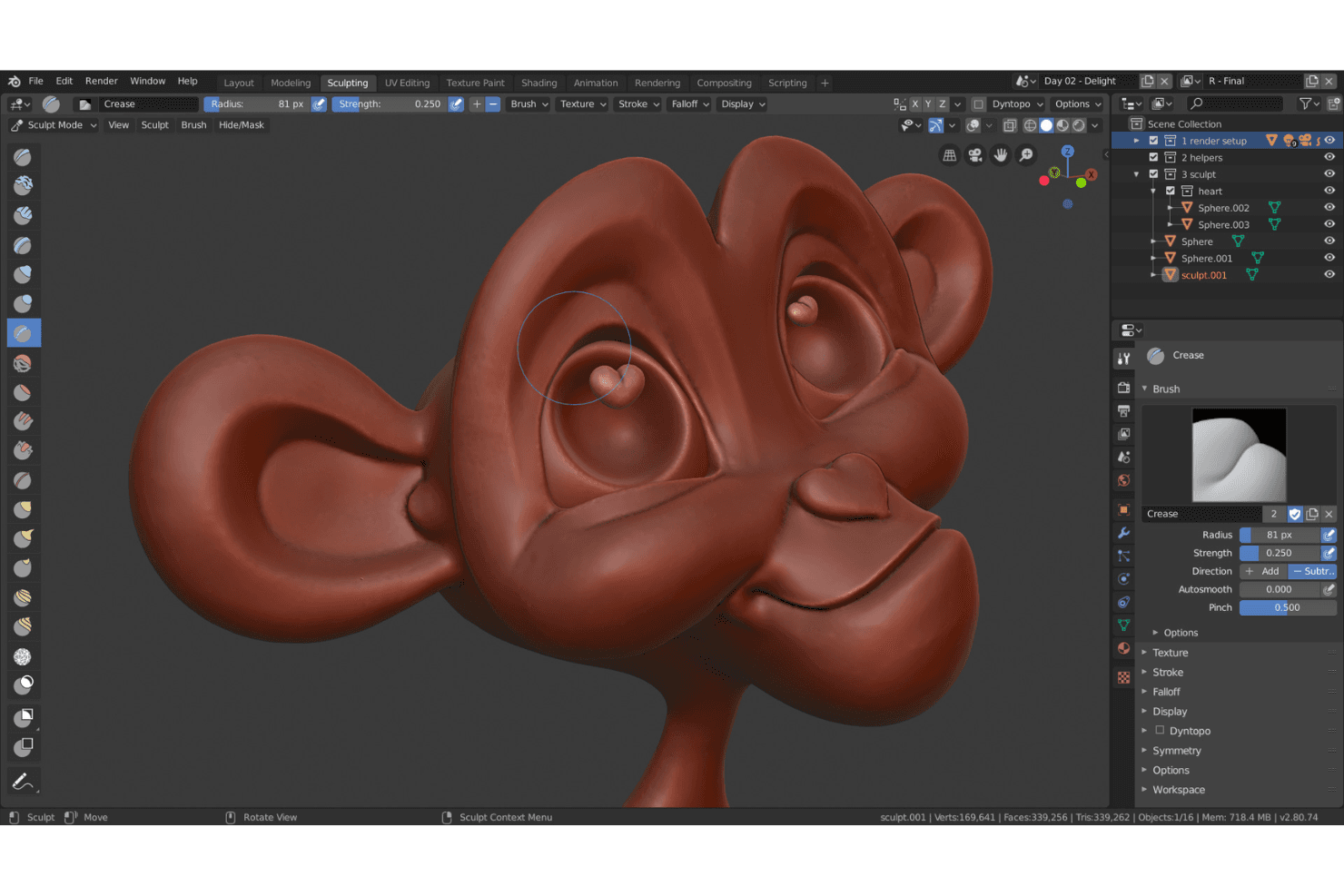
Blender offers a range of modeling tools as a powerful 3D modeling software for creating detailed 3D models. Your team can use sculpting, shaders, and texturing to bring concepts to life.
Animation System
It includes an advanced animation system that supports rigging and keyframe animation. This lets you create fluid, lifelike movements in your projects.
Rendering Engine
Blender's rendering engine, Cycles, provides realistic lighting and shading. It helps you produce high-quality visual outputs for your designs.
UV Mapping
The UV mapping feature allows precise texture application on 3D models. This enhances the realism and detail of your work.
Particle Simulation
You can simulate particles like smoke, fire, and fluids using Blender's simulation tools. This adds dynamic effects to your animations.
Video Editing
Blender includes a built-in video editor, letting you edit footage directly within the software. This streamlines your workflow by keeping everything in one place.
Ease of Use
Blender's user interface can be challenging for newcomers, with a steep learning curve compared to other user-friendly 3D graphics software. The abundance of features might impact initial usability, but with time and practice, users often appreciate its powerful capabilities. Its open-source nature means there's a wealth of community tutorials and resources to help you get up to speed. If your team is willing to invest time in learning, Blender's extensive functionality will be rewarding.
Integrations
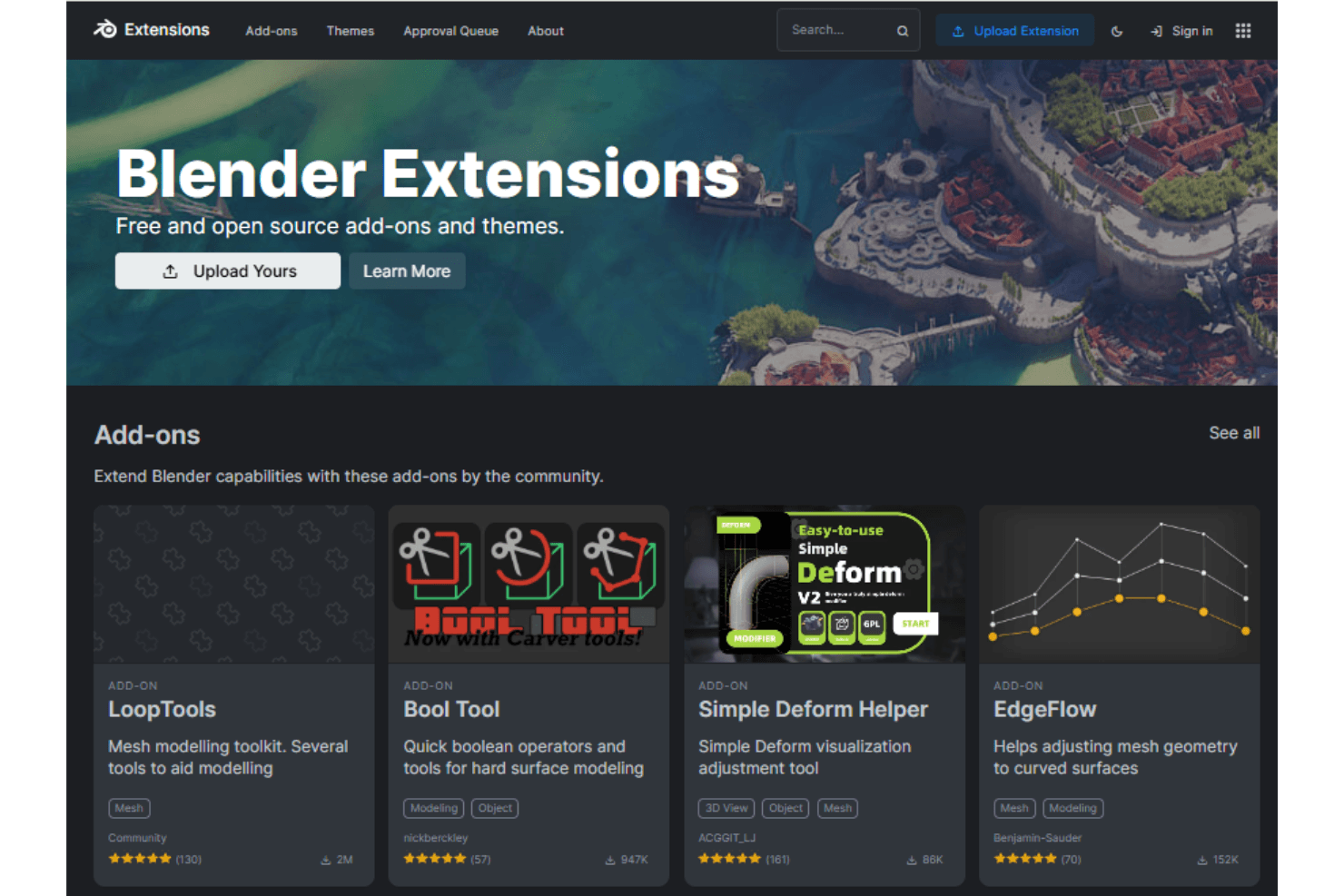
Blender integrates with Conductor, Rokoko, Spout, and various Python-based extensions. It also supports compatibility with animation and motion capture tools, and has a robust community for creating custom add-ons.
Blender has an API that allows for custom integrations, making it adaptable to various third-party tools and workflows.
Blender Specs
- API: Yes
- Bug Tracking: Yes
- CI/CD Integration: Yes
- Cloud Deployment: Yes
- Code Review: Yes
- Code Transformation: Yes
- Collaboration Support: Yes
- Data Export: Yes
- Data Import: Yes
- Developer Tools: Yes
- External Integrations: Yes
- Git Integration: Yes
- History/Version Control: Yes
- IDE Plugins: Yes
- Local Deployment: Yes
- Multi-User: Yes
- Notifications: Yes
- Project Management: Yes
- Release Management: Yes
- Static Analysis: Yes
- Task Scheduling/Tracking: Yes
- Testing: Yes


