

Recensione Airtable: Pro, Contro, Caratteristiche e Prezzi Spiegati
Airtable si distingue per il suo approccio flessibile e intuitivo alla pianificazione dei prodotti, facendo da ponte tra fogli di calcolo e database, ma potrebbe non essere adatto a team che necessitano di funzionalità avanzate di gestione progetti.

Recensiamo gli strumenti in modo indipendente e le commissioni aiutano a finanziare i nostri test. Consulta la nostra politica sulla trasparenza, la nostra metodologia oppure suggerisci uno strumento.
Airtable is a product planning software that combines a spreadsheet-style interface with a relational database to help product teams organize roadmaps, track features, and manage backlogs in one place. It's worth considering when your team needs the structure of a database without being locked into a rigid, developer-first workflow. I'd choose Airtable over Jira if you want more flexibility in how you build, view, and customize your planning data—without inheriting all the configuration overhead that comes with a tool built primarily for engineering teams.
Airtable Evaluation Summary
4.6/5
- From $20/user/month
- Free plan + free demo + 14-day trial available
Perché fidarsi dei nostri consigli sui software
6,700+
Reviews
20
Industry experts
16+
Evaluation factors
14
Years
Il nostro team testa e recensisce software dal 2012. In quanto product manager noi stessi, sappiamo quanto sia difficile — e importante — scegliere il software giusto.
Per questa guida, abbiamo valutato gli strumenti attraverso test pratici e ricerche indipendenti, assegnando un punteggio agli strumenti in base ai nostri criteri di selezione.
Le nostre recensioni riflettono il nostro giudizio editoriale umano, non un discorso di vendita.
Revisori esperti:
- Andrew LumbySenior TPM
- Cristiano ValimSenior UI/UX Lead


Airtable Overview
When judging Airtable as a product planning software, its flexible database structure, intuitive interface, and strong integration options set it apart for teams that want to customize their workflows. Pricing is competitive for small to midsize teams, and onboarding is straightforward, especially for those familiar with spreadsheets. However, it underperforms for advanced project tracking or resource management compared to more specialized project management software. Airtable is best suited for teams that value adaptability and need to streamline product data, such as early-stage SaaS companies or cross-functional product teams managing feature requests and roadmaps.
Pros
- Customizable views for product roadmaps and feedback tracking.
- Relational database structure supports complex product data.
- Built-in automations reduce manual product planning tasks.
Cons
- Limited advanced reporting for product portfolio analysis.
- Performance slows with very large or complex product bases.
- Lacks native resource management and workload balancing.
Is Airtable Right For Your Needs?
Who Would be a Good Fit for Airtable?
Airtable is a strong choice for teams that need flexible, visual product planning and want to centralize data management without heavy IT support. Its customizable views, relational database structure, and automation features make it especially useful for creative, cross-functional, or early-stage teams that need to adapt quickly. If your work involves managing product feedback, tracking feature requests, or collaborating across departments, Airtable’s adaptability and ease of setup can help you move faster and stay organized.
- Startup Product TeamsAirtable’s flexibility supports rapid iteration and evolving product requirements.
- Marketing DepartmentsCustomizable campaign tracking and content calendars fit marketing workflows.
- UX Research GroupsCentralized user feedback and research data are easy to organize.
- Nonprofit OrganizationsSimple setup and collaboration features suit resource-limited teams.
- Agencies Managing ClientsClient-specific product plans and deliverables are easy to separate.
- Remote-First CompaniesCloud-based access and real-time updates support distributed teams.
Who Would be a Bad Fit for Airtable?
Airtable is less suitable for organizations that need advanced project management, strict compliance, or deep resource planning. Its limitations in reporting, performance with large datasets, and lack of native resource management make it a weaker choice for highly regulated, enterprise-scale, or specialized technical environments. If your team relies on granular workload balancing, complex dependencies, or industry-specific compliance, you may find Airtable’s feature set lacking.
- Large EnterprisesPerformance and reporting limitations hinder large-scale product portfolios.
- Regulated IndustriesLacks built-in compliance features for finance or healthcare.
- Engineering DepartmentsMissing advanced dependency tracking and technical backlog management.
- Manufacturing CompaniesNo native support for supply chain or inventory planning.
- IT Project ManagementLimited resource allocation and risk tracking for IT projects.
- Government AgenciesDoes not offer required security certifications or audit trails.
Come Testiamo e Valutiamo gli Strumenti
Abbiamo passato anni a costruire, perfezionare e migliorare il nostro sistema di test e valutazione del software. Il nostro metodo è stato progettato per cogliere le sfumature della selezione del software e ciò che rende efficace uno strumento, concentrandosi sugli aspetti critici del processo decisionale. Qui sotto puoi vedere esattamente come funzionano i nostri test e la nostra valutazione suddivisa in sette criteri. Questo ci consente di offrire una valutazione imparziale del software sulla base delle funzionalità principali, delle caratteristiche distintive, della facilità d’uso, dell’onboarding, dell’assistenza clienti, delle integrazioni, delle recensioni dei clienti e del rapporto qualità/prezzo.
Funzionalità Principali (25% del punteggio finale)
Il punto di partenza della nostra valutazione sono sempre le funzionalità principali dello strumento. Possiede le funzioni di base che un utente si aspetterebbe di trovare? Alcune di queste sono riservate ai piani tariffari più alti? Ci aspettiamo che uno strumento rispetti almeno le funzionalità di base dei competitors.
Caratteristiche Distintive (25% del punteggio finale)
Successivamente, valutiamo le caratteristiche distintive e non comuni che vanno oltre le funzioni di base normalmente riscontrate in strumenti simili. Un punteggio alto indica funzionalità specializzate o uniche che rendono il prodotto più rapido, efficiente o forniscono un valore aggiunto all’utente. Valutiamo anche la facilità con cui si possono integrare altri strumenti solitamente presenti nella stack tecnologica, ampliando così funzionalità e utilità del software. Gli strumenti che offrono molte integrazioni native, collegamenti di terze parti e accesso API per integrazioni personalizzate ottengono i punteggi migliori.
Facilità d’Uso (10% del punteggio finale)
Consideriamo quanto sia rapido e semplice eseguire le attività definite dalle funzionalità principali tramite lo strumento. Il software con il punteggio più alto è ben progettato, intuitivo da usare, offre app per dispositivi mobili, modelli preimpostati e semplifica anche le attività più complesse.
Onboarding (10% del punteggio finale)
Sappiamo quanto sia importante una rapida adozione da parte del team, quindi valutiamo quanto sia facile imparare ad usare lo strumento con una formazione minima. Valutiamo la velocità con cui un membro del team può configurarsi e iniziare a utilizzare lo strumento senza esperienza. Le soluzioni con punteggio più alto richiedono poco o nessun supporto.
Assistenza Clienti (10% del punteggio finale)
Osserviamo quanto sia facile e veloce ottenere supporto tramite telefono, chat dal vivo o knowledge base. Gli strumenti che offrono supporto in tempo reale ottengono punteggi più alti, mentre i chatbot ricevono i punteggi peggiori.
Recensioni Clienti (10% del punteggio finale)
Oltre ai nostri test e valutazioni, consideriamo il net promoter score di clienti attuali e passati. Valutiamo la probabilità che scelgano nuovamente lo strumento in base alle funzionalità principali. Un software con punteggio elevato riflette un net promoter score alto.
Rapporto Qualità/Prezzo (10% del punteggio finale)
Infine, considerando tutti gli altri criteri, confrontiamo il prezzo medio dei piani base con le funzionalità principali, esaminando il valore degli altri criteri di valutazione. Il software che offre di più, a meno, otterrà un punteggio maggiore.
Core Features
Grid View
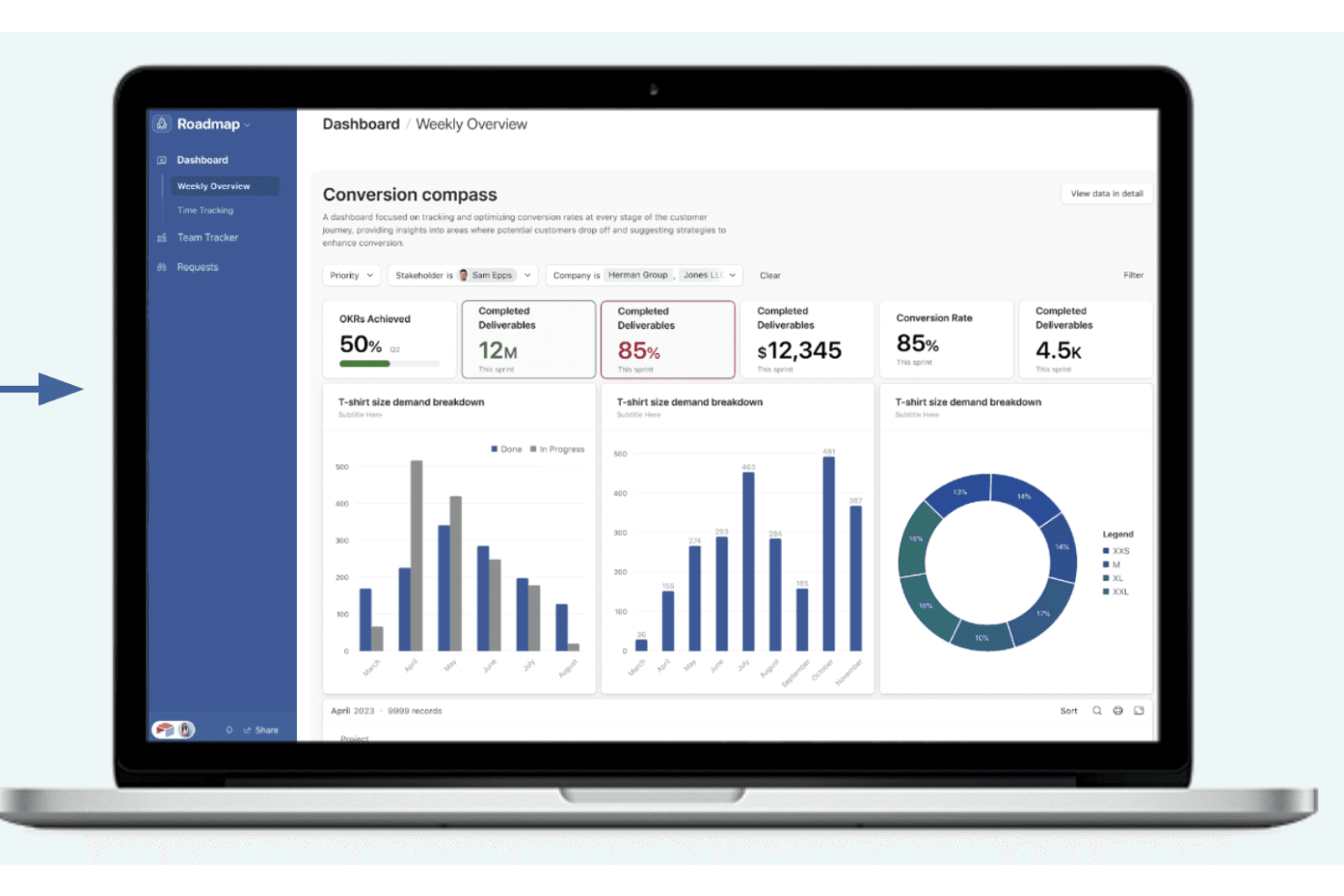
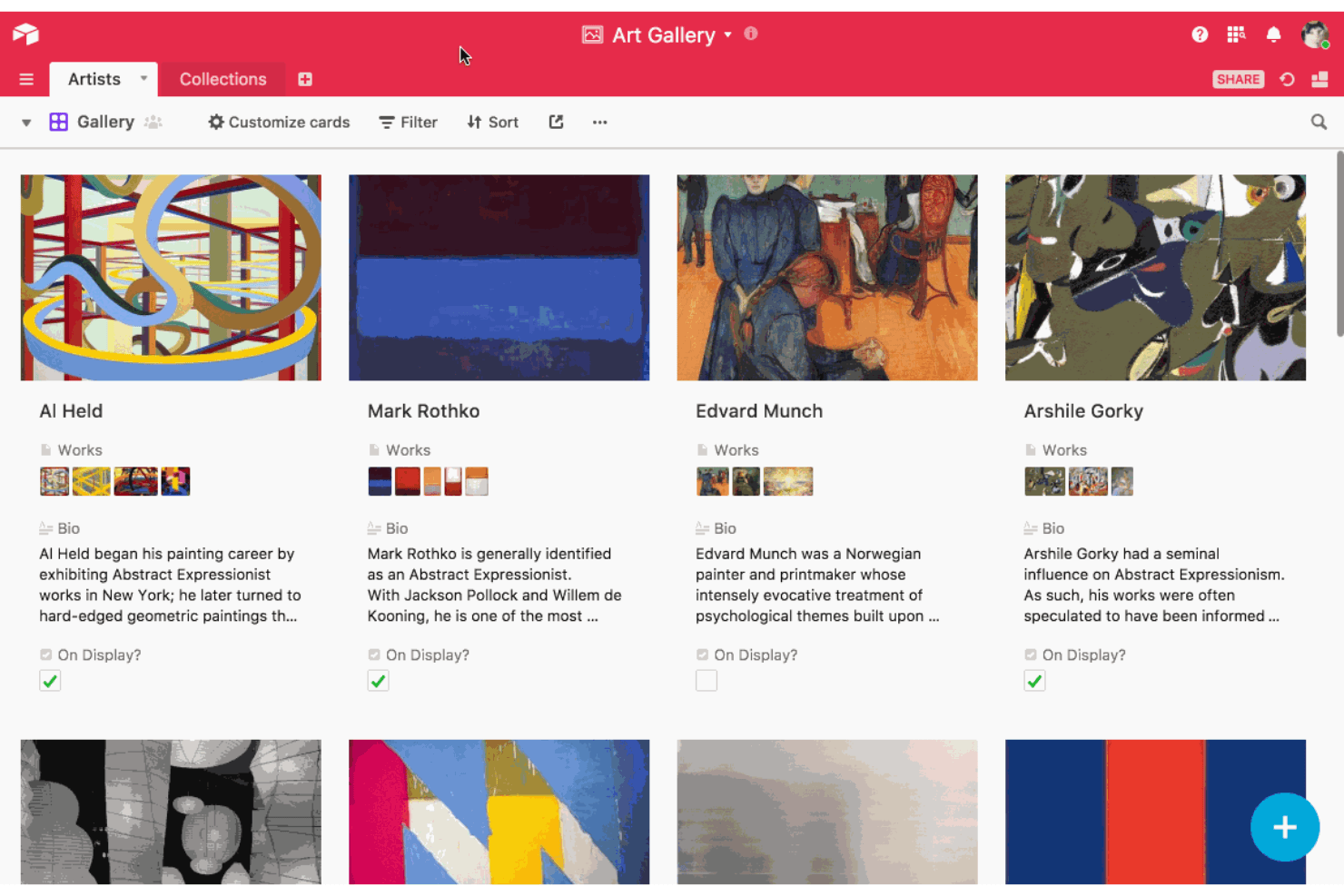
Organize product data in a spreadsheet-like table with sorting and filtering. Quickly scan, edit, and group features, tasks, or feedback.
Kanban Boards
Visualize product workflows and support task management by moving items between customizable columns. Track feature progress or sprint status at a glance.
Relational Databases
Link tables to connect related product data, such as features, feedback, and releases. Avoid duplicate entries and keep information consistent.
Custom Forms
Collect feature requests or user feedback directly into your workspace. Share forms with stakeholders and automatically route responses.
Automations
Set up triggers and actions to handle repetitive product planning tasks. For example, auto-assign tasks or send notifications when statuses change.
Calendar View
Display product launches, deadlines, or milestones on a shared calendar or as Gantt charts for better timeline visualization. Easily adjust dates and see upcoming events in context.
Ease of Use
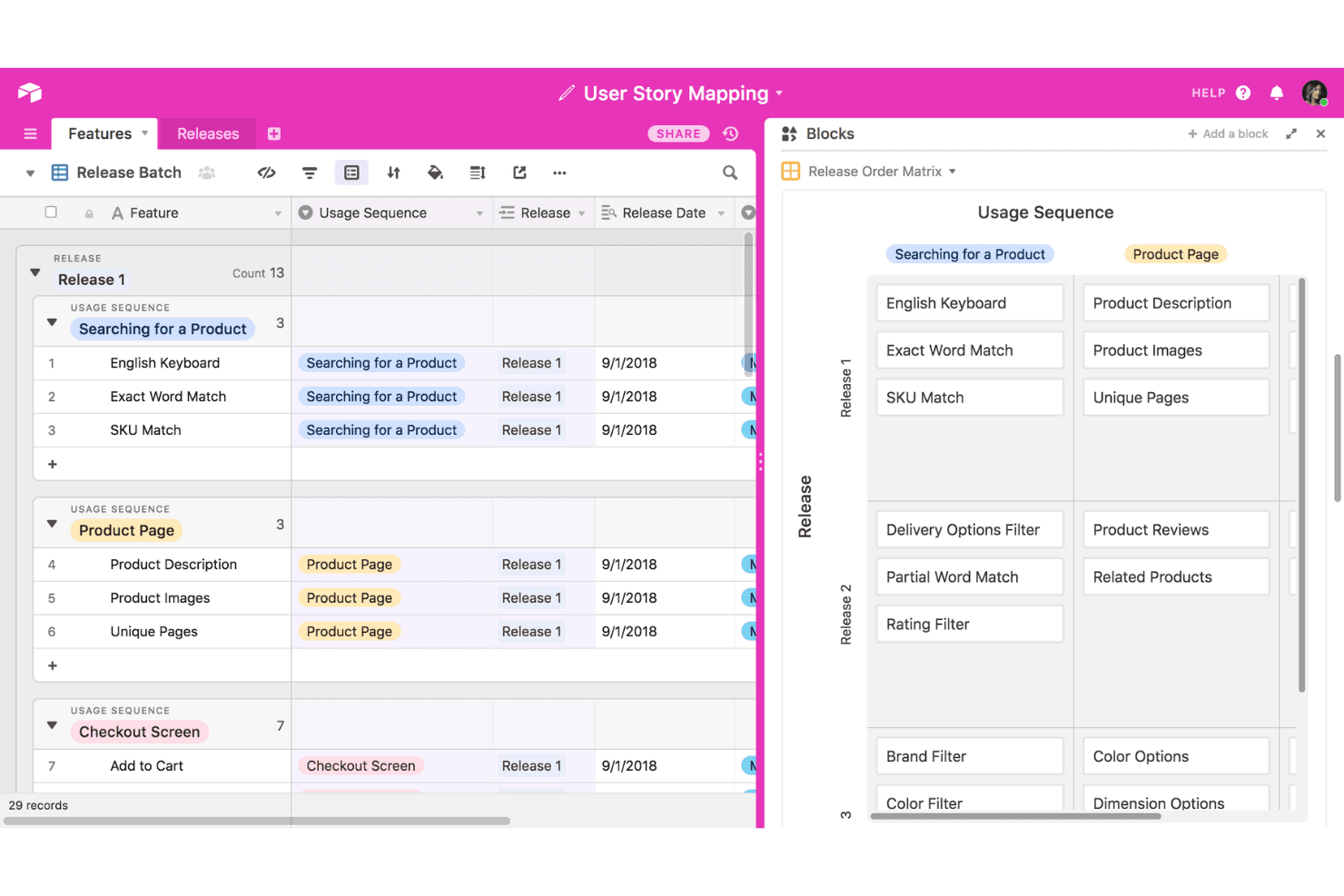
Airtable is widely recognized for its approachable user interface and low barrier to entry, especially for users familiar with spreadsheets. Drag-and-drop features, customizable views, and clear navigation make it easy to set up product planning workflows without technical help. Many users highlight how quickly teams can adapt Airtable to their needs, though some note that advanced features like automations or relational links may require extra learning for non-technical users.
Integrations
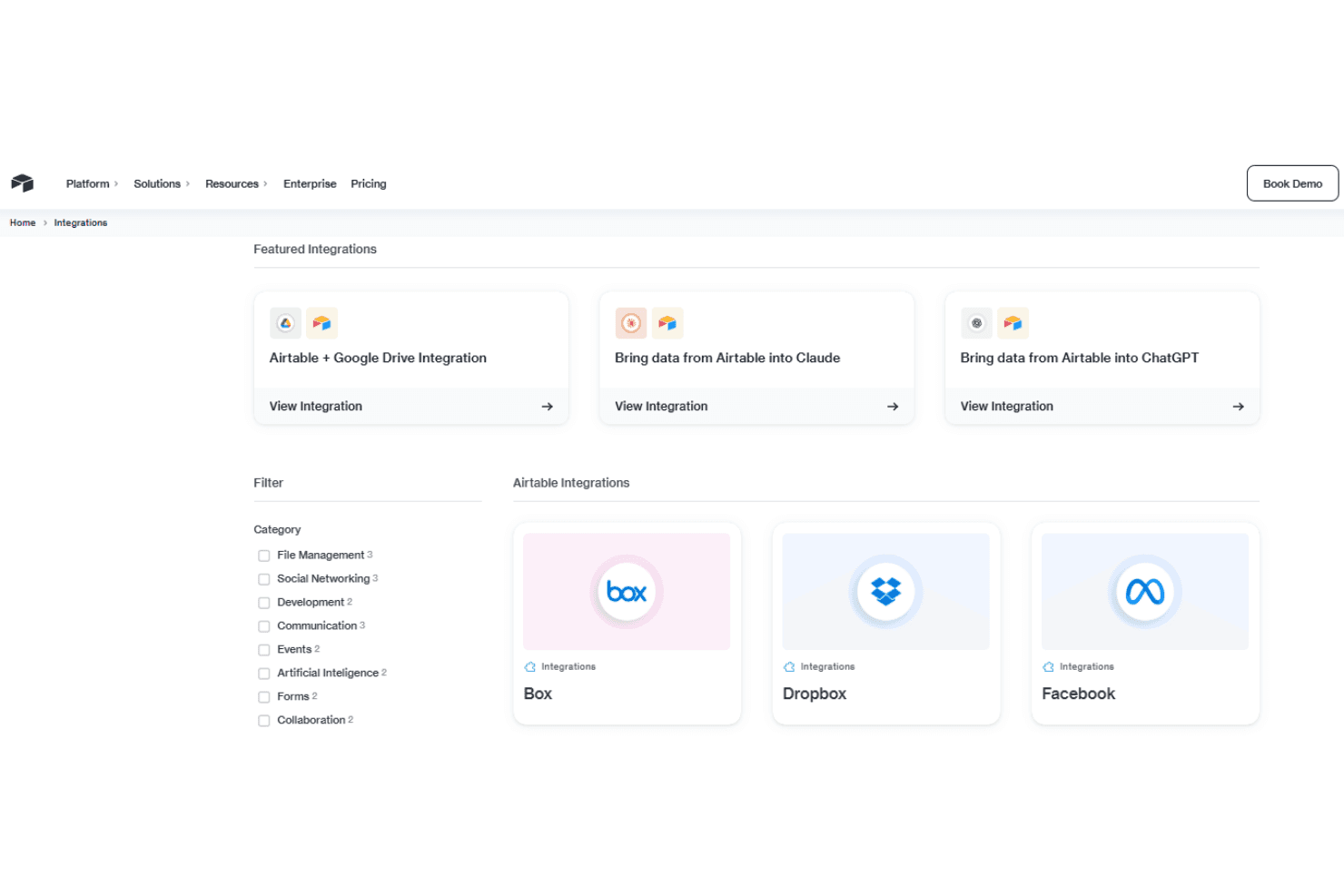
Airtable integrates with Slack, Google Drive, Salesforce, Jira, Dropbox, Box, Microsoft Teams, and Zendesk, among others.
Airtable also offers a robust API and connects with third-party integration tools like Zapier and Make.
Airtable Specs
- 2-Factor Authentication: Yes
- API: Yes
- Batch Permissions & Access: Yes
- Budgeting: Yes
- Calendar Management: Yes
- Contact Management: Yes
- Contact Sharing: Yes
- Customer Management: Yes
- Dashboard: Yes
- Data Export: Yes
- Data Import: Yes
- Data Visualization: Yes
- Email Integration: Yes
- Expense Tracking: Yes
- External Integrations: Yes
- Gantt Charts: Yes
- Google Apps Integration: Yes
- Multi-User: Yes
- Notifications: Yes
- Project Management: Yes
- Resource Management: Yes
- Scheduling: Yes
- Task Scheduling/Tracking: Yes
- Third-Party Plugins/Add-Ons: Yes
- Travel Management: Yes


