

Framer Test 2026: Wichtige Funktionen, Vorteile, Nachteile und Preise


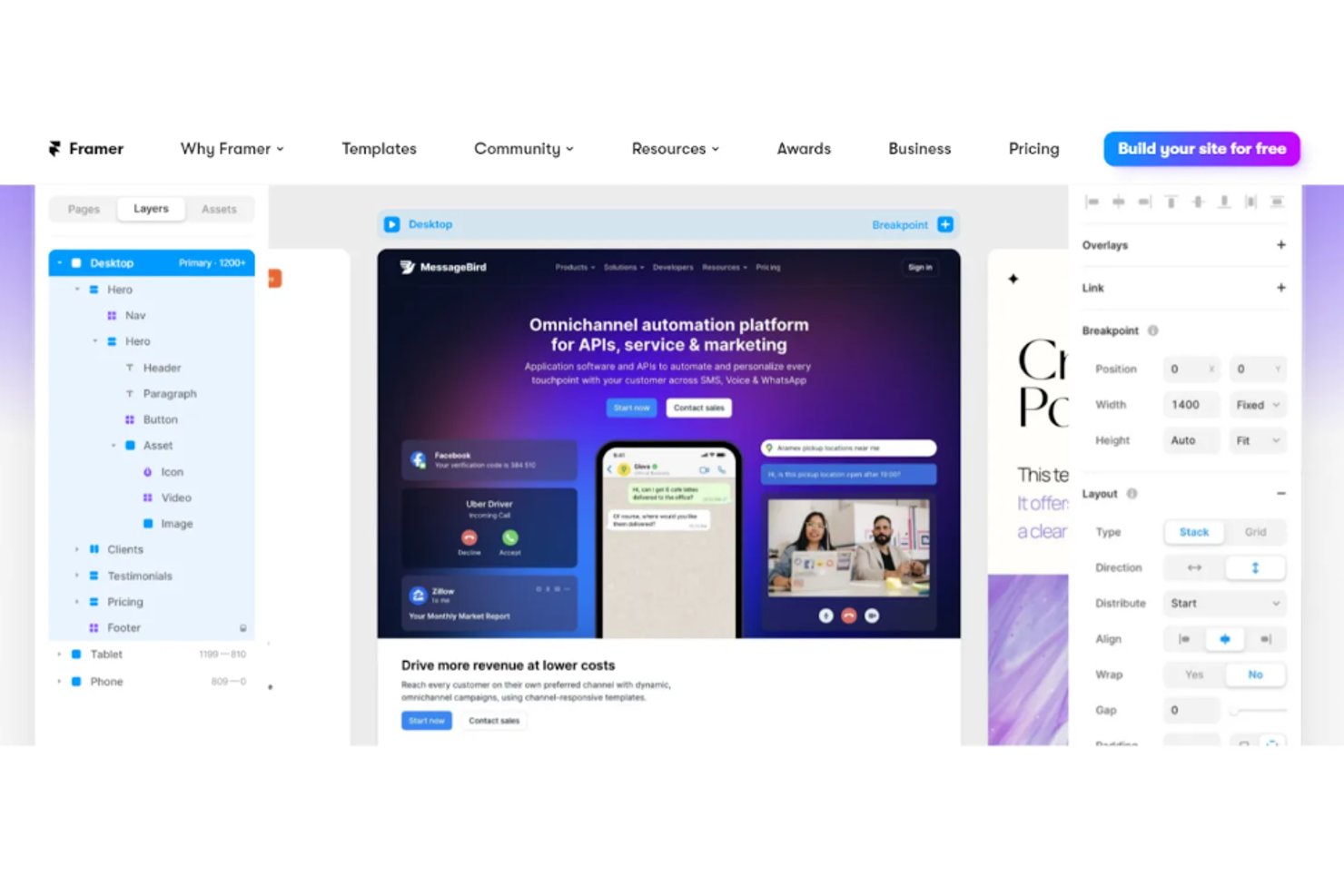
Framer is web design software for product teams and designers who want to turn ideas into interactive prototypes and live sites without heavy coding. I think this is the tool to go with when you need a tool that merges rapid design, collaboration, and robust publishing in one place. Compared to traditional platforms like Adobe XD, Framer stands out for its real-time editing and publishing features, letting you skip handoffs and launch production-ready sites faster.
Framer Evaluation Summary
- From $10/month (billed annually)
- Free plan available
Warum Sie unseren Software-Bewertungen vertrauen können
Seit 2020 testen und bewerten wir Software für Produktmanager. Als Produktmanager wissen wir selbst, wie kritisch und schwierig es ist, beim Softwarekauf die richtige Entscheidung zu treffen. Wir investieren in intensive Recherchen, um unserer Zielgruppe bessere Entscheidungen zu ermöglichen. Wir haben über 2.000 Tools für verschiedene Produktmanagement-Anwendungsfälle getestet und mehr als 1.000 umfassende Softwarebewertungen geschrieben.Erfahren Sie, wie wir Transparenz gewährleisten & unsere Software-Bewertungsmethodik.
Framer Overview
Framer offers a modern, intuitive interface and real-time collaboration that make it easy for teams to get started and iterate quickly. Its interactive prototyping and responsive design features outperform many alternatives, especially for web-focused projects. Pricing is competitive for small teams, and onboarding is straightforward with strong documentation. However, limited offline access and advanced vector editing may be drawbacks for some.
If you’re judging tools for rapid prototyping, interactive web design, or collaborative workflows, Framer is a top contender—especially for startups or agencies prioritizing speed and flexibility.
pros
-
You can create interactive prototypes with minimal effort.
-
Your team benefits from a user-friendly interface that supports creativity.
-
Framer's real-time collaboration boosts your team's productivity.
cons
-
Some users find the learning curve steep initially.
-
Advanced features might overwhelm smaller teams.
-
You might experience occasional performance lags with complex projects.
-

Zoho Sprints
Visit WebsiteThis rating combines scores from multiple user review sites to reflect overall customer sentiment about the product.4.2 -
Wrike
Visit WebsiteThis rating combines scores from multiple user review sites to reflect overall customer sentiment about the product.4.3 -
monday AI Workspace
Visit WebsiteThis rating combines scores from multiple user review sites to reflect overall customer sentiment about the product.4.6



Wie wir Tools testen & bewerten
Wir haben jahrelang unser System für Softwaretests und -bewertungen aufgebaut, verfeinert und verbessert. Unser Bewertungsraster wurde entwickelt, um die Feinheiten bei der Auswahl von Software und die Effektivität eines Tools einzufangen, wobei der Fokus auf den entscheidenden Aspekten des Entscheidungsprozesses liegt. Nachfolgend sehen Sie genau, wie unser Test- und Bewertungssystem anhand von sieben Kriterien funktioniert. Dadurch können wir eine objektive Bewertung der Software auf Basis von Kernfunktionen, herausragenden Merkmalen, Benutzerfreundlichkeit, Onboarding, Kundensupport, Integrationen, Kundenbewertungen und Preis-Leistungs-Verhältnis bieten.
Kernfunktionalität (25% der Endbewertung)
Der Ausgangspunkt unserer Bewertung ist stets die Kernfunktionalität des Tools. Verfügt das Tool über die grundlegenden Funktionen, die ein Benutzer erwarten würde? Sind einige dieser Kernfunktionen nur in höheren Tarifen verfügbar? Im Kern erwarten wir, dass ein Tool den grundlegenden Fähigkeiten seiner Wettbewerber standhält.
Herausragende Merkmale (25% der Endbewertung)
Als nächstes bewerten wir seltene Alleinstellungsmerkmale, die über die übliche Kernfunktionalität solcher Tools hinausgehen. Eine hohe Bewertung spiegelt spezialisierte oder einzigartige Funktionen wider, die das Produkt schneller, effizienter oder für den Nutzer wertvoller machen. Wir prüfen außerdem, wie einfach sich das Tool mit anderen, typischen Werkzeugen im Technologie-Stack integrieren lässt, um seine Funktionalität und seinen Nutzen zu erweitern. Tools mit vielen nativen Integrationen, Drittanbieter-Anbindungen und API-Zugang für Individualisierungen erzielen die besten Ergebnisse.
Benutzerfreundlichkeit (10% der Endbewertung)
Wir berücksichtigen, wie schnell und einfach sich Aufgaben der Kernfunktionalität mit dem Tool umsetzen lassen. Software mit hoher Punktzahl ist gut gestaltet, intuitiv zu bedienen, bietet mobile Apps, Vorlagen und macht vergleichsweise komplexe Aufgaben einfach.
Onboarding (10% der Endbewertung)
Wir wissen, wie wichtig eine schnelle Akzeptanz durch Teams für eine neue Plattform ist. Deshalb bewerten wir, wie leicht sich das Tool mit minimaler Schulung erlernen und nutzen lässt. Wir prüfen, wie schnell ein Teammitglied ohne Vorerfahrung eingerichtet ist und starten kann. Lösungen mit guter Bewertung setzen nur wenig oder keine Unterstützung voraus.
Kundensupport (10% der Endbewertung)
Wir prüfen, wie schnell und einfach Hilfe per Telefon, Live-Chat oder Wissensdatenbank verfügbar ist. Tools und Unternehmen mit Echtzeit-Support schneiden am besten ab, während Chatbots am schlechtesten bewertet werden.
Kundenbewertungen (10% der Endbewertung)
Zusätzlich zu unseren eigenen Tests und Bewertungen betrachten wir den Net Promoter Score aktueller und ehemaliger Kunden. Wir prüfen deren Wahrscheinlichkeit, sich erneut für das Tool zu entscheiden. Eine hohe Bewertung spiegelt einen hohen Net Promoter Score wider.
Preis-Leistungs-Verhältnis (10% der Endbewertung)
Abschließend vergleichen wir alle anderen Kriterien mit dem durchschnittlichen Einstiegspreis und den Kernfunktionen und bewerten das Gesamtergebnis. Software, die mehr für weniger bietet, erhält eine höhere Bewertung.
Core Features
Interactive Prototyping
Framer lets you create clickable and interactive prototypes that mimic real user experiences. This feature is perfect for testing ideas and gathering feedback quickly.
Design Components
You can build reusable design components to maintain consistency across your projects. This helps streamline your design process and saves time.
Real-time Collaboration
Work with your team simultaneously on the same project, making it easy to share ideas and make changes on the fly. This boosts your team's efficiency and creativity.
Responsive Design
Framer's responsive design tools ensure your prototypes look great on any device. Adjust layouts effortlessly to fit different screen sizes.
Animation Tools
You can use Framer's animation tools to add dynamic elements to your designs. Create engaging user experiences with smooth transitions and animations.
Version Control
Keep track of changes with version control, allowing you to revert to previous designs if needed. This feature ensures your work is safe and organized.
Ease of Use
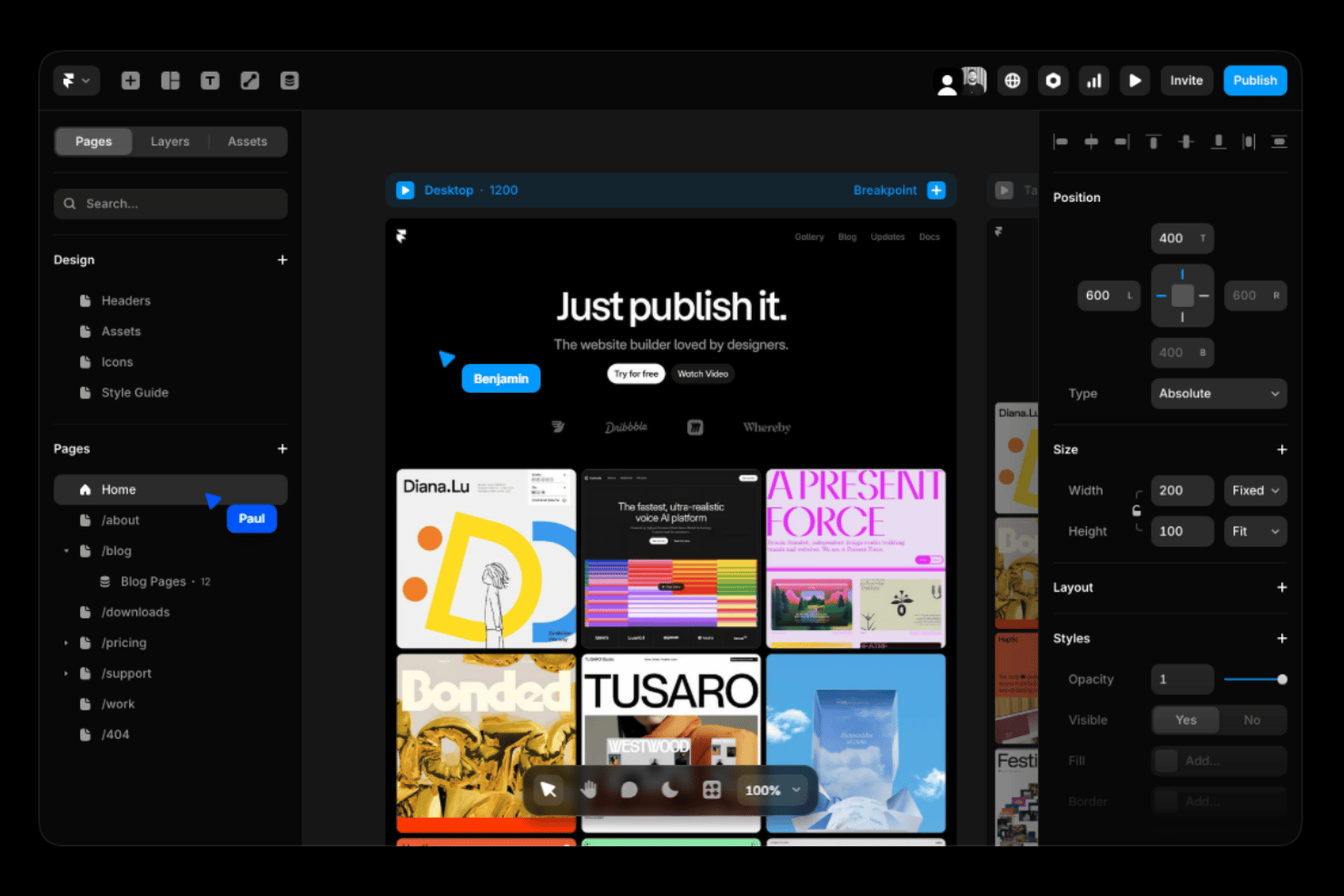
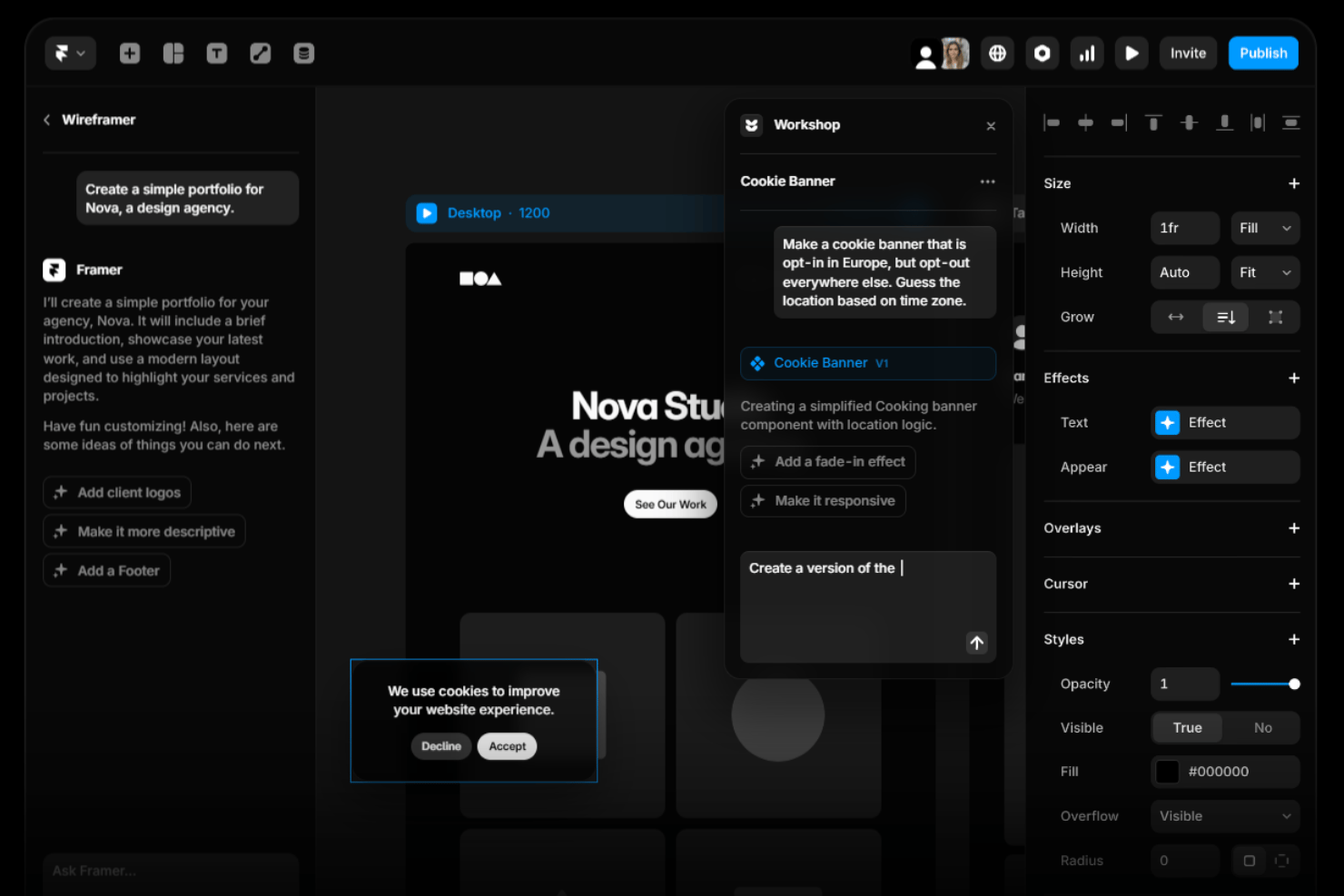
Framer stands out for its intuitive interface and straightforward navigation, making it user-friendly even for those new to UX design software. You’ll find the drag-and-drop functionality and real-time collaboration features especially helpful in simplifying complex tasks. While there’s a learning curve for advanced features, the overall design streamlines your workflow, allowing your team to focus on creativity.
Users appreciate how quickly they can prototype and iterate, thanks to Framer’s efficient design tools.
Integrations
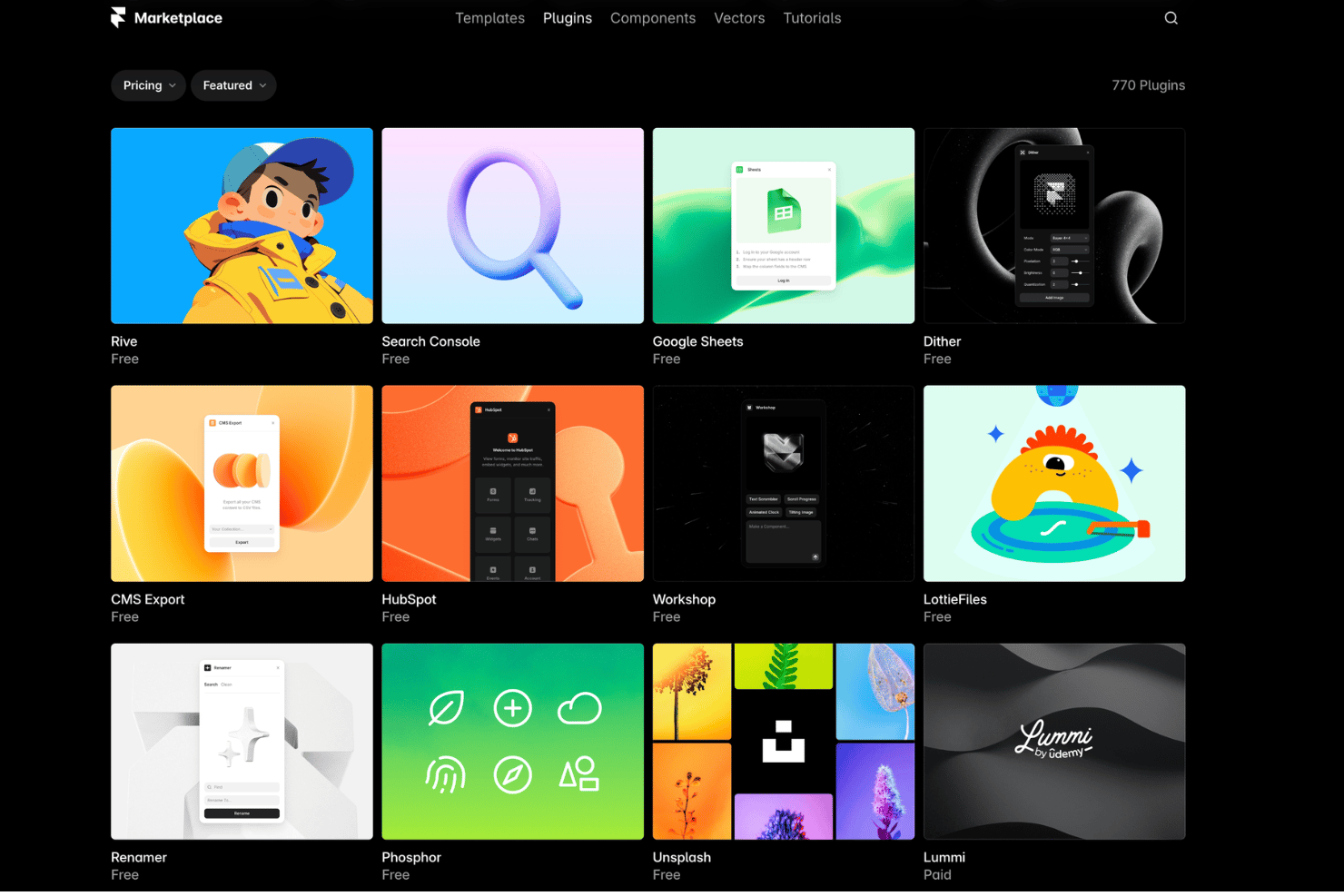
Framer integrates with Unsplash, Google Fonts, YouTube, Vimeo, LottieFiles, Figma, Spline, Google Analytics, Hotjar, and Slack, among others.
Framer also offers an API and supports connections with third-party integration tools for extended functionality.
Framer Specs
- A/B Testing
- API
- Data Export
- Data Import
- External Integrations
- Landing Pages
- Multi-User
- Third-Party Plugins/Add-Ons


