Avis sur Productboard 2026 : Principales fonctionnalités, avantages, inconvénients et tarification


Productboard is a product management tool built around connecting customer feedback to product decisions. It's worth considering if your team collects insights from multiple sources—support tickets, sales calls, user interviews—and struggles to tie that input to what actually gets built and prioritized. I'd lean toward it over Aha! if surfacing customer signals and linking them directly to your roadmap matters more to you than Aha!'s deeper strategy and goal-planning features.
Productboard Evaluation Summary

- From $19/maker/month (billed annually)
- 14-day free trial + free plan + free demo available
Pourquoi faire confiance à nos avis logiciels
Nous testons et évaluons des logiciels de gestion de produit depuis 2020. En tant que chefs de produit nous-mêmes, nous savons combien il est crucial et difficile de faire le bon choix lors de la sélection d’un logiciel. Nous investissons dans une recherche approfondie pour aider notre audience à prendre les meilleures décisions d’achat de logiciels. Nous avons testé plus de 2 000 outils pour différents cas d’usage et rédigé plus de 1 000 avis complets.Découvrez comment nous restons transparents & notre méthodologie d’évaluation logicielle.
Productboard Overview
When judging product management software, Productboard impresses with its intuitive interface, structured feedback collection, and clear prioritization tools. Its onboarding is straightforward, and integrations cover most common SaaS stacks. Pricing sits at the mid-to-high range, but the value is clear for teams prioritizing customer-driven roadmaps.
Compared to others, Productboard’s support and documentation are reliable, though advanced reporting and deep customization are limited. It’s best suited for product teams seeking a balance of usability and structured decision-making, especially in environments where aligning features to user needs is a top priority.
pros
-
The feedback portal gathers insights directly from users, streamlining your feedback process.
-
The prioritization matrix helps your team focus on high-impact tasks with effective resource allocation.
-
Productboard's interface is intuitive, making it easy for your team to adopt quickly.
cons
-
New users might face a learning curve with the platform's wide array of features.
-
Customization is limited for niche use-cases, which might not suit all teams.
-
Collaboration features are basic compared to some competitors, which could limit team interaction.
-

Zoho Sprints
Visit WebsiteThis rating combines scores from multiple user review sites to reflect overall customer sentiment about the product.4.2 -
Wrike
Visit WebsiteThis rating combines scores from multiple user review sites to reflect overall customer sentiment about the product.4.3 -
monday AI Workspace
Visit WebsiteThis rating combines scores from multiple user review sites to reflect overall customer sentiment about the product.4.6




Comment nous testons et notons les outils
Nous avons passé des années à construire, affiner et améliorer notre système de test et de notation de logiciels. Notre grille est conçue pour saisir les nuances de la sélection de logiciels et déterminer ce qui rend un outil efficace, en se concentrant sur les aspects essentiels du processus de décision. Ci-dessous, vous pouvez voir exactement comment fonctionne notre système de test et de notation à travers sept critères. Cela nous permet de fournir une évaluation objective des logiciels basée sur la fonctionnalité de base, les fonctionnalités remarquables, la facilité d’utilisation, l’intégration, l’accompagnement client, les avis clients et le rapport qualité-prix.
Fonctionnalité de base (25 % de la note finale)
Le point de départ de notre évaluation est toujours la fonctionnalité essentielle de l’outil. Dispose-t-il des fonctions et caractéristiques de base attendues ? Certaines fonctions essentielles sont-elles réservées aux offres plus chères ? Globalement, nous nous attendons à ce qu’un outil tienne la comparaison face aux capacités de base de ses concurrents.
Fonctionnalités remarquables (25 % de la note finale)
Ensuite, nous évaluons les fonctionnalités exceptionnelles et peu communes qui vont au-delà de la fonctionnalité de base habituellement proposée dans les outils du même type. Une note élevée reflète la présence de fonctionnalités uniques ou spécialisées qui rendent le produit plus rapide, plus efficace ou qui offrent une valeur ajoutée à l’utilisateur. Nous évaluons également la facilité d’intégration avec d’autres outils courants de la pile technologique afin d’étendre la fonctionnalité et l’utilité du logiciel. Les outils qui proposent de nombreuses intégrations natives, des connexions à des services tiers et un accès API pour créer des intégrations personnalisées obtiennent les meilleures notes.
Facilité d’utilisation (10 % de la note finale)
Nous considérons la rapidité et la simplicité d’exécution des tâches définies par la fonctionnalité de base avec l’outil. Un logiciel bien noté est bien conçu, intuitif, propose des applications mobiles, offre des modèles et simplifie les tâches complexes.
Intégration et prise en main (10 % de la note finale)
Nous savons à quel point il est essentiel qu’une équipe adopte rapidement une nouvelle plateforme, c’est pourquoi nous évaluons la facilité avec laquelle un outil s’apprend et s’utilise sans formation approfondie. Nous vérifions à quelle vitesse un membre d’équipe peut être opérationnel et commencer à utiliser l’outil sans expérience préalable. Les solutions les mieux notées ne requièrent que peu ou pas d’assistance.
Support client (10 % de la note finale)
Nous examinons la rapidité et la simplicité d’accès à une aide en cas de besoin, que ce soit par téléphone, chat en direct ou base de connaissances. Les outils et entreprises offrant un support en temps réel sont les mieux notés, tandis que les chatbots reçoivent les moins bonnes notes.
Avis clients (10 % de la note finale)
Au-delà de nos propres tests et évaluations, nous prenons en compte le score de recommandation nette (NPS) des clients actuels et passés. Nous évaluons leur propension, s’ils en avaient le choix, à reprendre cet outil pour la fonctionnalité essentielle. Un logiciel bien noté reflète un NPS élevé de la part de ses clients.
Rapport qualité-prix (10 % de la note finale)
Enfin, en considérant l’ensemble des autres critères, nous examinons le prix moyen des plans d’entrée de gamme par rapport aux fonctionnalités de base, et nous prenons en compte la valeur des autres critères. Les logiciels offrant davantage pour moins cher seront mieux notés.
Core Features
Roadmapping
Productboard's roadmapping feature helps your team visualize and plan product strategies clearly. You can prioritize tasks and align them with business goals.
Feedback Portal
The feedback portal collects insights directly from users, enabling you to make data-driven decisions. It stands out by integrating user feedback into your product planning.
Prioritization Matrix
This tool helps your team focus on high-impact tasks by evaluating features based on value and effort. It's great for resource allocation.
Idea Management
Capture and organize ideas from your team in one place. This feature ensures no innovative thought is lost.
Customer Insights
Centralize customer feedback and insights for easy access and analysis. It helps your team understand user needs better.
Feature Scoring
Score features based on criteria important to your strategy. This helps your team objectively prioritize what to build next.

Ease of Use
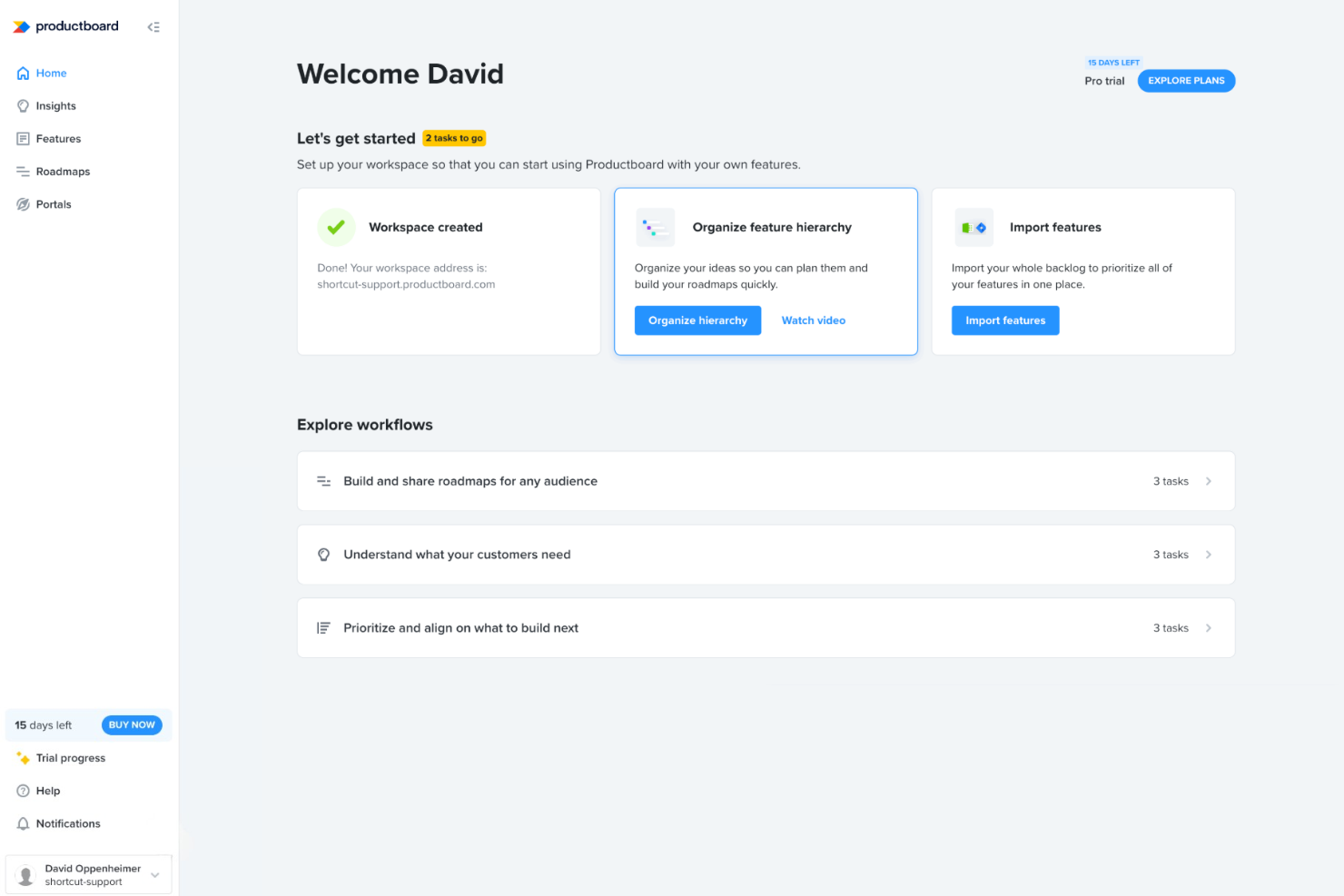
Productboard is user-friendly, thanks to its intuitive interface that makes navigating features straightforward. Your team can quickly adopt its tools, like roadmapping and feedback integration, without a steep learning curve. The layout is clean and organized, allowing you to focus on prioritizing tasks efficiently. Compared to other software, Productboard’s emphasis on user insights and clear visualization of roadmaps enhances overall usability, making it a reliable choice for teams looking to streamline their product management process.
Integrations
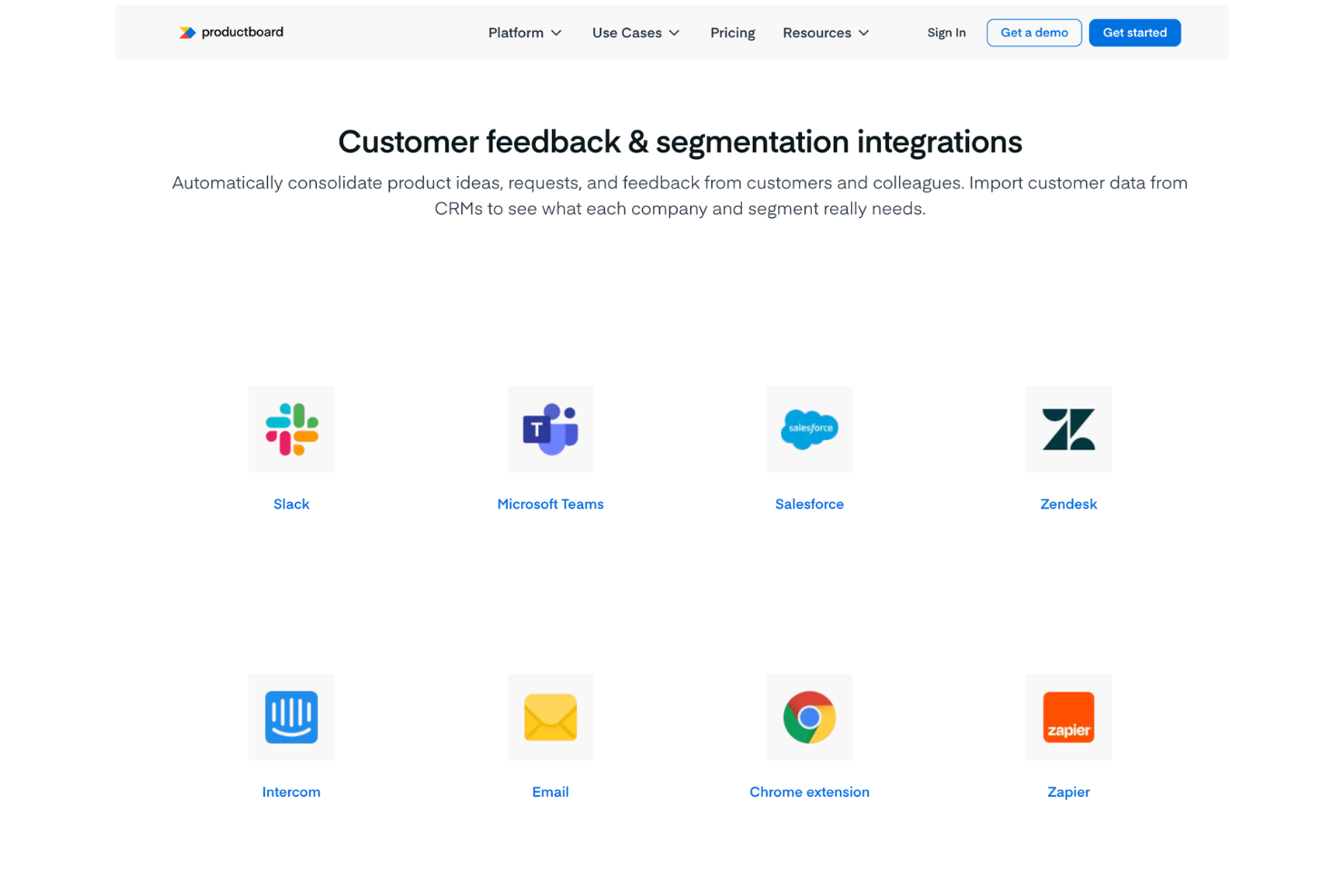
Productboard integrates with Jira, Slack, Azure DevOps, Trello, GitHub, Salesforce, Zendesk, Intercom, Microsoft Teams, and Google Sheets, among others.
Productboard also offers an API and connects with third-party integration tools like Zapier for expanded automation and connectivity.
Productboard Specs
- A/B Testing
- API
- Collaboration Support
- Custom Data Forms
- Dashboard
- Dashboards
- Data Export
- Data Import
- Developer Tools
- External Integrations
- Feedback Management
- Gantt Charts
- Google Apps Integration
- Multi-User
- Notifications
- Prioritization
- Product Catalog
- Release Management
- Reports
- Resource Management
- Review Monitoring
- Roadmapping
- Scheduling
- Task Scheduling/Tracking