

Recensione di Visor: Pro, Contro, Caratteristiche e Prezzi
Visor si distingue per le sue integrazioni bidirezionali e la visualizzazione dei dati in tempo reale, rendendolo una scelta versatile per la gestione collaborativa dei prodotti.

Recensiamo gli strumenti in modo indipendente e le commissioni aiutano a finanziare i nostri test. Consulta la nostra politica sulla trasparenza, la nostra metodologia oppure suggerisci uno strumento.
Visor is a product management roadmap tool built for product teams that need to sync roadmap data directly from Jira without rebuilding everything from scratch. If you've tried Aha! and found the setup too heavy for your team size, I think Visor is a better fit. It gives you spreadsheet-style roadmap views that pull live Jira data, with a much lighter onboarding curve.
Visor Evaluation Summary
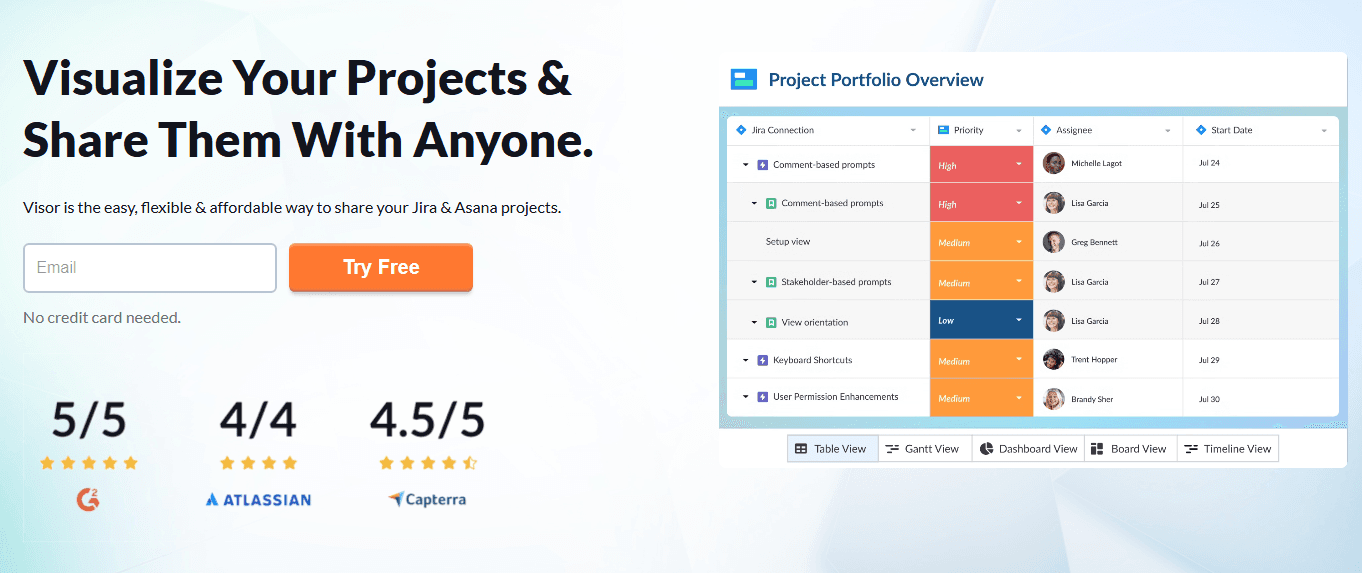
4.6/5
- From $18/user/month
- Free plan available
Perché fidarsi dei nostri consigli sui software
6,700+
Reviews
20
Industry experts
16+
Evaluation factors
14
Years
Il nostro team testa e recensisce software dal 2012. In quanto product manager noi stessi, sappiamo quanto sia difficile — e importante — scegliere il software giusto.
Per questa guida, abbiamo valutato gli strumenti attraverso test pratici e ricerche indipendenti, assegnando un punteggio agli strumenti in base ai nostri criteri di selezione.
Le nostre recensioni riflettono il nostro giudizio editoriale umano, non un discorso di vendita.
Revisori esperti:
- Andrew LumbySenior TPM
- Cristiano ValimSenior UI/UX Lead


Visor Overview
In my opinion, Visor is a solid choice for product teams that need a centralized platform for data management and collaboration. Its standout features include bi-directional integrations and real-time data visualization, which set it apart from many competitors. While it excels in user-friendly design and project planning, some users might find the learning curve challenging.
Visor is best suited for tech-savvy teams in industries like technology and digital marketing that require agile project management. However, it may not be the best fit for large enterprises with complex data needs or industries needing specialized data management tools. If your team values integration and collaboration, Visor is worth considering.
Pros
- You can visualize data in real time, helping your team stay aligned.
- It offers a user-friendly interface, making navigation easy for everyone.
- It supports collaborative planning, enhancing teamwork and decision-making.
Cons
- Your team might find the initial learning curve a bit steep.
- It may lack advanced features needed by large enterprises.
- Customization options could be limited for specific needs.
Is Visor Right For Your Needs?
Who Would be a Good Fit for Visor?
Visor fits well for tech startups and mid-sized companies focusing on product development and agile methodologies. If your team values real-time data visualization and needs a collaborative workspace to align on projects, Visor’s functionalities serve you well. It’s especially useful for product managers and cross-functional teams who need to prioritize tasks and make data-driven decisions. The user-friendly interface helps teams quickly adapt and start planning efficiently.
- Tech StartupsVisor helps your startup team manage projects with real-time data and collaborative planning.
- SaaS CompaniesYour SaaS team benefits from Visor's ability to align cross-functional teams on priorities.
- Product ManagersYou can use Visor to visualize project timelines and make informed decisions.
- Agile TeamsYour agile team can utilize Visor’s features for quick adjustments and project alignment.
- Marketing DepartmentsVisor helps your marketing team track campaigns and collaborate effectively on project goals.
- Mid-Sized CompaniesVisor supports your company’s need for efficient project management and team collaboration.
Who Would be a Bad Fit for Visor?
Visor might not suit large enterprises with complex data needs or industries requiring highly specialized data management tools. If your team demands advanced customization and extensive feature sets beyond basic project management, Visor's capabilities may fall short. It's not ideal for industries like finance or healthcare that need stringent data compliance and specialized reporting. Teams needing deep customization or integration with niche platforms may find Visor limiting.
- Large EnterprisesVisor's features may not meet the complex needs of your large-scale operations.
- Finance IndustryYour finance team might find Visor lacks the specialized reporting you need.
- Healthcare SectorVisor doesn't offer the compliance features your healthcare projects require.
- Custom DevelopmentIf your team needs heavy customization, Visor might not support those requirements.
- Government AgenciesVisor may not align with the stringent regulations your agency must follow.
- Manufacturing CompaniesYour manufacturing processes might demand more specialized tools than Visor provides.
Come Testiamo e Valutiamo gli Strumenti
Abbiamo passato anni a costruire, perfezionare e migliorare il nostro sistema di test e valutazione del software. Il nostro metodo è stato progettato per cogliere le sfumature della selezione del software e ciò che rende efficace uno strumento, concentrandosi sugli aspetti critici del processo decisionale. Qui sotto puoi vedere esattamente come funzionano i nostri test e la nostra valutazione suddivisa in sette criteri. Questo ci consente di offrire una valutazione imparziale del software sulla base delle funzionalità principali, delle caratteristiche distintive, della facilità d’uso, dell’onboarding, dell’assistenza clienti, delle integrazioni, delle recensioni dei clienti e del rapporto qualità/prezzo.
Funzionalità Principali (25% del punteggio finale)
Il punto di partenza della nostra valutazione sono sempre le funzionalità principali dello strumento. Possiede le funzioni di base che un utente si aspetterebbe di trovare? Alcune di queste sono riservate ai piani tariffari più alti? Ci aspettiamo che uno strumento rispetti almeno le funzionalità di base dei competitors.
Caratteristiche Distintive (25% del punteggio finale)
Successivamente, valutiamo le caratteristiche distintive e non comuni che vanno oltre le funzioni di base normalmente riscontrate in strumenti simili. Un punteggio alto indica funzionalità specializzate o uniche che rendono il prodotto più rapido, efficiente o forniscono un valore aggiunto all’utente. Valutiamo anche la facilità con cui si possono integrare altri strumenti solitamente presenti nella stack tecnologica, ampliando così funzionalità e utilità del software. Gli strumenti che offrono molte integrazioni native, collegamenti di terze parti e accesso API per integrazioni personalizzate ottengono i punteggi migliori.
Facilità d’Uso (10% del punteggio finale)
Consideriamo quanto sia rapido e semplice eseguire le attività definite dalle funzionalità principali tramite lo strumento. Il software con il punteggio più alto è ben progettato, intuitivo da usare, offre app per dispositivi mobili, modelli preimpostati e semplifica anche le attività più complesse.
Onboarding (10% del punteggio finale)
Sappiamo quanto sia importante una rapida adozione da parte del team, quindi valutiamo quanto sia facile imparare ad usare lo strumento con una formazione minima. Valutiamo la velocità con cui un membro del team può configurarsi e iniziare a utilizzare lo strumento senza esperienza. Le soluzioni con punteggio più alto richiedono poco o nessun supporto.
Assistenza Clienti (10% del punteggio finale)
Osserviamo quanto sia facile e veloce ottenere supporto tramite telefono, chat dal vivo o knowledge base. Gli strumenti che offrono supporto in tempo reale ottengono punteggi più alti, mentre i chatbot ricevono i punteggi peggiori.
Recensioni Clienti (10% del punteggio finale)
Oltre ai nostri test e valutazioni, consideriamo il net promoter score di clienti attuali e passati. Valutiamo la probabilità che scelgano nuovamente lo strumento in base alle funzionalità principali. Un software con punteggio elevato riflette un net promoter score alto.
Rapporto Qualità/Prezzo (10% del punteggio finale)
Infine, considerando tutti gli altri criteri, confrontiamo il prezzo medio dei piani base con le funzionalità principali, esaminando il valore degli altri criteri di valutazione. Il software che offre di più, a meno, otterrà un punteggio maggiore.
Core Features
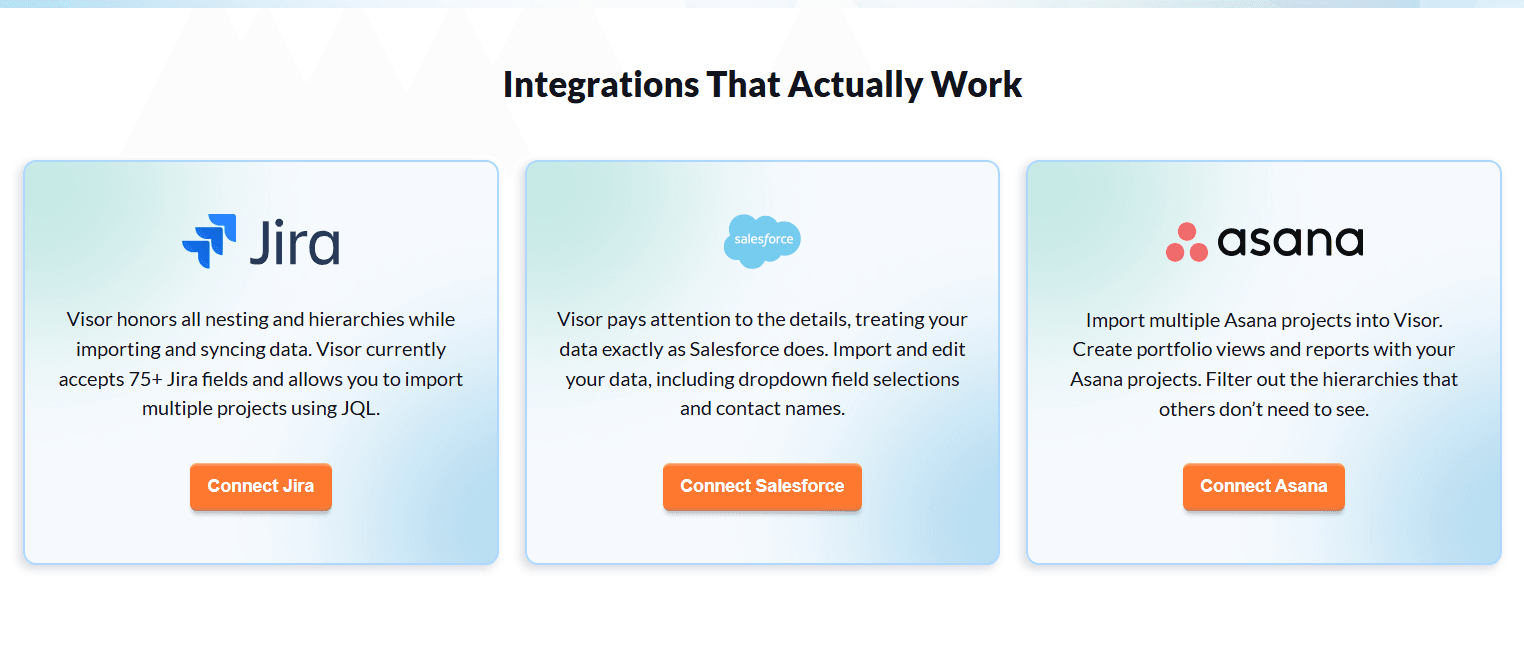
Project Timelines: Visor lets you create clear project timelines, so your team can visualize task dependencies and deadlines easily. This helps everyone stay on track and meet goals.
Task Prioritization: You can prioritize tasks based on importance and urgency, ensuring your team focuses on what matters most. This feature aids in effective resource allocation.
Real-Time Collaboration: Your team can work together on projects in real-time, making communication and updates seamless. This keeps everyone aligned and informed.
Data Visualization: Visor provides tools to visualize data with flexible formatting, making complex information easier to understand. This helps your team make informed decisions quickly.
Centralized Dashboard: You have access to a single dashboard with flexible custom views, where all project details are gathered. This makes it easy to monitor progress and updates without switching platforms.
User-Friendly Interface: Visor's interface is simple to navigate, reducing the learning curve for you and your team. This allows you to start managing projects efficiently right away.
Ease of Use
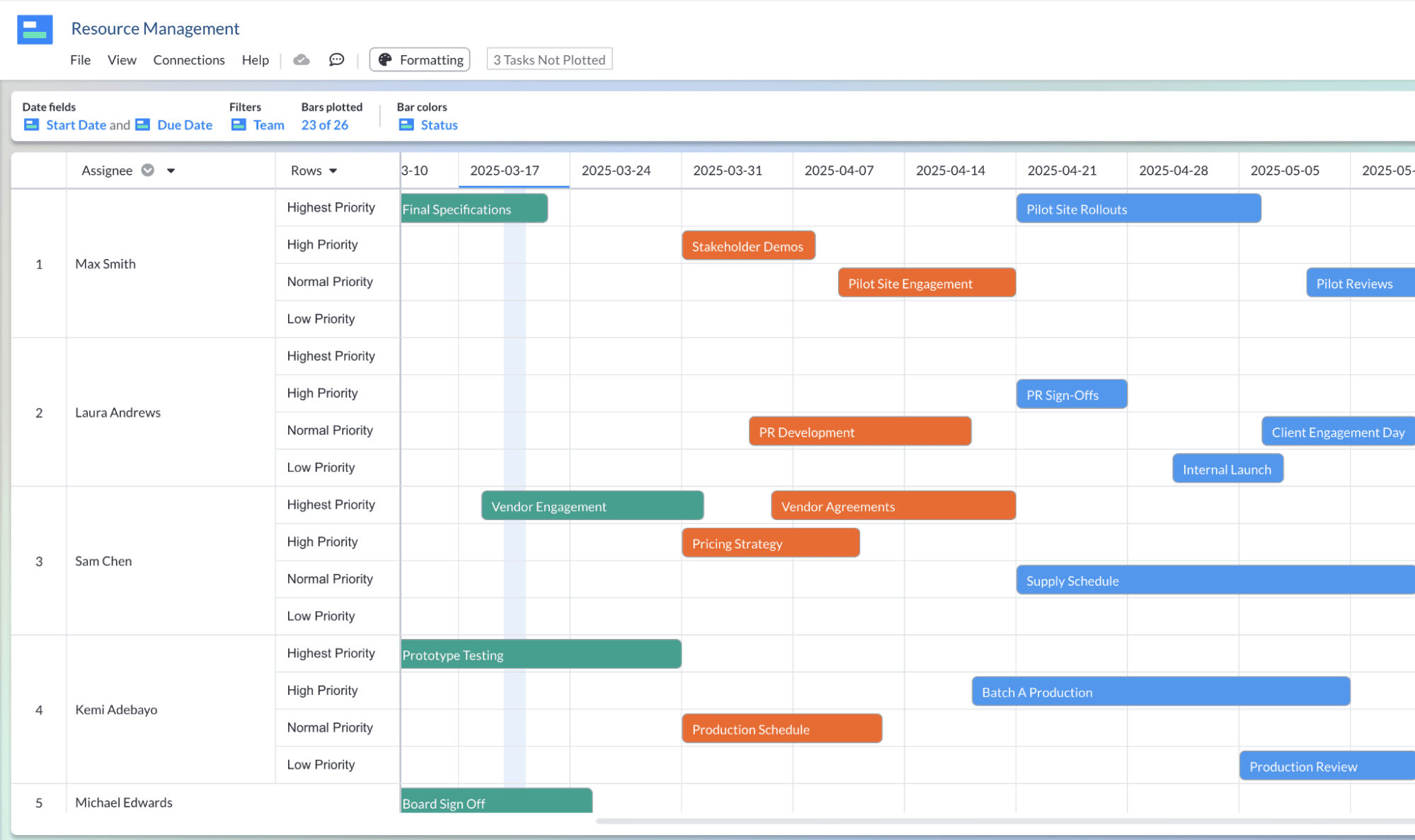
Visor is user-friendly, with an interface that's easy to navigate, letting you and your team get up and running quickly. Its centralized dashboard simplifies project monitoring, and real-time collaboration ensures everyone stays updated effortlessly. While there's a slight learning curve initially, most users adapt swiftly, appreciating the intuitive design. Compared to other tools, Visor's straightforward layout and efficient task management make it a practical choice for teams looking to enhance productivity without the hassle of complex software.
Integrations
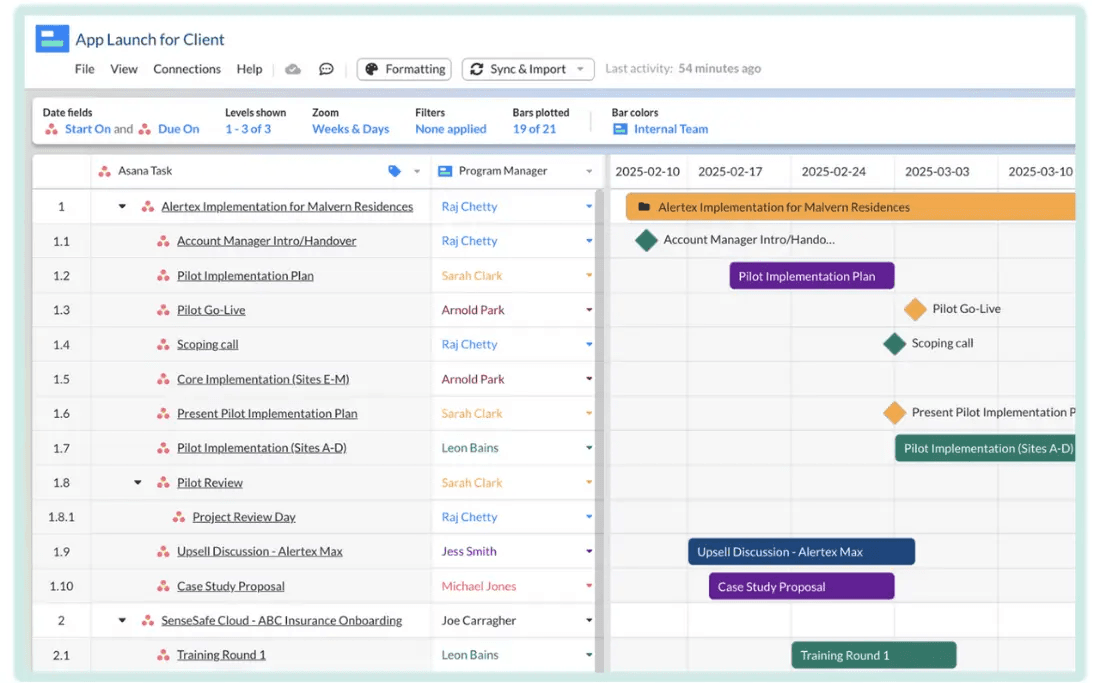
Visor integrates with Jira, Asana, and Salesforce through bi-directional syncing, allowing you to import and update project data in real time. These integrations preserve task hierarchies and support collaborative planning, while Visor focuses primarily on these core platforms rather than a wide range of third-party tools.
Visor Specs
- API: Yes
- Batch Permissions & Access: Yes
- Calendar Management: Yes
- Collaboration Support: Yes
- Contact Management: No
- Contact Sharing: No
- CRM Integration: Yes
- Customer Management: No
- Data Export: Yes
- Data Import: Yes
- Database: Yes
- Email Integration: No
- File Transfer: No
- Google Apps Integration: No
- Multi-Account: Yes
- Multi-App: Yes
- Multi-Site: No
- Multi-User: Yes
- Password & Access Management: Yes
- Project Management: Yes
- Report & Compliance: No
- Resource Management: Yes
- Social-Media Integration: No
- Software Integration: No
- Task Scheduling/Tracking: Yes
- Timesheets: No
- Workflow Management: Yes


