

UXPin Review: Pros, Cons, Features, and Pricing Explained
In my career, I have used many UX/UI design tools, including UXPin. In this comprehensive review, let me tell you about UXPin’s purpose, pricing, pros and cons, and more.

We review tools independently, and commissions help fund our testing. See our transparency policy, our methodology, or suggest a tool.
UXPin is UX/UI design software built around code-based components rather than static vectors. It's a strong fit for product teams that need prototypes with real interactive logic, states, and conditions. Where Figma excels at visual design collaboration, UXPin goes further for teams that need design and engineering working from the same component library. Its Merge feature syncs live code components directly into your design environment.
UXPin Evaluation Summary
4.2/5
- From $29/user/month (billed annually)
- Free plan + 14-day free trial available
Why Trust Our Software Recommendations
6,700+
Reviews
20
Industry experts
16+
Evaluation factors
14
Years
Our team has been testing and reviewing software since 2012. As product managers ourselves, we know how difficult—and important—it is to choose the right software.
For this guide, we evaluated tools using hands-on testing and independent research, scoring tools using our selection criteria.
Our reviews reflect our human editorial judgment, not a sales pitch.
Expert reviewers:
- Andrew LumbySenior TPM
- Cristiano ValimSenior UI/UX Lead


UXPin Overview
When judging UXPin against other UX/UI design software, its standout feature is the ability to prototype with real, production-ready code—making it a strong choice for teams that want to minimize handoff friction. The interface is approachable for new users, and onboarding is straightforward, but advanced features may require some ramp-up. Pricing sits at the higher end, yet the depth of functionality and strong integration options justify the investment for design teams working closely with developers.
UXPin is best suited for organizations prioritizing realistic prototyping and design-development alignment.
Pros
- You can create interactive prototypes that mirror real-world applications.
- UXPin supports team collaboration with real-time updates and feedback.
- It offers design systems management to maintain consistency across projects.
Cons
- Some users find the learning curve a bit steep initially.
- The interface can be overwhelming for new users with its extensive features.
- It may lack certain customization options that other tools provide.
Is UXPin Right For Your Needs?
Who Would be a Good Fit for UXPin?
If you’re part of a product development team, creative agency, or a tech startup, UXPin suits you well. Its strong collaboration features let your team work together seamlessly, while its design systems help you maintain consistency across projects. UXPin’s interactive prototyping is ideal for those who need to create real-world application experiences. For teams focused on delivering high-quality user experiences quickly, UXPin offers the right blend of functionality and efficiency.
- Tech StartupsYour team can benefit from UXPin’s real-time collaboration and prototyping features to iterate quickly and efficiently.
- Creative AgenciesUXPin’s design systems management helps your agency maintain brand consistency across various client projects.
- Product Development TeamsYou can utilize UXPin’s interactive prototypes to test and refine user experiences before full-scale development.
- UI/UX DesignersUXPin offers the tools you need to create detailed and interactive designs that meet client expectations.
- Education InstitutionsYour design students can learn industry-standard prototyping and design skills using UXPin’s comprehensive feature set.
- Mid-Sized BusinessesUXPin provides the scalability and collaborative tools your growing teams need for effective design workflows.
Who Would be a Bad Fit for UXPin?
If you’re a small business or solo designer with limited resources, UXPin might not be the best fit for you. Its extensive features can feel overwhelming if you don’t need advanced prototyping or collaboration tools. For those looking for a simple, straightforward design tool with a minimal learning curve, UXPin’s robust capabilities may be more than you require.
- Freelance DesignersYou might find UXPin’s feature set too complex if you’re working on smaller, less collaborative projects.
- Very Small BusinessesYour team may not need UXPin’s advanced collaboration and prototyping tools for basic design tasks.
- Non-Technical UsersIf you’re unfamiliar with UX/UI design, UXPin’s interface could be daunting without prior experience.
- Budget-Conscious TeamsIf keeping costs low is your priority, UXPin’s comprehensive features might not justify the expense for your needs.
- Basic Graphic DesignersYour focus might be more on visuals than interactivity, making UXPin’s prototyping capabilities unnecessary.
- Occasional UsersIf you only need design tools sporadically, UXPin’s learning curve and feature set might be overkill for infrequent use.
How We Test & Score Tools
We’ve spent years building, refining, and improving our software testing and scoring system. The rubric is designed to capture the nuances of software selection and what makes a tool effective, focusing on critical aspects of the decision-making process.
Below, you can see exactly how our testing and scoring works across seven criteria. It allows us to provide an unbiased evaluation of the software based on core functionality, standout features, ease of use, onboarding, customer support, integrations, customer reviews, and value for money.
Core Functionality (25% of final scoring)
The starting point of our evaluation is always the core functionality of the tool. Does it have the basic features and functions that a user would expect to see? Are any of those core features locked to higher-tiered pricing plans? At its core, we expect a tool to stand up against the baseline capabilities of its competitors.
Standout Features (25% of final scoring)
Next, we evaluate uncommon standout features that go above and beyond the core functionality typically found in tools of its kind. A high score reflects specialized or unique features that make the product faster, more efficient, or offer additional value to the user.
We also evaluate how easy it is to integrate with other tools typically found in the tech stack to expand the functionality and utility of the software. Tools offering plentiful native integrations, 3rd party connections, and API access to build custom integrations score best.
Ease of Use (10% of final scoring)
We consider how quick and easy it is to execute the tasks defined in the core functionality using the tool. High scoring software is well designed, intuitive to use, offers mobile apps, provides templates, and makes relatively complex tasks seem simple.
Onboarding (10% of final scoring)
We know how important rapid team adoption is for a new platform, so we evaluate how easy it is to learn and use a tool with minimal training. We evaluate how quickly a team member can get set up and start using the tool with no experience. High scoring solutions indicate little or no support is required.
Customer Support (10% of final scoring)
We review how quick and easy it is to get unstuck and find help by phone, live chat, or knowledge base. Tools and companies that provide real-time support score best, while chatbots score worst.
Customer Reviews (10% of final scoring)
Beyond our own testing and evaluation, we consider the net promoter score from current and past customers. We review their likelihood, given the option, to choose the tool again for the core functionality. A high scoring software reflects a high net promoter score from current or past customers.
Value for Money (10% of final scoring)
Lastly, in consideration of all the other criteria, we review the average price of entry level plans against the core features and consider the value of the other evaluation criteria. Software that delivers more, for less, will score higher.
Core Features
Interactive Prototyping
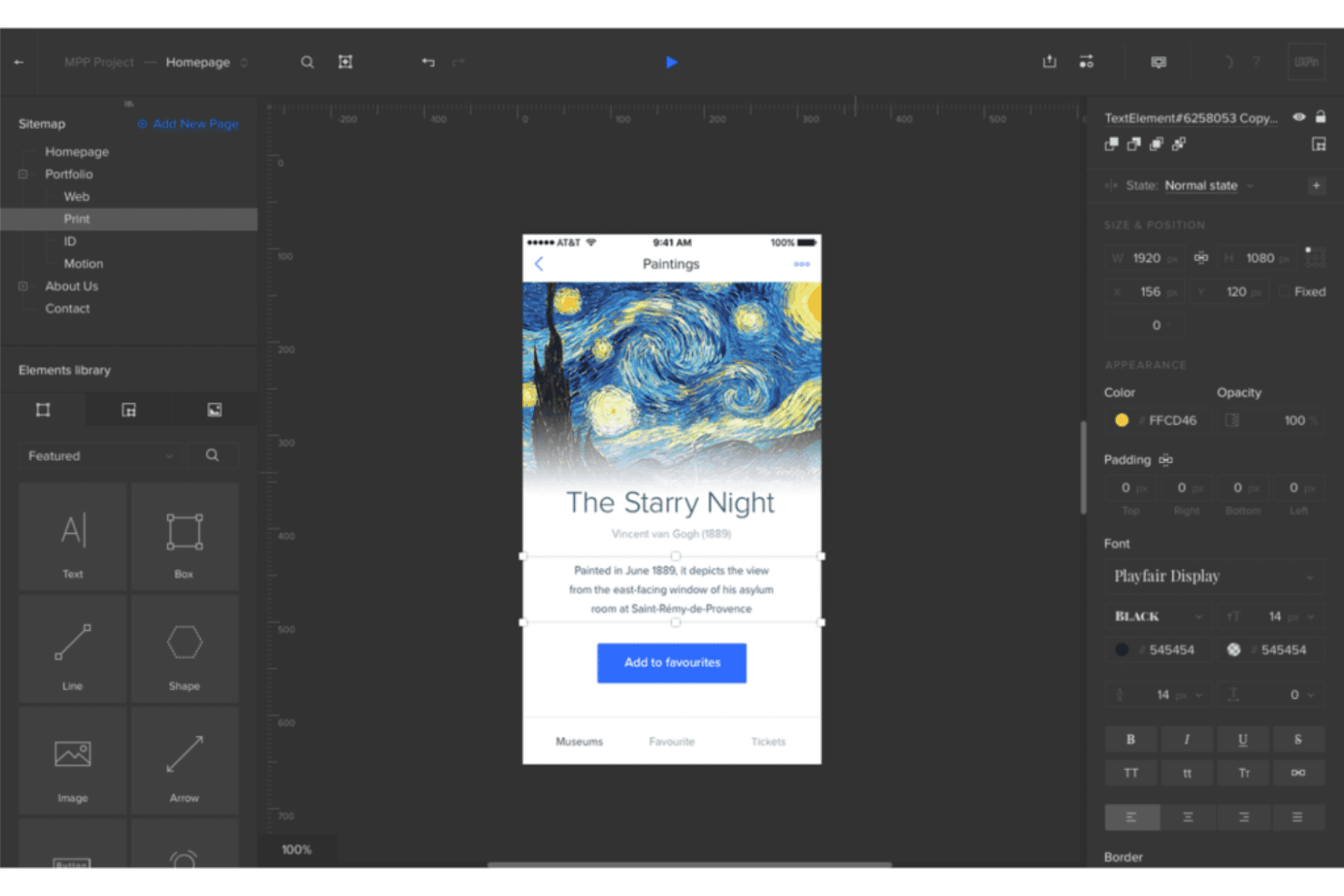
UXPin lets you create prototypes that mimic real-world applications, allowing your team to test user experiences effectively. You can easily add animations and interactivity to bring your designs to life.
Design Systems
With UXPin, you can manage and maintain design consistency across projects through centralized design systems. This feature helps your team adhere to brand guidelines effortlessly.
Real-Time Collaboration
Collaborate with your team in real-time, making it easy to share feedback and iterate designs quickly. This ensures everyone stays on the same page throughout the design process.
Responsive Design
UXPin allows you to design responsive layouts that adapt to different screen sizes. You can ensure your designs look great on any device.
Version Control
Track changes and manage different versions of your designs with ease. This feature helps you keep a record of design iterations and revert to previous versions if needed.
User Testing
UXPin supports user testing by allowing you to share prototypes with stakeholders and gather feedback. This ensures your designs meet user expectations before development begins.
Ease of Use
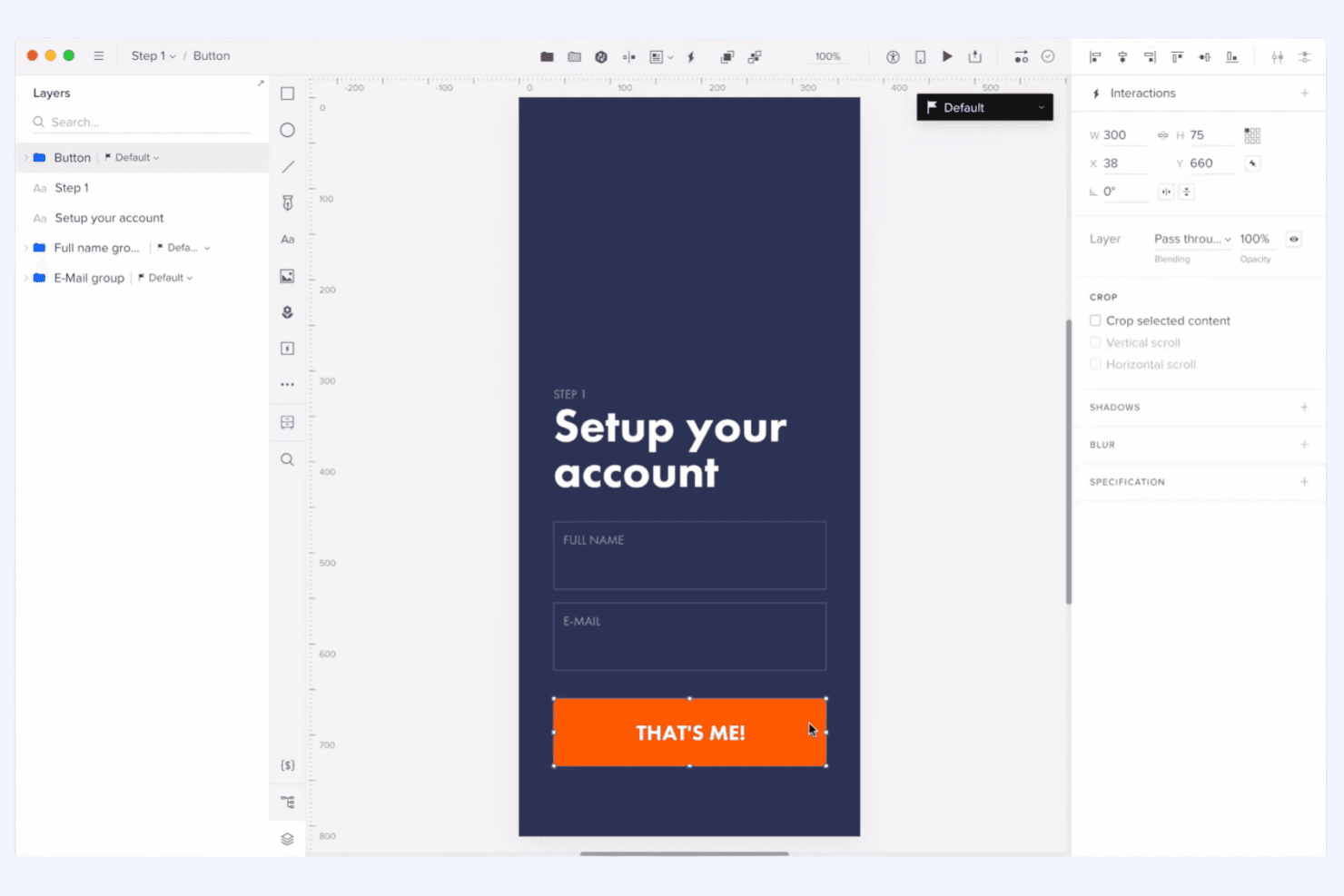
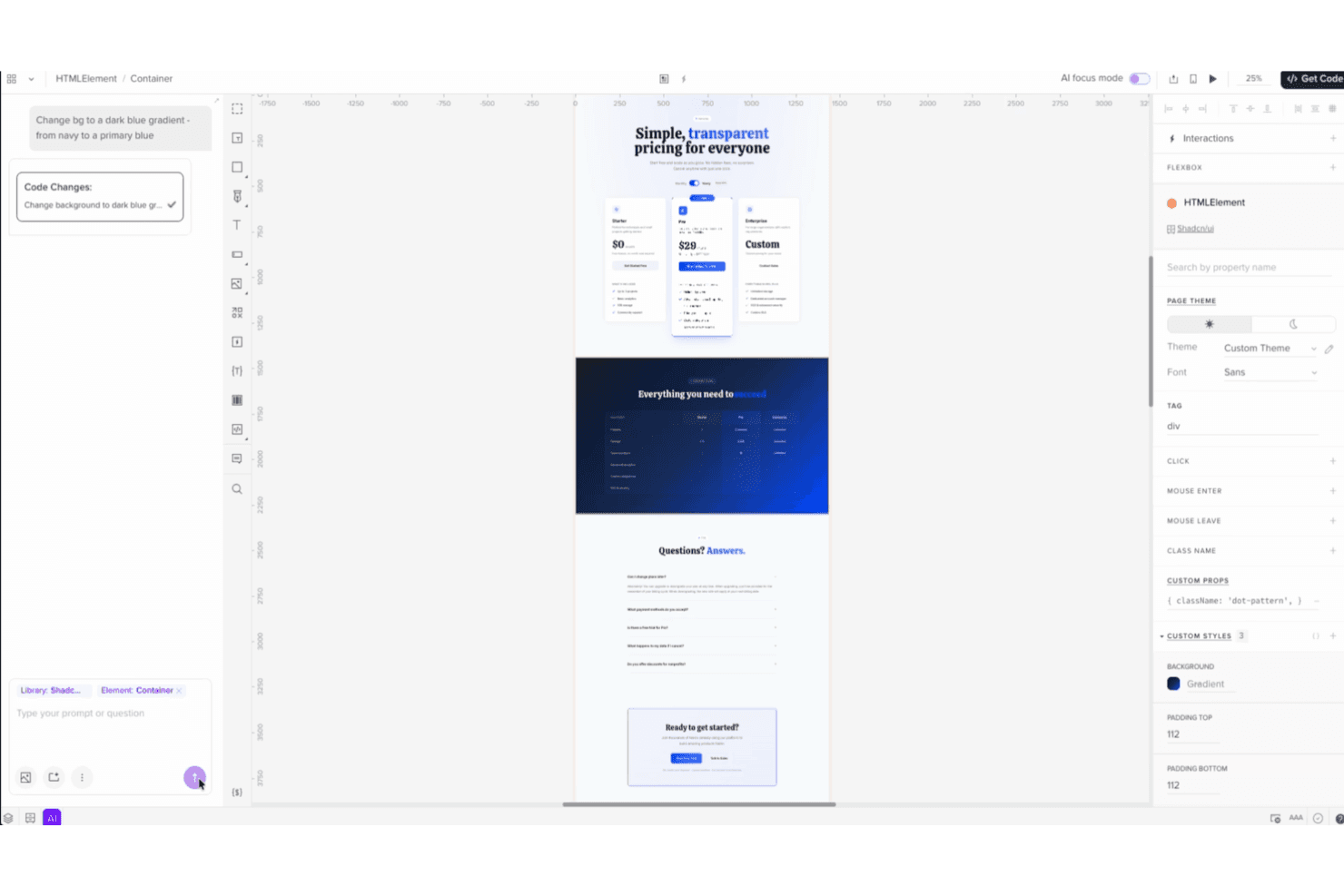
UXPin offers a comprehensive set of features that can initially feel overwhelming, especially if you’re new to design tools. However, once you get past the learning curve, its intuitive interface helps streamline your workflow. The real-time collaboration and design systems make it easier for your team to stay organized and efficient. Compared to others, UXPin balances advanced functionalities with user-friendly design, making it a solid choice for teams willing to invest time in mastering its capabilities.
Integrations
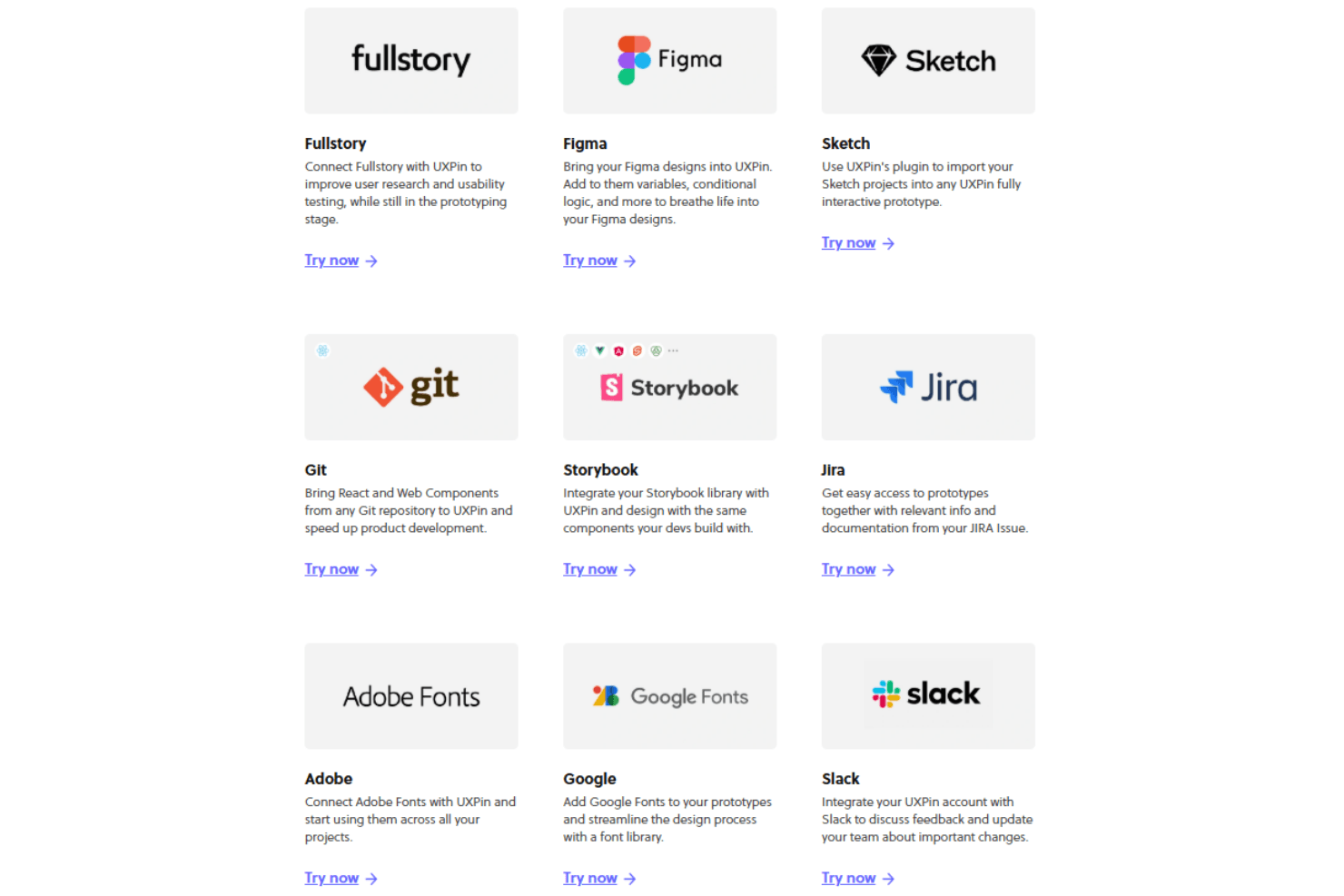
UXPin integrates with Jira, Slack, GitHub, Storybook, Microsoft Teams, Google Fonts, Unsplash, Iconfinder, Avocode, and Dropbox, among others.
UXPin also offers an API and supports connections with third-party integration tools.
UXPin Specs
- API: Yes
- Approval Workflows: Yes
- Bug Tracking: No
- Collaboration Support: Yes
- Custom Reports: No
- Design Templates: Yes
- Document Management: Yes
- External Integrations: Yes
- History/Version Control: Yes
- Multi-Source Feedback: Yes
- Multi-User: Yes
- Review Monitoring: Yes
- Template Designer: Yes
- Third-Party Plugins/Add-Ons: Yes
- Workflow Management: Yes


