

Userfeel Review: Pros, Cons, Features and Pricing
Userfeel excels in providing intuitive user testing solutions, making it a standout choice for teams seeking practical insights without breaking the bank.

We review tools independently, and commissions help fund our testing. See our transparency policy, our methodology, or suggest a tool.
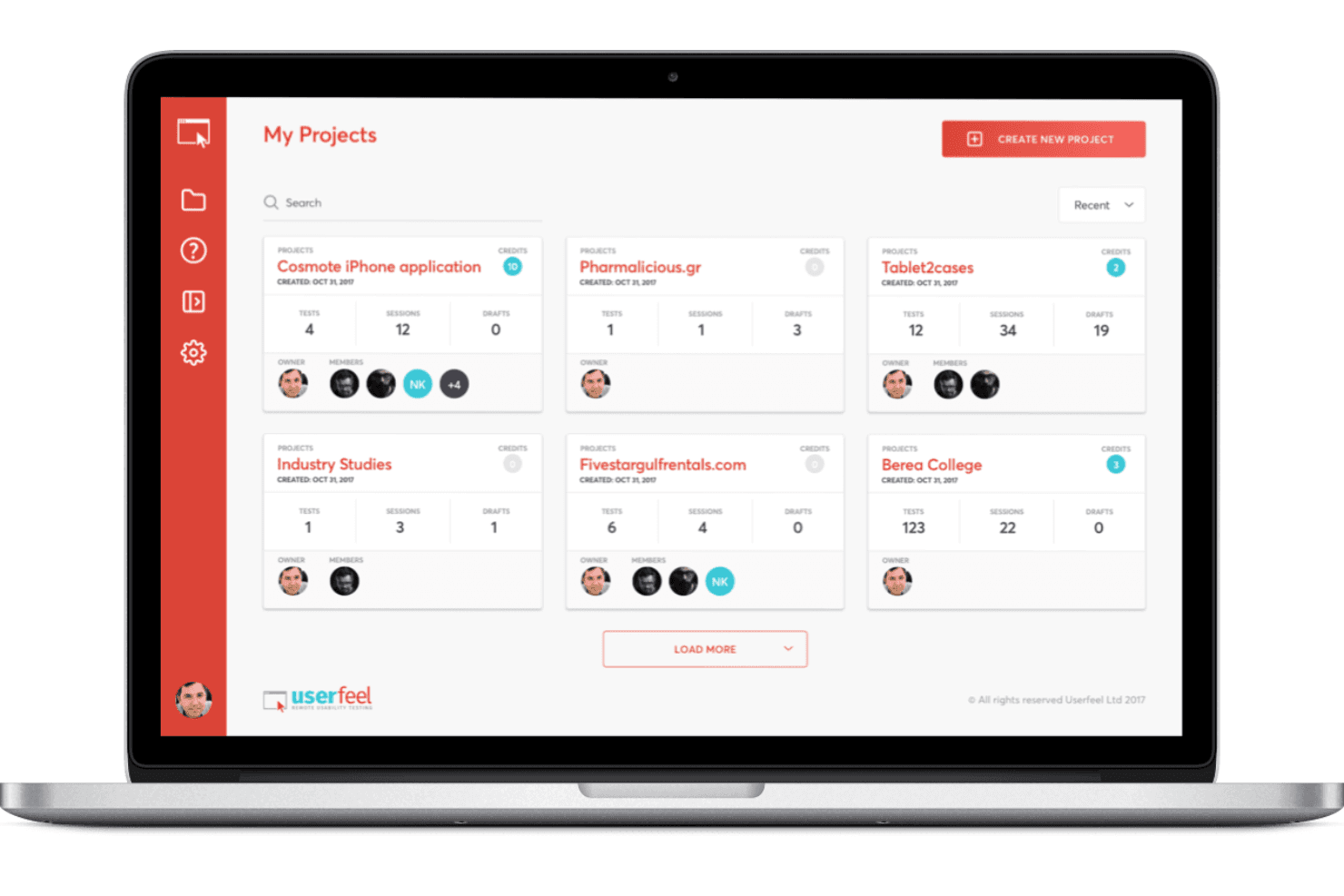
Userfeel is a user research tool built around remote, unmoderated usability testing with real participants drawn from a global tester panel. It's worth considering if you need fast video feedback on your product without committing to an enterprise contract. Compared to UserTesting, Userfeel's pay-per-test pricing gives smaller teams and individual product managers a more accessible entry point into structured usability research.
Userfeel Evaluation Summary
4.5/5
- From $30/tester
- Free demo available
Why Trust Our Software Recommendations
6,700+
Reviews
20
Industry experts
16+
Evaluation factors
14
Years
Our team has been testing and reviewing software since 2012. As product managers ourselves, we know how difficult—and important—it is to choose the right software.
For this guide, we evaluated tools using hands-on testing and independent research, scoring tools using our selection criteria.
Our reviews reflect our human editorial judgment, not a sales pitch.
Expert reviewers:
- Andrew LumbySenior TPM
- Cristiano ValimSenior UI/UX Lead


Userfeel Overview
In my opinion, Userfeel offers a solid user research tool that's particularly well-suited for teams looking for straightforward usability testing. Its standout features like multilingual support set it apart from competitors, making it a great choice for international teams. The interface is intuitive, which is a plus for quick onboarding. While it may not have as many integrations as some other tools, its ease of use and valuable insights make it worth considering. The customer support is reliable, though it could be more responsive. For teams that prioritize ease of use and practical testing features, Userfeel is a smart selection. However, if you need extensive integration options, you might want to explore other tools. Overall, it's a good fit for UX teams aiming for efficient user testing without overly complex setups.
Pros
- It offers multilingual support, which is great for international teams.
- The interface is intuitive, making it easy for your team to use.
- You get valuable insights from real user feedback quickly.
Cons
- It doesn't offer as many integrations as some other tools.
- Customer support could be more responsive.
- It may lack some advanced features needed for complex testing.
Is Userfeel Right For Your Needs?
Who Would be a Good Fit for Userfeel?
Userfeel is a good fit for UX teams and product managers in industries like e-commerce and finance. If your team needs quick insights from real users, Userfeel's intuitive interface and multilingual support can help. For marketing departments aiming to understand diverse customer bases, Userfeel offers practical testing without complex setups. Its user-friendly design ensures your team can start testing without a steep learning curve, making it ideal for businesses that prioritize efficiency and straightforward usability testing. Whether you're testing websites or working with your target audience, Userfeel provides high quality results through unmoderated sessions with real people.
- E-commerce TeamsUserfeel helps you understand how customers navigate your site, thanks to its real user feedback feature.
- Marketing DepartmentsYou can gather insights into customer behavior across different regions with Userfeel's multilingual support and targeted demographics.
- Product ManagersUserfeel's easy setup and quick insights make it ideal for refining product features efficiently.
- UX ResearchersIf you're aiming for straightforward usability testing, Userfeel's intuitive interface is a strong choice.
- Small BusinessesYou benefit from Userfeel's cost-effective solutions and insights without needing extensive resources.
- International CompaniesWith multilingual support, Userfeel helps you test products across various languages and cultures.
Who Would be a Bad Fit for Userfeel?
Userfeel might not be ideal for large enterprises needing extensive integrations with other software tools. If your team relies heavily on advanced analytics and deep integration with existing systems, Userfeel's limited integration capabilities could be a drawback. Industries like tech or healthcare, where complex user data analysis is crucial, might find Userfeel lacking. If your work demands highly specialized testing features beyond what typical testing platforms offer, you might need a more advanced tool.
- Large EnterprisesIf your company needs extensive software integrations, Userfeel's limited options might not meet your needs.
- Tech CompaniesFor advanced analytics and deep user data analysis, Userfeel doesn't offer the specialized tools you might require.
- Healthcare IndustryIf your work involves complex data analysis and integration, Userfeel's functionalities might fall short.
- Data AnalystsYou might find Userfeel lacking if you need in-depth data analytics and reporting features.
- Advanced Research TeamsFor teams needing specialized testing features, Userfeel's straightforward approach might not be enough.
- Integration-Heavy EnvironmentsIf your environment relies on seamless software integration, Userfeel's limited integration capabilities could be a limitation.
How We Test & Score Tools
We’ve spent years building, refining, and improving our software testing and scoring system. The rubric is designed to capture the nuances of software selection and what makes a tool effective, focusing on critical aspects of the decision-making process.
Below, you can see exactly how our testing and scoring works across seven criteria. It allows us to provide an unbiased evaluation of the software based on core functionality, standout features, ease of use, onboarding, customer support, integrations, customer reviews, and value for money.
Core Functionality (25% of final scoring)
The starting point of our evaluation is always the core functionality of the tool. Does it have the basic features and functions that a user would expect to see? Are any of those core features locked to higher-tiered pricing plans? At its core, we expect a tool to stand up against the baseline capabilities of its competitors.
Standout Features (25% of final scoring)
Next, we evaluate uncommon standout features that go above and beyond the core functionality typically found in tools of its kind. A high score reflects specialized or unique features that make the product faster, more efficient, or offer additional value to the user.
We also evaluate how easy it is to integrate with other tools typically found in the tech stack to expand the functionality and utility of the software. Tools offering plentiful native integrations, 3rd party connections, and API access to build custom integrations score best.
Ease of Use (10% of final scoring)
We consider how quick and easy it is to execute the tasks defined in the core functionality using the tool. High scoring software is well designed, intuitive to use, offers mobile apps, provides templates, and makes relatively complex tasks seem simple.
Onboarding (10% of final scoring)
We know how important rapid team adoption is for a new platform, so we evaluate how easy it is to learn and use a tool with minimal training. We evaluate how quickly a team member can get set up and start using the tool with no experience. High scoring solutions indicate little or no support is required.
Customer Support (10% of final scoring)
We review how quick and easy it is to get unstuck and find help by phone, live chat, or knowledge base. Tools and companies that provide real-time support score best, while chatbots score worst.
Customer Reviews (10% of final scoring)
Beyond our own testing and evaluation, we consider the net promoter score from current and past customers. We review their likelihood, given the option, to choose the tool again for the core functionality. A high scoring software reflects a high net promoter score from current or past customers.
Value for Money (10% of final scoring)
Lastly, in consideration of all the other criteria, we review the average price of entry level plans against the core features and consider the value of the other evaluation criteria. Software that delivers more, for less, will score higher.
Core Features
Remote Usability Testing
Conduct tests with real users from anywhere, helping your team gather insights without geographical constraints for quick setup.
Video Recording
Watch users interact with your product, providing clear visual insights to pinpoint usability issues effectively.
Task-Based Testing
Assign specific tasks to users, allowing you to focus on particular areas for a targeted, efficient approach.
Highlight Reels
Create short video clips of key moments from tests to share findings quickly with your team.
Quantitative Metrics
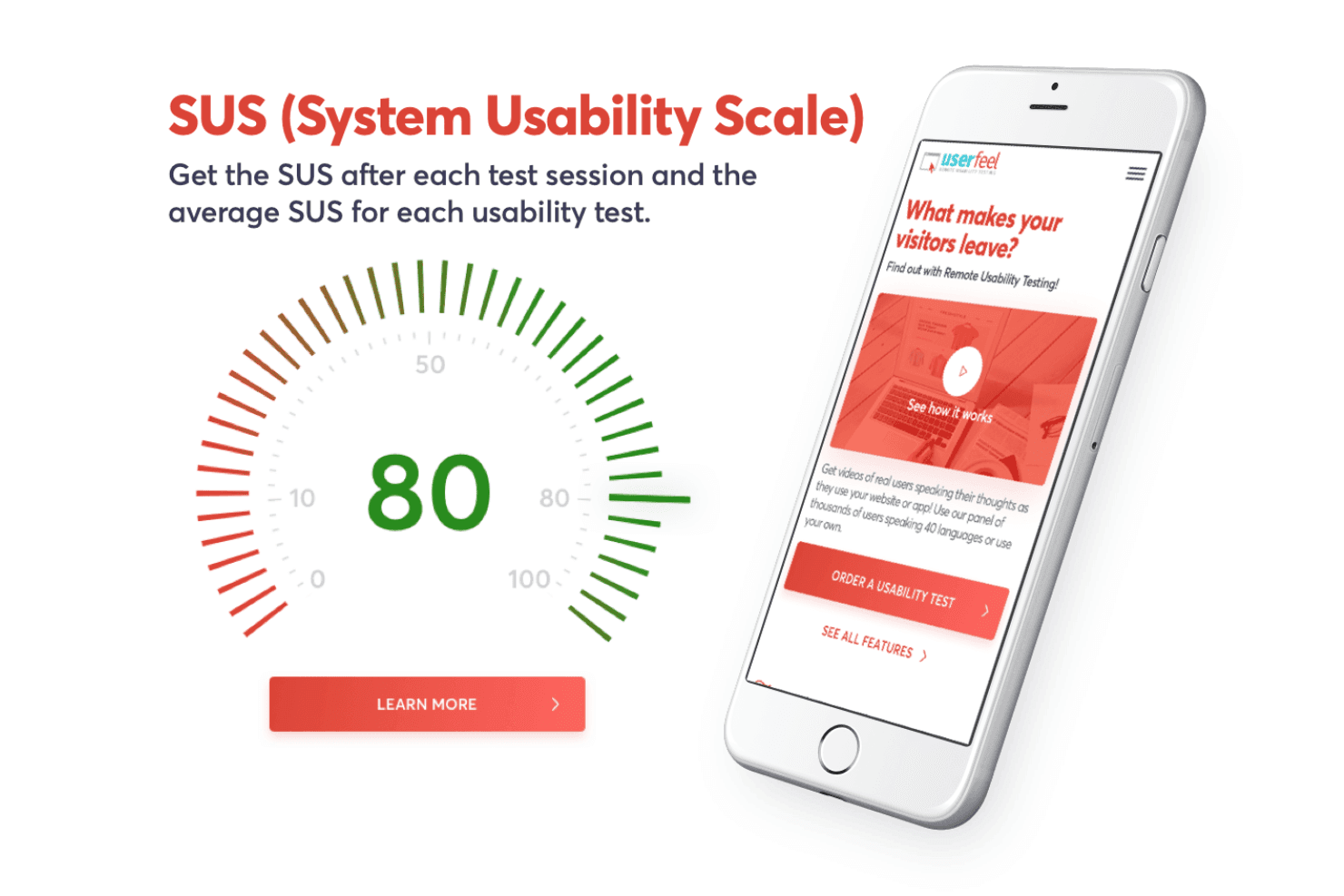
Get numerical data on user interactions, providing measurable ways to assess usability for data-driven decisions.
Ease of Use
Userfeel is remarkably user-friendly, making it a breeze for your team to get started with usability testing. The interface is intuitive, allowing even those new to user research to navigate it easily. Features like task-based testing and video recording are straightforward and don't require a steep learning curve. You can quickly set up tests and gather insights without getting bogged down in complex setups. This simplicity makes Userfeel a strong choice for teams prioritizing efficiency in their research process. Beginners will find the functionality accessible, with step by step guidance that helps them conduct user testing tool operations smoothly.
Integrations
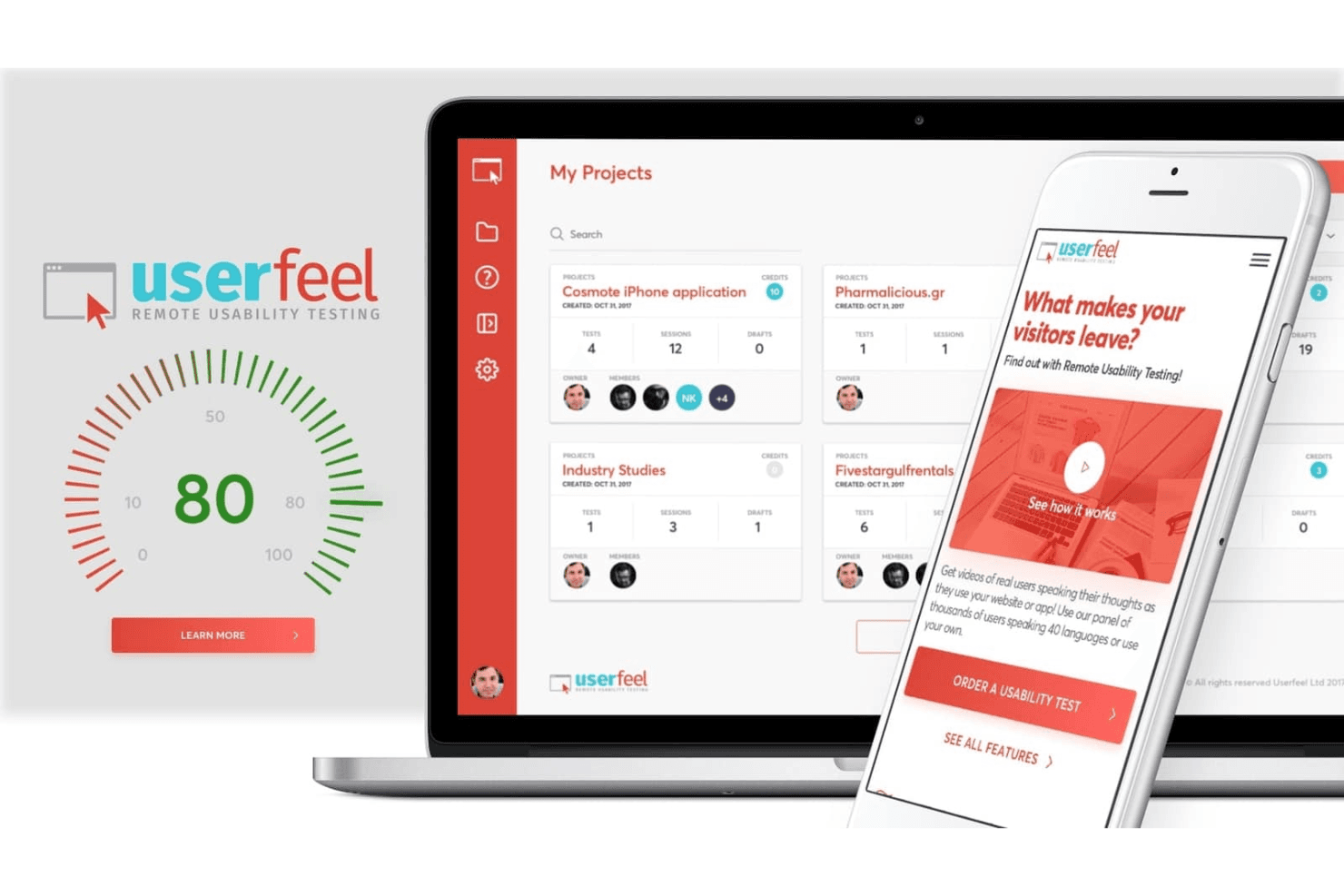
Userfeel does not provide a verified list of native third-party integrations or an official integrations marketplace. It offers limited, partnership-based connectivity, such as recruitment integration with User Interviews to help source testers within the platform. Collaboration is supported through shareable videos, highlight clips, and exports, allowing teams to distribute insights without additional integrations.
Userfeel Specs
- A/B Testing: Yes
- API: Yes
- Automated Testing: Yes
- Browser Compatibility Testing: Yes
- Bug Tracking: Yes
- Calendar Management: Yes
- CI/CD Integration: Yes
- Dashboard: Yes
- Data Export: Yes
- Data Import: Yes
- Data Visualization: Yes
- Developer Tools: Yes
- External Integrations: Yes
- History/Version Control: Yes
- Manual Testing: Yes
- Multi-User: Yes
- Notifications: Yes
- Performance Testing: Yes
- Regression Testing: Yes
- Scheduling: Yes
- Status Notifications: Yes
- Third-Party Plugins/Add-Ons: Yes


