

Similarweb Review: Pros, Cons, Features, and Pricing Explained
Similarweb stands out for its robust web traffic insights and competitive analysis, but may not suit teams needing deep in-app analytics or granular user behavior tracking.

We review tools independently, and commissions help fund our testing. See our transparency policy, our methodology, or suggest a tool.
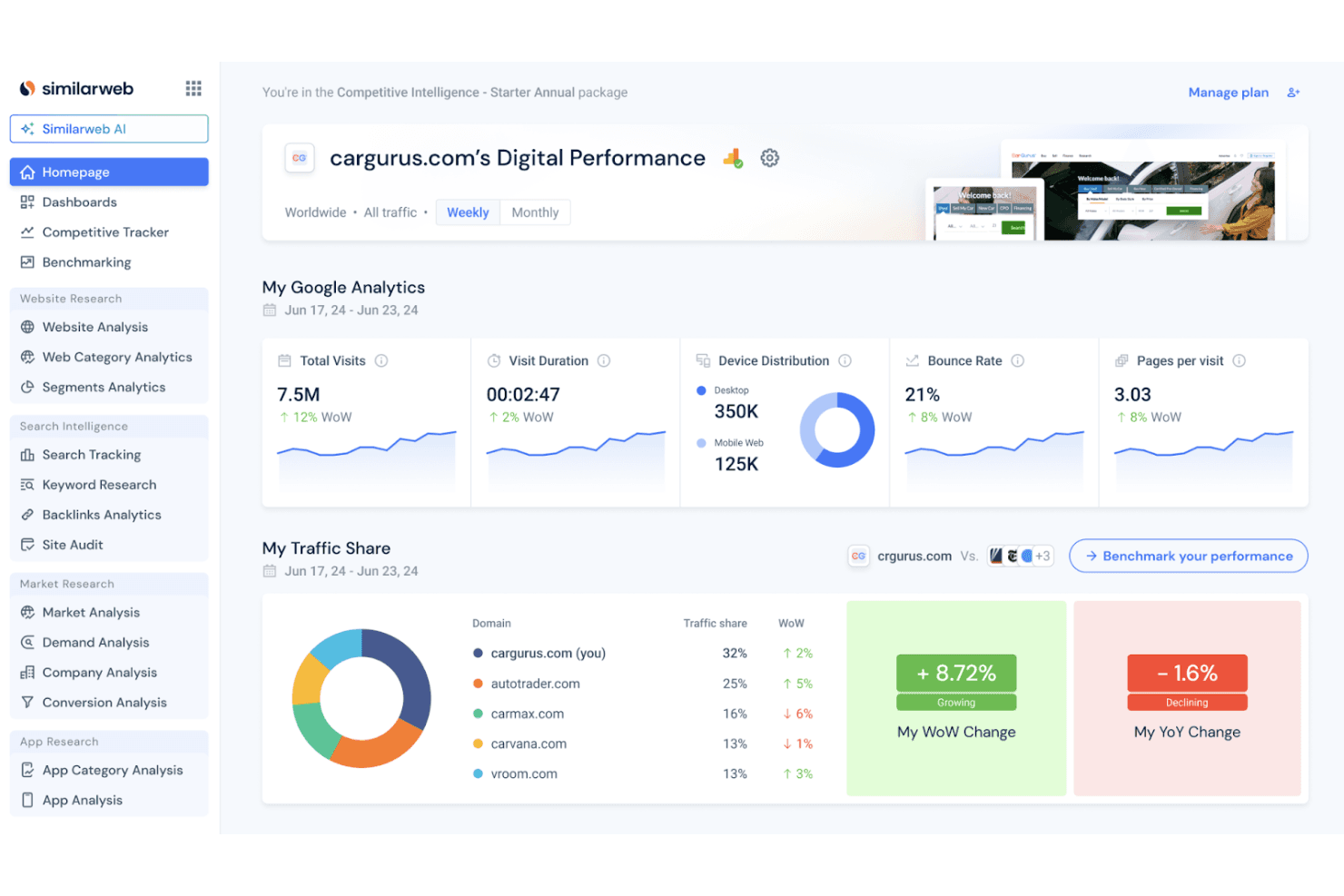
Similarweb is a product analytics tool for teams that need visibility into competitor traffic, audience behavior, and digital market share. I'd consider it if your focus is market-level competitive intelligence rather than SEO-specific research. If that's your priority, Similarweb gives you a broader view of the competitive landscape than SEMrush does, with stronger benchmarking across industries and channels rather than keyword and backlink data alone.
Similarweb Evaluation Summary
4.5/5
- From $125/month
- Free trial available
Why Trust Our Software Recommendations
6,700+
Reviews
20
Industry experts
16+
Evaluation factors
14
Years
Our team has been testing and reviewing software since 2012. As product managers ourselves, we know how difficult—and important—it is to choose the right software.
For this guide, we evaluated tools using hands-on testing and independent research, scoring tools using our selection criteria.
Our reviews reflect our human editorial judgment, not a sales pitch.
Expert reviewers:
- Andrew LumbySenior TPM
- Cristiano ValimSenior UI/UX Lead


Similarweb Overview
Similarweb offers extensive web and app traffic analytics, making it a strong choice for teams focused on market intelligence and competitor benchmarking. Its interface is intuitive, onboarding is straightforward, and support resources are solid. Pricing can be high for smaller teams, and it lacks the deep in-app event tracking found in some alternatives. Integrations cover most marketing and analytics needs, but may not fit every tech stack. If you’re judging tools for digital market analysis or selecting a platform for competitive research, Similarweb stands out for its breadth of data and ease of use, especially for marketing and growth teams.
Pros
- Delivers detailed competitor and market benchmarking data.
- Offers accurate web and app traffic estimates.
- Provides strong keyword and referral analytics.
Cons
- Lacks granular in-app event and user journey tracking.
- Pricing is high for small or early-stage teams.
- Data sampling can miss niche or low-traffic products.
Is Similarweb Right For Your Needs?
Who Would be a Good Fit for Similarweb?
Similarweb is best suited for organizations that need to benchmark digital performance, analyze competitors, and understand online market trends. Teams in marketing, business development, and strategy roles will find the web and app traffic analytics especially valuable. Its strengths in competitive intelligence and digital research make it a strong choice for industries where online presence and market share are key drivers.
- Digital Marketing AgenciesSimilarweb provides detailed competitor and keyword analytics for campaign planning.
- E-Commerce CompaniesTrack market share, referral sources, and competitor traffic patterns.
- Market Research TeamsAccess broad industry benchmarks, app data, and digital trend data.
- Business DevelopmentIdentify new markets and monitor competitor growth strategies.
- Media and PublishingAnalyze audience sources and content performance across platforms.
- Large EnterprisesLeverage global data coverage for multi-market digital strategy.
Who Would be a Bad Fit for Similarweb?
Similarweb is less effective for teams that need granular, in-app product analytics or those focused on user-level behavior within their own platforms. It’s also not ideal for small businesses with limited budgets or companies in industries where digital presence is not a primary growth driver. If your team needs deep event tracking or user journey mapping, other tools may be a better fit.
- Early-Stage StartupsPricing and data depth may not match limited analytics needs.
- Product Management TeamsLacks in-app event tracking and user journey analysis.
- Customer Success DepartmentsDoes not provide user-level engagement or retention metrics.
- Healthcare ProvidersLimited value for industries with low digital competition.
- Internal IT DepartmentsNot designed for internal system or workflow analytics.
- Niche SaaS VendorsData sampling may miss low-traffic or specialized products.
How We Test & Score Tools
We’ve spent years building, refining, and improving our software testing and scoring system. The rubric is designed to capture the nuances of software selection and what makes a tool effective, focusing on critical aspects of the decision-making process.
Below, you can see exactly how our testing and scoring works across seven criteria. It allows us to provide an unbiased evaluation of the software based on core functionality, standout features, ease of use, onboarding, customer support, integrations, customer reviews, and value for money.
Core Functionality (25% of final scoring)
The starting point of our evaluation is always the core functionality of the tool. Does it have the basic features and functions that a user would expect to see? Are any of those core features locked to higher-tiered pricing plans? At its core, we expect a tool to stand up against the baseline capabilities of its competitors.
Standout Features (25% of final scoring)
Next, we evaluate uncommon standout features that go above and beyond the core functionality typically found in tools of its kind. A high score reflects specialized or unique features that make the product faster, more efficient, or offer additional value to the user.
We also evaluate how easy it is to integrate with other tools typically found in the tech stack to expand the functionality and utility of the software. Tools offering plentiful native integrations, 3rd party connections, and API access to build custom integrations score best.
Ease of Use (10% of final scoring)
We consider how quick and easy it is to execute the tasks defined in the core functionality using the tool. High scoring software is well designed, intuitive to use, offers mobile apps, provides templates, and makes relatively complex tasks seem simple.
Onboarding (10% of final scoring)
We know how important rapid team adoption is for a new platform, so we evaluate how easy it is to learn and use a tool with minimal training. We evaluate how quickly a team member can get set up and start using the tool with no experience. High scoring solutions indicate little or no support is required.
Customer Support (10% of final scoring)
We review how quick and easy it is to get unstuck and find help by phone, live chat, or knowledge base. Tools and companies that provide real-time support score best, while chatbots score worst.
Customer Reviews (10% of final scoring)
Beyond our own testing and evaluation, we consider the net promoter score from current and past customers. We review their likelihood, given the option, to choose the tool again for the core functionality. A high scoring software reflects a high net promoter score from current or past customers.
Value for Money (10% of final scoring)
Lastly, in consideration of all the other criteria, we review the average price of entry level plans against the core features and consider the value of the other evaluation criteria. Software that delivers more, for less, will score higher.
Core Features
Website Traffic Analysis
See estimated visits, engagement metrics, and traffic sources for any website. This helps you benchmark performance and spot trends across competitors with in-depth visibility into traffic.
App Analytics
Track downloads, usage, and engagement for mobile apps across markets. Compare your app’s performance to others in your category.
Audience Insights
Understand audience demographics, interests, and geographic distribution. Use this data to refine targeting and content strategies.
Referral and Channel Breakdown
View which channels, search, social, referrals, or direct, drive the most traffic. Identify top partners and optimize acquisition strategies.
Keyword Research and Analysis
Analyze organic and paid keywords driving traffic to any site. Uncover new keyword opportunities and monitor competitor campaigns.
Industry Benchmarking
Access aggregated data to compare your digital presence against industry standards. Identify leaders and emerging trends in your sector using historical data to track performance over time.
Ease of Use
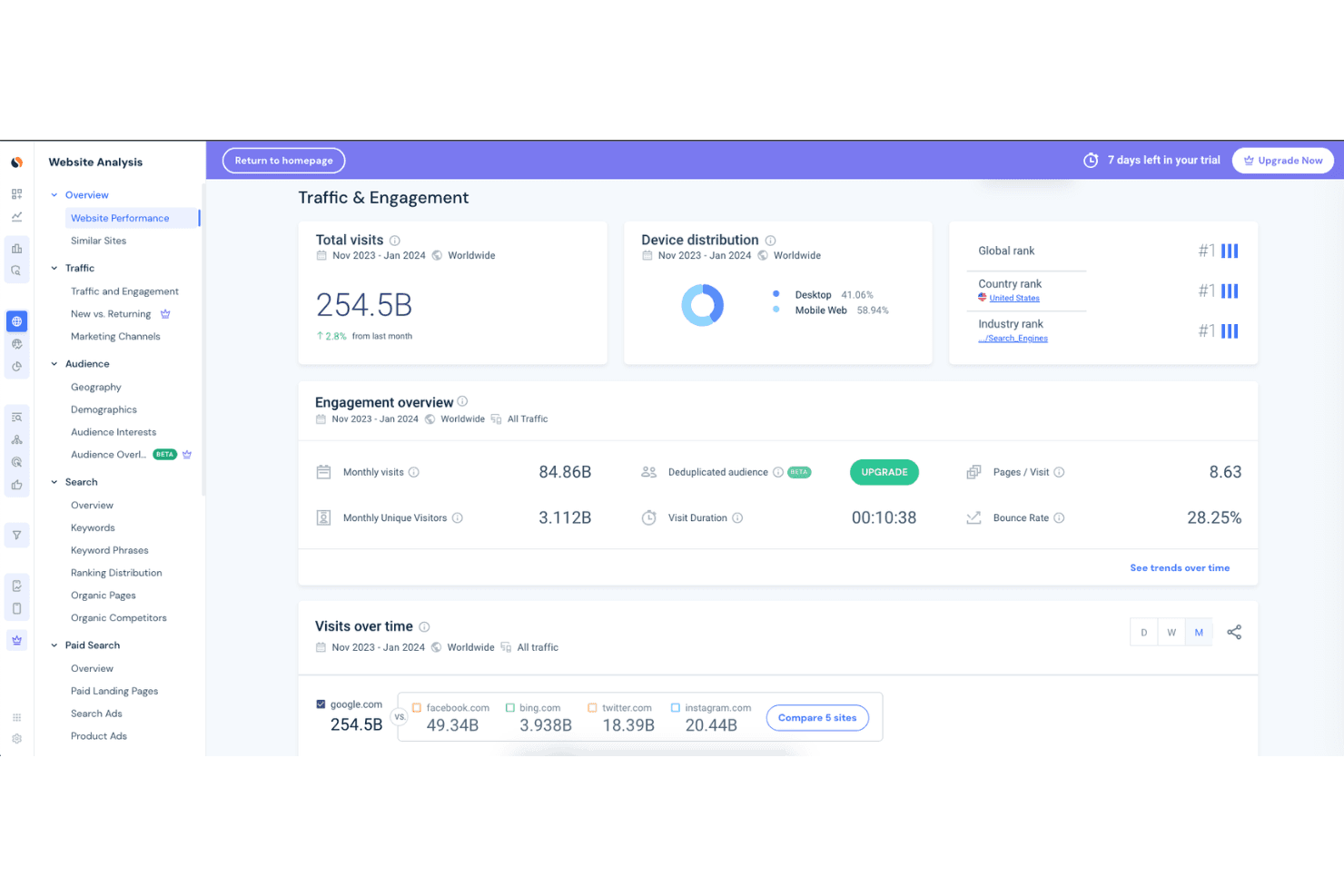
Similarweb is widely recognized for its intuitive dashboard and clear data visualizations, making it accessible even for users new to analytics. Navigation is straightforward, with logical menus and quick access to core reports. Many users highlight the ease of generating competitor comparisons and market overviews without complex setup. While some advanced functionality requires exploration, most teams can quickly extract actionable insights, which sets it apart in terms of user-friendliness among product analytics tools.
Integrations
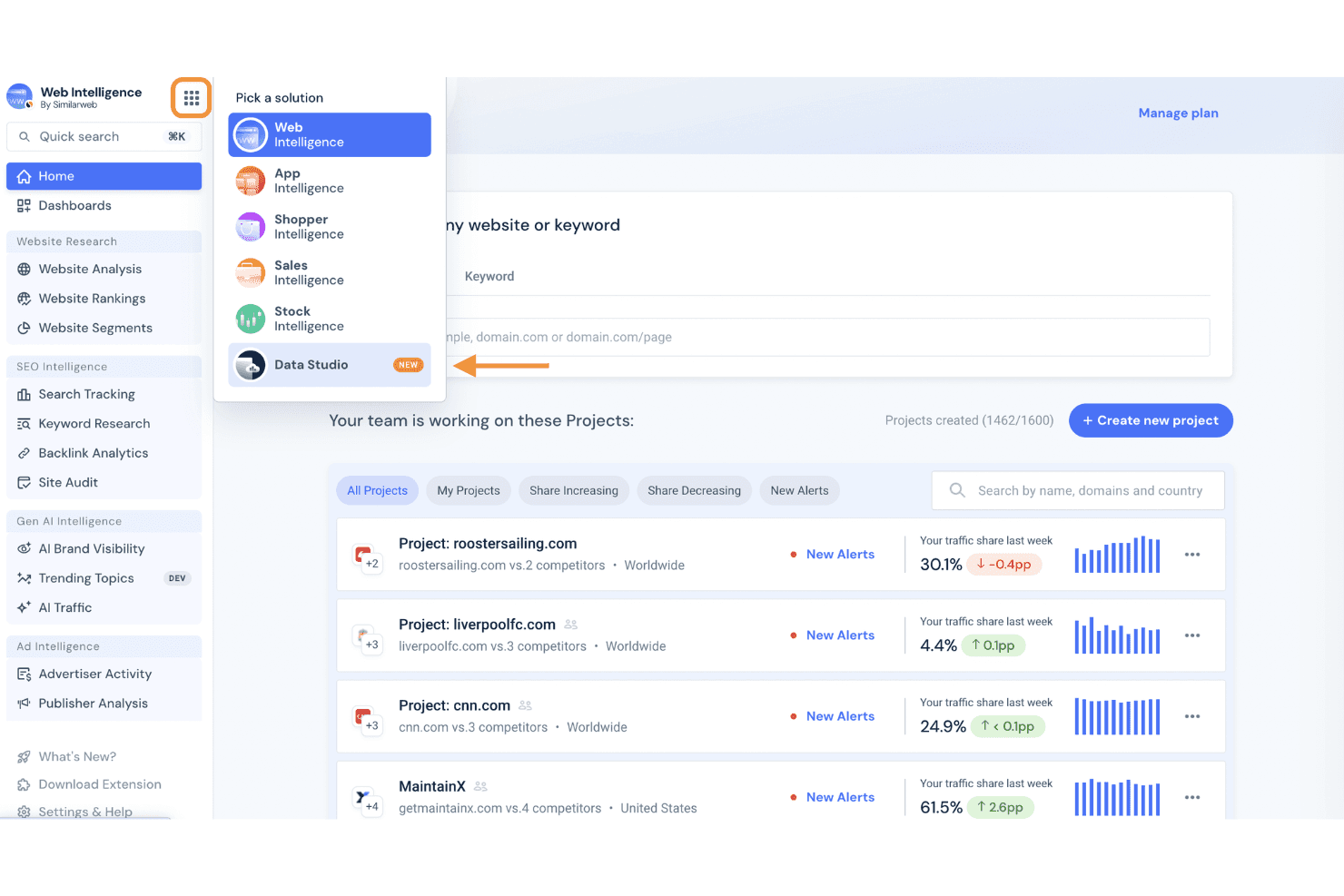
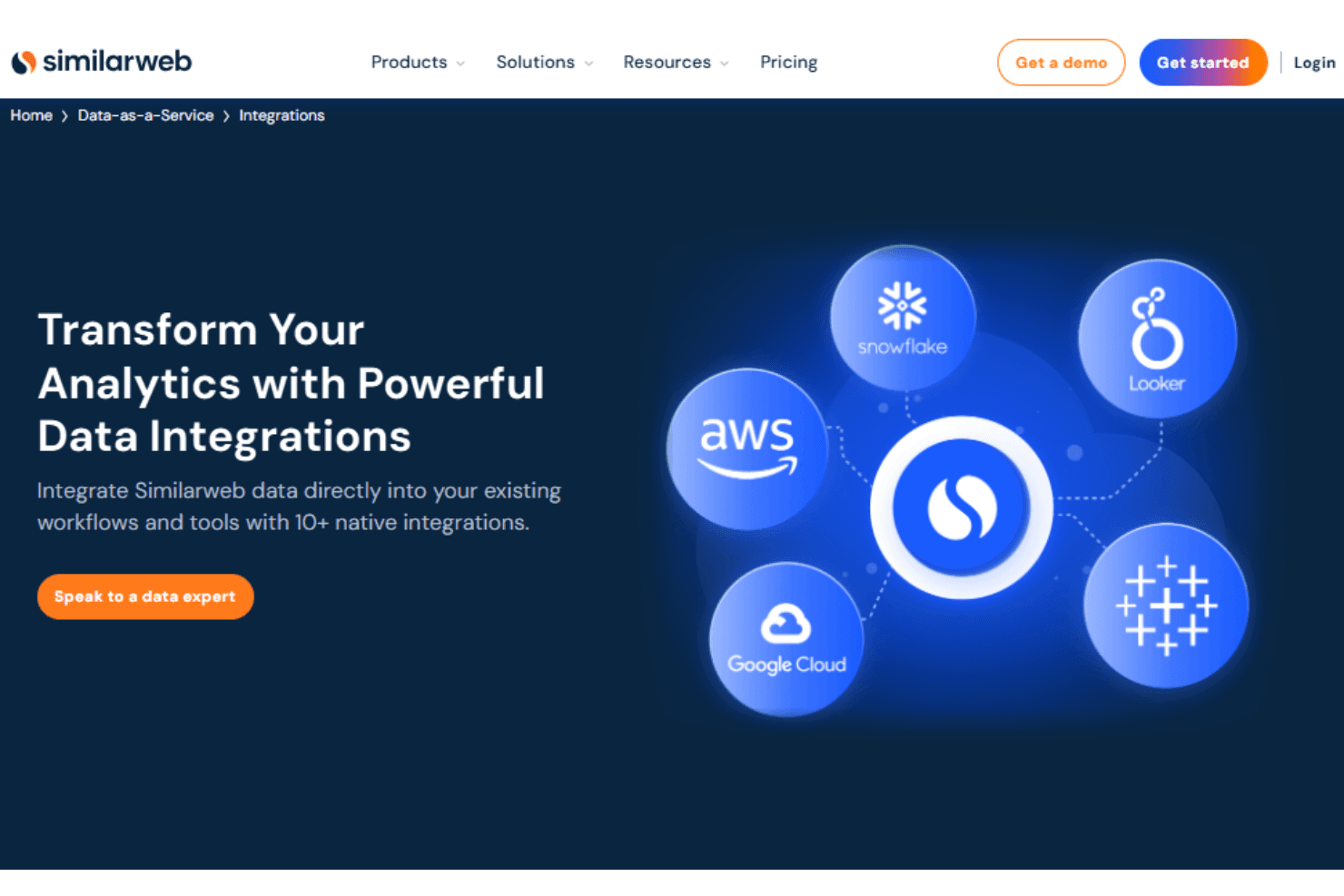
Similarweb integrates with HubSpot and Salesforce, allowing teams to enrich CRM data with digital insights. It also connects with cloud platforms like AWS and BI tools such as Google Looker Studio.
The platform offers APIs and webhook support for custom data access and can integrate with third-party tools to extend workflows.
Similarweb Specs
- A/B Testing: Yes
- Access Management: Yes
- Analytics: Yes
- API: Yes
- Conversion Tracking: Yes
- Custom Reports: Yes
- Customer Management: Yes
- Dashboards: Yes
- Data Export: Yes
- Data Import: Yes
- Data Mining: Yes
- Data Visualization: Yes
- External Integrations: Yes
- Forecasting: Yes
- Inventory Tracking: Yes
- Keyword Tracking: Yes
- Link Tracking: Yes
- Multi-User: Yes
- Notifications: Yes
- Project Management: Yes
- Reports: Yes
- Scenario Planning: Yes
- SEO: Yes
- Supplier Management: Yes
- Visualization: Yes


