


Figma vs. Sketch: Comparison & Expert Reviews For 2026

We review tools independently, and commissions help fund our testing. See our transparency policy, our methodology, or suggest a tool.
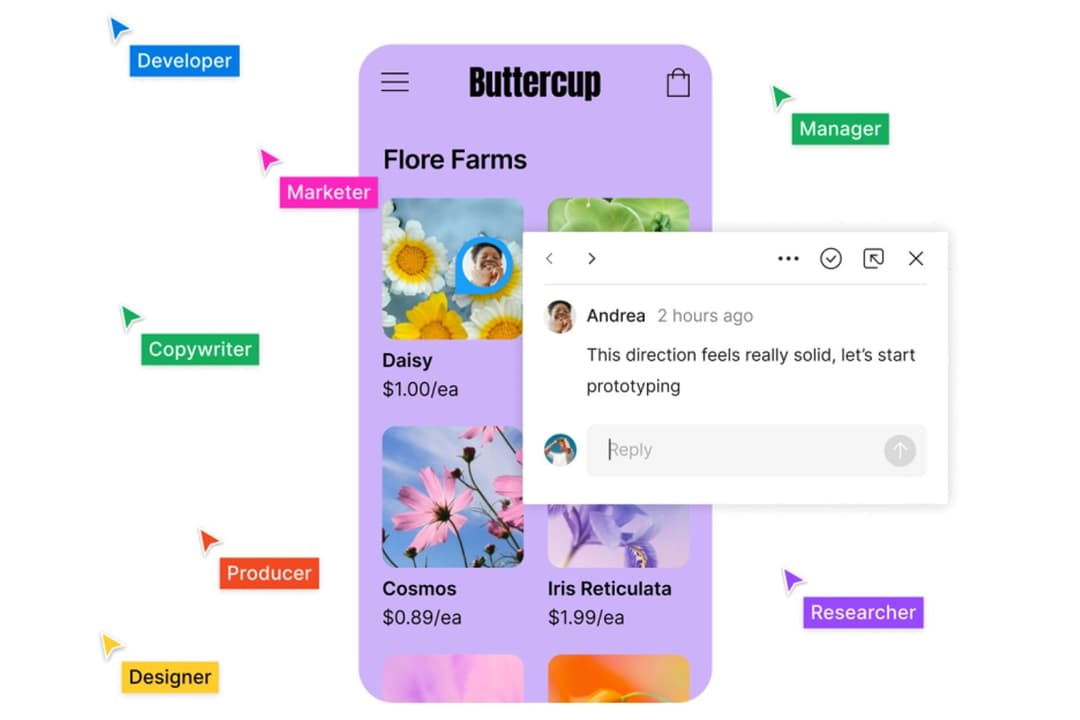
Figma offers a collaborative edge in UX design, making teamwork fluid, no matter where your team is. Sketch, on the other hand, shines with its powerful vector editing capabilities tailored for Mac users. While both tools are popular for creating user interfaces, their distinct approaches to collaboration and platform compatibility set them apart.
In this article, you’ll find a detailed comparison of these UX design tools, exploring their features, pros and cons, pricing, and more to help you make the best choice for your design needs.
Figma

4.7/5
- Free plan available
- From $3/user/month
Sketch
4.5/5
- 30-day free trial
- From $12/user/month (billed annually)
Why Trust Our Software Recommendations
6,700+
Reviews
20
Industry experts
16+
Evaluation factors
14
Years
Our team has been testing and reviewing software since 2012. As product managers ourselves, we know how difficult—and important—it is to choose the right software.
For this guide, we evaluated tools using hands-on testing and independent research, scoring tools using our selection criteria.
Our reviews reflect our human editorial judgment, not a sales pitch.
Expert reviewers:
- Andrew LumbySenior TPM
- Cristiano ValimSenior UI/UX Lead


| Figma | Sketch | |
|---|---|---|
| Free Trial | Free plan available | 30-day free trial |
| Pricing | From $3/user/month | From $12/user/month (billed annually) |
Figma vs. Sketch Pricing & Hidden Costs
Figma pricing is subscription-based, starting with free and tiered paid plans that scale by team size and provide access to advanced collaboration features. Sketch pricing offers two options: a Standard subscription at $10 per editor per month (billed yearly) with cloud collaboration and real-time tools, or a Mac-only license at $120 per seat with one year of updates and permanent access to the app.
The choice comes down to whether your team needs continuous web-based collaboration and updates (Figma), or a lower-cost desktop tool with optional annual renewals (Sketch).
| Figma | Sketch | |
|---|---|---|
| CAD Tools | No | No |
| Data Export | Yes | Yes |
| Data Import | Yes | No |
| Multi-User | Yes | No |
| Pixel Graphics | Yes | No |
| Third-Party Plugins/Add-Ons | Yes | No |
| Vector File Support | Yes | No |
| Video | Yes | No |
| Integration | Figma | Sketch |
|---|---|---|
| IntegrationSlack | Figma✅ | Sketch❌ |
| IntegrationJira | Figma✅ | Sketch✅ |
| IntegrationMiro | Figma✅ | Sketch✅ |
| IntegrationAdobe XD | Figma✅ | Sketch✅ |
| IntegrationGoogle Drive | Figma✅ | Sketch❌ |
| IntegrationZeplin | Figma✅ | Sketch✅ |
| IntegrationTrello | Figma✅ | Sketch❌ |
| IntegrationAPI | Figma✅ | Sketch✅ |
| IntegrationZapier | Figma✅ | Sketch❌ |
Figma files can be shared instantly through integrations like Slack, making it easy to keep team members aligned during design sprints. Sketch connects with Zeplin to support developer handoff, ensuring design systems and specifications are delivered accurately into the development process. While Figma emphasizes teamwork and live collaboration, Sketch offers the detailed control many UI design specialists value.
| Factor | Figma | Sketch |
|---|---|---|
| FactorData Privacy | FigmaFigma uses end-to-end encryption to protect user data and project files. | SketchSketch stores files locally, giving you full control over your data security. |
| FactorRegulatory Compliance | FigmaFigma complies with GDPR and CCPA, ensuring data handling meets international standards. | SketchSketch follows GDPR, focusing on data protection for European users. |
| FactorUptime Reliability | FigmaFigma guarantees 99.9% uptime, supported by advanced cloud infrastructure. | SketchSketch's reliability depends on your local system's performance and updates. |
Figma edges out Sketch in terms of cloud-based security and compliance. To evaluate these tools, consider your team's need for cloud collaboration versus local control, and review how each tool aligns with your specific data protection requirements.
| Factor | Figma | Sketch |
|---|---|---|
| FactorUser Interface | FigmaFigma’s browser-based interface is intuitive for design teams and supports collaborative ui design. | SketchSketch offers a Mac-native interface tailored for interface design on Apple’s operating system. |
| FactorOnboarding Experience | FigmaFigma provides tutorials, community resources, and Figma files for quick learning in the design process. | SketchSketch includes in-app guides and support pages to help new users get started with product design. |
| FactorSetup | FigmaFigma runs as a web app with no installation, making it easy for design teams to collaborate anywhere. | SketchSketch requires a local installation, compatible with macOS systems. |
Figma is easier to access and collaborate on due to its web-based nature, while Sketch feels more integrated for Mac users, offering a streamlined design environment. Figma excels in accessibility and collaboration, whereas Sketch's local setup can be a hurdle but offers better performance on Mac systems.
Figma
- Real-time collaboration supports distributed design teams.
- Extensive plugin library expands core design capabilities.
- Cloud-based access enables instant file sharing and feedback.
- Performance can lag with large, complex design files.
- Advanced vector editing tools are less mature than some peers.
- Limited offline editing restricts work without internet.
Sketch
- Sketch offers a clean and intuitive interface that makes design tasks easy for your team.
- It provides robust vector editing tools that enhance your design precision.
- Sketch's extensive library of plugins allows you to customize your workflow to fit your needs.
- Sketch is only available on macOS, which limits access for Windows users.
- It lacks real-time collaboration features that some other design tools offer.
- Some users find Sketch's prototyping capabilities less advanced compared to competitors.
Figma
- Remote Product TeamsFigma’s real-time editing and commenting support distributed product teams working across time zones.
- Design AgenciesCloud-based file management and easy client sharing streamline agency-client collaboration.
- Higher EducationBrowser access and free education plans make Figma accessible for student projects.
- StartupsAffordable pricing and rapid prototyping help startups iterate quickly on MVPs.
- Marketing DepartmentsEasy asset export and brand library features support campaign design needs.
- Front-End DevelopersDeveloper handoff tools and inspect mode simplify translating designs to code.
Sketch
- Tech StartupsSketch’s simplicity and customization options help your team quickly iterate on design ideas, staying agile in a fast-paced environment.
- Creative AgenciesYour agency can benefit from Sketch’s extensive plugin library, allowing for a tailored design process that meets diverse client needs.
- Freelance DesignersSketch’s clean interface and robust vector tools make it easy for you to deliver high-quality work without unnecessary complexity.
- UI/UX DepartmentsSketch provides the essential tools your team needs for precise design work, making it a reliable choice for focused UI/UX tasks.
- Small Design TeamsIf your team values efficiency and customization, Sketch’s straightforward setup and plugin options enhance your collaborative workflow.
- Mac-Exclusive TeamsFor teams using macOS, Sketch’s platform-specific optimizations ensure seamless performance and integration with your existing tools.
Who Should Use Figma, and Who Should Use Sketch?
In my opinion, Figma is best for design teams that want cross-platform flexibility, since it runs in a web browser on Windows, Linux, Mac, and even as a mobile app. It’s well-suited for remote collaboration, Figma design projects, and web design, with extras like FigJam for brainstorming and a free plan that makes it beginner-friendly.
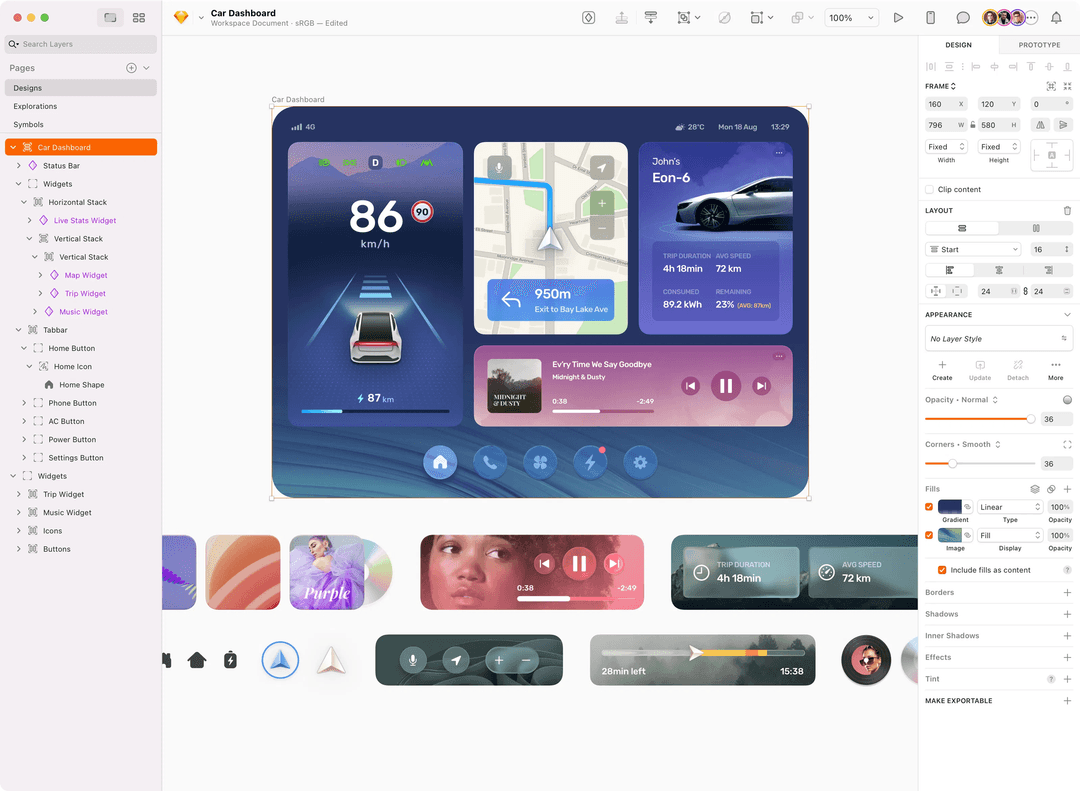
Sketch, on the other hand, is strongest for designers dedicated to macOS and iOS workflows who prefer a native design app with local control. I believe it shines when working with sketch files, grids, and animations, or when paired with tools like Photoshop or InVision for detailed user experience and usability work.
From my perspective, Figma fits larger teams with diverse needs, while Sketch feels ideal for individual creators or small teams who value precision and the polished feel of a Mac-first app.
| Figma | Sketch | |
|---|---|---|
| Collaboration | Figma Figma supports real-time collaboration, letting your team work together online. | Sketch Sketch's collaboration relies on third-party tools for sharing and feedback. |
| Cross-Platform Access | Figma Figma is web-based, accessible from any device with a browser. | Sketch Sketch is a Mac-only application, requiring installation on macOS systems. |
| Integrations | Figma Figma integrates with tools like Slack and Trello for uninterrupted workflows | Sketch Sketch integrates well with Zeplin, focusing on design-to-development handoff. |
| Pricing Model | Figma Figma offers a subscription model with tiered pricing for different needs. | Sketch Sketch charges a one-time fee with optional annual renewals for updates. |
| User Interface | Figma Figma provides a clean, browser-based interface for easy navigation. | Sketch Sketch offers a polished, Mac-native interface familiar to Apple users. |
| Community Resources | Both tools boast active communities that offer tutorials, templates, and design resources. Figma's community is integrated into its platform, while Sketch's community thrives with dedicated forums and resources. |
|---|---|
| Core Focus | Both Figma and Sketch are centered on UI/UX design, offering extensive tools for creating user interfaces. Figma's cloud-based approach enhances team collaboration, while Sketch's Mac-native design provides a familiar environment for Apple enthusiasts. |
| Plugin Ecosystem | Both platforms support a rich ecosystem of plugins, enhancing functionality. Figma's plugins are accessible through its online community, whereas Sketch's plugins integrate with its desktop app. |
| Prototyping Features | Both tools allow you to create interactive prototypes to test user flows. Figma does this with online sharing, and Sketch offers in-app prototyping features. |
| Vector Editing | Both Figma and Sketch provide powerful vector editing capabilities, letting you create detailed and scalable designs. Figma's vector tools are intuitive for web use, while Sketch excels in precision for Mac users. |