

Recensione Userfeel: Pro, Contro, Caratteristiche e Prezzi
Userfeel eccelle nel fornire soluzioni intuitive per il test degli utenti, rendendolo una scelta eccezionale per i team che cercano approfondimenti pratici senza spendere troppo.

Recensiamo gli strumenti in modo indipendente e le commissioni aiutano a finanziare i nostri test. Consulta la nostra politica sulla trasparenza, la nostra metodologia oppure suggerisci uno strumento.
Userfeel is a user research tool built around remote, unmoderated usability testing with real participants drawn from a global tester panel. It's worth considering if you need fast video feedback on your product without committing to an enterprise contract. Compared to UserTesting, Userfeel's pay-per-test pricing gives smaller teams and individual product managers a more accessible entry point into structured usability research.
Userfeel Evaluation Summary
4.5/5
- From $30/tester
- Free demo available
Perché fidarsi dei nostri consigli sui software
6,700+
Reviews
20
Industry experts
16+
Evaluation factors
14
Years
Il nostro team testa e recensisce software dal 2012. In quanto product manager noi stessi, sappiamo quanto sia difficile — e importante — scegliere il software giusto.
Per questa guida, abbiamo valutato gli strumenti attraverso test pratici e ricerche indipendenti, assegnando un punteggio agli strumenti in base ai nostri criteri di selezione.
Le nostre recensioni riflettono il nostro giudizio editoriale umano, non un discorso di vendita.
Revisori esperti:
- Andrew LumbySenior TPM
- Cristiano ValimSenior UI/UX Lead


Userfeel Overview
In my opinion, Userfeel offers a solid user research tool that's particularly well-suited for teams looking for straightforward usability testing. Its standout features like multilingual support set it apart from competitors, making it a great choice for international teams. The interface is intuitive, which is a plus for quick onboarding. While it may not have as many integrations as some other tools, its ease of use and valuable insights make it worth considering. The customer support is reliable, though it could be more responsive. For teams that prioritize ease of use and practical testing features, Userfeel is a smart selection. However, if you need extensive integration options, you might want to explore other tools. Overall, it's a good fit for UX teams aiming for efficient user testing without overly complex setups.
Pros
- It offers multilingual support, which is great for international teams.
- The interface is intuitive, making it easy for your team to use.
- You get valuable insights from real user feedback quickly.
Cons
- It doesn't offer as many integrations as some other tools.
- Customer support could be more responsive.
- It may lack some advanced features needed for complex testing.
Is Userfeel Right For Your Needs?
Who Would be a Good Fit for Userfeel?
Userfeel is a good fit for UX teams and product managers in industries like e-commerce and finance. If your team needs quick insights from real users, Userfeel's intuitive interface and multilingual support can help. For marketing departments aiming to understand diverse customer bases, Userfeel offers practical testing without complex setups. Its user-friendly design ensures your team can start testing without a steep learning curve, making it ideal for businesses that prioritize efficiency and straightforward usability testing. Whether you're testing websites or working with your target audience, Userfeel provides high quality results through unmoderated sessions with real people.
- E-commerce TeamsUserfeel helps you understand how customers navigate your site, thanks to its real user feedback feature.
- Marketing DepartmentsYou can gather insights into customer behavior across different regions with Userfeel's multilingual support and targeted demographics.
- Product ManagersUserfeel's easy setup and quick insights make it ideal for refining product features efficiently.
- UX ResearchersIf you're aiming for straightforward usability testing, Userfeel's intuitive interface is a strong choice.
- Small BusinessesYou benefit from Userfeel's cost-effective solutions and insights without needing extensive resources.
- International CompaniesWith multilingual support, Userfeel helps you test products across various languages and cultures.
Who Would be a Bad Fit for Userfeel?
Userfeel might not be ideal for large enterprises needing extensive integrations with other software tools. If your team relies heavily on advanced analytics and deep integration with existing systems, Userfeel's limited integration capabilities could be a drawback. Industries like tech or healthcare, where complex user data analysis is crucial, might find Userfeel lacking. If your work demands highly specialized testing features beyond what typical testing platforms offer, you might need a more advanced tool.
- Large EnterprisesIf your company needs extensive software integrations, Userfeel's limited options might not meet your needs.
- Tech CompaniesFor advanced analytics and deep user data analysis, Userfeel doesn't offer the specialized tools you might require.
- Healthcare IndustryIf your work involves complex data analysis and integration, Userfeel's functionalities might fall short.
- Data AnalystsYou might find Userfeel lacking if you need in-depth data analytics and reporting features.
- Advanced Research TeamsFor teams needing specialized testing features, Userfeel's straightforward approach might not be enough.
- Integration-Heavy EnvironmentsIf your environment relies on seamless software integration, Userfeel's limited integration capabilities could be a limitation.
Come Testiamo e Valutiamo gli Strumenti
Abbiamo passato anni a costruire, perfezionare e migliorare il nostro sistema di test e valutazione del software. Il nostro metodo è stato progettato per cogliere le sfumature della selezione del software e ciò che rende efficace uno strumento, concentrandosi sugli aspetti critici del processo decisionale. Qui sotto puoi vedere esattamente come funzionano i nostri test e la nostra valutazione suddivisa in sette criteri. Questo ci consente di offrire una valutazione imparziale del software sulla base delle funzionalità principali, delle caratteristiche distintive, della facilità d’uso, dell’onboarding, dell’assistenza clienti, delle integrazioni, delle recensioni dei clienti e del rapporto qualità/prezzo.
Funzionalità Principali (25% del punteggio finale)
Il punto di partenza della nostra valutazione sono sempre le funzionalità principali dello strumento. Possiede le funzioni di base che un utente si aspetterebbe di trovare? Alcune di queste sono riservate ai piani tariffari più alti? Ci aspettiamo che uno strumento rispetti almeno le funzionalità di base dei competitors.
Caratteristiche Distintive (25% del punteggio finale)
Successivamente, valutiamo le caratteristiche distintive e non comuni che vanno oltre le funzioni di base normalmente riscontrate in strumenti simili. Un punteggio alto indica funzionalità specializzate o uniche che rendono il prodotto più rapido, efficiente o forniscono un valore aggiunto all’utente. Valutiamo anche la facilità con cui si possono integrare altri strumenti solitamente presenti nella stack tecnologica, ampliando così funzionalità e utilità del software. Gli strumenti che offrono molte integrazioni native, collegamenti di terze parti e accesso API per integrazioni personalizzate ottengono i punteggi migliori.
Facilità d’Uso (10% del punteggio finale)
Consideriamo quanto sia rapido e semplice eseguire le attività definite dalle funzionalità principali tramite lo strumento. Il software con il punteggio più alto è ben progettato, intuitivo da usare, offre app per dispositivi mobili, modelli preimpostati e semplifica anche le attività più complesse.
Onboarding (10% del punteggio finale)
Sappiamo quanto sia importante una rapida adozione da parte del team, quindi valutiamo quanto sia facile imparare ad usare lo strumento con una formazione minima. Valutiamo la velocità con cui un membro del team può configurarsi e iniziare a utilizzare lo strumento senza esperienza. Le soluzioni con punteggio più alto richiedono poco o nessun supporto.
Assistenza Clienti (10% del punteggio finale)
Osserviamo quanto sia facile e veloce ottenere supporto tramite telefono, chat dal vivo o knowledge base. Gli strumenti che offrono supporto in tempo reale ottengono punteggi più alti, mentre i chatbot ricevono i punteggi peggiori.
Recensioni Clienti (10% del punteggio finale)
Oltre ai nostri test e valutazioni, consideriamo il net promoter score di clienti attuali e passati. Valutiamo la probabilità che scelgano nuovamente lo strumento in base alle funzionalità principali. Un software con punteggio elevato riflette un net promoter score alto.
Rapporto Qualità/Prezzo (10% del punteggio finale)
Infine, considerando tutti gli altri criteri, confrontiamo il prezzo medio dei piani base con le funzionalità principali, esaminando il valore degli altri criteri di valutazione. Il software che offre di più, a meno, otterrà un punteggio maggiore.
Core Features
Remote Usability Testing
Conduct tests with real users from anywhere, helping your team gather insights without geographical constraints for quick setup.
Video Recording
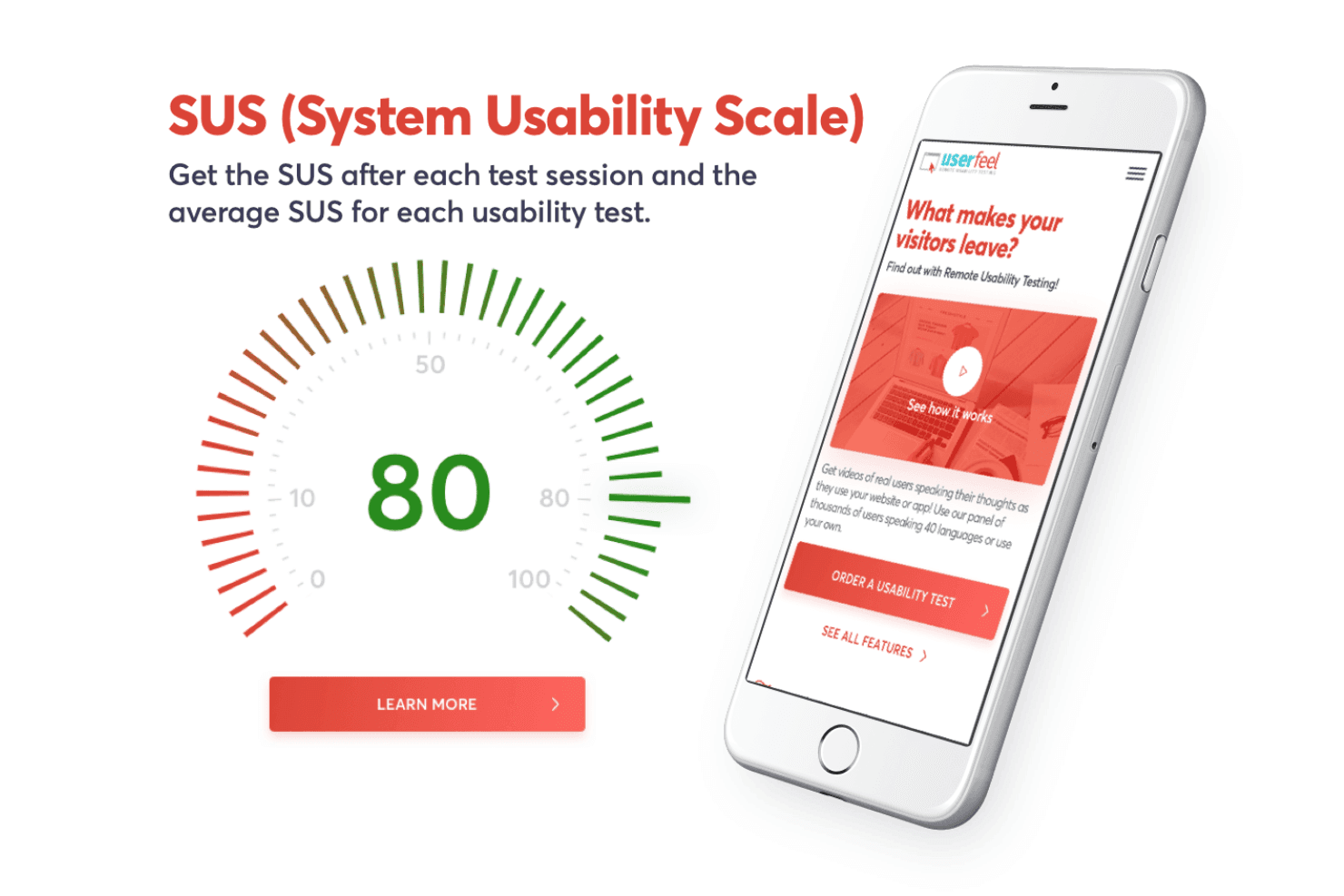
Watch users interact with your product, providing clear visual insights to pinpoint usability issues effectively.
Task-Based Testing
Assign specific tasks to users, allowing you to focus on particular areas for a targeted, efficient approach.
Highlight Reels
Create short video clips of key moments from tests to share findings quickly with your team.
Quantitative Metrics
Get numerical data on user interactions, providing measurable ways to assess usability for data-driven decisions.
Ease of Use
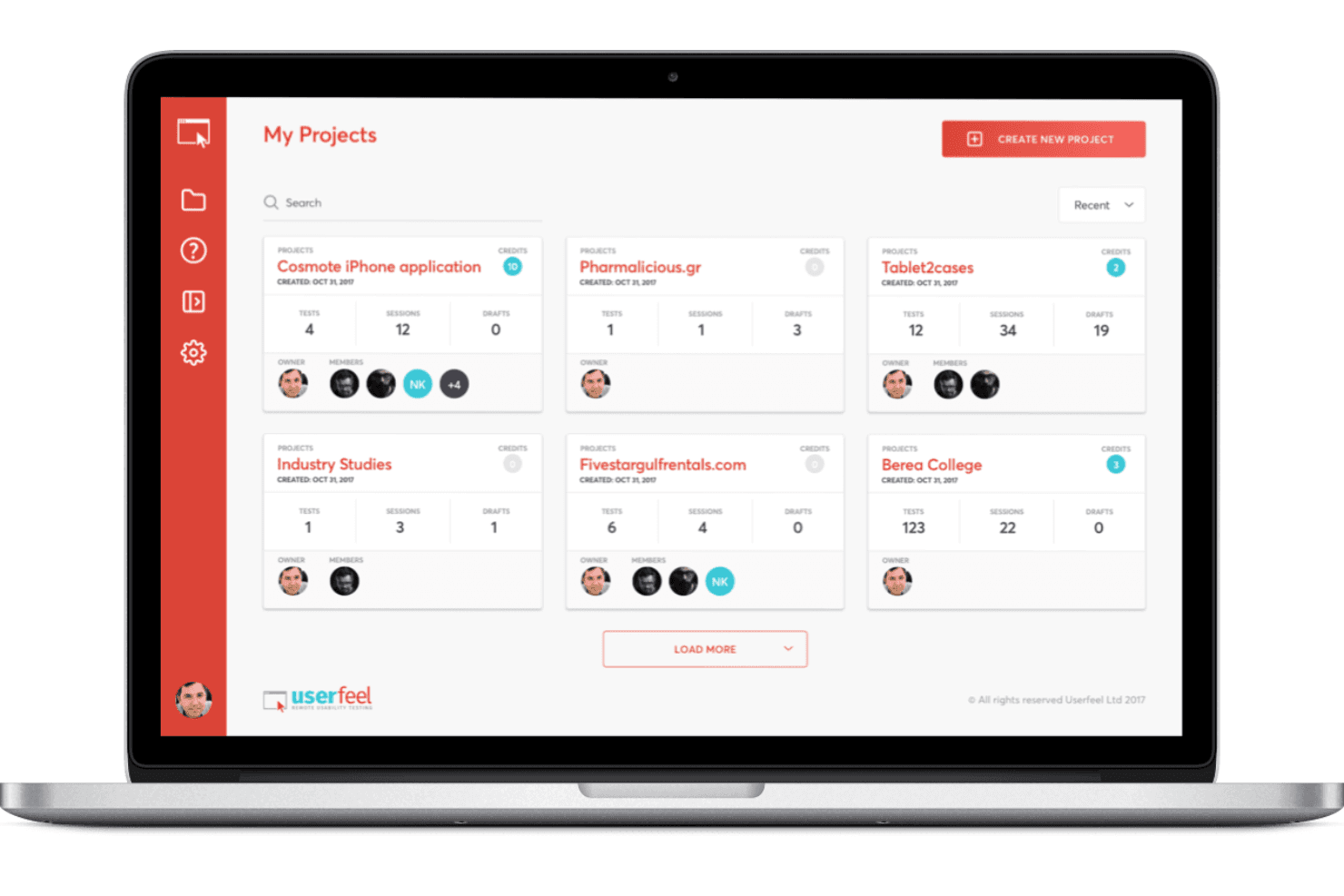
Userfeel is remarkably user-friendly, making it a breeze for your team to get started with usability testing. The interface is intuitive, allowing even those new to user research to navigate it easily. Features like task-based testing and video recording are straightforward and don't require a steep learning curve. You can quickly set up tests and gather insights without getting bogged down in complex setups. This simplicity makes Userfeel a strong choice for teams prioritizing efficiency in their research process. Beginners will find the functionality accessible, with step by step guidance that helps them conduct user testing tool operations smoothly.
Integrations
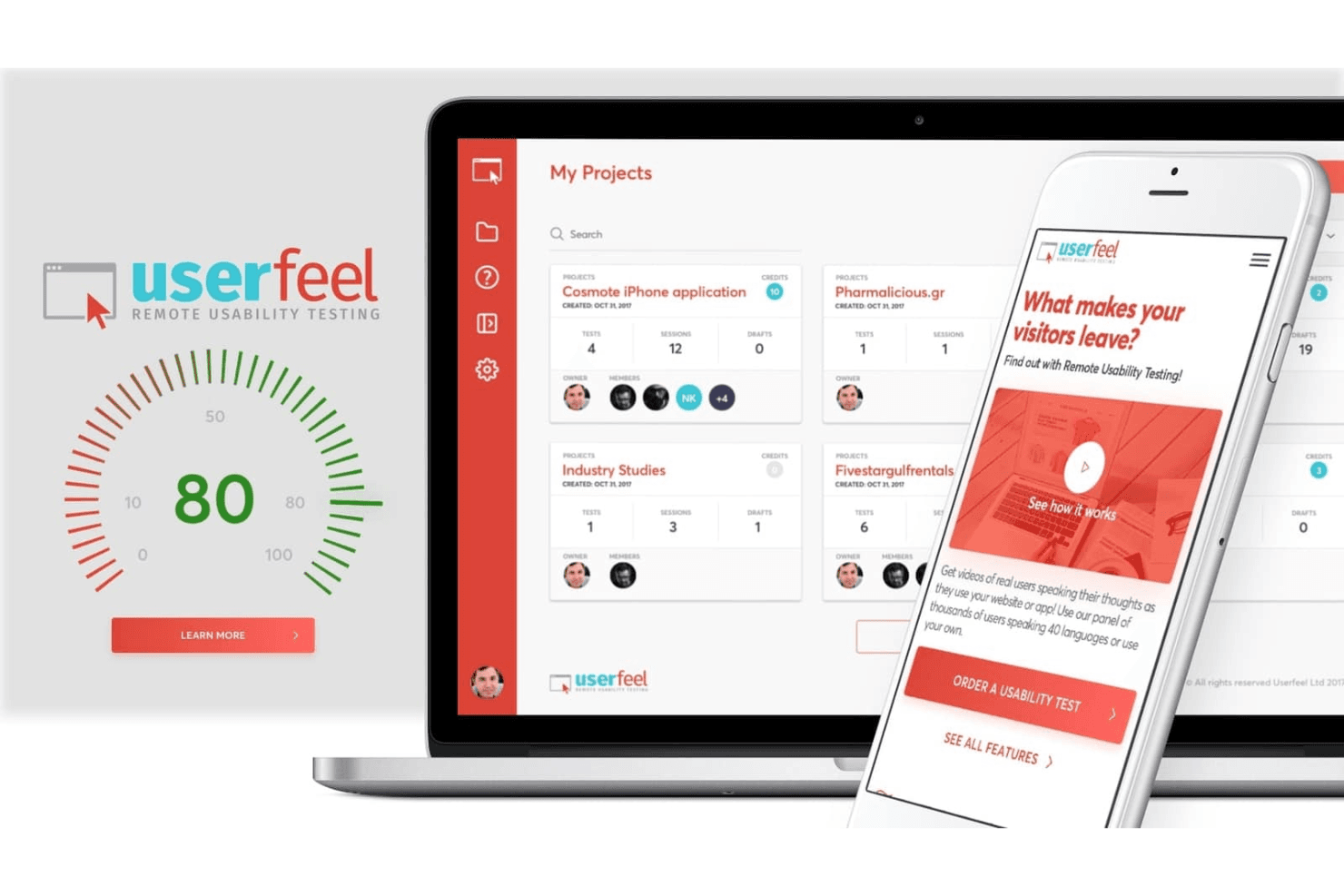
Userfeel does not provide a verified list of native third-party integrations or an official integrations marketplace. It offers limited, partnership-based connectivity, such as recruitment integration with User Interviews to help source testers within the platform. Collaboration is supported through shareable videos, highlight clips, and exports, allowing teams to distribute insights without additional integrations.
Userfeel Specs
- A/B Testing: Yes
- API: Yes
- Automated Testing: Yes
- Browser Compatibility Testing: Yes
- Bug Tracking: Yes
- Calendar Management: Yes
- CI/CD Integration: Yes
- Dashboard: Yes
- Data Export: Yes
- Data Import: Yes
- Data Visualization: Yes
- Developer Tools: Yes
- External Integrations: Yes
- History/Version Control: Yes
- Manual Testing: Yes
- Multi-User: Yes
- Notifications: Yes
- Performance Testing: Yes
- Regression Testing: Yes
- Scheduling: Yes
- Status Notifications: Yes
- Third-Party Plugins/Add-Ons: Yes


