
Recensione di Sprig: Vantaggi, Svantaggi, Funzionalità e Prezzi
Sprig offre strumenti eccellenti per ottimizzare l'esperienza utente e raccogliere approfondimenti, rendendolo ideale per i team che cercano una gestione del prodotto efficiente.

Recensiamo gli strumenti in modo indipendente e le commissioni aiutano a finanziare i nostri test. Consulta la nostra politica sulla trasparenza, la nostra metodologia oppure suggerisci uno strumento.
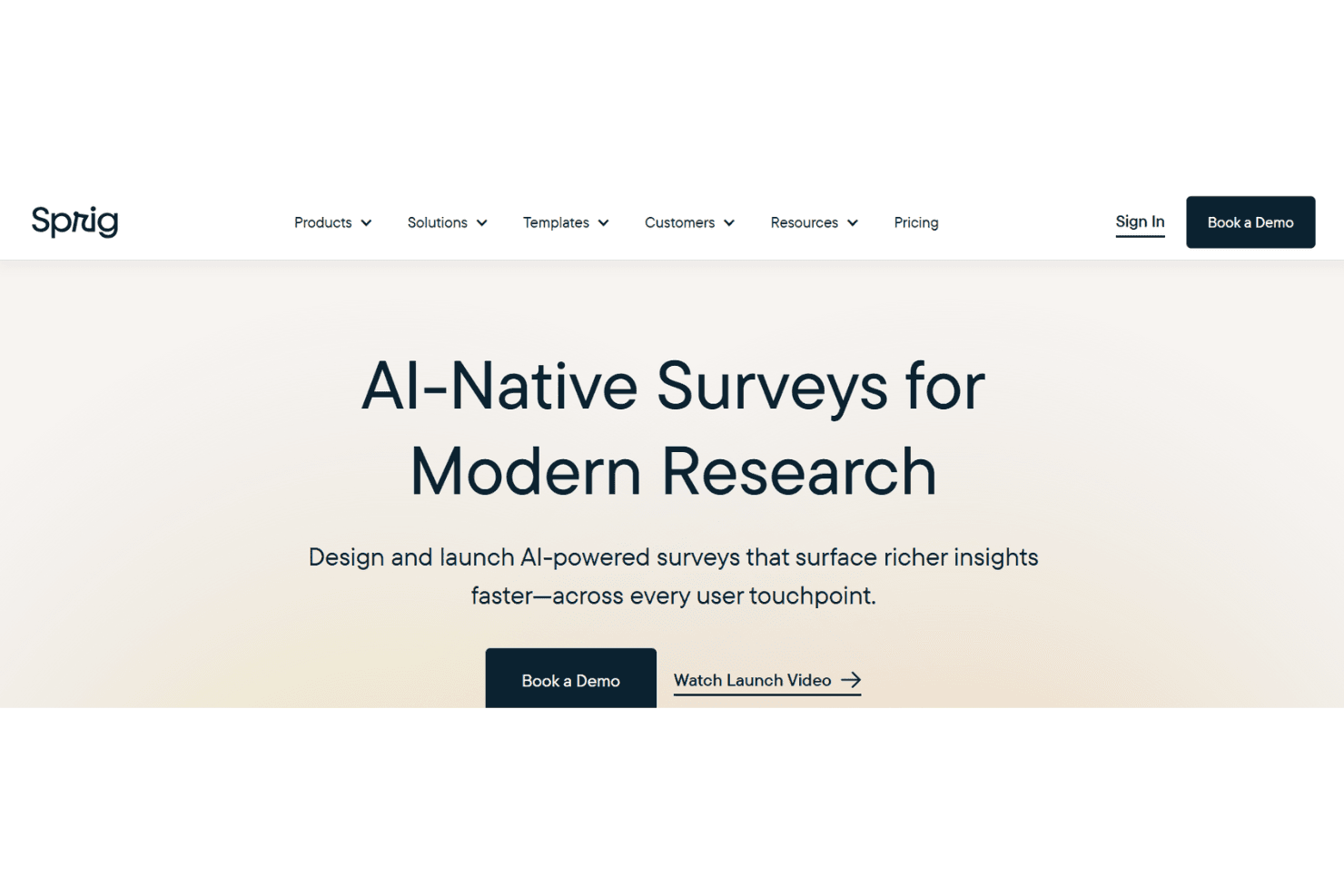
Sprig is a user research tool built for product teams who need to capture feedback and session data directly inside a live product. It's a natural fit when you want in-product surveys, session replays, and AI-powered analysis without managing separate tools. I'd consider it over UserTesting if continuous, in-product discovery matters more to you than recruiting external participant panels—Sprig connects to your existing product experience and surfaces insights faster.
Sprig Evaluation Summary
4.5/5
- From $175/month (billed annually)
- 14-day free trial + free plan available
Perché fidarsi dei nostri consigli sui software
6,700+
Reviews
20
Industry experts
16+
Evaluation factors
14
Years
Il nostro team testa e recensisce software dal 2012. In quanto product manager noi stessi, sappiamo quanto sia difficile — e importante — scegliere il software giusto.
Per questa guida, abbiamo valutato gli strumenti attraverso test pratici e ricerche indipendenti, assegnando un punteggio agli strumenti in base ai nostri criteri di selezione.
Le nostre recensioni riflettono il nostro giudizio editoriale umano, non un discorso di vendita.
Revisori esperti:
- Andrew LumbySenior TPM
- Cristiano ValimSenior UI/UX Lead


Sprig Overview
In my opinion, Sprig is a solid product management software that excels in user research and feedback analysis. Features such as real-time insights and user session replays make it a great choice for UX teams and product managers. Sprig's ease of use and integration capabilities are impressive, though it might lack advanced features for more complex workflows. It's best for teams needing quick, actionable data to inform product decisions. If your team values intuitive design and efficient data collection, you should consider choosing Sprig.
Pros
- Real-time insights allow your team to make quick, informed decisions.
- Its user-friendly interface is easy to navigate.
- The availability of real-time feedback can save you time and money.
Cons
- You need to book a demo to find out the pricing details for different plans.
- Its customization options might feel too limited for complex needs.
- Advanced features may take you extra time to learn.
Is Sprig Right For Your Needs?
Who Would be a Good Fit for Sprig?
Sprig is ideal for UX teams and product managers who need fast, actionable insights to guide product-related decisions. If your team is in tech or digital product development, Sprig's real-time feedback can simplify your work. For businesses focused on improving user experience and making data-driven decisions, Sprig offers the tools to gather and analyze user feedback efficiently.
- Tech StartupsSprig's quick insights help tech startups pivot and adapt to user needs efficiently.
- Digital AgenciesDigital teams benefit from Sprig's efficient feedback collection to improve client projects.
- UX TeamsReal-time insights allow UX teams to improve user experience quickly.
- Product ManagersSprig helps product managers make strategic decisions with actionable data.
- Small Business OwnersSmall businesses can use Sprig's user-friendly tools to gather customer insights and improve their products.
- E-Commerce PlatformsSprig's feedback tools help e-commerce platforms optimize user journeys and increase customer satisfaction.
Who Would be a Bad Fit for Sprig?
Sprig might not suit large enterprises needing extensive customization and advanced analytics. Teams focused on complex, multi-layered projects could find Sprig's simplicity a drawback. If your work environment requires detailed reporting or heavily customized workflows, Sprig may not meet your needs.
- Large EnterprisesLarge enterprises might need more customization than Sprig offers for complex workflows.
- Finance IndustrySprig's features may not support the detailed analytics that finance teams require.
- Data AnalystsSprig lacks the advanced reporting tools needed for in-depth data analysis.
- Manufacturing FirmsComplex manufacturing operations might not be best served by Sprig's straightforward design.
- Legal DepartmentsSprig's feedback tools may not align with the specific needs of legal compliance work.
- Health Care IndustryHealth care facilities might require more specialized data handling than Sprig provides.
Come Testiamo e Valutiamo gli Strumenti
Abbiamo passato anni a costruire, perfezionare e migliorare il nostro sistema di test e valutazione del software. Il nostro metodo è stato progettato per cogliere le sfumature della selezione del software e ciò che rende efficace uno strumento, concentrandosi sugli aspetti critici del processo decisionale. Qui sotto puoi vedere esattamente come funzionano i nostri test e la nostra valutazione suddivisa in sette criteri. Questo ci consente di offrire una valutazione imparziale del software sulla base delle funzionalità principali, delle caratteristiche distintive, della facilità d’uso, dell’onboarding, dell’assistenza clienti, delle integrazioni, delle recensioni dei clienti e del rapporto qualità/prezzo.
Funzionalità Principali (25% del punteggio finale)
Il punto di partenza della nostra valutazione sono sempre le funzionalità principali dello strumento. Possiede le funzioni di base che un utente si aspetterebbe di trovare? Alcune di queste sono riservate ai piani tariffari più alti? Ci aspettiamo che uno strumento rispetti almeno le funzionalità di base dei competitors.
Caratteristiche Distintive (25% del punteggio finale)
Successivamente, valutiamo le caratteristiche distintive e non comuni che vanno oltre le funzioni di base normalmente riscontrate in strumenti simili. Un punteggio alto indica funzionalità specializzate o uniche che rendono il prodotto più rapido, efficiente o forniscono un valore aggiunto all’utente. Valutiamo anche la facilità con cui si possono integrare altri strumenti solitamente presenti nella stack tecnologica, ampliando così funzionalità e utilità del software. Gli strumenti che offrono molte integrazioni native, collegamenti di terze parti e accesso API per integrazioni personalizzate ottengono i punteggi migliori.
Facilità d’Uso (10% del punteggio finale)
Consideriamo quanto sia rapido e semplice eseguire le attività definite dalle funzionalità principali tramite lo strumento. Il software con il punteggio più alto è ben progettato, intuitivo da usare, offre app per dispositivi mobili, modelli preimpostati e semplifica anche le attività più complesse.
Onboarding (10% del punteggio finale)
Sappiamo quanto sia importante una rapida adozione da parte del team, quindi valutiamo quanto sia facile imparare ad usare lo strumento con una formazione minima. Valutiamo la velocità con cui un membro del team può configurarsi e iniziare a utilizzare lo strumento senza esperienza. Le soluzioni con punteggio più alto richiedono poco o nessun supporto.
Assistenza Clienti (10% del punteggio finale)
Osserviamo quanto sia facile e veloce ottenere supporto tramite telefono, chat dal vivo o knowledge base. Gli strumenti che offrono supporto in tempo reale ottengono punteggi più alti, mentre i chatbot ricevono i punteggi peggiori.
Recensioni Clienti (10% del punteggio finale)
Oltre ai nostri test e valutazioni, consideriamo il net promoter score di clienti attuali e passati. Valutiamo la probabilità che scelgano nuovamente lo strumento in base alle funzionalità principali. Un software con punteggio elevato riflette un net promoter score alto.
Rapporto Qualità/Prezzo (10% del punteggio finale)
Infine, considerando tutti gli altri criteri, confrontiamo il prezzo medio dei piani base con le funzionalità principali, esaminando il valore degli altri criteri di valutazione. Il software che offre di più, a meno, otterrà un punteggio maggiore.
Core Features
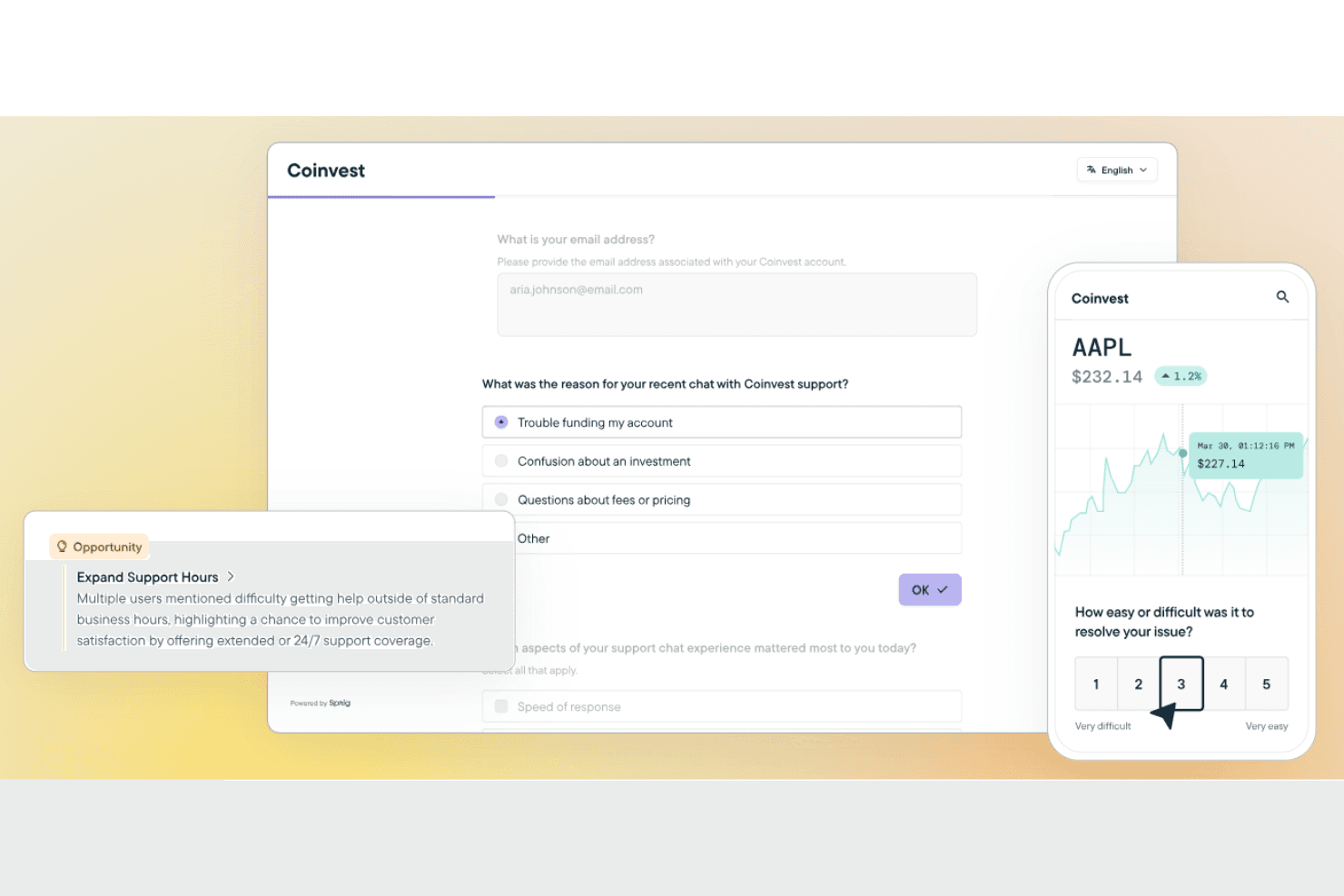
Real-Time Insights and Feedback: Sprig lets you gather instant user feedback, helping your team make quick, informed decisions. You can use this feedback to fix issues or implement new features to improve the product experience for users.
User-Friendly Interface: The intuitive design makes it easy for your team to navigate and utilize the tool effectively.
Data Analysis: Sprig offers basic tools to analyze user feedback, helping you understand trends and patterns. You can use this data to influence your product strategy.
Surveys and Forms: You can create custom surveys and forms to gather specific user insights. Templates are available to simplify this process.
Collaboration Tools: Sprig facilitates teamwork by allowing easy sharing and discussion of insights, keeping your team aligned and informed.
Ease of Use
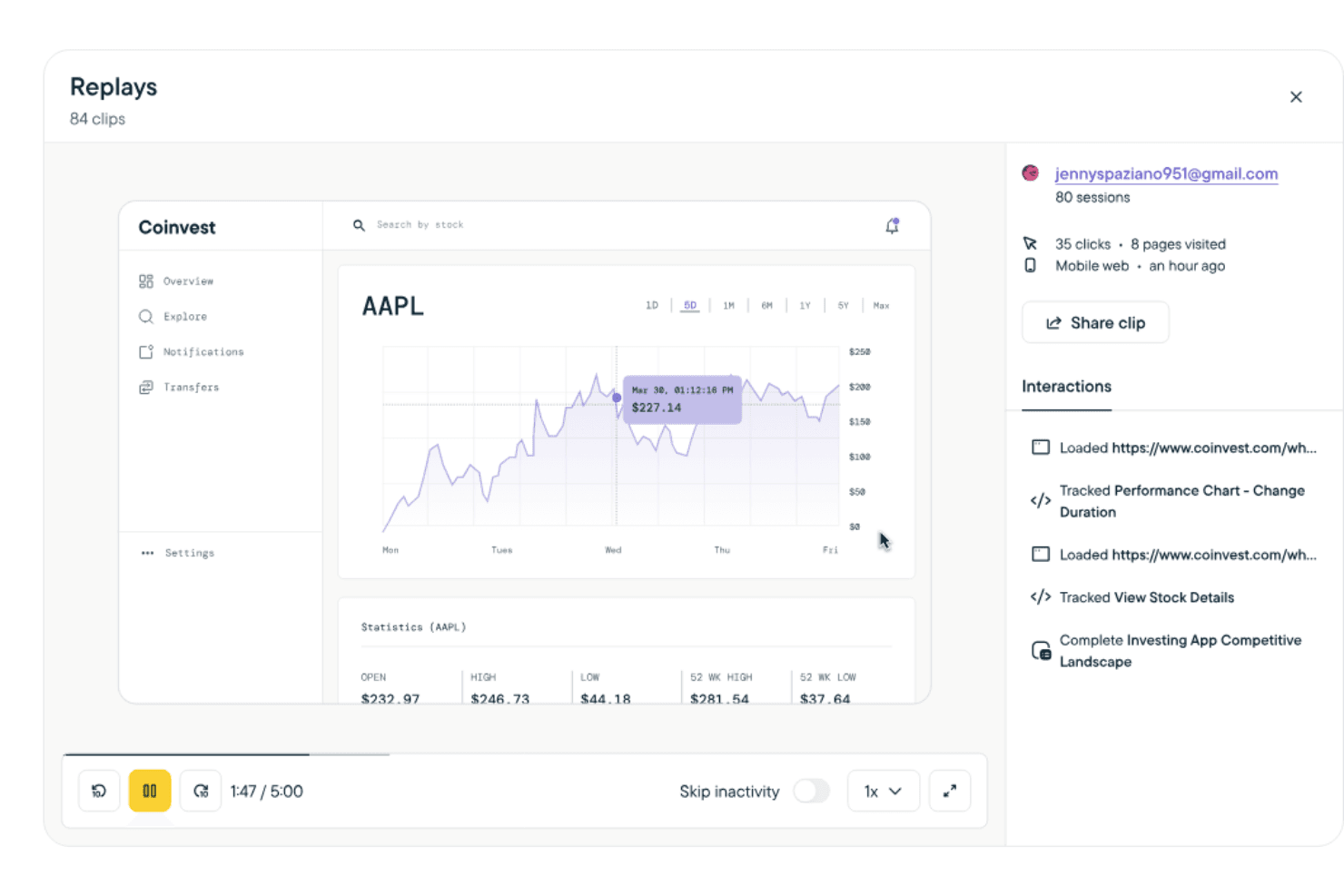
Sprig stands out for its easy-to-use interface and intuitive navigation. The straightforward design allows you to focus on gathering insights for your product. Setting up surveys and analyzing data is simple, which saves you time and effort. Compared to other tools, Sprig's ease of use makes it an attractive choice for teams looking for efficient product management without a steep learning curve.
Integrations
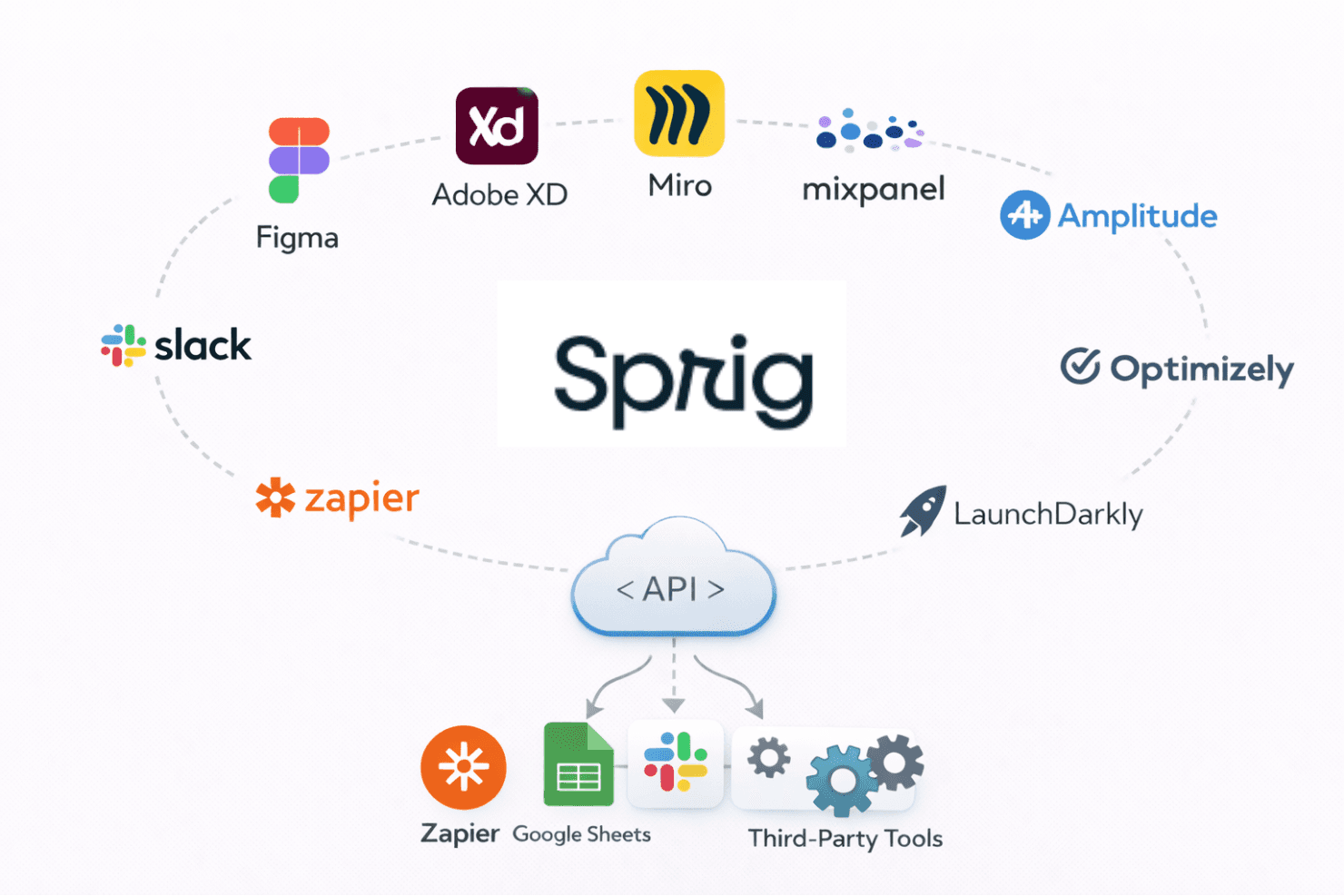
Sprig integrates with platforms such as Figma, Adobe XD, Miro, Mixpanel, Amplitude, Optimizely, LaunchDarkly, Slack, Zapier, and Segment.
Sprig Specs
- A/B Testing: No
- API: No
- Collaboration Support: No
- Custom Data Forms: No
- Dashboard: Yes
- Dashboards: No
- Data Export: Yes
- Data Import: No
- Developer Tools: No
- External Integrations: Yes
- Feedback Management: No
- Gantt Charts: No
- Google Apps Integration: No
- Multi-User: Yes
- Notifications: Yes
- Prioritization: Yes
- Product Catalog: No
- Release Management: No
- Reports: No
- Resource Management: No
- Review Monitoring: Yes
- Roadmapping: No
- Scheduling: No
- Task Scheduling/Tracking: No


