
Recensione Galaxy.ai: Pro, Contro, Caratteristiche e Prezzi Spiegati
Galaxy.ai si distingue per la generazione di mockup guidata dall'intelligenza artificiale, offrendo risultati rapidi e di alta qualità, ma potrebbe non essere adatto a chi necessita di una personalizzazione avanzata o di funzionalità di design di nicchia.

Recensiamo gli strumenti in modo indipendente e le commissioni aiutano a finanziare i nostri test. Consulta la nostra politica sulla trasparenza, la nostra metodologia oppure suggerisci uno strumento.
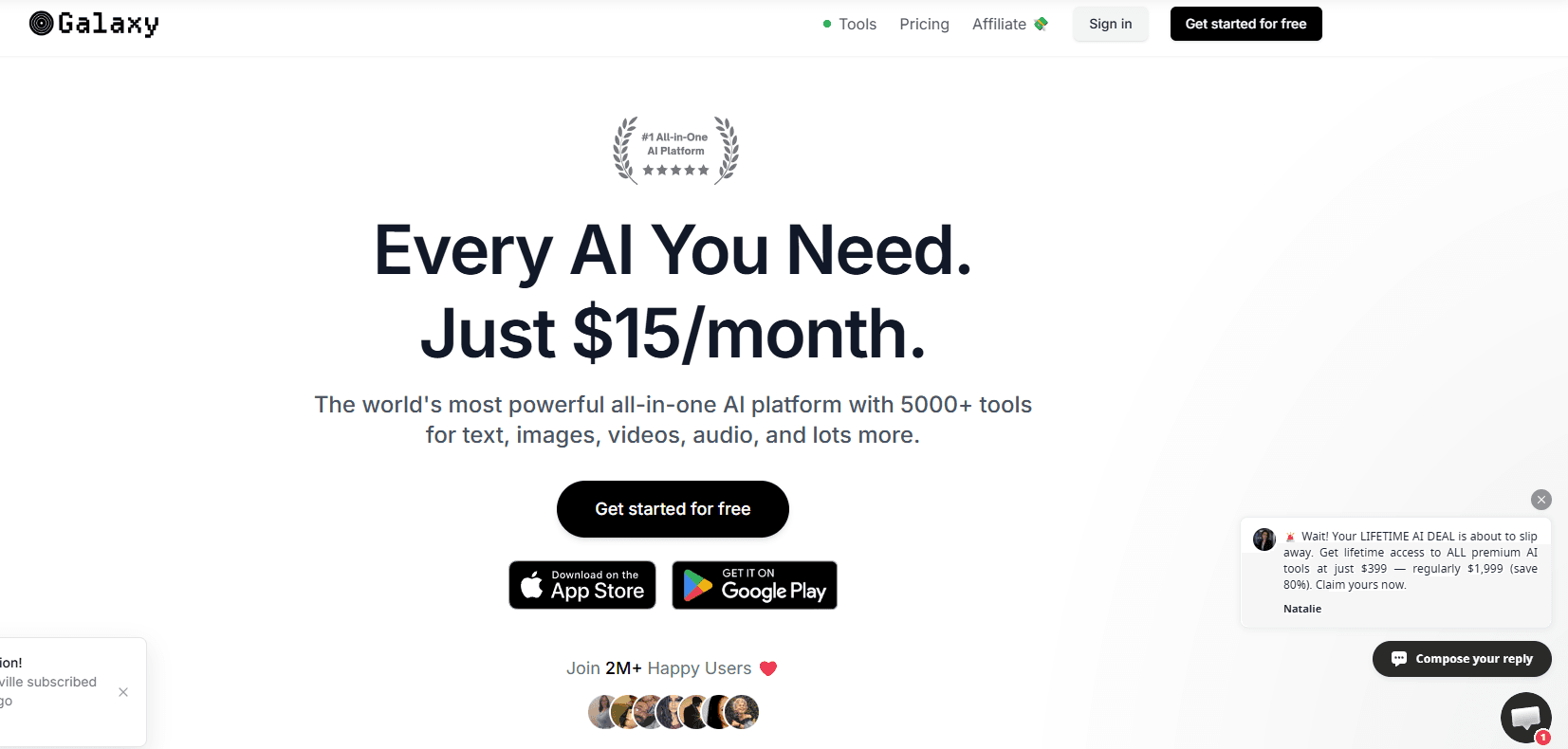
Galaxy.ai is an AI-powered mockup generator for product teams who need to visualize designs in realistic environments without a dedicated design resource. I'd consider it over Placeit if you need more than a fixed template library. Galaxy.ai's AI generation lets you build mockups from scratch rather than adapting your work to preset formats. This review covers the core features, pricing, and where it fits in your workflow.
Galaxy.ai Evaluation Summary
2.8/5
- From $15/month (billed annually)
- Free plan available
Perché fidarsi dei nostri consigli sui software
6,700+
Reviews
20
Industry experts
16+
Evaluation factors
14
Years
Il nostro team testa e recensisce software dal 2012. In quanto product manager noi stessi, sappiamo quanto sia difficile — e importante — scegliere il software giusto.
Per questa guida, abbiamo valutato gli strumenti attraverso test pratici e ricerche indipendenti, assegnando un punteggio agli strumenti in base ai nostri criteri di selezione.
Le nostre recensioni riflettono il nostro giudizio editoriale umano, non un discorso di vendita.
Revisori esperti:
- Andrew LumbySenior TPM
- Cristiano ValimSenior UI/UX Lead


Galaxy.ai Overview
When evaluating Galaxy.ai, the fact that it's an all-in-one platform with access to a wide array of AI models and LLMs makes it especially stand out. Pricing is competitive for the feature set, though advanced customization and deep integrations are limited compared to some alternatives. If you're selecting a tool for rapid prototyping, client presentations, or internal design reviews, Galaxy.ai is a strong choice—especially for SaaS teams or agencies prioritizing speed and simplicity over granular control.
Pros
- Access to a wide range of AI image models.
- Fast generation of high-quality mockup visuals.
- Affordable pricing compared to most alternatives.
Cons
- Credit-based usage limits advanced mockup features.
- Credit costs for each tool are not always transparent.
- Lacks advanced mockup editing and export options.
Is Galaxy.ai Right For Your Needs?
Who Would be a Good Fit for Galaxy.ai?
Galaxy.ai is a strong choice for teams that need to generate device mockups quickly and at scale, especially when speed and automation matter more than deep design customization. Its batch processing, watermark-free exports, and AI-driven device adaptation make it ideal for fast-moving environments and roles focused on rapid prototyping or marketing visuals. Whether you're an entrepreneur, a business owner scaling a brand, or a content creator producing ai-generated assets at volume, galaxy.ai can help you deliver consistent results with minimal manual effort. If your workflow values efficiency and you don't require advanced integrations or niche templates, this platform is worth it.
- Startup Product TeamsGalaxy.ai's fast onboarding and batch mockup generation support rapid iteration cycles.
- Marketing DepartmentsQuickly create device mockups for campaign visuals without design bottlenecks.
- SaaS Demo CreatorsAI adapts a single design to multiple device frames for demo assets.
- FreelancersNo watermark on exports allows for client-ready mockups on the free plan.
- Social Media ManagersBatch processing enables fast content creation for multiple platforms.
- E-commerce SellersEasily generate product display images for online listings and ads.
Who Would be a Bad Fit for Galaxy.ai?
Galaxy.ai is less suitable for teams that need highly specialized templates, advanced design integrations, or export flexibility beyond standard image formats. If your workflow depends on direct plugin integrations with design tools, or you require a wide range of device and scene options—including android device frames or screenshots for specific screen sizes—you may find galaxy.ai limiting. It's also not ideal for industries where pixel-perfect customization or unique branding elements are essential to every mockup.
- Large Creative AgenciesLimited template variety restricts options for diverse client needs.
- Enterprise UX TeamsNo direct design tool integration slows down design handoff.
- Print Design StudiosExport options are limited to PNG and JPG, not print-ready formats.
- Game Development StudiosLacks gaming device frames and interactive mockup features.
- Fashion RetailersNo apparel or lifestyle templates for showcasing clothing products.
- Branding ConsultantsMinimal scene customization limits unique brand presentation in mockups.
Come Testiamo e Valutiamo gli Strumenti
Abbiamo passato anni a costruire, perfezionare e migliorare il nostro sistema di test e valutazione del software. Il nostro metodo è stato progettato per cogliere le sfumature della selezione del software e ciò che rende efficace uno strumento, concentrandosi sugli aspetti critici del processo decisionale. Qui sotto puoi vedere esattamente come funzionano i nostri test e la nostra valutazione suddivisa in sette criteri. Questo ci consente di offrire una valutazione imparziale del software sulla base delle funzionalità principali, delle caratteristiche distintive, della facilità d’uso, dell’onboarding, dell’assistenza clienti, delle integrazioni, delle recensioni dei clienti e del rapporto qualità/prezzo.
Funzionalità Principali (25% del punteggio finale)
Il punto di partenza della nostra valutazione sono sempre le funzionalità principali dello strumento. Possiede le funzioni di base che un utente si aspetterebbe di trovare? Alcune di queste sono riservate ai piani tariffari più alti? Ci aspettiamo che uno strumento rispetti almeno le funzionalità di base dei competitors.
Caratteristiche Distintive (25% del punteggio finale)
Successivamente, valutiamo le caratteristiche distintive e non comuni che vanno oltre le funzioni di base normalmente riscontrate in strumenti simili. Un punteggio alto indica funzionalità specializzate o uniche che rendono il prodotto più rapido, efficiente o forniscono un valore aggiunto all’utente. Valutiamo anche la facilità con cui si possono integrare altri strumenti solitamente presenti nella stack tecnologica, ampliando così funzionalità e utilità del software. Gli strumenti che offrono molte integrazioni native, collegamenti di terze parti e accesso API per integrazioni personalizzate ottengono i punteggi migliori.
Facilità d’Uso (10% del punteggio finale)
Consideriamo quanto sia rapido e semplice eseguire le attività definite dalle funzionalità principali tramite lo strumento. Il software con il punteggio più alto è ben progettato, intuitivo da usare, offre app per dispositivi mobili, modelli preimpostati e semplifica anche le attività più complesse.
Onboarding (10% del punteggio finale)
Sappiamo quanto sia importante una rapida adozione da parte del team, quindi valutiamo quanto sia facile imparare ad usare lo strumento con una formazione minima. Valutiamo la velocità con cui un membro del team può configurarsi e iniziare a utilizzare lo strumento senza esperienza. Le soluzioni con punteggio più alto richiedono poco o nessun supporto.
Assistenza Clienti (10% del punteggio finale)
Osserviamo quanto sia facile e veloce ottenere supporto tramite telefono, chat dal vivo o knowledge base. Gli strumenti che offrono supporto in tempo reale ottengono punteggi più alti, mentre i chatbot ricevono i punteggi peggiori.
Recensioni Clienti (10% del punteggio finale)
Oltre ai nostri test e valutazioni, consideriamo il net promoter score di clienti attuali e passati. Valutiamo la probabilità che scelgano nuovamente lo strumento in base alle funzionalità principali. Un software con punteggio elevato riflette un net promoter score alto.
Rapporto Qualità/Prezzo (10% del punteggio finale)
Infine, considerando tutti gli altri criteri, confrontiamo il prezzo medio dei piani base con le funzionalità principali, esaminando il valore degli altri criteri di valutazione. Il software che offre di più, a meno, otterrà un punteggio maggiore.
Core Features
AI Image Generator
Generate high-quality mockups from text prompts using multiple AI models. Choose from a range of models for different visual styles to support image generation at scale.
AI Photo Editor
Edit and enhance generated mockups with advanced AI-powered tools. Make quick adjustments such as object removal or background changes directly in the platform.
Ready-Made Prompts
Access a library of proven prompts to speed up mockup creation. These prompts help users achieve consistent, professional results without manual tweaking.
AI Background Changer
Swap or remove backgrounds from mockups in one click. This feature is useful for adapting visuals to different branding or presentation needs.
AI Object Remover
Erase unwanted elements from mockups with AI precision. Clean up images for a polished, client-ready look in seconds.
Ease of Use
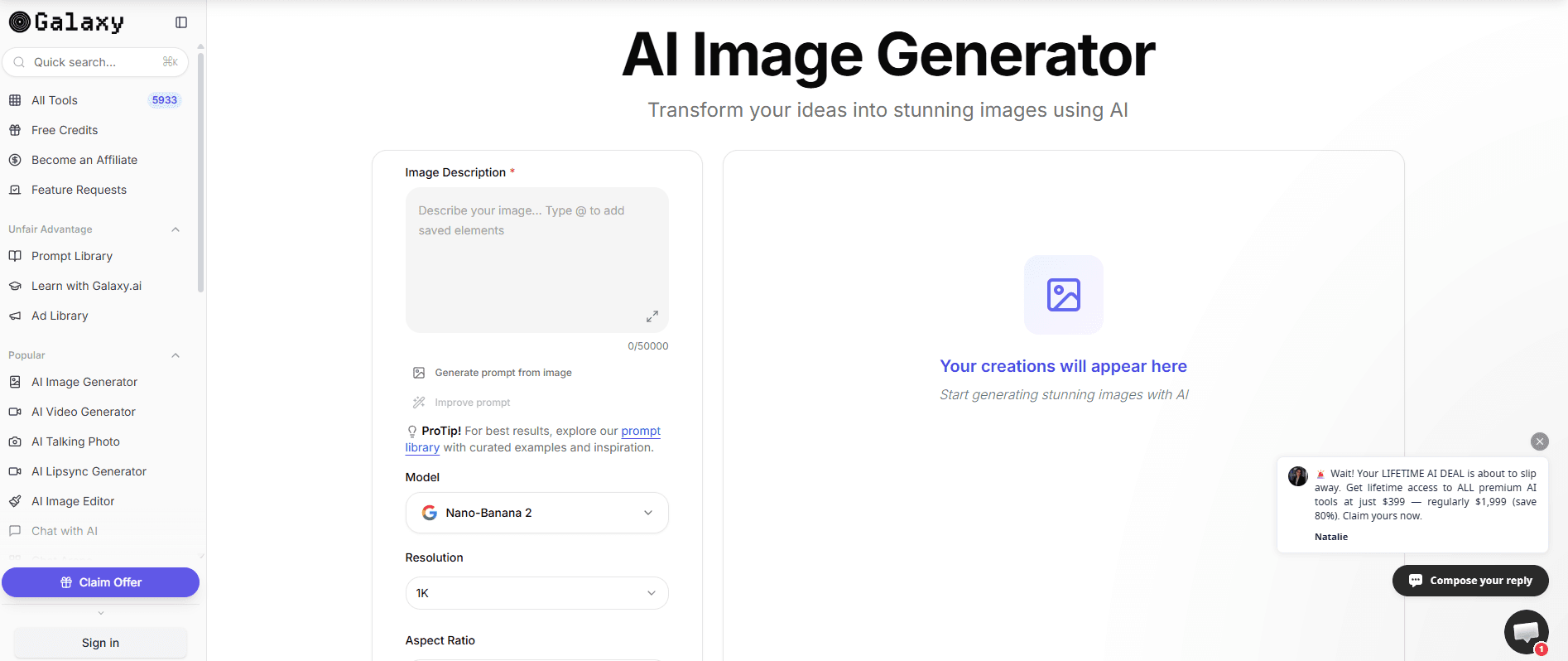
Galaxy.ai is highly user-friendly, with a clean interface and intuitive workflows that let users generate mockups in just a few clicks. The platform's ready-made prompts and AI-powered editing tools minimize manual effort, making it accessible even for those without design experience. User reviews consistently highlight the fast onboarding and straightforward navigation, though some note that credit-based pricing can make it harder to experiment freely with all features.
Integrations
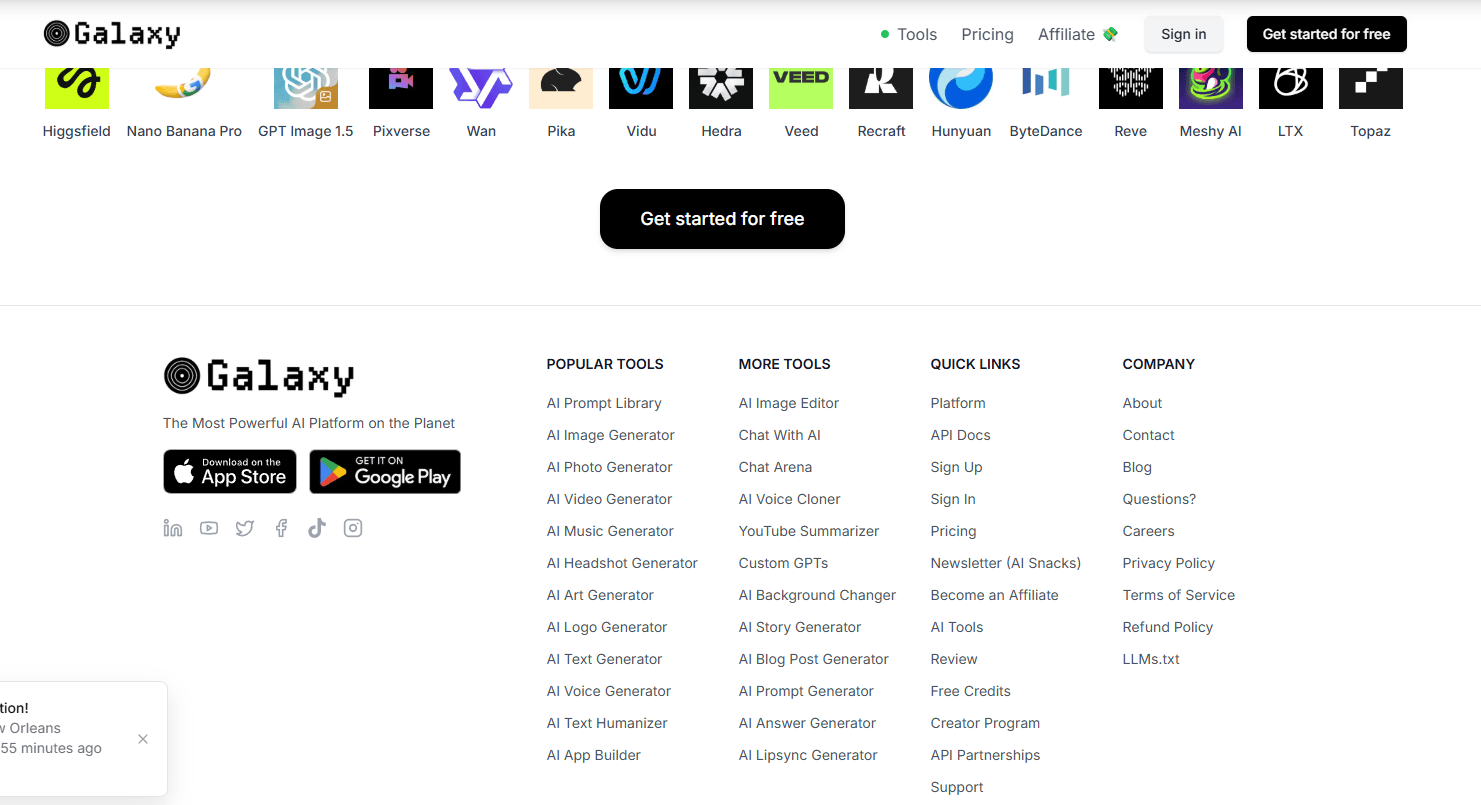
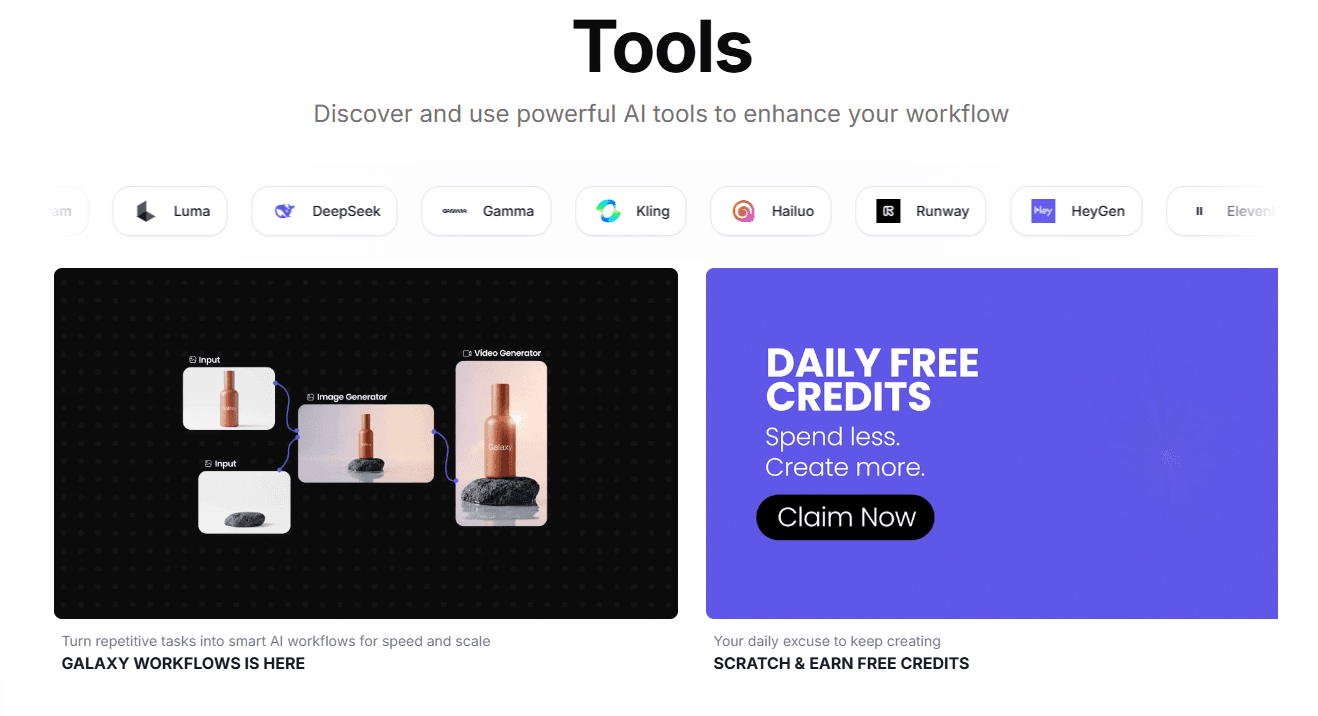
Galaxy.ai integrates with AI models like ChatGPT 5.2, Gemini, Claude, Perplexity, Veo 3.1, Sora 2, Grok, Flux, Stable Diffusion, DeepSeek, and Midjourney, among others.
Galaxy.ai also offers an API and supports custom integrations through its API partnerships.
Galaxy.ai Specs
- API: Yes
- Approval Workflows: No
- Bug Tracking: No
- Collaboration Support: Yes
- Custom Reports: No
- Design Templates: Yes
- Document Management: No
- External Integrations: Yes
- History/Version Control: No
- Multi-Source Feedback: No
- Multi-User: Yes
- Review Monitoring: No
- Template Designer: Yes
- Third-Party Plugins/Add-Ons: No
- Workflow Management: No


