

10 meilleures alternatives à Tableau évaluées en 2026

Meilleures alternatives à Tableau - Liste courte


Naviguer dans les complexités de la visualisation de données peut être décourageant. Si vous trouvez que Tableau ne répond pas à vos besoins, vous n'êtes pas seul. De nombreux chefs de produit recherchent des alternatives pour une meilleure personnalisation, une plus grande facilité d'utilisation ou des fonctionnalités spécifiques adaptées aux défis uniques de leur équipe.
D'après mon expérience, le bon outil peut transformer la façon dont vous interprétez les données, les rendant accessibles et exploitables pour votre équipe. J'ai testé et examiné de manière indépendante divers logiciels pour trouver les meilleures alternatives à Tableau répondant à différents besoins.
Dans cet article, je vous guiderai à travers mes meilleurs choix, tout en expliquant comment chaque option peut répondre à vos problématiques spécifiques. Trouvons la solution adaptée au parcours de votre équipe axé sur les données.
Qu'est-ce que Tableau ?
Tableau est un logiciel d'informatique décisionnelle (business intelligence) et de visualisation de données qui vous aide, vous et votre équipe, à interpréter des données complexes. Il est couramment utilisé par les analystes de données, les professionnels de la business intelligence et les chefs de produit qui ont besoin de tirer des enseignements clairs de leurs données. Ses fonctionnalités de glisser-déposer, d'analyse de données en temps réel et de tableaux de bord interactifs facilitent la transformation des données brutes en informations exploitables. Globalement, Tableau offre à votre équipe une manière efficace de visualiser les données, facilitant ainsi la prise de décisions éclairées.
Résumé des meilleures alternatives à Tableau
Ce tableau comparatif résume les détails de tarifs des meilleures alternatives à Tableau que j’ai sélectionnées pour vous aider à trouver celle qui correspond à votre budget et aux besoins de votre entreprise.
| Tool | Best For | Trial Info | Price | ||
|---|---|---|---|---|---|
| 1 | Idéal pour les analyses pilotées par l’IA | Essai gratuit de 30 jours + démo gratuite disponible | À partir de $300/mois (facturé annuellement) | Website | |
| 2 | Idéal pour l’analytique intégrée | Essai gratuit de 30 jours + démo gratuite disponible | Tarifs sur demande | Website | |
| 3 | Idéal pour l’observabilité des données | Forfait gratuit + essai gratuit disponible | À partir de 19 $/mois + utilisation | Website | |
| 4 | Idéal pour l’utilisation de l’écosystème Google | Formule gratuite disponible | À partir de $9/utilisateur/projet/mois | Website | |
| 5 | Idéal pour l’intégration à Microsoft | Version gratuite disponible | À partir de $14/utilisateur/mois (facturé annuellement) | Website | |
| 6 | Idéal pour les analyses open source | Forfait gratuit disponible | À partir de $90/mois (facturé annuellement) | Website | |
| 7 | Idéal pour les solutions personnalisables | Essai gratuit de 7 jours + démonstration gratuite disponible | Tarifs sur demande | Website | |
| 8 | Idéal pour les informations en temps réel | Essai gratuit de 14 jours + démonstration gratuite disponible | À partir de $25/utilisateur/mois (facturé annuellement) | Website | |
| 9 | Idéal pour les requêtes SQL | Non disponible | Tarification sur demande | Website | |
| 10 | Idéal pour une interface de type tableur | Essai gratuit + démonstration gratuite disponible | Tarification sur demande | Website |
Pourquoi faire confiance à nos avis logiciels
Nous testons et évaluons des logiciels de gestion de produit depuis 2020. En tant que chefs de produit nous-mêmes, nous savons combien il est crucial et difficile de faire le bon choix lors de la sélection d’un logiciel. Nous investissons dans une recherche approfondie pour aider notre audience à prendre les meilleures décisions d’achat de logiciels. Nous avons testé plus de 2 000 outils pour différents cas d’usage et rédigé plus de 1 000 avis complets.Découvrez comment nous restons transparents & notre méthodologie d’évaluation logicielle.
Meilleures alternatives à Tableau - Avis détaillés
Vous trouverez ci-dessous mes résumés détaillés des alternatives à Tableau retenues dans ma sélection. Mes avis proposent un aperçu détaillé des principales fonctionnalités, des avantages et inconvénients, des intégrations et des cas d’utilisation recommandés pour chaque outil afin de vous aider à choisir celui qui vous convient le mieux.

Qlik
Idéal pour les analyses pilotées par l’IA
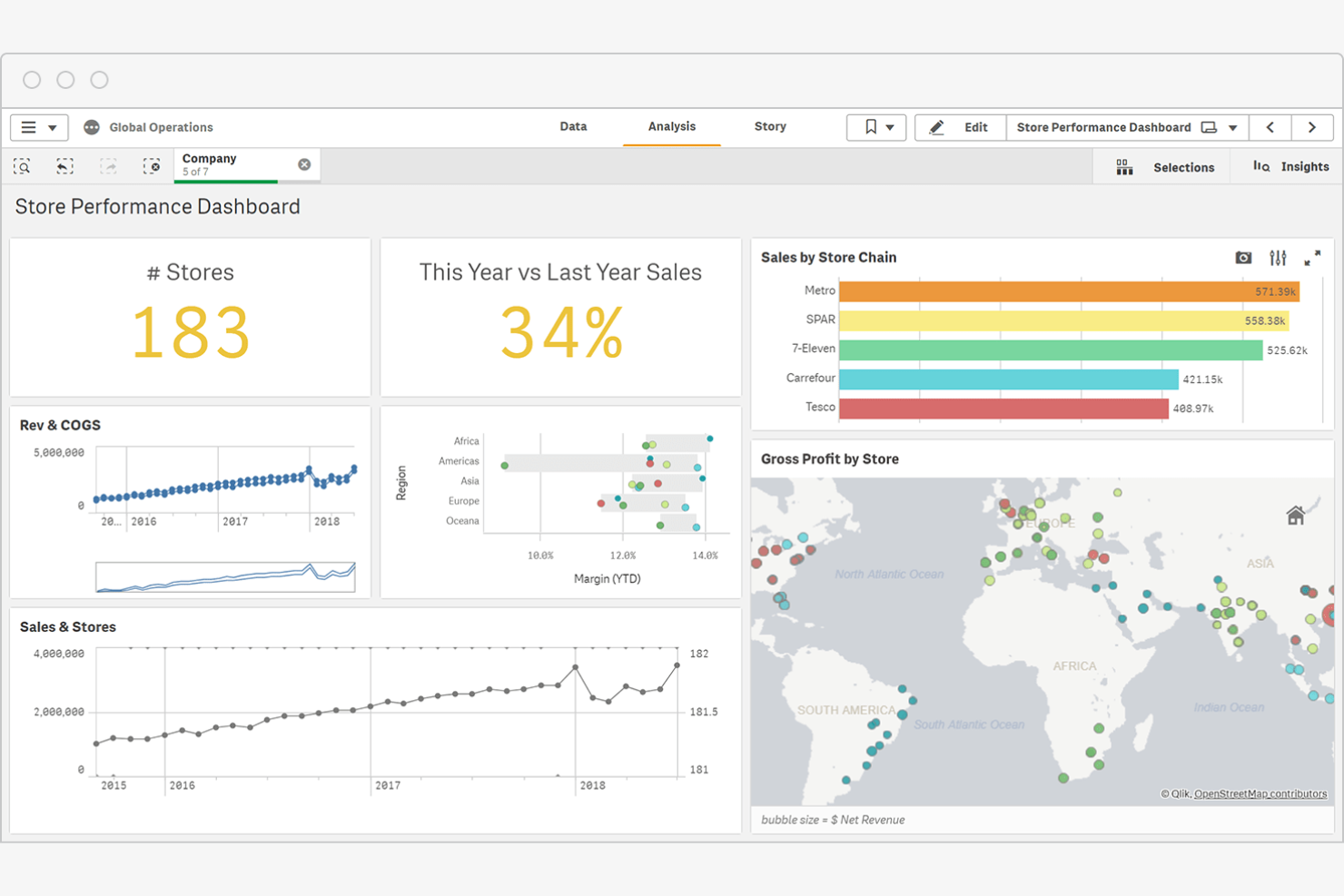
Qlik est une plateforme d’informatique décisionnelle qui fournit des outils d’analyse alimentés par l’IA, d’intégration des données et de visualisation. Elle est utilisée par des secteurs tels que la finance, la santé et la vente au détail afin de faciliter la prise de décision fondée sur les données.
Pourquoi Qlik est une bonne alternative à Tableau : Les analyses de Qlik pilotées par l’IA offrent des informations prédictives qui peuvent aider votre équipe à découvrir des schémas cachés dans les données. L’intégration des données en temps réel de la plateforme garantit des informations à jour pour prendre de meilleures décisions. Ses outils de BI peuvent être déployés dans le cloud ou sur site.
Fonctionnalités et intégrations remarquables :
Les fonctionnalités comprennent un moteur de données associatif qui vous permet d’explorer des connexions que les outils traditionnels pourraient ne pas faire apparaître. Vous et votre équipe pouvez tirer parti de l’accent mis sur la maîtrise des données, qui propose des ressources pour améliorer la compréhension et l’utilisation des données par les employés.
Les intégrations comprennent AWS, Google Cloud, Microsoft Azure, SAP et bien d’autres.
Pros and Cons
Pros:
- Découverte automatisée des tendances prédictives
- Accent mis sur la maîtrise des données
- Indexation des données par moteur associatif
Cons:
- Prix de départ plus élevé
- Connaissances spécialisées en scripts propriétaires

Domo
Idéal pour l’analytique intégrée
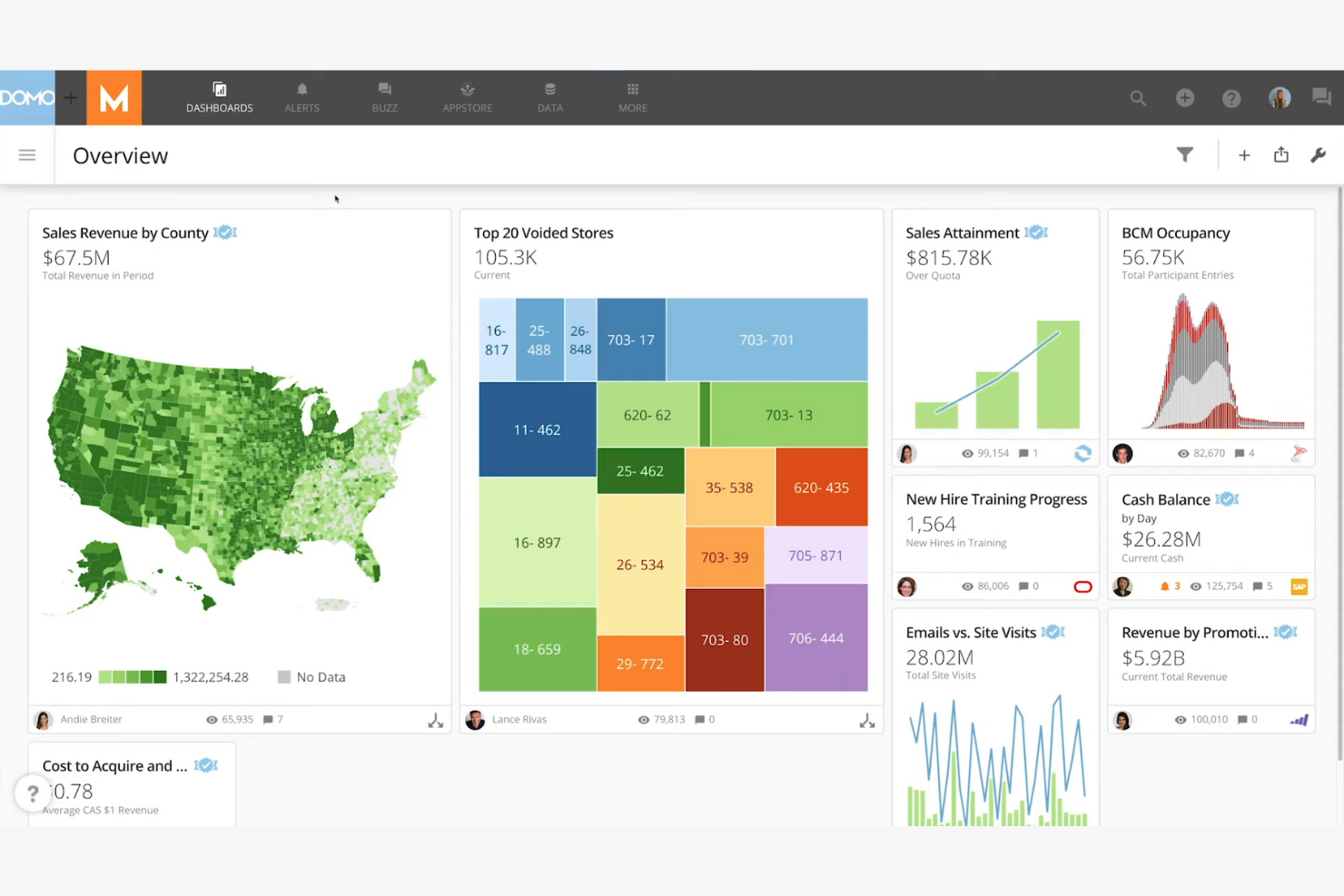
Domo est une plateforme de veille stratégique basée sur le cloud qui vous aide, vous et votre équipe, à visualiser et analyser les données en temps réel. Elle fournit aux décideurs de divers secteurs les informations dont ils ont besoin pour stimuler la croissance de leur entreprise.
Pourquoi Domo constitue une bonne alternative à Tableau : Domo excelle dans l’analytique intégrée, vous permettant d’intégrer des outils d’analyse de données à vos applications existantes. Ses capacités d’analyse des données en temps réel garantissent à votre équipe l’accès aux informations les plus récentes. La conception de la plateforme, pensée d’abord pour les appareils mobiles, vous permet d’accéder aux données où que vous soyez.
Fonctionnalités et intégrations remarquables :
Les fonctionnalités comprennent une interface glisser-déposer qui facilite la création de tableaux de bord personnalisés. Vous pouvez automatiser les flux de données afin d’accélérer les tâches chronophages. La fonctionnalité d’analyse prédictive de la plateforme vous aide à prévoir les tendances et à prendre des décisions éclairées.
Les intégrations comprennent Salesforce, Google Analytics, Amazon Redshift, Microsoft Azure, Dropbox, Box, Slack, HubSpot, Zendesk, Mailchimp, et bien plus encore.
Pros and Cons
Pros:
- Ingestion de pipelines de données à haute fréquence
- Transformations Magic ETL flexibles
- Prise en charge de l’analytique intégrée
Cons:
- Le déploiement dans plusieurs services prend du temps
- Nécessite des connaissances techniques

Grafana
Idéal pour l’observabilité des données
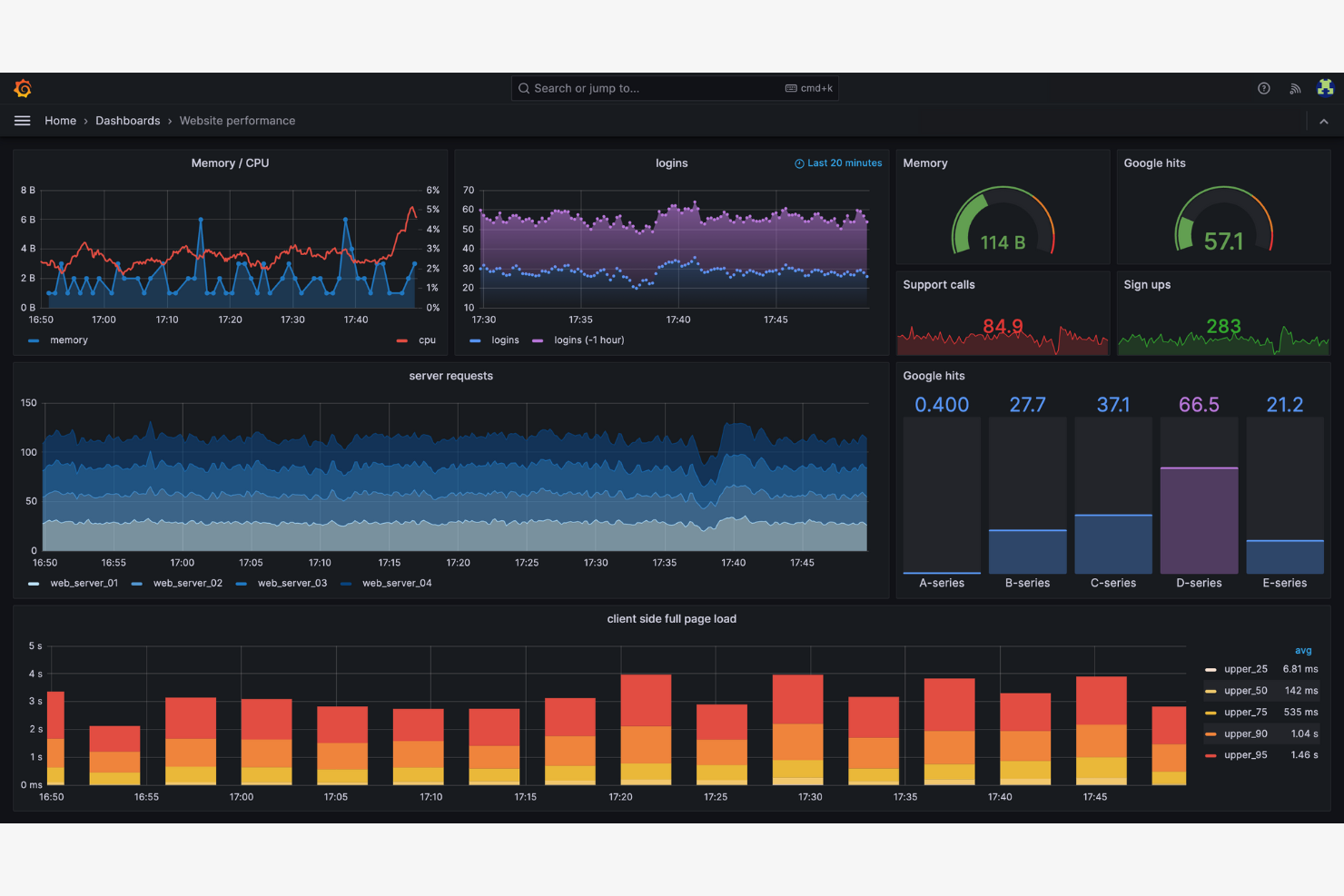
Grafana est une plateforme open source de supervision et d’observabilité, principalement utilisée par les équipes informatiques et DevOps. Elle vous permet de visualiser les métriques et les journaux, ainsi que les traces provenant de plusieurs sources de données, offrant une vue complète de l’état de santé de votre système.
Pourquoi Grafana est une bonne alternative à Tableau : Grafana excelle dans l’observabilité des données, permettant à votre équipe de surveiller les performances du système en temps réel. La nature open source de la plateforme autorise une personnalisation étendue et des améliorations issues de la communauté.
Fonctionnalités et intégrations remarquables :
Fonctionnalités : un riche éventail d’options de visualisation vous permet de créer des tableaux de bord détaillés. Vous pouvez utiliser sa fonction d’alerte pour configurer des notifications en fonction de seuils spécifiques. La plateforme prend en charge les modules d’extension, ce qui vous permet d’étendre ses fonctionnalités selon vos besoins.
Intégrations : Microsoft IIS, Istio, Kafka, Linux Server, MongoDB, MySQL, PostgreSQL, SNMP, Windows, et plus encore.
Pros and Cons
Pros:
- Observabilité étendue des données
- Surveillance des performances en temps réel
- Système d’alerte flexible
Cons:
- Configuration nécessitant des compétences en DevOps
- Rendu dans le navigateur gourmand en ressources

Idéal pour l’utilisation de l’écosystème Google

Looker Studio, la nouvelle version de Google Data Studio, est une plateforme d’analyse et de visualisation des données conçue pour les utilisateurs professionnels qui souhaitent créer des rapports et des tableaux de bord pertinents.
Pourquoi Looker Studio est une bonne alternative à Tableau : Looker Studio s’intègre aux produits Google, ce qui en fait une solution idéale si votre équipe s’appuie sur l’écosystème Google. Il offre des fonctionnalités de modélisation des données qui vous permettent d’explorer les données sans avoir besoin de compétences avancées en SQL. Vous pouvez partager efficacement des informations entre vos espaces de travail grâce à ses fonctionnalités conviviales et collaboratives.
Fonctionnalités et intégrations remarquables :
Les fonctionnalités comprennent une interface glisser-déposer qui simplifie la création de rapports. Vous pouvez utiliser des visualisations personnalisées pour mieux représenter vos données. La possibilité de programmer les rapports vous aide à tenir votre équipe informée des dernières informations.
Les intégrations comprennent Google Analytics, Google Ads, BigQuery, Google Sheets, Google Cloud, YouTube Analytics, MySQL, PostgreSQL, Amazon Redshift, et bien plus encore.
Pros and Cons
Pros:
- Liaison native avec BigQuery et Workspace
- Modélisation des données sans compétences avancées en SQL
- Interface glisser-déposer
Cons:
- Écosystème de connecteurs tiers limité
- Moins de flexibilité avec les données non Google

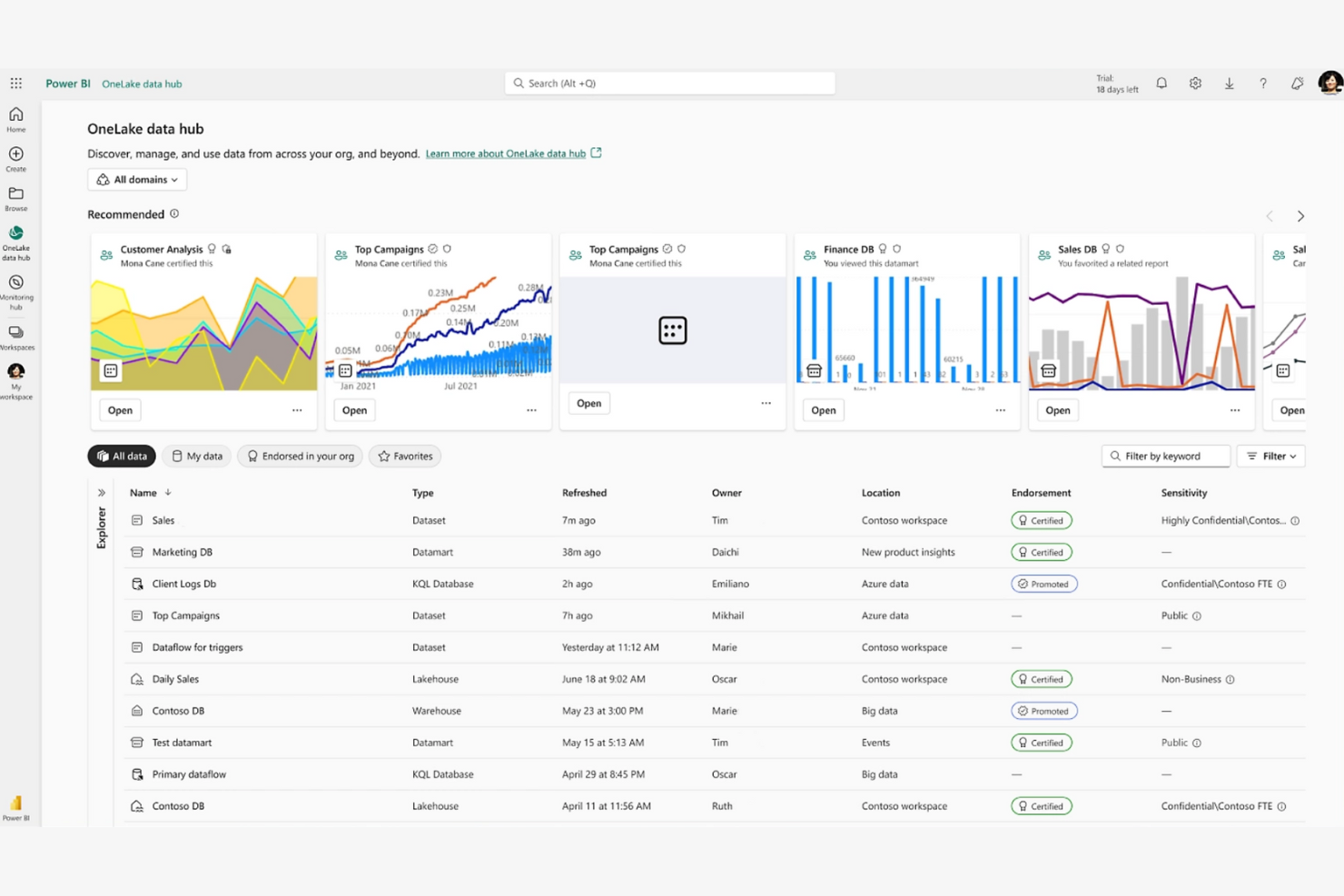
Power BI est un outil de veille stratégique et de visualisation des données utilisé par les analystes de données et les professionnels du monde des affaires pour visualiser et partager des informations. Cette plateforme de BI vous aide, vous et votre équipe, à créer facilement des rapports et des tableaux de bord interactifs.
Pourquoi Power BI est une bonne alternative à Tableau : Il s’intègre aux produits Microsoft, ce qui en fait un choix idéal si vous utilisez déjà l’écosystème Microsoft. Son interface glisser-déposer, ses mises à jour des données en temps réel et ses informations fondées sur l’IA offrent une manière conviviale d’analyser les données. Vous apprécierez la fonctionnalité de requêtes en langage naturel, qui vous permet de poser des questions sur vos données en langage courant. C’est un bon choix si vous recherchez un outil qui s’intègre bien aux applications Microsoft Office.
Fonctionnalités et intégrations remarquables :
Les fonctionnalités comprennent des capacités de modélisation des données qui vous permettent de créer des modèles de données complexes sans connaissances techniques avancées. Vous pouvez partager des informations grâce à des outils de collaboration infonuagiques, ce qui rend le travail d’équipe plus efficace. La prise en charge des applications mobiles garantit que vous pouvez accéder à vos informations où que vous soyez.
Les intégrations comprennent Microsoft Excel, Salesforce Analytics, Zendesk et bien plus encore.
Pros and Cons
Pros:
- Interopérabilité native avec Office 365
- Prise en charge des ensembles de données en continu automatisés
- Requêtes en langage naturel
Cons:
- Intégrations limitées avec les produits autres que Microsoft
- Exigences complexes liées à la syntaxe DAX

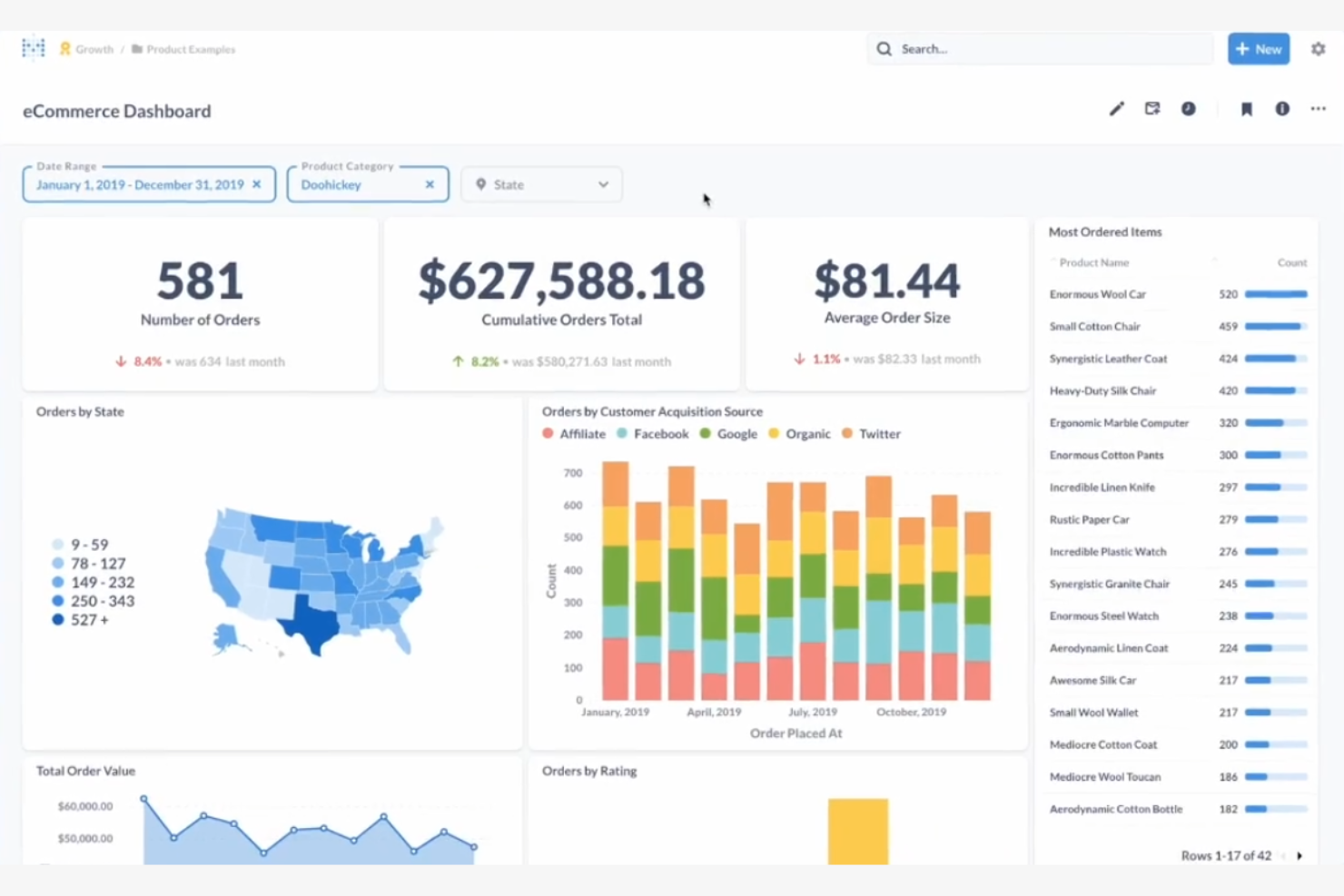
Metabase est un outil open source d’informatique décisionnelle qui simplifie l’analyse des données pour les utilisateurs non techniques. Il est idéal pour les équipes qui souhaitent explorer les données grâce à des visualisations intuitives et des tableaux de bord faciles à utiliser.
Pourquoi Metabase est une bonne alternative à Tableau : Metabase propose des analyses open source, offrant à votre équipe la flexibilité nécessaire pour personnaliser et étendre la plateforme selon ses besoins. Vous pouvez créer des visualisations sans rédiger de requêtes SQL, ce qui rend la préparation des données accessible à tous les membres de l’équipe. L’accent mis par la plateforme sur la simplicité d’utilisation vous permet de la configurer rapidement et de commencer à analyser les données. Son développement axé sur la communauté signifie qu’elle s’améliore et se met continuellement à jour.
Fonctionnalités et intégrations remarquables :
Les fonctionnalités comprennent une interface conviviale qui vous permet de poser des questions et d’obtenir des réponses sans connaissances techniques. La plateforme prend en charge les requêtes ponctuelles, vous permettant d’explorer les données à la volée. Vous pouvez également planifier des rapports afin de tenir votre équipe informée des dernières analyses.
Les intégrations comprennent Amazon Redshift, Google Sheets, BigQuery, les importations de fichiers CSV, Databricks et bien plus encore.
Pros and Cons
Pros:
- Autonomie grâce au déploiement auto-hébergé
- Aucun langage SQL requis pour les visualisations
- Prend en charge les requêtes ponctuelles
Cons:
- Profondeur limitée de la modélisation statistique
- Dépendance à l’assistance de la communauté

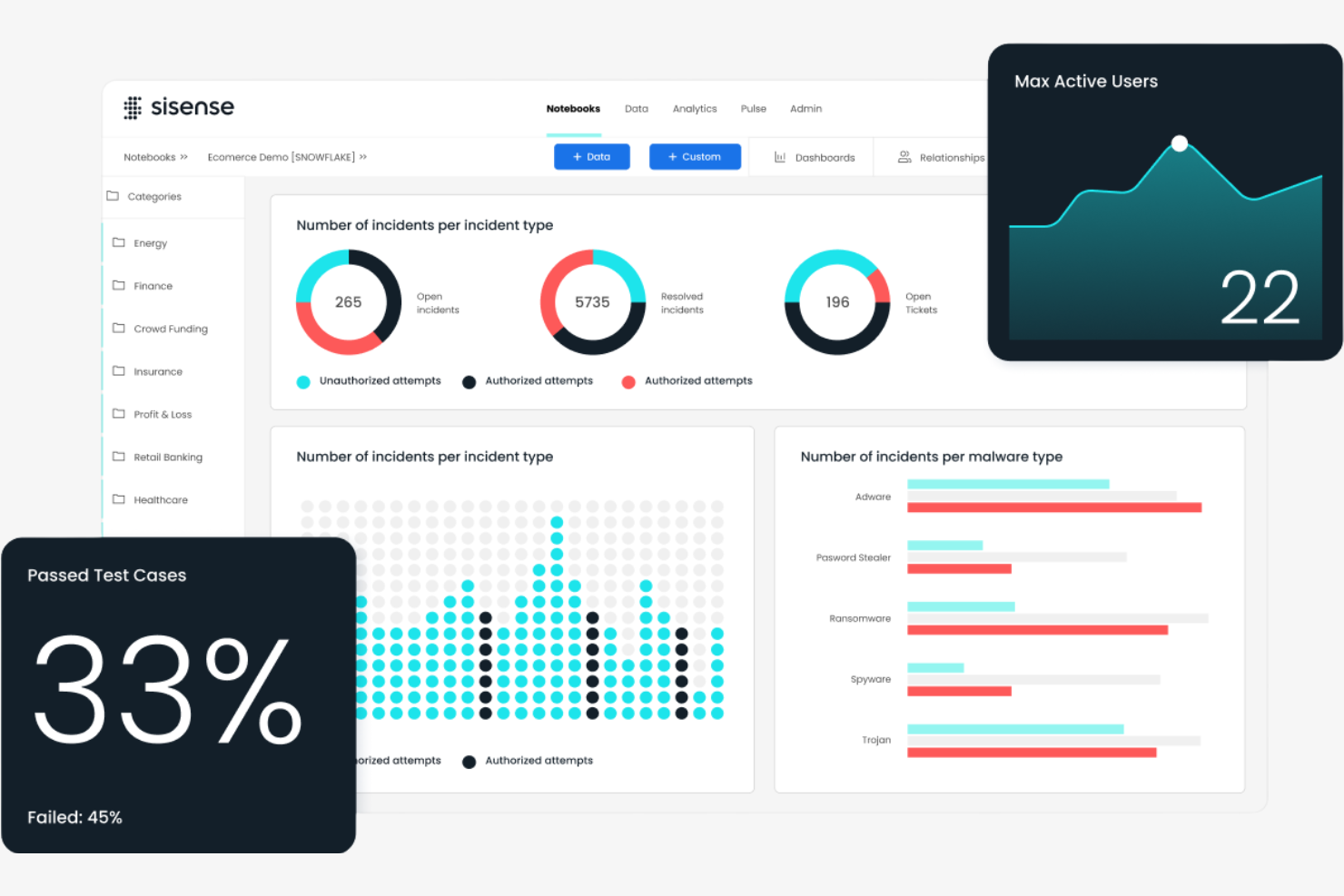
Sisense est une plateforme de veille stratégique et d’analyse conçue pour les professionnels des données et les utilisateurs métier. Elle vous aide, vous et votre équipe, à analyser des données complexes et à créer des tableaux de bord interactifs afin de prendre des décisions éclairées.
Pourquoi Sisense est une bonne alternative à Tableau : Sisense propose des solutions personnalisables, ce qui vous permet d’adapter la plateforme à vos besoins. Sa technologie intégrée à la puce accélère le traitement des données et permet à votre équipe d’effectuer des analyses plus rapides. Vous pouvez intégrer directement les analyses à vos applications afin de fournir des informations là où elles sont le plus nécessaires. La plateforme propose également des options de marque blanche, vous permettant de présenter la solution sous votre propre marque.
Fonctionnalités et intégrations remarquables :
Les fonctionnalités comprennent une architecture à pile unique qui simplifie l’analyse des données. Vous pouvez utiliser la fonctionnalité ElastiCube pour stocker et récupérer efficacement les données. La plateforme offre également des capacités d’apprentissage automatique, qui vous aident à faire de nouvelles découvertes concernant vos données.
Les intégrations comprennent Salesforce, Google BigQuery, Amazon Redshift, Snowflake, HubSpot et bien plus encore.
Pros and Cons
Pros:
- Traitement à grande vitesse grâce à la technologie intégrée à la puce
- Options de marque blanche
- Capacités d’apprentissage automatique
Cons:
- Configuration d’ElastiCube gourmande en ressources
- Mises à jour fréquentes nécessaires

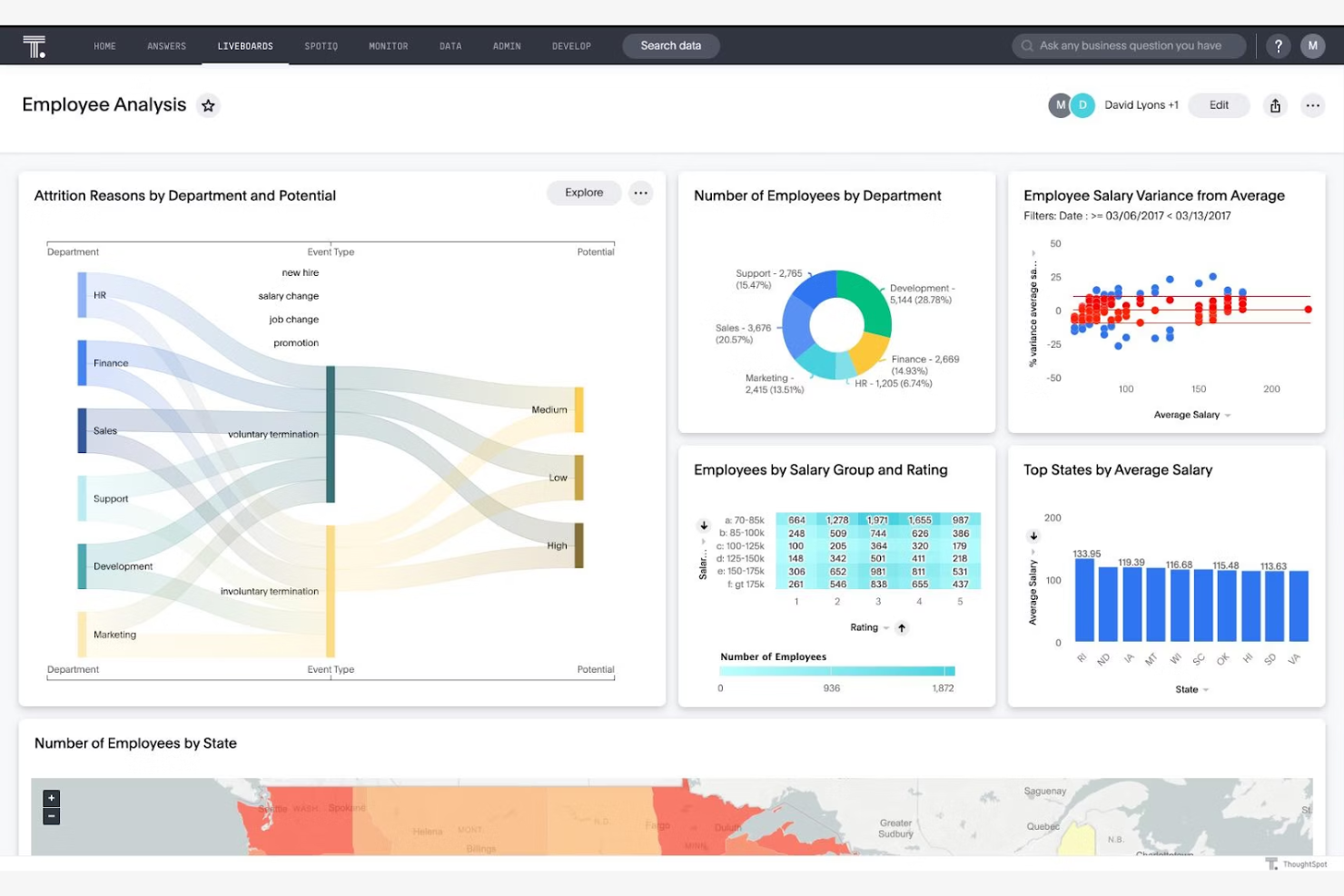
ThoughtSpot est une plateforme d’analyse qui permet aux utilisateurs professionnels de rechercher et d’évaluer les données de l’entreprise. Elle est conçue pour les équipes qui ont besoin d’informations rapides et de visualisations de données afin de faciliter la prise de décision.
Pourquoi ThoughtSpot est une bonne alternative à Tableau : Les informations en temps réel de ThoughtSpot permettent à votre équipe de rester à jour et de prendre des décisions fondées sur les données les plus récentes. Vous pouvez créer des tableaux de bord interactifs qui se mettent instantanément à jour à mesure que de nouvelles données arrivent.
Fonctionnalités et intégrations remarquables :
Les fonctionnalités comprennent un moteur de traitement du langage naturel qui vous permet d’interagir avec vos données en utilisant le langage courant. Vous pouvez tirer parti de ses informations basées sur l’intelligence artificielle pour découvrir des tendances sans expertise technique approfondie. Le moteur de calcul en mémoire garantit un traitement rapide des données pour des analyses en temps voulu.
Les intégrations comprennent Google Sheets, GitHub, Salesforce, et bien plus encore.
Pros and Cons
Pros:
- Connectivité aux entrepôts de données cloud par requêtes en direct
- Performances du moteur de calcul en mémoire
- Accessibilité pour les utilisateurs non techniques
Cons:
- Modélisation préalable des données obligatoire
- Besoins importants en traitement des données

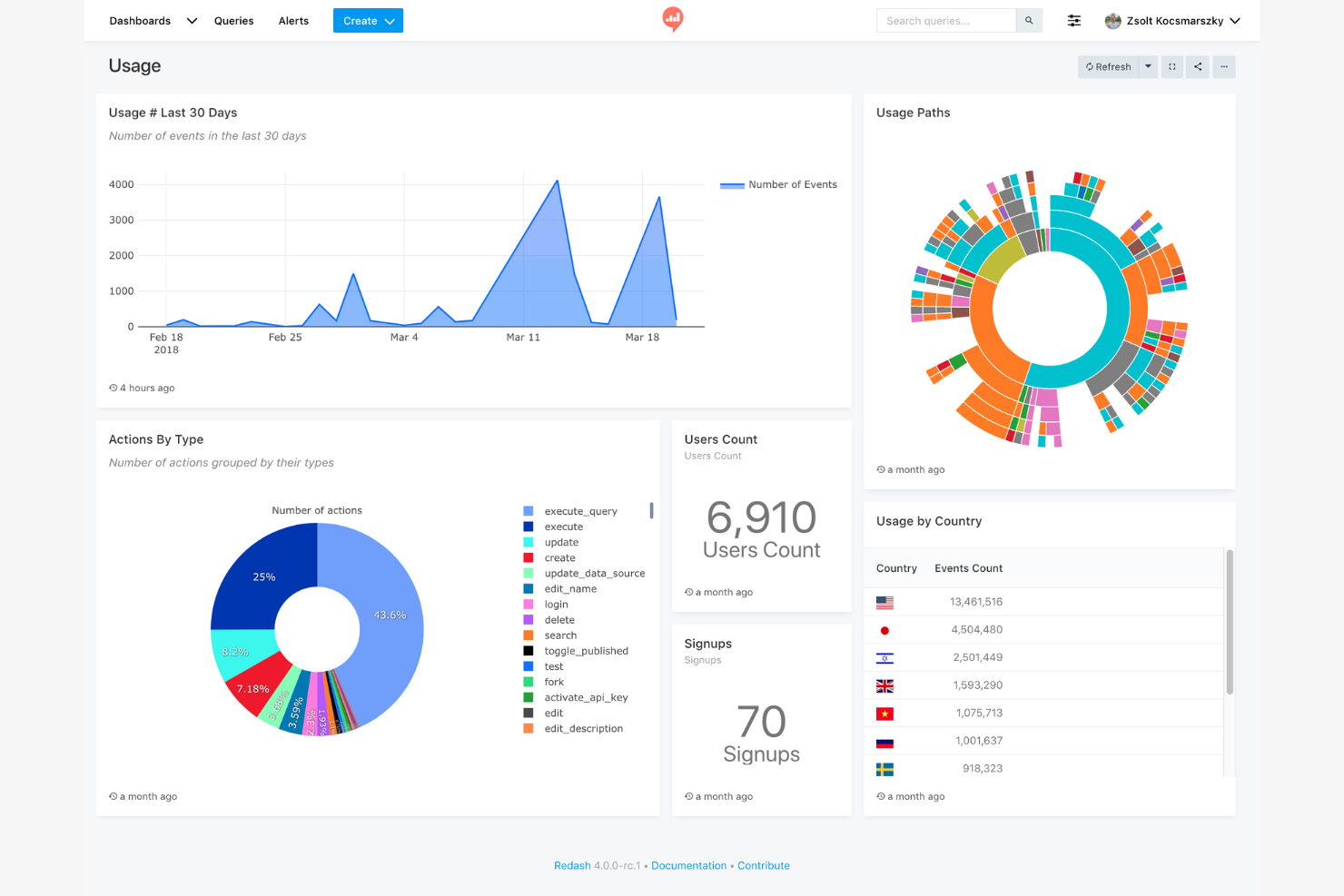
Redash est un outil open source de visualisation des données et de création de tableaux de bord conçu pour les équipes qui doivent interroger leurs données à l'aide de SQL. Il est idéal pour les analystes de données et les développeurs souhaitant créer des tableaux de bord interactifs et partager des informations.
Pourquoi Redash est une bonne alternative à Tableau : Sa simplicité et son orientation SQL le rendent accessible aux utilisateurs techniques qui souhaitent garder un contrôle direct sur leurs données. Sa nature open source permet la personnalisation et les améliorations portées par la communauté.
Fonctionnalités et intégrations remarquables :
Les fonctionnalités comprennent un éditeur de requêtes prenant en charge plusieurs sources de données et permettant d'écrire directement des requêtes SQL. Les fonctionnalités collaboratives de la plateforme favorisent le travail d'équipe, et vous pouvez planifier les mises à jour des requêtes afin de maintenir vos tableaux de bord à jour.
Les intégrations comprennent Google Analytics, Google Spreadsheets, JSON, Python, Salesforce, Yandex AppMetrica, Yandex Metrica, et bien plus encore.
Pros and Cons
Pros:
- Exploration directe des schémas SQL
- Environnement de script extensible basé sur Python
- Connexion directe aux sources de données
Cons:
- Fonctionnalités d'analyse avancée limitées
- Options de visualisation basiques

Sigma
Idéal pour une interface de type tableur
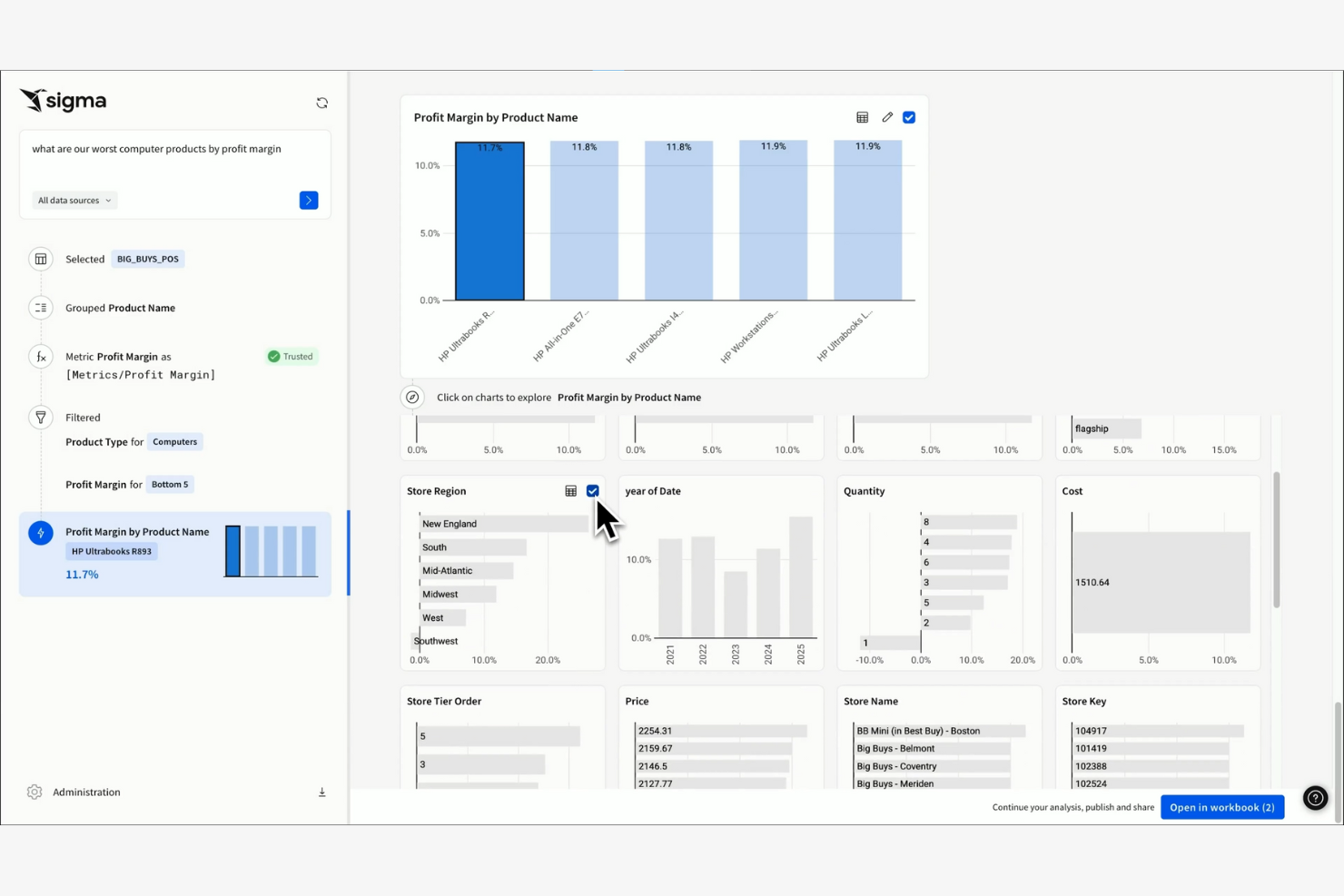
Sigma est un outil d’intelligence d’affaires infonuagique, conçu pour les utilisateurs professionnels qui connaissent les tableurs. Il vous permet d’analyser et de visualiser les données grâce à une interface intuitive semblable à celle d’un tableur.
Pourquoi Sigma constitue une bonne alternative à Tableau : Sigma offre une interface de type tableur, ce qui permet à votre équipe de passer facilement des tableurs traditionnels à une plateforme d’analyse plus puissante. Sa nature infonuagique garantit que vous pouvez accéder à vos données où que vous soyez.
Fonctionnalités et intégrations remarquables :
Les fonctionnalités comprennent une fonction glisser-déposer qui simplifie la manipulation et la visualisation des données. Vous pouvez utiliser ses outils d’exploration des données pour analyser en profondeur de grands ensembles de données sans requêtes complexes. La plateforme fournit également des fonctionnalités de collaboration en temps réel pour favoriser le travail d’équipe.
Les intégrations comprennent Alation, AlloyDB, Atlan, Castor, Census, Databricks, Monte Carlo et bien plus encore.
Pros and Cons
Pros:
- Interface semblable à celle d’un tableur
- Aucun SQL requis
- Accès infonuagique
Cons:
- Dépendance à une source de données exclusivement infonuagique
- Frais généraux liés à la connexion directe à l’entrepôt de données
Autres alternatives à Tableau
Voici quelques autres alternatives à Tableau qui n’ont pas été retenues dans ma sélection principale mais qui méritent néanmoins d’être découvertes :
- Strategy One
Idéal pour les tableaux de bord d’exécution de la stratégie
- Amazon Quick Sight
Idéal pour les informations optimisées par l’IA
- BlazeSQL
Idéal pour les analyses basées sur SQL


Comment j'évalue les alternatives à Tableau
Que vous suiviez l'adoption des fonctionnalités après leur lancement ou que vous construisiez des tableaux de bord de KPI à destination de la direction, j'évalue les alternatives à Tableau selon deux niveaux : le seuil minimal à atteindre et ce qui les distingue.
Fonctionnalités de base (Critères indispensables pour cette liste)
Lorsque je sélectionne les outils pour ma liste, j’attribue à chacun une note de 0 (fonctionnalité absente) à 5 (excellence sur ce point) pour chacune des fonctionnalités de base présentées ci-dessous. Ensuite, je calcule le score total de l’outil sous forme de pourcentage. Chaque outil doit obtenir un score total minimum de 75 % pour être pris en considération.
- Visualisation interactive de données : J’évalue la diversité des types de graphiques et des options de mise en forme, depuis les diagrammes en barres de base jusqu’aux cartes géospatiales et la coloration conditionnelle pour l’analyse de cohortes.
- Tableaux de bord interactifs : Les équipes produit travaillent au quotidien dans des tableaux de bord. Je vérifie donc la présence de filtres croisés, de parcours d’exploration (drill-through) et de paramètres dynamiques permettant à chaque spectateur d’analyser les données selon ses propres critères.
- Connectivité multi-source des données : J’examine la couverture des bibliothèques de connecteurs natifs avec les entrepôts cloud comme Snowflake et BigQuery, mais aussi avec les applis SaaS telles que Salesforce et Mixpanel.
- Exploration en self-service des données : Un chef de produit qui suit l’adoption des fonctionnalités ne devrait pas avoir besoin de SQL. Je recherche donc le glisser-déposer pour interroger, des filtres ad hoc et la recherche en langage naturel.
- Modélisation et transformation des données : Pouvoir croiser les données d’usage produit avec les recettes ou les enregistrements CRM au sein même de la plateforme est crucial. J’évalue la logique de jointure, les champs calculés et les couches sémantiques.
- Partage, collaboration et intégration : J’analyse comment chaque outil gère le partage selon les rôles, la planification de rapports pour les parties prenantes, les commentaires et l’intégration de tableaux de bord dans des portails internes.
Une fois la liste d’outils répondant à ces critères concrétisée, j’étudie les éléments qui distinguent chaque plateforme.
Facteurs différenciants (Ce qui distingue les fournisseurs)
Voici comment je compare et différencie les différents fournisseurs :
Fonctionnalités remarquables
Les analyses dopées à l’IA sont essentielles lorsque les chefs de produit doivent repérer des baisses d’adoption sur des milliers de sessions utilisateur sans devoir solliciter un data scientist. La recherche en langage naturel complète bien cela. Je regarde si un outil permet à un chef de produit de taper « utilisateurs actifs hebdomadaires par niveau d’abonnement » et d’obtenir une visualisation. Les intégrations avec l’analytique produit sont aussi un différenciateur que j’examine attentivement. Les connecteurs natifs, notamment vers des outils comme Amplitude ou Mixpanel, permettent aux équipes de combiner les données d’usage et les métriques business sans pipelines personnalisés. Enfin, la gestion des flux de données en temps réel s’avère primordiale pour suivre un lancement de fonctionnalité en direct.
Au-delà des fonctionnalités
La structure tarifaire est un critère majeur. J’évalue si l’outil propose des accès « consultation uniquement » ou un forfait gratuit, puisque les chefs de produit partagent souvent des tableaux de bord avec des dizaines de parties prenantes, qui ne devraient pas toutes avoir besoin d’une licence payante. L’intégration à la pile applicative est également déterminante. Je m’assure de la présence de connexions natives à des outils comme Jira, Slack ou Salesforce pour que les analyses intègrent les flux de travail décisionnels. Le temps de mise en œuvre est un autre facteur que je prends en compte. Une plateforme qui propose des modèles pré-construits et un accompagnement à l’onboarding permet à un chef de produit de construire ses tableaux de bord en quelques jours, et non après des semaines de configuration.
Pourquoi chercher une alternative à Tableau ?
Bien que Tableau soit une bonne solution de business intelligence et de visualisation de données, de nombreux utilisateurs se tournent vers d'autres options pour diverses raisons. Vous pourriez rechercher une alternative à Tableau parce que...
- Vous avez besoin de tarifs plus abordables
- Votre équipe nécessite des capacités d'intégration plus simples
- Vous souhaitez une interface plus intuitive pour les utilisateurs non techniques
- Votre entreprise a besoin d'une meilleure accessibilité mobile
- Vous recherchez des fonctionnalités adaptées à des secteurs spécifiques
- Vous êtes limité(e) par la scalabilité de Tableau
Si l'une de ces situations vous concerne, vous êtes au bon endroit. Ma liste comprend plusieurs logiciels de business intelligence et de visualisation de données qui sont mieux adaptés aux équipes confrontées à ces défis avec Tableau et cherchant une alternative. Toutefois, voici quelques fonctionnalités communément reconnues de Tableau :
Fonctionnalités clés de Tableau
Voici quelques-unes des principales fonctionnalités de Tableau, pour vous aider à comparer et différencier ce que proposent les autres solutions alternatives :
- Visualisation des données : Créez une grande variété de tableaux de bord interactifs et partageables.
- Analytique en temps réel : Analysez les données dès leur arrivée afin de garder vos analyses à jour.
- Fusion de données : Combinez plusieurs sources de données en une vue unifiée.
- Interface glisser-déposer : Créez des rapports sans avoir besoin de compétences techniques.
- Analytique géospatiale : Visualisez des données géographiques grâce à des fonctionnalités de cartographie.
- Partage et collaboration : Partagez des tableaux de bord et collaborez sur des analyses au sein de votre équipe.
- Compatibilité mobile : Accédez à vos tableaux de bord et rapports sur les appareils mobiles.
- Tableaux de bord personnalisables : Adaptez les tableaux de bord à vos besoins métier spécifiques.
- Calculs avancés : Utilisez des outils pour effectuer des analyses et des calculs complexes.
- Connecteurs de données : Intégrez diverses sources de données pour faciliter l’accès à l’information.
Et après :
Si vous êtes en train de rechercher des logiciels de business intelligence et de visualisation de données, contactez un conseiller SoftwareSelect pour obtenir des recommandations gratuites.
Vous remplissez un formulaire et avez une brève discussion pendant laquelle ils se penchent sur vos besoins spécifiques. Ensuite, vous recevrez une liste restreinte de logiciels à examiner. Ils vous accompagneront même tout au long du processus d’achat, y compris lors des négociations tarifaires.