
Sprig-arvostelu: hyvät ja huonot puolet, ominaisuudet ja hinnoittelu
Sprig tarjoaa erinomaiset työkalut käyttökokemuksen optimointiin ja oivallusten keräämiseen, joten se sopii ihanteellisesti tiimeille, jotka etsivät tehokasta tuotteenhallintaa.

We review tools independently, and commissions help fund our testing. See our transparency policy, our methodology, or suggest a tool.
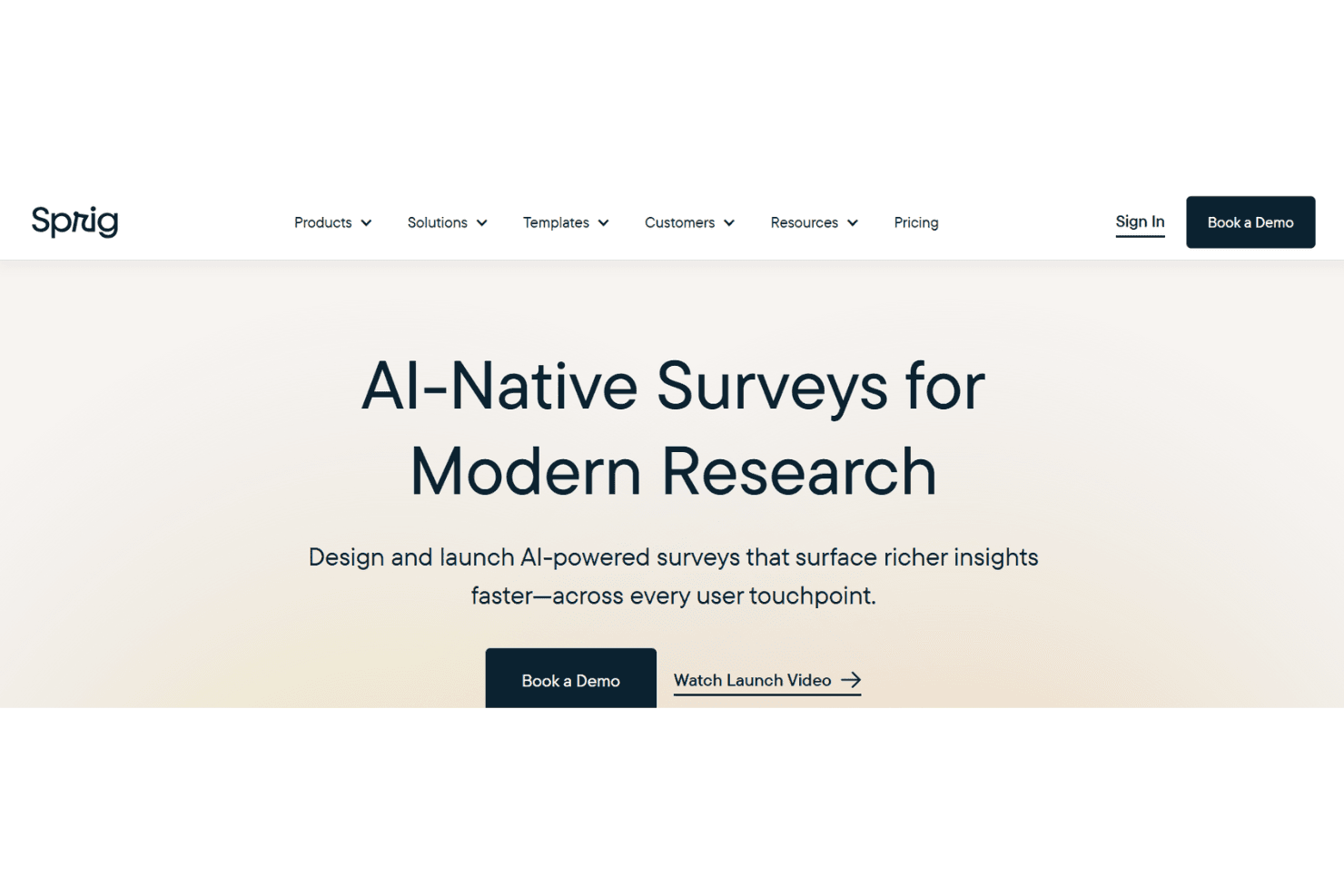
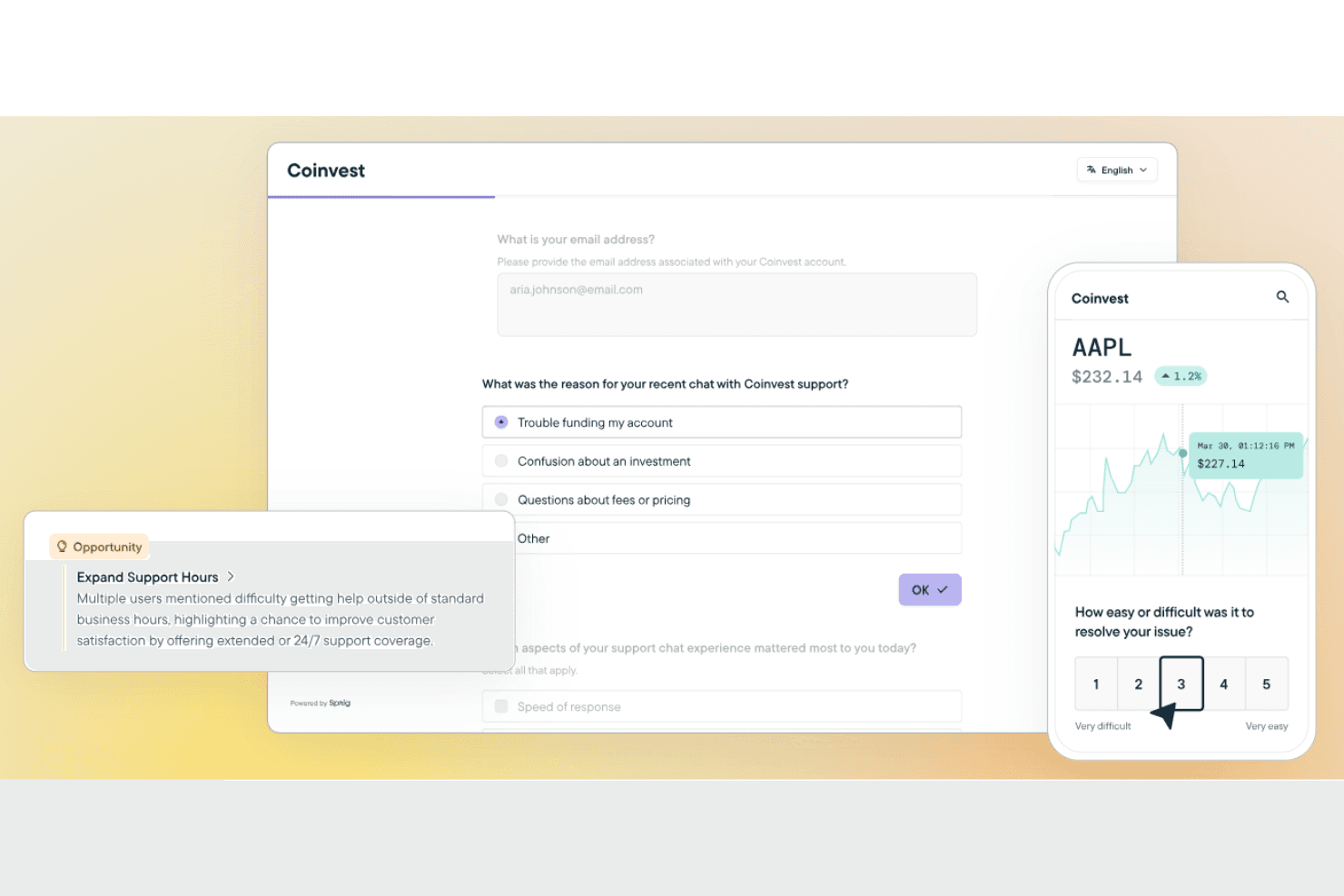
Sprig is a user research tool built for product teams who need to capture feedback and session data directly inside a live product. It's a natural fit when you want in-product surveys, session replays, and AI-powered analysis without managing separate tools. I'd consider it over UserTesting if continuous, in-product discovery matters more to you than recruiting external participant panels—Sprig connects to your existing product experience and surfaces insights faster.
Sprig Evaluation Summary
4.5/5
- From $175/month (billed annually)
- 14-day free trial + free plan available
Why Trust Our Software Recommendations
6,700+
Reviews
20
Industry experts
16+
Evaluation factors
14
Years
Our team has been testing and reviewing software since 2012. As product managers ourselves, we know how difficult—and important—it is to choose the right software.
For this guide, we evaluated tools using hands-on testing and independent research, scoring tools using our selection criteria.
Our reviews reflect our human editorial judgment, not a sales pitch.
Expert reviewers:
- Andrew LumbySenior TPM
- Cristiano ValimSenior UI/UX Lead


Sprig Overview
In my opinion, Sprig is a solid product management software that excels in user research and feedback analysis. Features such as real-time insights and user session replays make it a great choice for UX teams and product managers. Sprig's ease of use and integration capabilities are impressive, though it might lack advanced features for more complex workflows. It's best for teams needing quick, actionable data to inform product decisions. If your team values intuitive design and efficient data collection, you should consider choosing Sprig.
Pros
- Real-time insights allow your team to make quick, informed decisions.
- Its user-friendly interface is easy to navigate.
- The availability of real-time feedback can save you time and money.
Cons
- You need to book a demo to find out the pricing details for different plans.
- Its customization options might feel too limited for complex needs.
- Advanced features may take you extra time to learn.
Is Sprig Right For Your Needs?
Who Would be a Good Fit for Sprig?
Sprig is ideal for UX teams and product managers who need fast, actionable insights to guide product-related decisions. If your team is in tech or digital product development, Sprig's real-time feedback can simplify your work. For businesses focused on improving user experience and making data-driven decisions, Sprig offers the tools to gather and analyze user feedback efficiently.
- Tech StartupsSprig's quick insights help tech startups pivot and adapt to user needs efficiently.
- Digital AgenciesDigital teams benefit from Sprig's efficient feedback collection to improve client projects.
- UX TeamsReal-time insights allow UX teams to improve user experience quickly.
- Product ManagersSprig helps product managers make strategic decisions with actionable data.
- Small Business OwnersSmall businesses can use Sprig's user-friendly tools to gather customer insights and improve their products.
- E-Commerce PlatformsSprig's feedback tools help e-commerce platforms optimize user journeys and increase customer satisfaction.
Who Would be a Bad Fit for Sprig?
Sprig might not suit large enterprises needing extensive customization and advanced analytics. Teams focused on complex, multi-layered projects could find Sprig's simplicity a drawback. If your work environment requires detailed reporting or heavily customized workflows, Sprig may not meet your needs.
- Large EnterprisesLarge enterprises might need more customization than Sprig offers for complex workflows.
- Finance IndustrySprig's features may not support the detailed analytics that finance teams require.
- Data AnalystsSprig lacks the advanced reporting tools needed for in-depth data analysis.
- Manufacturing FirmsComplex manufacturing operations might not be best served by Sprig's straightforward design.
- Legal DepartmentsSprig's feedback tools may not align with the specific needs of legal compliance work.
- Health Care IndustryHealth care facilities might require more specialized data handling than Sprig provides.
How We Test & Score Tools
We’ve spent years building, refining, and improving our software testing and scoring system. The rubric is designed to capture the nuances of software selection and what makes a tool effective, focusing on critical aspects of the decision-making process.
Below, you can see exactly how our testing and scoring works across seven criteria. It allows us to provide an unbiased evaluation of the software based on core functionality, standout features, ease of use, onboarding, customer support, integrations, customer reviews, and value for money.
Core Functionality (25% of final scoring)
The starting point of our evaluation is always the core functionality of the tool. Does it have the basic features and functions that a user would expect to see? Are any of those core features locked to higher-tiered pricing plans? At its core, we expect a tool to stand up against the baseline capabilities of its competitors.
Standout Features (25% of final scoring)
Next, we evaluate uncommon standout features that go above and beyond the core functionality typically found in tools of its kind. A high score reflects specialized or unique features that make the product faster, more efficient, or offer additional value to the user.
We also evaluate how easy it is to integrate with other tools typically found in the tech stack to expand the functionality and utility of the software. Tools offering plentiful native integrations, 3rd party connections, and API access to build custom integrations score best.
Ease of Use (10% of final scoring)
We consider how quick and easy it is to execute the tasks defined in the core functionality using the tool. High scoring software is well designed, intuitive to use, offers mobile apps, provides templates, and makes relatively complex tasks seem simple.
Onboarding (10% of final scoring)
We know how important rapid team adoption is for a new platform, so we evaluate how easy it is to learn and use a tool with minimal training. We evaluate how quickly a team member can get set up and start using the tool with no experience. High scoring solutions indicate little or no support is required.
Customer Support (10% of final scoring)
We review how quick and easy it is to get unstuck and find help by phone, live chat, or knowledge base. Tools and companies that provide real-time support score best, while chatbots score worst.
Customer Reviews (10% of final scoring)
Beyond our own testing and evaluation, we consider the net promoter score from current and past customers. We review their likelihood, given the option, to choose the tool again for the core functionality. A high scoring software reflects a high net promoter score from current or past customers.
Value for Money (10% of final scoring)
Lastly, in consideration of all the other criteria, we review the average price of entry level plans against the core features and consider the value of the other evaluation criteria. Software that delivers more, for less, will score higher.
Core Features
Real-Time Insights and Feedback: Sprig lets you gather instant user feedback, helping your team make quick, informed decisions. You can use this feedback to fix issues or implement new features to improve the product experience for users.
User-Friendly Interface: The intuitive design makes it easy for your team to navigate and utilize the tool effectively.
Data Analysis: Sprig offers basic tools to analyze user feedback, helping you understand trends and patterns. You can use this data to influence your product strategy.
Surveys and Forms: You can create custom surveys and forms to gather specific user insights. Templates are available to simplify this process.
Collaboration Tools: Sprig facilitates teamwork by allowing easy sharing and discussion of insights, keeping your team aligned and informed.
Ease of Use
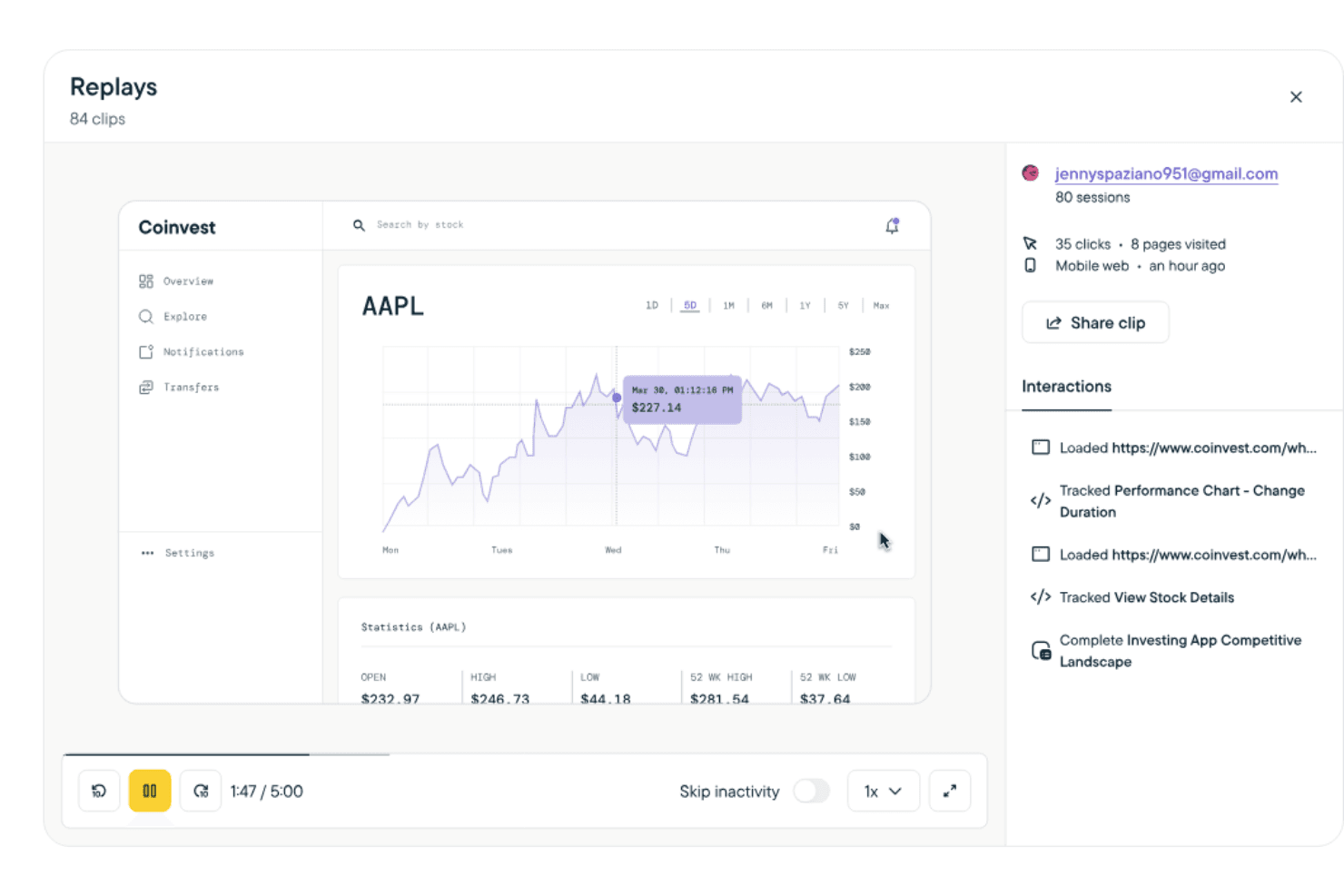
Sprig stands out for its easy-to-use interface and intuitive navigation. The straightforward design allows you to focus on gathering insights for your product. Setting up surveys and analyzing data is simple, which saves you time and effort. Compared to other tools, Sprig's ease of use makes it an attractive choice for teams looking for efficient product management without a steep learning curve.
Integrations
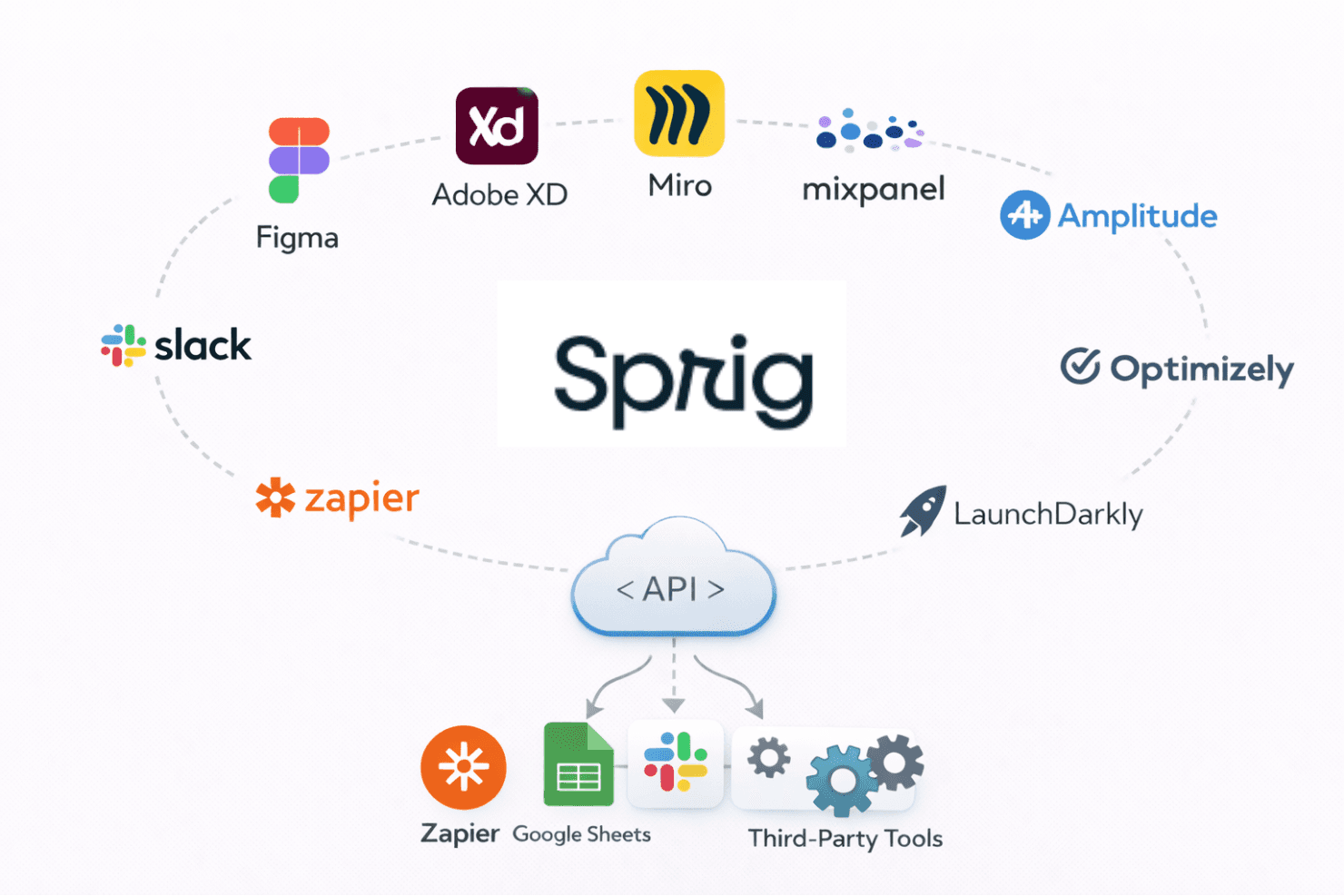
Sprig integrates with platforms such as Figma, Adobe XD, Miro, Mixpanel, Amplitude, Optimizely, LaunchDarkly, Slack, Zapier, and Segment.
Sprig Specs
- A/B Testing: No
- API: No
- Collaboration Support: No
- Custom Data Forms: No
- Dashboard: Yes
- Dashboards: No
- Data Export: Yes
- Data Import: No
- Developer Tools: No
- External Integrations: Yes
- Feedback Management: No
- Gantt Charts: No
- Google Apps Integration: No
- Multi-User: Yes
- Notifications: Yes
- Prioritization: Yes
- Product Catalog: No
- Release Management: No
- Reports: No
- Resource Management: No
- Review Monitoring: Yes
- Roadmapping: No
- Scheduling: No
- Task Scheduling/Tracking: No


