

Reseña de Framer: Características clave, ventajas, desventajas y precios


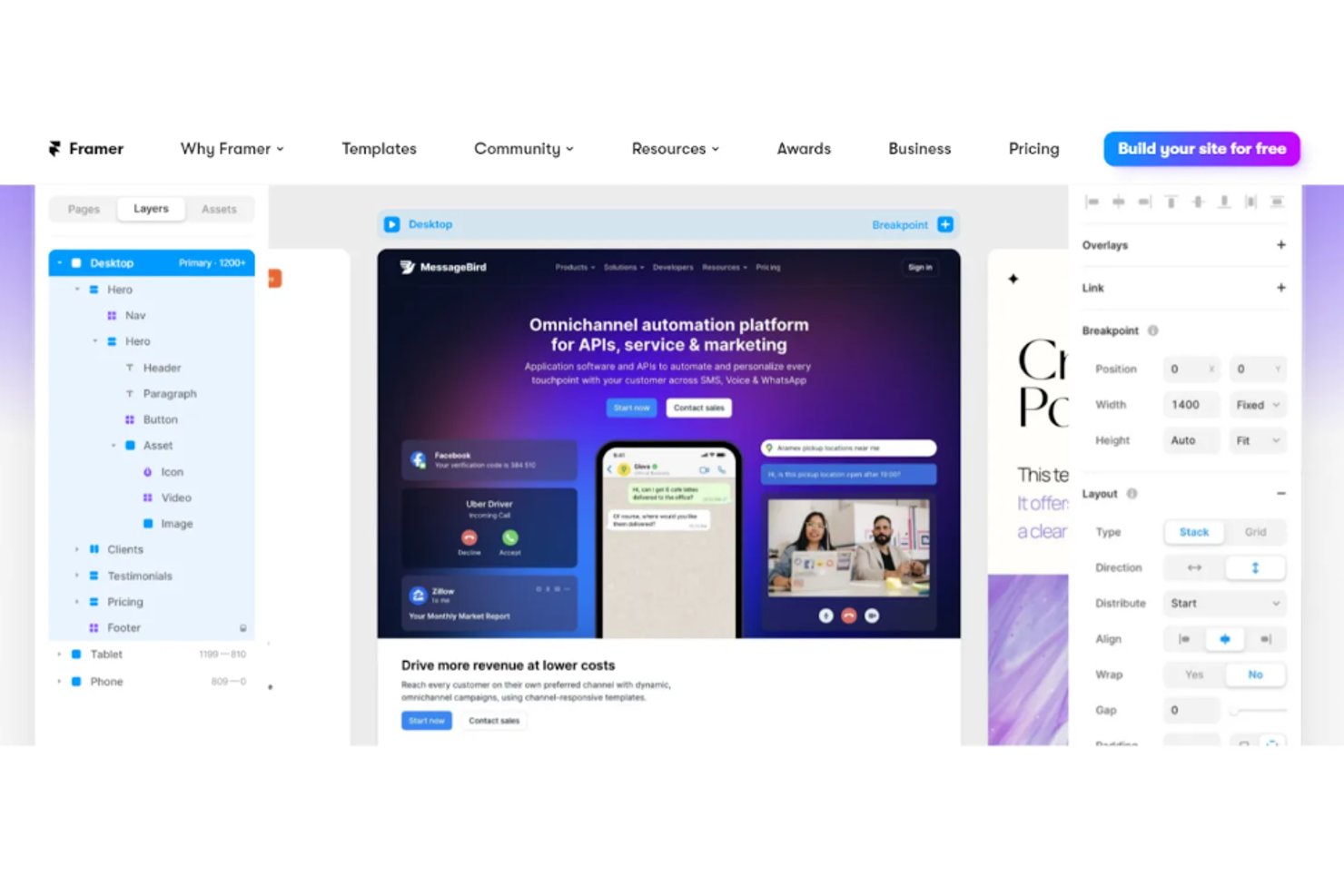
Framer is web design software for product teams and designers who want to turn ideas into interactive prototypes and live sites without heavy coding. I think this is the tool to go with when you need a tool that merges rapid design, collaboration, and robust publishing in one place. Compared to traditional platforms like Adobe XD, Framer stands out for its real-time editing and publishing features, letting you skip handoffs and launch production-ready sites faster.
Framer Evaluation Summary
- From $10/month (billed annually)
- Free plan available
Por Qué Confiar en Nuestras Reseñas de Software
Llevamos revisando y probando software de gestión de productos desde 2020. Como product managers, sabemos lo crucial y complicado que es tomar la decisión correcta al seleccionar software. Invertimos en investigación profunda para ayudar a nuestra audiencia a tomar mejores decisiones de compra de software. Hemos probado más de 2,000 herramientas para distintos casos de uso y escrito más de 1,000 reseñas exhaustivas. Conozca cómo mantenemos la transparencia & nuestra metodología de reseñas de software.
Framer Overview
Framer offers a modern, intuitive interface and real-time collaboration that make it easy for teams to get started and iterate quickly. Its interactive prototyping and responsive design features outperform many alternatives, especially for web-focused projects. Pricing is competitive for small teams, and onboarding is straightforward with strong documentation. However, limited offline access and advanced vector editing may be drawbacks for some.
If you’re judging tools for rapid prototyping, interactive web design, or collaborative workflows, Framer is a top contender—especially for startups or agencies prioritizing speed and flexibility.
pros
-
You can create interactive prototypes with minimal effort.
-
Your team benefits from a user-friendly interface that supports creativity.
-
Framer's real-time collaboration boosts your team's productivity.
cons
-
Some users find the learning curve steep initially.
-
Advanced features might overwhelm smaller teams.
-
You might experience occasional performance lags with complex projects.
-

Zoho Sprints
Visit WebsiteThis rating combines scores from multiple user review sites to reflect overall customer sentiment about the product.4.2 -
Wrike
Visit WebsiteThis rating combines scores from multiple user review sites to reflect overall customer sentiment about the product.4.3 -
monday AI Workspace
Visit WebsiteThis rating combines scores from multiple user review sites to reflect overall customer sentiment about the product.4.6




Cómo Probamos y Puntamos Herramientas
Llevamos años construyendo, refinando y mejorando nuestro sistema de pruebas y puntuación de software. La rúbrica está diseñada para captar los matices de la selección de software y lo que hace que una herramienta sea eficaz, centrándose en aspectos críticos del proceso de decisión. A continuación, puedes ver exactamente cómo funcionan nuestras pruebas y puntuaciones a través de siete criterios. Esto nos permite proporcionar una evaluación imparcial del software según funcionalidad principal, características destacadas, facilidad de uso, implementación, soporte al cliente, integraciones, reseñas de clientes y relación calidad-precio.
Funcionalidad Principal (25% de la puntuación final)
El punto de partida de nuestra evaluación siempre es la funcionalidad principal de la herramienta. ¿Cuenta con las funciones básicas que un usuario espera ver? ¿Alguna de esas funciones centrales está limitada a planes de precios superiores? Esperamos que una herramienta esté a la altura de las capacidades básicas de sus competidores.
Características Destacadas (25% de la puntuación final)
Luego evaluamos características especiales poco comunes que van más allá de la funcionalidad principal que normalmente se encuentra en herramientas similares. Una alta puntuación refleja características especializadas o únicas que hacen que el producto sea más rápido, eficiente u ofrezca valor añadido al usuario. También evaluamos lo fácil que es integrar con otras herramientas habituales en el entorno tecnológico para ampliar la funcionalidad y utilidad del software. Las herramientas que ofrecen integraciones nativas abundantes, conexiones de terceros y acceso por API para crear integraciones personalizadas obtienen la mejor puntuación.
Facilidad de Uso (10% de la puntuación final)
Consideramos lo rápido y sencillo que es llevar a cabo las tareas definidas en la funcionalidad principal usando la herramienta. El software con alta puntuación está bien diseñado, es intuitivo, ofrece apps móviles, tiene plantillas y hace que tareas relativamente complejas parezcan simples.
Implementación (10% de la puntuación final)
Sabemos lo importante que es la adopción rápida del equipo para una nueva plataforma, así que evaluamos la facilidad de aprendizaje y uso de una herramienta con entrenamiento mínimo. Evaluamos cuán rápidamente un miembro del equipo puede configurar y empezar a usar la herramienta sin experiencia previa. Las soluciones con alta puntuación indican que se requiere poco o ningún soporte.
Soporte al Cliente (10% de la puntuación final)
Revisamos lo rápido y sencillo que es desatascarse y encontrar ayuda por teléfono, chat en vivo o base de conocimientos. Los productos y empresas que ofrecen soporte en tiempo real obtienen mejor puntuación, mientras que los chats automáticos obtienen la peor.
Reseñas de Clientes (10% de la puntuación final)
Más allá de nuestras propias pruebas y evaluaciones, consideramos el net promoter score de clientes actuales y pasados. Revisamos su probabilidad, dadas las opciones, de elegir la herramienta de nuevo por su funcionalidad principal. Un software con alta puntuación refleja un alto net promoter score de clientes actuales o anteriores.
Relación Calidad-Precio (10% de la puntuación final)
Por último, teniendo en cuenta todos los demás criterios, revisamos el precio promedio de los planes de nivel de entrada frente a las funcionalidades principales y consideramos el valor de los demás criterios de evaluación. El software que ofrece más por menos, obtendrá una puntuación mayor.
Core Features
Interactive Prototyping
Framer lets you create clickable and interactive prototypes that mimic real user experiences. This feature is perfect for testing ideas and gathering feedback quickly.
Design Components
You can build reusable design components to maintain consistency across your projects. This helps streamline your design process and saves time.
Real-time Collaboration
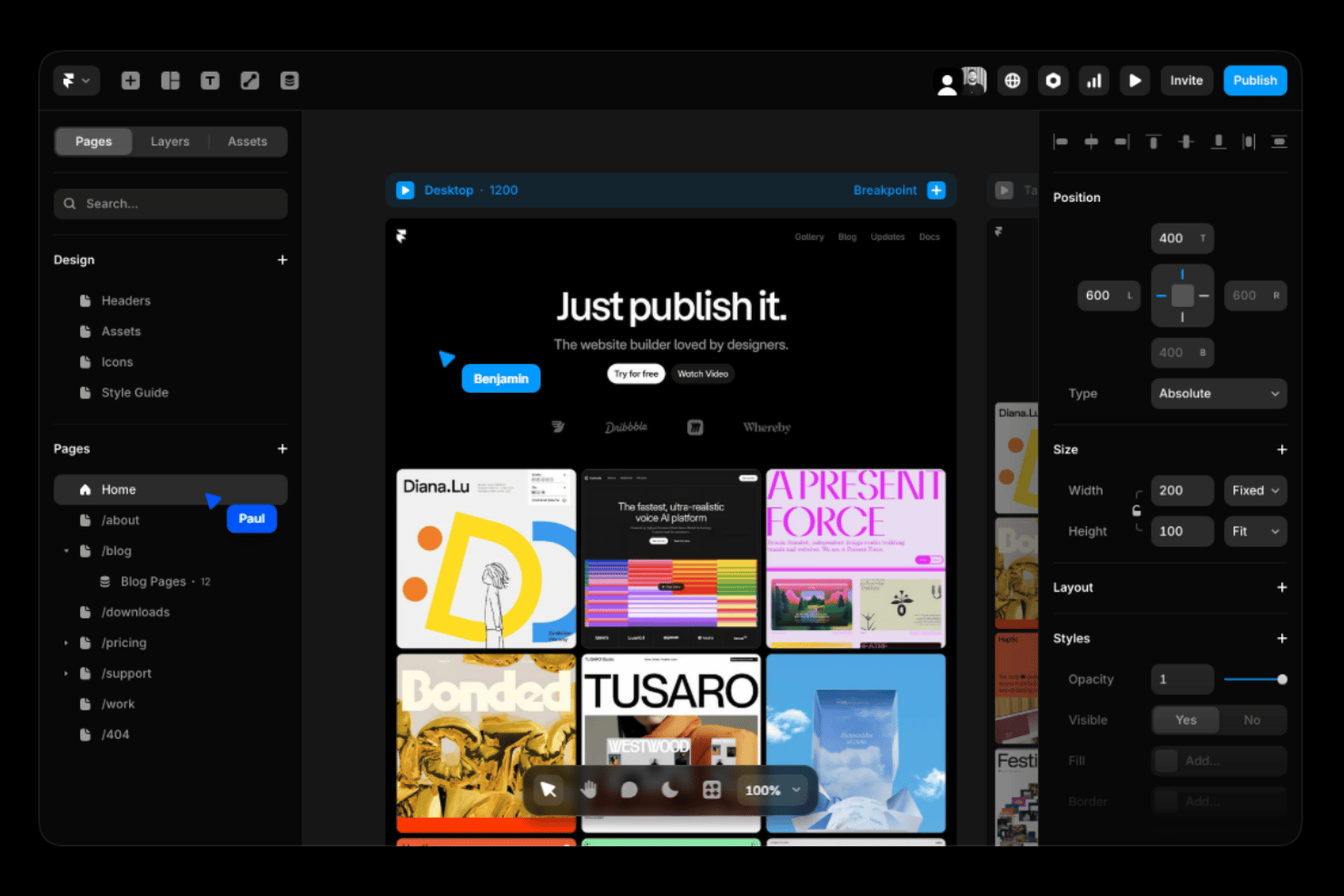
Work with your team simultaneously on the same project, making it easy to share ideas and make changes on the fly. This boosts your team's efficiency and creativity.
Responsive Design
Framer's responsive design tools ensure your prototypes look great on any device. Adjust layouts effortlessly to fit different screen sizes.
Animation Tools
You can use Framer's animation tools to add dynamic elements to your designs. Create engaging user experiences with smooth transitions and animations.
Version Control
Keep track of changes with version control, allowing you to revert to previous designs if needed. This feature ensures your work is safe and organized.
Ease of Use
Framer stands out for its intuitive interface and straightforward navigation, making it user-friendly even for those new to UX design software. You’ll find the drag-and-drop functionality and real-time collaboration features especially helpful in simplifying complex tasks. While there’s a learning curve for advanced features, the overall design streamlines your workflow, allowing your team to focus on creativity.
Users appreciate how quickly they can prototype and iterate, thanks to Framer’s efficient design tools.
Integrations
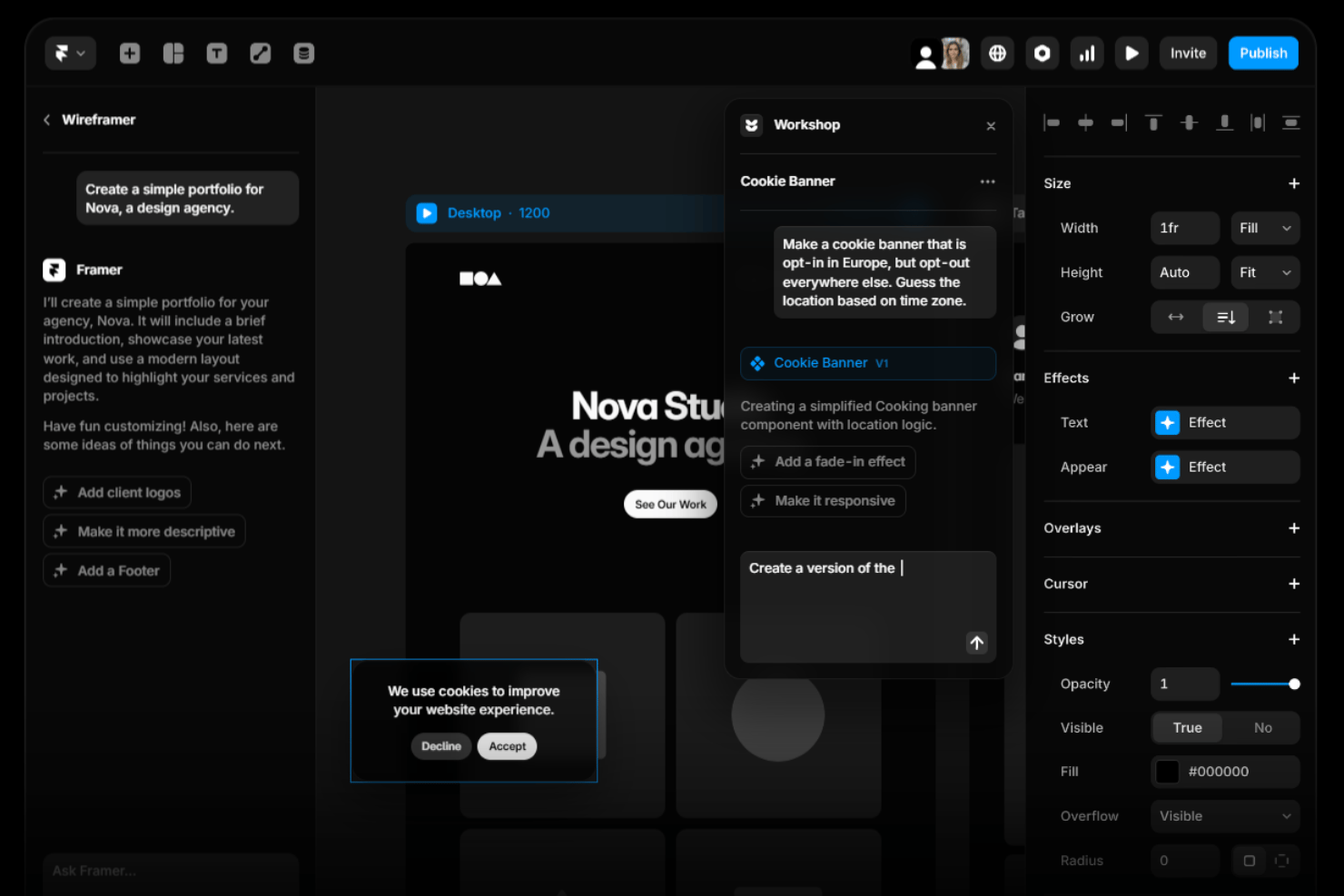
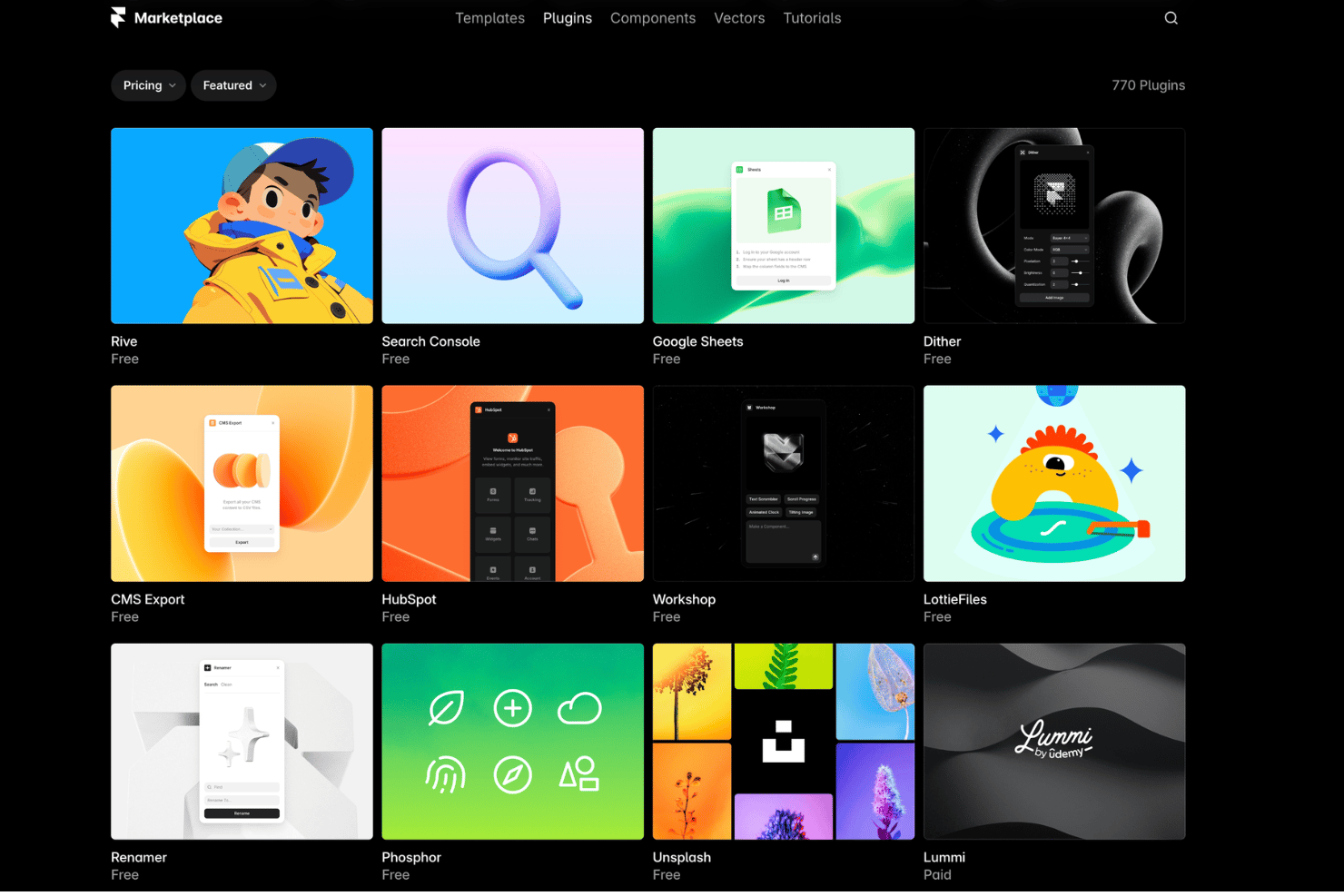
Framer integrates with Unsplash, Google Fonts, YouTube, Vimeo, LottieFiles, Figma, Spline, Google Analytics, Hotjar, and Slack, among others.
Framer also offers an API and supports connections with third-party integration tools for extended functionality.
Framer Specs
- A/B Testing
- API
- Data Export
- Data Import
- External Integrations
- Landing Pages
- Multi-User
- Third-Party Plugins/Add-Ons


