



Figma vs. Framer: Comparison & Expert Reviews For 2026


Framer offers a dynamic platform for creating interactive designs that can elevate your team's creative workflows while Figma provides a collaborative environment that streamlines design processes for you and your team.
While both tools excel in enhancing design efficiency, they differ in their approach to interactivity and collaboration.
In this article, you'll find a detailed comparison of these UX design tools, examining their features, pros and cons, and pricing to help you make the best choice for your projects.
Figma vs. Framer: An Overview
Figma


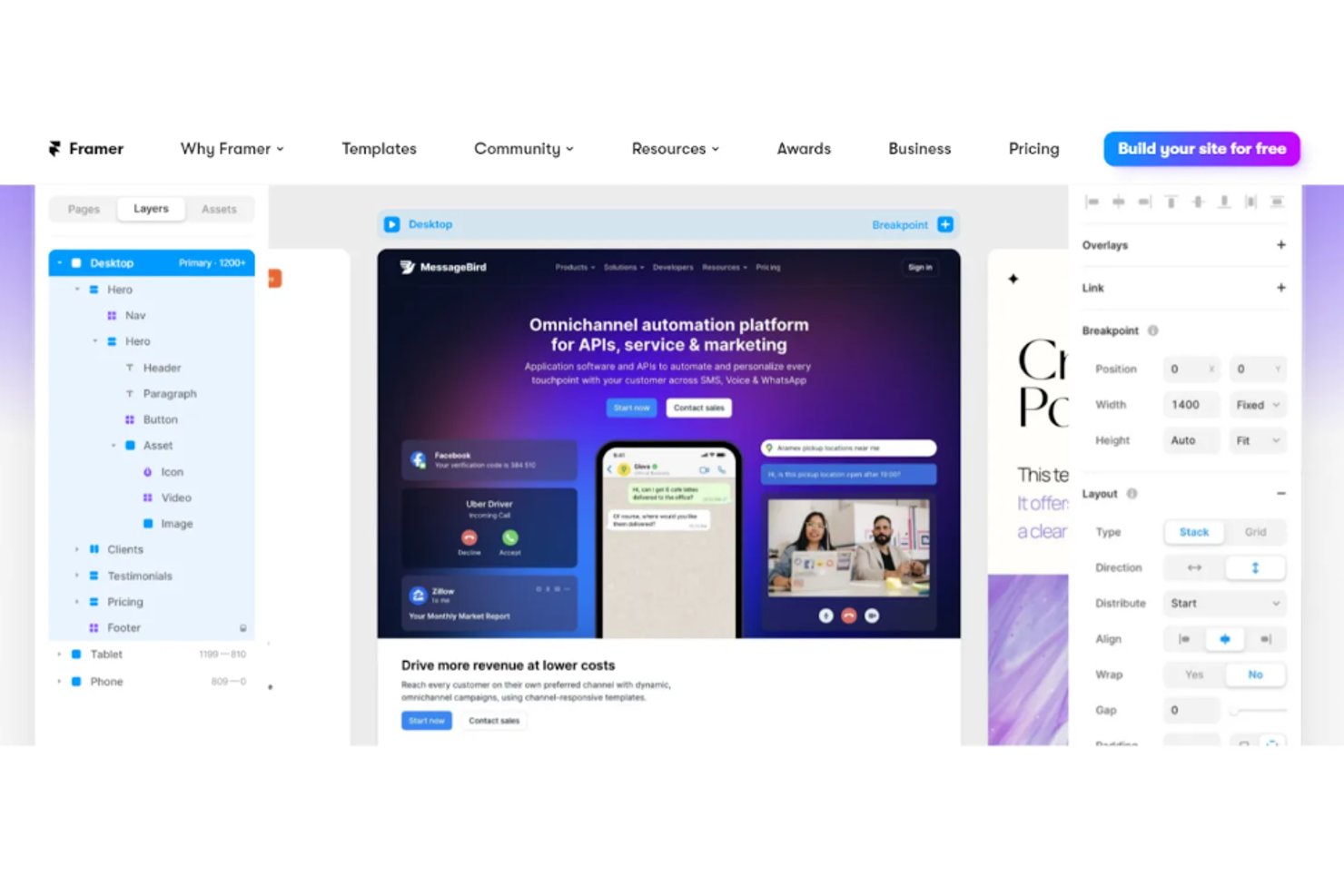
Framer

Why Trust Our Software Reviews
We’ve been testing and reviewing product management software since 2020. As product managers ourselves, we know how critical and difficult it is to make the right decision when selecting software.
We invest in deep research to help our audience make better software purchasing decisions. We’ve tested more than 2,000 tools for different product management use cases and written over 1,000 comprehensive software reviews. Learn how we stay transparent & our software review methodology.
Figma vs. Framer Pricing Comparison
| Figma | Framer | |
|---|---|---|
| Free Trial | Free plan available | Free plan available |
| Pricing | From $16/user/month (billed annually) | From $10/month (billed annually) |
Figma vs. Framer Pricing & Hidden Costs
Framer pricing typically follows a subscription model with tiered plans, but you might encounter extra costs for premium features or increased storage needs. Figma pricing also uses a subscription model, offering different plans and potential additional charges for advanced collaboration tools and extended storage. To choose the right tool for your design needs, evaluate the features each plan offers and consider how they align with your team's project requirements and growth potential.
Figma vs. Framer Integrations
| Integration | Figma | Framer |
|---|---|---|
| Slack | ✅ | ✅ |
| Notion | ✅ | ❌ |
| Jira | ✅ | ❌ |
| Trello | ✅ | ✅ |
| Sketch | ❌ | ✅ |
| Adobe XD | ✅ | ❌ |
| Microsoft Teams | ✅ | ❌ |
| Google Drive | ✅ | ✅ |
| API | ✅ | ✅ |
| Zapier | ✅ | ✅ |
With Framer's integration with Slack, you can easily streamline team communications and keep everyone updated on design changes without leaving the chat platform. Figma's integration with Jira is great for managing design and development workflows, as it allows you to attach design files directly to Jira issues. While Framer enhances communication, Figma improves project management by keeping design and development in sync.
Figma vs. Framer Security, Compliance & Reliability
| Factor | Figma | Framer |
|---|---|---|
| Data Privacy | Figma employs AES-256 encryption for data both in transit and at rest. | Framer uses end-to-end encryption to protect your design data. |
| Regulatory Compliance | Figma complies with SOC 2 Type II standards for data security. | Framer adheres to GDPR to ensure user data protection in the EU. |
| System Reliability | Figma guarantees high availability with its redundant server setup. | Framer offers 99.9% uptime with robust infrastructure monitoring. |
Framer and Figma both offer strong security measures, but Figma's compliance with SOC 2 Type II gives it an edge in structured data protection. When evaluating these tools, consider which compliance standards and encryption methods align best with your team's security needs, and review their security documentation to ensure they meet your expectations.
Figma vs. Framer Ease of Use
| Factor | Figma | Framer |
|---|---|---|
| User Interface | Figma's interface is clean and organized, allowing easy navigation between design files. | Framer's interface is intuitive, with drag-and-drop features for quick prototyping. |
| Onboarding Experience | Figma provides step-by-step guides and community resources for new users. | Framer offers interactive tutorials to help you get started quickly. |
| Setup | Figma requires account setup but integrates smoothly with Google accounts. | Framer's setup is straightforward, requiring minimal configuration. |
Framer is ideal for quick prototyping and building interactive landing pages, thanks to its intuitive drag-and-drop interface and dynamic auto layout features. While powerful, it may present a steeper learning curve for advanced UI design tasks.
On the other hand, Figma stands out for its collaboration capabilities and structured version history, which make it easier for team members to work together on complex design projects. However, new users may find its extensive feature set slightly overwhelming at first.
Figma vs Framer: Pros & Cons
Figma
- Real-time collaboration supports distributed design teams.
- Extensive plugin library expands core design capabilities.
- Cloud-based access enables instant file sharing and feedback.
- Performance can lag with large, complex design files.
- Advanced vector editing tools are less mature than some peers.
- Limited offline editing restricts work without internet.
Framer
- You can create interactive prototypes with minimal effort.
- Your team benefits from a user-friendly interface that supports creativity.
- Framer's real-time collaboration boosts your team's productivity.
- Some users find the learning curve steep initially.
- Advanced features might overwhelm smaller teams.
- You might experience occasional performance lags with complex projects.
Best Use Cases for Figma and Framer
Figma
- Remote Product Teams Figma’s real-time editing and commenting support distributed product teams working across time zones.
- Design Agencies Cloud-based file management and easy client sharing streamline agency-client collaboration.
- Higher Education Browser access and free education plans make Figma accessible for student projects.
- Startups Affordable pricing and rapid prototyping help startups iterate quickly on MVPs.
- Marketing Departments Easy asset export and brand library features support campaign design needs.
- Front-End Developers Developer handoff tools and inspect mode simplify translating designs to code.
Framer
- Tech Startups Framer helps your startup quickly prototype and test ideas, allowing faster pivots and innovation.
- Digital Agencies Your agency can benefit from Framer’s collaborative features for seamless teamwork on client projects.
- Product Designers Framer’s interactive prototyping lets you create engaging user experiences that stand out.
- Marketing Teams Your marketing team can use Framer to design interactive landing pages that capture audience attention.
- Freelance Designers You can leverage Framer to efficiently create prototypes that impress your clients and win more projects.
- E-commerce Companies Framer enables your team to design and test user flows that enhance the online shopping experience.
Who Should Use Framer, and Who Should Use Figma?
In my opinion, Framer is a strong fit for designers building highly interactive mobile apps or web design prototypes in fast-paced environments like startups, though there are several Framer alternatives worth considering. It's particularly useful for creative teams focused on pushing boundaries in user interface interactions.
Figma is better suited for larger teams that rely on smooth design handoffs, organized file structures, and cloud-based workflows. If your process involves constant collaboration, feedback loops, and centralized design elements, Figma’s real-time editing and file sharing are hard to beat.
Differences Between Figma and Framer
| Figma | Framer | |
|---|---|---|
| Collaboration | Real-time editing and commenting for team projects | Focused on individual creators |
| Integrations | Syncs with tools like Jira for design workflow management | Offers a built-in Framer plugin with Slack for streamlined communication |
| Pricing | Subscription-based with additional tools for enterprise use | Tiered subscriptions with potential extra fees |
| Prototyping Features | Basic transitions suitable for wireframing and concept validation | Advanced animations and interactive prototypes |
| User Interface | Clean layout structured for collaborative team workflows | Geared toward rapid UI design workflows |
| Read Figma ReviewOpens new window | Read Framer ReviewOpens new window |
Similarities Between Figma and Framer
| Cloud-Based Access | Use on any device—macOS, Windows, or iOS—via a browser |
|---|---|
| Community Resources | Access to user-generated plugins and UI kits for design acceleration |
| Cross-Platform Access | Compatible across Windows, Mac, and Android devices for cross-platform functionality and a user-friendly platform |
| Design Flexibility | Both offer layer-based editing, reusable templates, and style controls |
| Subscription Model | Pricing tiers available based on usage level and team needs |
| Read Figma ReviewOpens new window Read Framer ReviewOpens new window | |