

Hubspot Bewertung: Vorteile, Nachteile, Funktionen und Preisstruktur erklärt
Hubspot überzeugt durch seine All-in-One-Marketing-Tools und das benutzerfreundliche Design, kann jedoch für wachsende Teams, die erweiterte Anpassungen suchen, kostspielig sein.

Wir überprüfen Tools unabhängig und Provisionen helfen, unsere Tests zu finanzieren. Lesen Sie unsere transparente Richtlinie, unsere Methodik oder schlagen Sie ein Tool vor.
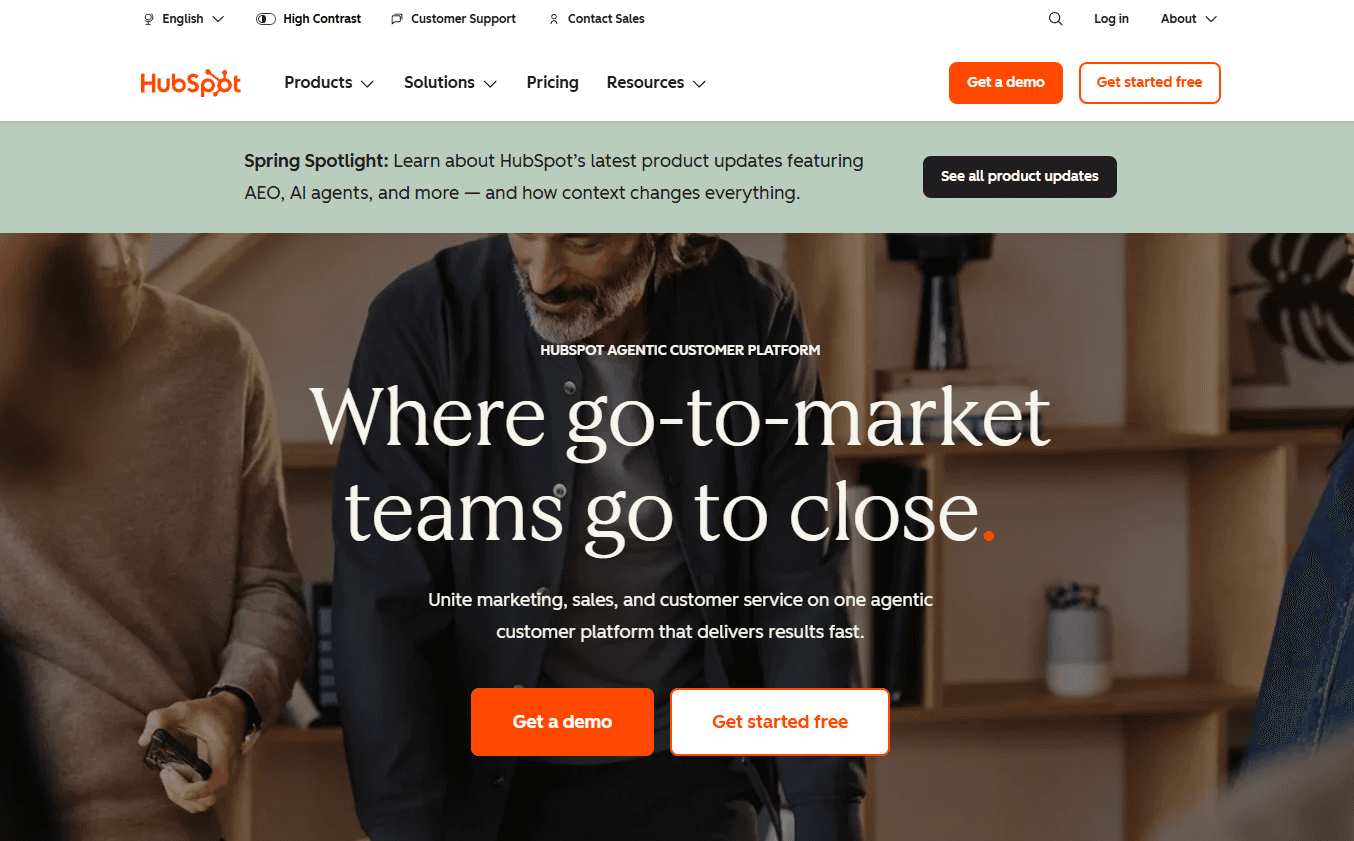
HubSpot is a product marketing software for teams that need to manage campaigns, messaging, and content across the full customer lifecycle—from awareness through retention. I'd consider it if you want a platform that ties marketing execution directly to CRM data without the technical overhead of tools like Marketo, which typically requires dedicated ops resources to configure and maintain. HubSpot gives you more out of the box with a shorter path to actually using it.
HubSpot Evaluation Summary
4.4/5
- From $20/user/month
- Free plan available
Warum Sie unseren Software-Empfehlungen vertrauen können
6,700+
Reviews
20
Industry experts
16+
Evaluation factors
14
Years
Unser Team testet und bewertet Software seit 2012. Als Produktmanager wissen wir selbst, wie schwierig – und wichtig – es ist, die richtige Software auszuwählen.
Für diesen Leitfaden haben wir Tools mithilfe von praktischen Tests und unabhängiger Recherche bewertet und dabei unsere Bewertungskriterien angewendet.
Unsere Bewertungen spiegeln unser menschliches redaktionelles Urteilsvermögen wider, keine Verkaufsstrategie.
Expertenprüfer:
- Andrew LumbySenior TPM
- Cristiano ValimSenior UI/UX Lead


HubSpot Overview
When judging Hubspot as a product marketing software, its intuitive interface, strong automation, and deep analytics set it apart for teams seeking a unified solution. Pricing can be high as you scale, and advanced customization is limited compared to some alternatives. However, onboarding is straightforward, support is responsive, and integrations cover most SaaS needs. If you're selecting a platform for a fast-growing team that values ease of use and centralized data, Hubspot is a top contender. For example, marketing and sales teams can quickly align campaigns and track performance without heavy IT involvement.
Pros
- Built-in campaign management connects email, social, and ads.
- Detailed attribution reporting tracks marketing impact on revenue.
- Content optimization tools support SEO and blog publishing.
Cons
- Advanced reporting features require higher-tier plans.
- Workflow automation can be rigid for complex processes.
- Lead scoring lacks flexibility for nuanced segmentation.
Is HubSpot Right For Your Needs?
Who Would be a Good Fit for HubSpot?
Hubspot works best for teams that need to centralize marketing, sales, and content management without heavy IT support. Its automation, analytics, and campaign tools are especially useful for SaaS, B2B, and service-based companies that want to align marketing and sales. Hubspot's scalable platform and built-in CRM make it a strong choice for marketing departments, small businesses, and roles focused on lead generation and content strategy.
- SaaS StartupsHubspot's unified CRM and marketing automation help startups manage rapid growth.
- B2B Marketing TeamsMulti-channel campaign management and lead tracking support complex B2B sales cycles.
- Professional ServicesAutomated workflows and client tracking simplify service delivery and follow-up.
- Content Marketing RolesSEO tools and blog publishing features streamline content planning and execution.
- Small Marketing DepartmentsAll-in-one platform reduces the need for multiple disconnected tools.
- Agencies Managing ClientsClient portals and reporting features support agency-client collaboration and transparency.
Who Would be a Bad Fit for HubSpot?
Hubspot may not suit organizations with highly specialized needs, strict budgets, or complex technical requirements. Large enterprises with custom workflows, industries with strict compliance needs, and teams focused on physical product sales may find limitations in Hubspot's automation, reporting, or e-commerce features.
- Large EnterprisesCustom workflow and reporting needs often exceed Hubspot's capabilities.
- E-Commerce RetailersLimited native e-commerce features compared to dedicated platforms.
- Regulated IndustriesCompliance and data residency controls are less robust than niche solutions.
- Nonprofit OrganizationsPricing and feature tiers may not align with nonprofit budgets or needs.
- Field Sales TeamsMobile app and offline capabilities are less developed for on-the-go sales.
- Manufacturing CompaniesProduct catalog and inventory management features are not built for manufacturing complexity.
Wie wir Tools testen & bewerten
Wir haben jahrelang unser System für Softwaretests und -bewertungen aufgebaut, verfeinert und verbessert. Unser Bewertungsraster wurde entwickelt, um die Feinheiten bei der Auswahl von Software und die Effektivität eines Tools einzufangen, wobei der Fokus auf den entscheidenden Aspekten des Entscheidungsprozesses liegt. Nachfolgend sehen Sie genau, wie unser Test- und Bewertungssystem anhand von sieben Kriterien funktioniert. Dadurch können wir eine objektive Bewertung der Software auf Basis von Kernfunktionen, herausragenden Merkmalen, Benutzerfreundlichkeit, Onboarding, Kundensupport, Integrationen, Kundenbewertungen und Preis-Leistungs-Verhältnis bieten.
Kernfunktionalität (25% der Endbewertung)
Der Ausgangspunkt unserer Bewertung ist stets die Kernfunktionalität des Tools. Verfügt das Tool über die grundlegenden Funktionen, die ein Benutzer erwarten würde? Sind einige dieser Kernfunktionen nur in höheren Tarifen verfügbar? Im Kern erwarten wir, dass ein Tool den grundlegenden Fähigkeiten seiner Wettbewerber standhält.
Herausragende Merkmale (25% der Endbewertung)
Als nächstes bewerten wir seltene Alleinstellungsmerkmale, die über die übliche Kernfunktionalität solcher Tools hinausgehen. Eine hohe Bewertung spiegelt spezialisierte oder einzigartige Funktionen wider, die das Produkt schneller, effizienter oder für den Nutzer wertvoller machen. Wir prüfen außerdem, wie einfach sich das Tool mit anderen, typischen Werkzeugen im Technologie-Stack integrieren lässt, um seine Funktionalität und seinen Nutzen zu erweitern. Tools mit vielen nativen Integrationen, Drittanbieter-Anbindungen und API-Zugang für Individualisierungen erzielen die besten Ergebnisse.
Benutzerfreundlichkeit (10% der Endbewertung)
Wir berücksichtigen, wie schnell und einfach sich Aufgaben der Kernfunktionalität mit dem Tool umsetzen lassen. Software mit hoher Punktzahl ist gut gestaltet, intuitiv zu bedienen, bietet mobile Apps, Vorlagen und macht vergleichsweise komplexe Aufgaben einfach.
Onboarding (10% der Endbewertung)
Wir wissen, wie wichtig eine schnelle Akzeptanz durch Teams für eine neue Plattform ist. Deshalb bewerten wir, wie leicht sich das Tool mit minimaler Schulung erlernen und nutzen lässt. Wir prüfen, wie schnell ein Teammitglied ohne Vorerfahrung eingerichtet ist und starten kann. Lösungen mit guter Bewertung setzen nur wenig oder keine Unterstützung voraus.
Kundensupport (10% der Endbewertung)
Wir prüfen, wie schnell und einfach Hilfe per Telefon, Live-Chat oder Wissensdatenbank verfügbar ist. Tools und Unternehmen mit Echtzeit-Support schneiden am besten ab, während Chatbots am schlechtesten bewertet werden.
Kundenbewertungen (10% der Endbewertung)
Zusätzlich zu unseren eigenen Tests und Bewertungen betrachten wir den Net Promoter Score aktueller und ehemaliger Kunden. Wir prüfen deren Wahrscheinlichkeit, sich erneut für das Tool zu entscheiden. Eine hohe Bewertung spiegelt einen hohen Net Promoter Score wider.
Preis-Leistungs-Verhältnis (10% der Endbewertung)
Abschließend vergleichen wir alle anderen Kriterien mit dem durchschnittlichen Einstiegspreis und den Kernfunktionen und bewerten das Gesamtergebnis. Software, die mehr für weniger bietet, erhält eine höhere Bewertung.
Core Features
Campaign Management
Plan, launch, and track multi-channel campaigns from a single dashboard. Users can coordinate email, social, and ad campaigns with built-in analytics.
Lead Scoring
Assign scores to leads based on behavior, engagement, and profile data. This helps teams prioritize follow-up and segment audiences.
Marketing Automation
Automate email sequences, lead nurturing, and task assignments. Visual workflow builders make setup fast for common marketing processes across the entire sales pipeline.
Content Management System
Create, edit, and optimize pages and blogs with drag-and-drop tools. Built-in SEO recommendations help improve content visibility.
Attribution Reporting
Track which channels and campaigns drive conversions and revenue. Reports connect marketing activities to business outcomes.
A/B Testing
Test different versions of emails, landing pages, and CTAs to optimize performance. Results appear in clear dashboards to make informed decisions based on metrics.
Ease of Use
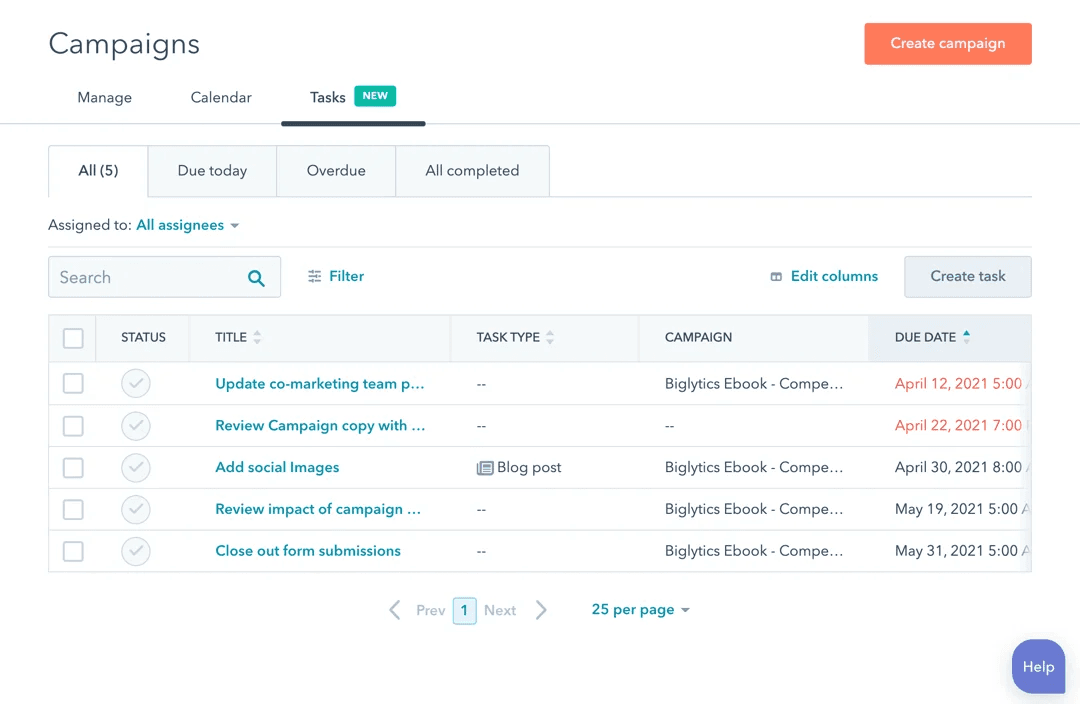
Hubspot is widely recognized for its user-friendly interface and intuitive navigation, making it approachable for both beginners and experienced users alike. The drag-and-drop editors for emails and landing pages, visual workflow builders, and in-app guidance help teams get started quickly. Many users highlight the clear organization of tools and dashboards, which reduces onboarding time and confusion. While some advanced features require setup, most core marketing tasks can be managed without technical expertise.
Integrations
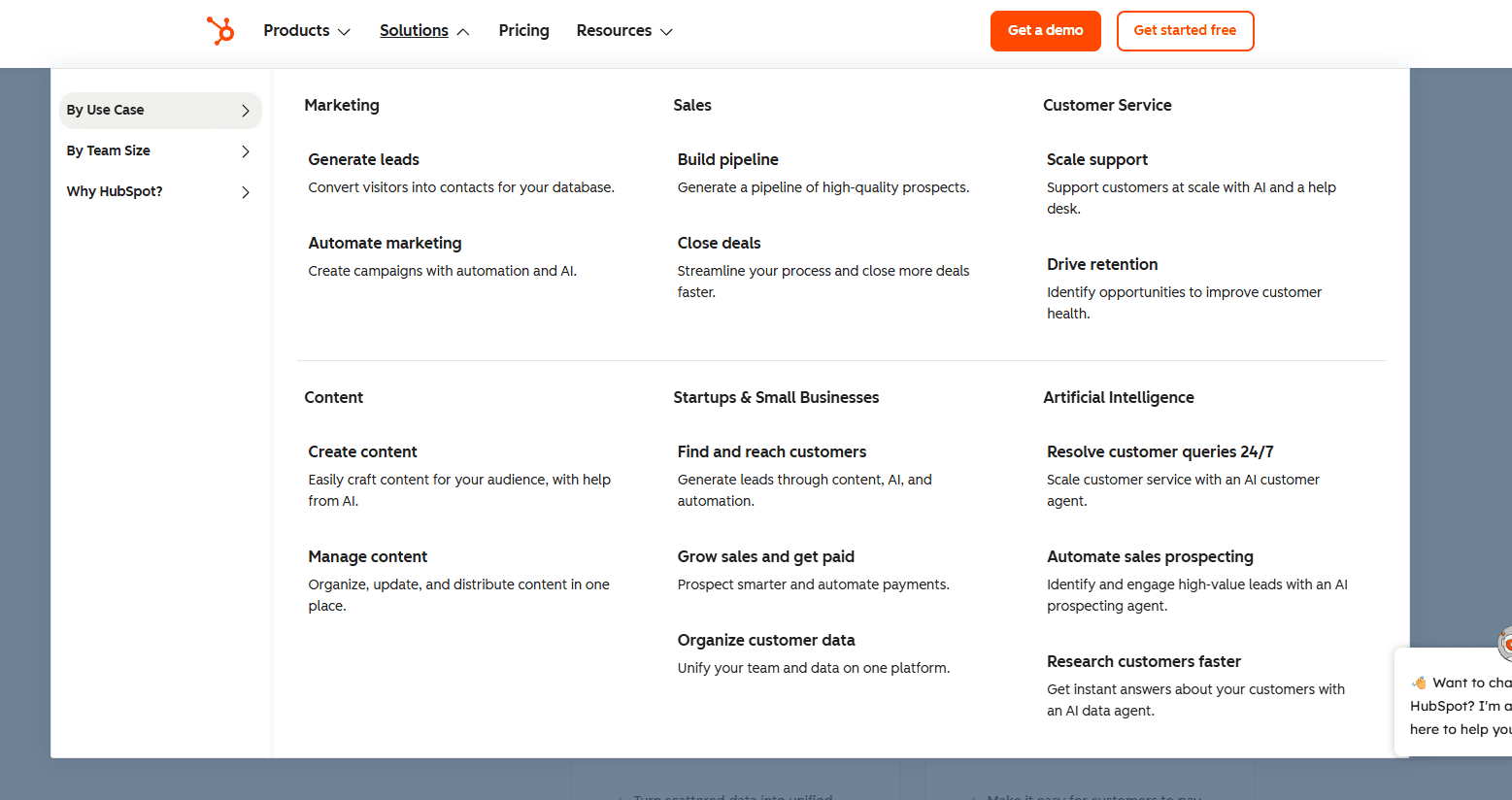
HubSpot integrates with QuickBooks Online, Freshbooks, Xero, Gmail, Outlook, DocuSign, Mailchimp, Slack, and Google Calendar, among others.
HubSpot’s CRM also offers a robust API and connects with third-party integration tools like Zapier for expanded automation and connectivity.

HubSpot Specs
- 2-Factor Authentication: Yes
- API: Yes
- Calendar Management: Yes
- Call Tracking: Yes
- Campaign Management: Yes
- Click-to-Dial: Yes
- Contact Management: Yes
- Contact Sharing: Yes
- Custom Data Forms: Yes
- Customer Management: Yes
- Dashboard: Yes
- Data Export: Yes
- Data Import: Yes
- Data Visualization: Yes
- Email Integration: Yes
- External Integrations: Yes
- File Sharing: Yes
- File Transfer: Yes
- Google Apps Integration: Yes
- Lead Management: Yes
- Lead Scoring: Yes
- Marketing Automation: Yes
- Mobile App: Yes
- Multi-User: Yes
- Notifications: Yes
- Pipeline Management: Yes
- Sales Automation: Yes
- Scheduling: Yes
- Social-Media Integration: Yes
- Task Scheduling/Tracking: Yes
- Third-Party Plugins/Add-Ons: Yes


