

Miro vs. Figma: Comparison & Expert Reviews For 2026

We review tools independently, and commissions help fund our testing. See our transparency policy, our methodology, or suggest a tool.
When it comes to design collaboration, two of the most popular tools are Miro and Figma. Miro is known for its flexible whiteboarding features that support brainstorming and team workshops, while Figma shines in building interactive prototypes and managing design systems. Both play an important role in modern product and design workflows—but they serve different needs. In this article, we’ll compare their features, pros and cons, pricing, and reviews to help you decide which tool is the best design collaboration software for your team.
Miro
4.8/5
- Free plan + 14-day free trial available
- From $8/user/month (billed annually)
Figma

4.7/5
- Free plan available
- From $3/user/month
Why Trust Our Software Recommendations
6,700+
Reviews
20
Industry experts
16+
Evaluation factors
14
Years
Our team has been testing and reviewing software since 2012. As product managers ourselves, we know how difficult—and important—it is to choose the right software.
For this guide, we evaluated tools using hands-on testing and independent research, scoring tools using our selection criteria.
Our reviews reflect our human editorial judgment, not a sales pitch.
Expert reviewers:
- Andrew LumbySenior TPM
- Cristiano ValimSenior UI/UX Lead


| Miro | Figma | |
|---|---|---|
| Free Trial | Free plan + 14-day free trial available | Free plan available |
| Pricing | From $8/user/month (billed annually) | From $3/user/month |
The Hidden Costs section title goes here.
Miro pricing is based on tiered plans that scale with team size. It’s a flexible setup, but larger organizations or remote teams may face additional charges for advanced integrations or premium collaboration features. Figma pricing also uses a tiered model, with potential extra costs tied to storage limits or advanced design features.
When comparing Figma vs Miro, it’s important to evaluate how your team works today and how you expect to grow. If your focus is collaborative whiteboarding and teamwork across remote teams, Miro may be the more cost-effective choice. If your priority is ui design, version control, and managing a design system across multiple projects, Figma’s plans may deliver more long-term value.
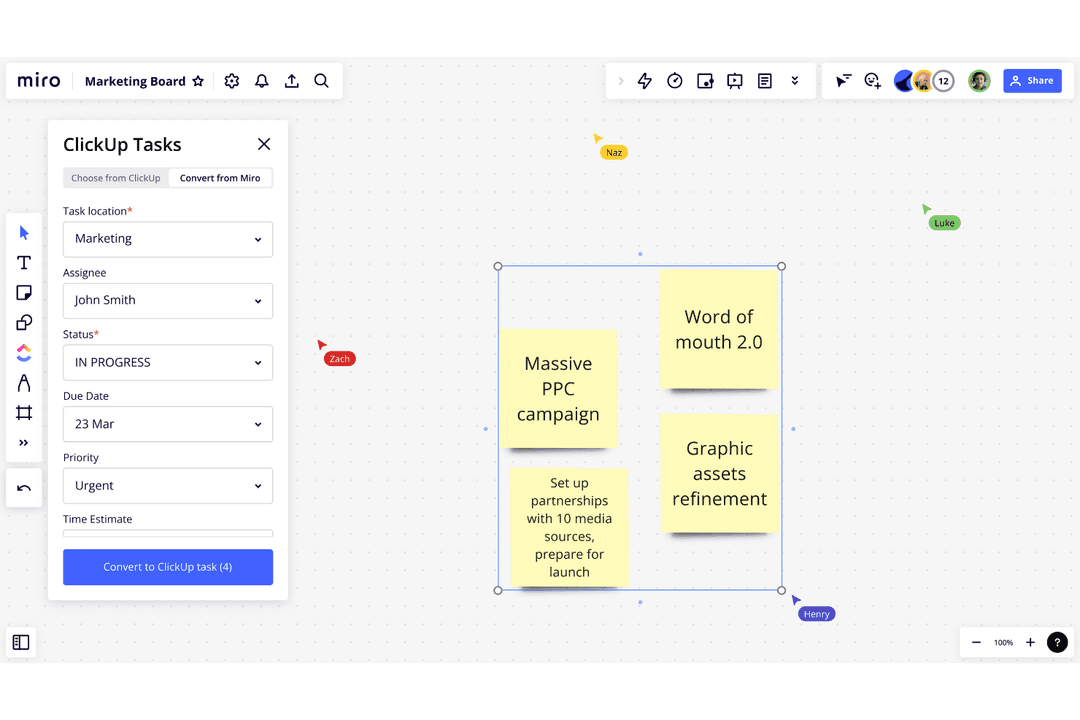
Miro functions as a sticky note board and online whiteboard platform, with an infinite canvas and a broad template library that supports ideation, journey mapping, flowcharts, and project planning. Its collaborative whiteboarding tool streamlines remote teams looking to keep projects moving forward through workshops and brainstorming sessions.
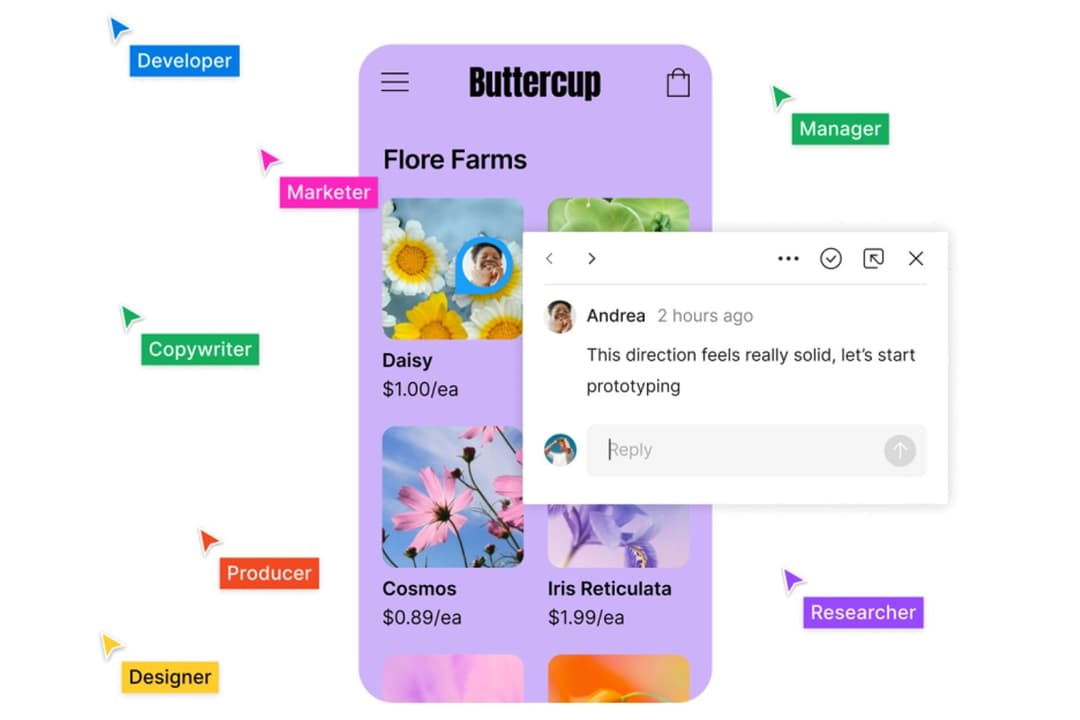
Figma is built for ui design and high-fidelity product development. With strong design system capabilities, version control, interactive design, and reusable components, it enables design teams to create consistent user experiences across wireframes, prototypes, and finished interfaces. Its design features also support a structured design process, making it the go-to choice for teams managing complex product development lifecycles.
When comparing these two powerful tools, Miro excels in teamwork and early ideation, while Figma is the stronger tool for precision design and user experience delivery.
| Miro | Figma | |
|---|---|---|
| Data Export | Yes | Yes |
| Data Import | Yes | Yes |
| Multi-User | Yes | Yes |
| Integration | Miro | Figma |
| Google Drive | ✅ | ✅ |
| Slack | ✅ | ✅ |
| Microsoft Teams | ✅ | ✅ |
| Jira | ✅ | ✅ |
| Asana | ✅ | ✅ |
| Trello | ✅ | ✅ |
| Adobe Creative Cloud | ✅ | ✅ |
| Sketch | ✅ | ❌ |
| API | ✅ | ✅ |
| Zapier | ✅ | ✅ |
Miro's integration with Jira lets you organize project management tasks directly within your collaborative sessions, making it perfect for Agile workflows. Figma's integration with Adobe Creative Cloud is great for designers who need to easily transfer assets for editing or further development. Each tool offers integrations that cater to specific needs, enhancing productivity in unique ways.
| Factor | Miro | Figma |
| Data Privacy | Miro employs GDPR compliance and offers data encryption to protect user information. | Figma uses end-to-end encryption and complies with GDPR for data protection. |
| Regulatory Compliance | Miro follows international standards like SOC 2 and ISO 27001 to ensure compliance. | Figma is certified with SOC 2 and ISO 27001, ensuring regulatory adherence. |
| System Reliability | Miro provides 99.9% uptime with extensive infrastructure to minimize service disruptions. | Figma guarantees high availability with a 99.9% uptime SLA. |
Both Miro and Figma offer strong security and compliance features, but Figma's use of end-to-end encryption stands out. To evaluate these tools, consider reviewing their compliance certifications and encryption methods to ensure they meet your team's security standards.
| Factor | Miro | Figma |
| User Interface | Miro offers an intuitive drag-and-drop interface, making it easy to create and organize boards quickly. | Figma provides a clean and straightforward interface, ideal for designing complex layouts. |
| Onboarding Experience | Miro's onboarding includes interactive tutorials and templates to help you get started fast. | Figma offers a guided setup with tips and community resources to ease the learning curve. |
| Support | Miro provides 24/7 support with a dedicated help center and community forums. | Figma offers extensive documentation and an active community for troubleshooting and advice. |
Miro is easy to use for visual collaboration, thanks to its intuitive drag-and-drop interface. However, setting up complex workflows can be a challenging task. Figma excels in design precision with its clean interface, yet mastering its full range of features requires some time.
Miro
- You can easily collaborate with your team in real-time on an infinite canvas.
- Miro makes brainstorming sessions more interactive and engaging.
- Visual tools help your team organize ideas quickly and efficiently.
- Your team might experience lags with large data loads.
- Miro requires a constant internet connection to function properly.
- Some users find the initial setup overwhelming without guidance.
Figma
- Real-time collaboration supports distributed design teams.
- Extensive plugin library expands core design capabilities.
- Cloud-based access enables instant file sharing and feedback.
- Performance can lag with large, complex design files.
- Advanced vector editing tools are less mature than some peers.
- Limited offline editing restricts work without internet.
Miro
- Creative TeamsMiro's visual tools make brainstorming and concept development intuitive and engaging for your team.
- Agile Project GroupsYou can manage sprints and retrospectives visually, keeping everyone aligned and interactive.
- Product ManagersMiro helps map out product roadmaps and strategies with clarity and ease.
- Remote TeamsCollaboration feels seamless with Miro's real-time features, even when your team is spread out globally.
- Design AgenciesMiro's whiteboarding capabilities enhance your design thinking process and client presentations.
- Tech StartupsFast-paced idea generation and prototyping become effortless with Miro's dynamic workspace.
Figma
- Remote Product TeamsFigma’s real-time editing and commenting support distributed product teams working across time zones.
- Design AgenciesCloud-based file management and easy client sharing streamline agency-client collaboration.
- Higher EducationBrowser access and free education plans make Figma accessible for student projects.
- StartupsAffordable pricing and rapid prototyping help startups iterate quickly on MVPs.
- Marketing DepartmentsEasy asset export and brand library features support campaign design needs.
- Front-End DevelopersDeveloper handoff tools and inspect mode simplify translating designs to code.
Who Should Use Miro and Who Should Use Figma?
In my opinion, Miro is perfect for teams that thrive on visual brainstorming and need a flexible canvas for collaboration, making it ideal for educators, project managers, and creative teams. Figma, on the other hand, is best suited for designers who require precision and detail, especially in UI/UX design, where creating consistent design systems is important. If you're in an industry that values real-time design collaboration, Figma's capabilities will serve you well. Miro's simplicity and broad application make it great for teams with diverse roles and collaborative workflows.
| Miro | Figma | |
|---|---|---|
| Data Visualization | Miro Miro provides a versatile canvas for brainstorming and visual mapping. | Figma Figma excels in detailed design work, focusing on UI/UX precision. |
| Integrations | Miro Miro integrates well with project management tools like Jira. | Figma Figma integrates intuitively with design tools like Adobe Creative Cloud. |
| Onboarding | Miro Miro offers interactive tutorials and templates for quick starts. | Figma Figma provides a guided setup with community resources for learning. |
| Pricing Model | Miro Miro offers tiered pricing with potential extra costs for premium features. | Figma Figma also uses a tiered model, with charges for advanced functionalities. |
| User Interface | Miro Miro's interface is designed for easy drag-and-drop interactions. | Figma Figma's interface is clean and tailored for precise design tasks. |
| Cloud-Based Access | Both platforms are cloud-based, ensuring your work is accessible from anywhere, with Miro providing a flexible canvas and Figma offering detailed design capabilities. |
|---|---|
| Collaboration | Both Miro and Figma offer real-time collaboration features, allowing your team to work together in tandem, with Miro focusing on visual brainstorming and Figma on design precision. |
| Cross-Platform Usability | Both tools are available across various devices, ensuring you can work on your projects whether you're on a desktop or mobile, with Miro supporting brainstorming and Figma supporting detailed design work. |
| Integrations | Miro and Figma both provide a wide range of integrations, connecting with popular tools like Slack and Google Drive to enhance your workflow. |
| Support | Each has a strong community, offering forums and resources to help you maximize the tools, with Miro supporting visual collaboration and Figma focusing on design. |