

Productboard-recension: Viktiga funktioner, fördelar, nackdelar och uppdaterade priser
Under min karriär har jag använt många verktyg för produktledning, inklusive Productboard. Låt mig berätta om Productboards priser, för- och nackdelar, målgrupp och mer i denna grundliga recension.

We review tools independently, and commissions help fund our testing. See our transparency policy, our methodology, or suggest a tool.
Productboard is a product management tool built around connecting customer feedback to product decisions. It's worth considering if your team collects insights from multiple sources—support tickets, sales calls, user interviews—and struggles to tie that input to what actually gets built and prioritized. I'd lean toward it over Aha! if surfacing customer signals and linking them directly to your roadmap matters more to you than Aha!'s deeper strategy and goal-planning features.
Productboard Evaluation Summary
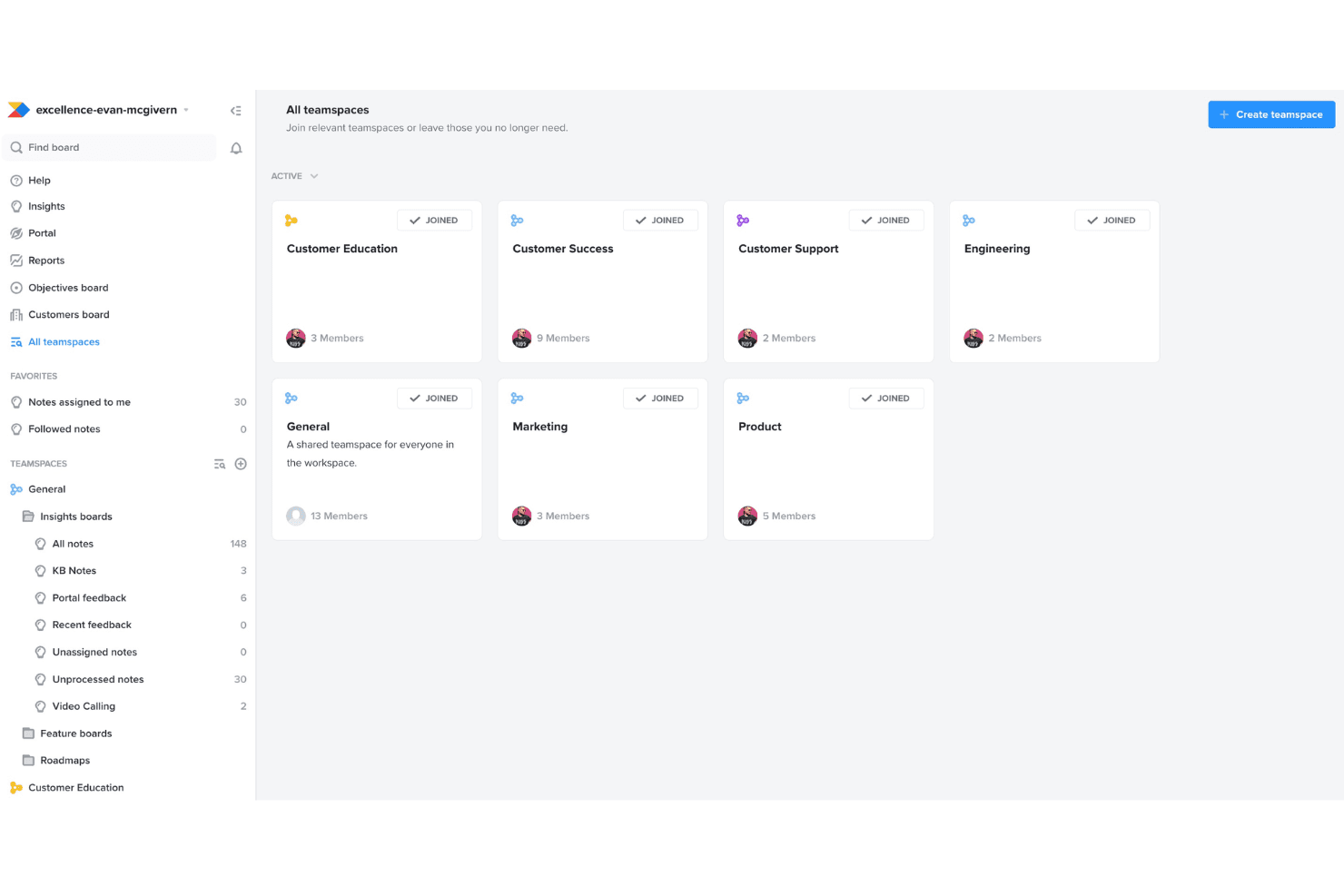
4.5/5
- From $19/user/month (billed annually)
- Free plan + 14-day free trial + free demo available
Varför du kan lita på våra programvarurekommendationer
6,700+
Reviews
20
Industry experts
16+
Evaluation factors
14
Years
Vårt team har testat och recenserat programvara sedan 2012. Som produktchefer själva vet vi hur svårt — och viktigt — det är att välja rätt programvara.
För den här guiden utvärderade vi verktyg genom praktisk testning och oberoende research, och betygsatte verktygen enligt våra urvalskriterier.
Våra recensioner speglar vårt mänskliga redaktionella omdöme, inte ett säljbudskap.
- Andrew LumbySenior TPM
- Cristiano ValimSenior UI/UX Lead
Productboard Overview
When judging product management software, Productboard impresses with its intuitive interface, structured feedback collection, and clear prioritization tools. Its onboarding is straightforward, and integrations cover most common SaaS stacks. Pricing sits at the mid-to-high range, but the value is clear for teams prioritizing customer-driven roadmaps.
Compared to others, Productboard’s support and documentation are reliable, though advanced reporting and deep customization are limited. It’s best suited for product teams seeking a balance of usability and structured decision-making, especially in environments where aligning features to user needs is a top priority.
Pros
- The feedback portal gathers insights directly from users, streamlining your feedback process.
- The prioritization matrix helps your team focus on high-impact tasks with effective resource allocation.
- Productboard's interface is intuitive, making it easy for your team to adopt quickly.
Cons
- New users might face a learning curve with the platform's wide array of features.
- Customization is limited for niche use-cases, which might not suit all teams.
- Collaboration features are basic compared to some competitors, which could limit team interaction.
Is Productboard Right For Your Needs?
Who Would be a Good Fit for Productboard?
Productboard is ideal for tech startups and SaaS companies that need to prioritize features effectively and build strategic roadmaps. If your team values user feedback and wants to integrate it into product planning, Productboard’s feedback portal is invaluable. Agile teams will appreciate the prioritization matrix for focusing on tasks that drive impact. Product managers who aim to align their work with customer needs will find Productboard’s insights-driven approach beneficial.
If you’re in a fast-paced environment needing clear direction and user-centric decision-making, Productboard is well-suited for your team.
- Tech StartupsProductboard helps tech startups prioritize features and align with customer needs using its feedback portal.
- SaaS CompaniesSaaS companies benefit from Productboard’s prioritization matrix to allocate resources to high-impact tasks.
- Agile TeamsAgile teams find Productboard’s intuitive interface easy to adopt for seamless integration into workflows.
- Product ManagersProduct managers can use Productboard to align their efforts with customer insights for strategic planning.
- Innovation DepartmentsInnovation departments leverage Productboard’s feedback loop to refine ideas based on user feedback.
- Mid-Sized EnterprisesMid-sized enterprises use Productboard to streamline their product management with clear roadmaps and priorities.
Who Would be a Bad Fit for Productboard?
Productboard might not suit large enterprises with highly specialized needs due to its limited customization options. If your team relies heavily on collaboration features, Productboard’s basic offerings might fall short. Departments that don’t prioritize user feedback or need extensive integrations could find Productboard lacking. Teams with niche requirements may struggle with the learning curve and limited flexibility. If your work demands highly tailored solutions, Productboard’s one-size-fits-all approach might not align with your objectives.
- Large EnterprisesLarge enterprises needing extensive customization might find Productboard’s options too limited.
- Highly Collaborative TeamsTeams that rely on advanced collaboration features may find Productboard’s basic offerings insufficient.
- Niche IndustriesNiche industries with specific requirements might struggle with Productboard’s limited flexibility.
- Integration-Heavy DepartmentsDepartments needing extensive integrations might find Productboard lacking in compatibility.
- Non-Feedback Driven TeamsTeams that don’t prioritize user feedback won’t benefit from Productboard’s feedback portal.
- Complex Project ManagersProject managers handling complex, tailored projects may find Productboard’s standardized approach restrictive.
How We Test & Score Tools
We’ve spent years building, refining, and improving our software testing and scoring system. The rubric is designed to capture the nuances of software selection and what makes a tool effective, focusing on critical aspects of the decision-making process.
Below, you can see exactly how our testing and scoring works across seven criteria. It allows us to provide an unbiased evaluation of the software based on core functionality, standout features, ease of use, onboarding, customer support, integrations, customer reviews, and value for money.
Core Functionality (25% of final scoring)
The starting point of our evaluation is always the core functionality of the tool. Does it have the basic features and functions that a user would expect to see? Are any of those core features locked to higher-tiered pricing plans? At its core, we expect a tool to stand up against the baseline capabilities of its competitors.
Standout Features (25% of final scoring)
Next, we evaluate uncommon standout features that go above and beyond the core functionality typically found in tools of its kind. A high score reflects specialized or unique features that make the product faster, more efficient, or offer additional value to the user.
We also evaluate how easy it is to integrate with other tools typically found in the tech stack to expand the functionality and utility of the software. Tools offering plentiful native integrations, 3rd party connections, and API access to build custom integrations score best.
Ease of Use (10% of final scoring)
We consider how quick and easy it is to execute the tasks defined in the core functionality using the tool. High scoring software is well designed, intuitive to use, offers mobile apps, provides templates, and makes relatively complex tasks seem simple.
Onboarding (10% of final scoring)
We know how important rapid team adoption is for a new platform, so we evaluate how easy it is to learn and use a tool with minimal training. We evaluate how quickly a team member can get set up and start using the tool with no experience. High scoring solutions indicate little or no support is required.
Customer Support (10% of final scoring)
We review how quick and easy it is to get unstuck and find help by phone, live chat, or knowledge base. Tools and companies that provide real-time support score best, while chatbots score worst.
Customer Reviews (10% of final scoring)
Beyond our own testing and evaluation, we consider the net promoter score from current and past customers. We review their likelihood, given the option, to choose the tool again for the core functionality. A high scoring software reflects a high net promoter score from current or past customers.
Value for Money (10% of final scoring)
Lastly, in consideration of all the other criteria, we review the average price of entry level plans against the core features and consider the value of the other evaluation criteria. Software that delivers more, for less, will score higher.
Core Features
Roadmapping
Productboard's roadmapping feature helps your team visualize and plan product strategies clearly. You can prioritize tasks and align them with business goals.
Feedback Portal
The feedback portal collects insights directly from users, enabling you to make data-driven decisions. It stands out by integrating user feedback into your product planning.
Prioritization Matrix
This tool helps your team focus on high-impact tasks by evaluating features based on value and effort. It's great for resource allocation.
Idea Management
Capture and organize ideas from your team in one place. This feature ensures no innovative thought is lost.
Customer Insights
Centralize customer feedback and insights for easy access and analysis. It helps your team understand user needs better.
Feature Scoring
Score features based on criteria important to your strategy. This helps your team objectively prioritize what to build next.

Ease of Use
Productboard is user-friendly, thanks to its intuitive interface that makes navigating features straightforward. Your team can quickly adopt its tools, like roadmapping and feedback integration, without a steep learning curve. The layout is clean and organized, allowing you to focus on prioritizing tasks efficiently. Compared to other software, Productboard’s emphasis on user insights and clear visualization of roadmaps enhances overall usability, making it a reliable choice for teams looking to streamline their product management process.
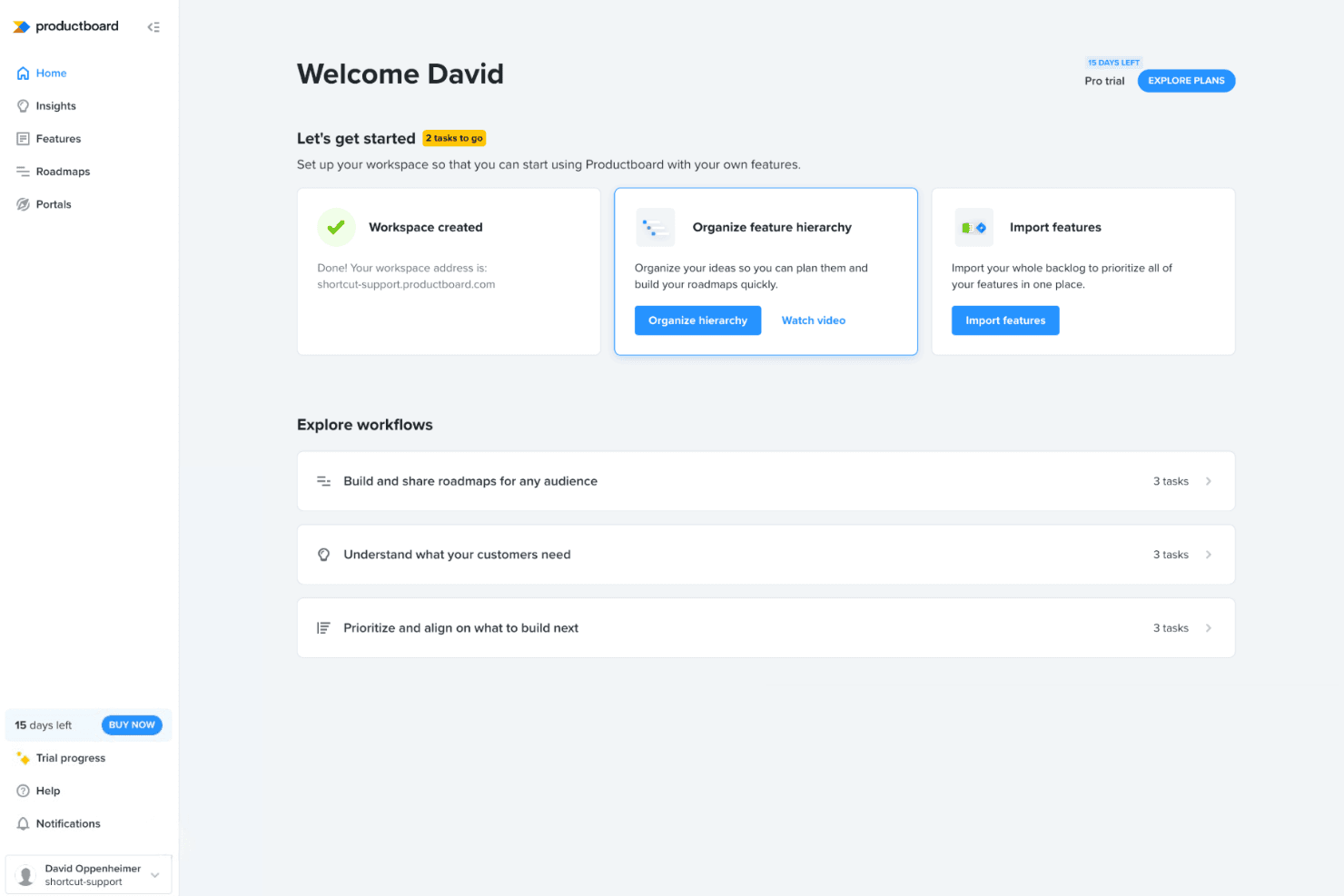
Integrations
Productboard integrates with Jira, Slack, Azure DevOps, Trello, GitHub, Salesforce, Zendesk, Intercom, Microsoft Teams, and Google Sheets, among others.
Productboard also offers an API and connects with third-party integration tools like Zapier for expanded automation and connectivity.

Productboard Specs
- A/B Testing: No
- API: Yes
- Collaboration Support: Yes
- Custom Data Forms: Yes
- Dashboard: No
- Dashboards: No
- Data Export: Yes
- Data Import: Yes
- Developer Tools: No
- External Integrations: Yes
- Feedback Management: Yes
- Gantt Charts: No
- Google Apps Integration: No
- Multi-User: Yes
- Notifications: Yes
- Prioritization: Yes
- Product Catalog: No
- Release Management: Yes
- Reports: Yes
- Resource Management: No
- Review Monitoring: No
- Roadmapping: Yes
- Scheduling: Yes
- Task Scheduling/Tracking: Yes


