
Jotform-recension: Fördelar, nackdelar, funktioner och priser förklarade
Jotform utmärker sig genom sin flexibilitet och användarvänlighet, vilket gör tjänsten idealisk för team som behöver anpassningsbara feedbackformulär, även om avancerad analys kan ligga efter de främsta konkurrenterna.

We review tools independently, and commissions help fund our testing. See our transparency policy, our methodology, or suggest a tool.
Jotform is a user feedback software for product teams who need an easy way to collect, organize, and act on user insights from custom surveys and forms. It’s especially useful when you want to gather structured feedback quickly—whether you’re launching a new feature, tracking user satisfaction, or running beta tests. When I compare it to Typeform, I like that Jotform gives you more flexibility with advanced logic, integrations, and response management, so you can move faster from feedback to actionable insights without complex setup.
Jotform Evaluation Summary
4.7/5
- From $34/user/month (billed annually)
- Free plan available
Varför du kan lita på våra programvarurekommendationer
6,700+
Reviews
20
Industry experts
16+
Evaluation factors
14
Years
Vårt team har testat och recenserat programvara sedan 2012. Som produktchefer själva vet vi hur svårt — och viktigt — det är att välja rätt programvara.
För den här guiden utvärderade vi verktyg genom praktisk testning och oberoende research, och betygsatte verktygen enligt våra urvalskriterier.
Våra recensioner speglar vårt mänskliga redaktionella omdöme, inte ett säljbudskap.
- Andrew LumbySenior TPM
- Cristiano ValimSenior UI/UX Lead
Jotform Overview
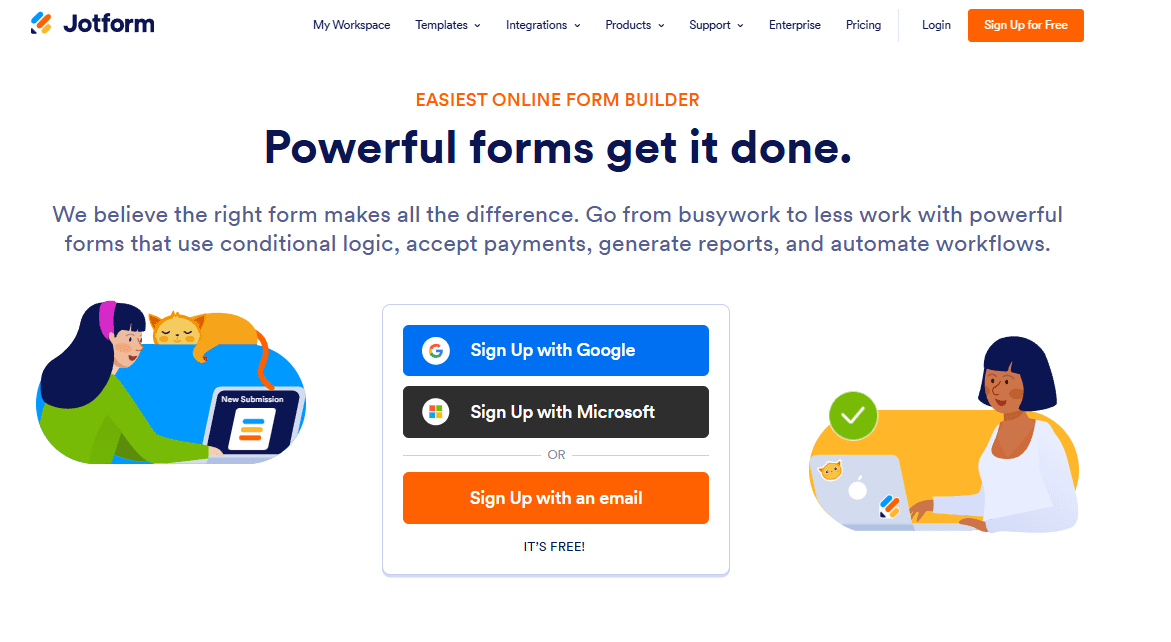
When evaluating user feedback software, this Jotform review shows why the platform continues to stand out. Its drag-and-drop builder simplifies form building, allowing teams to create online forms quickly without technical skills. With strong jotform integrations, flexible customization options, and a generous free plan, it’s built for speed and accessibility.
Pros
- Intuitive drag-and-drop form builder for fast building forms
- Extensive form templates for multiple use cases
- Strong jotform integrations with CRM and collaboration tools
- Built-in automation, notifications, and approval workflows
- Generous free version for small teams
Cons
- Limited advanced analytics compared to enterprise tools
- Restrictions on monthly submissions in lower-tier plans
- Partial responses are not always captured automatically
Is Jotform Right For Your Needs?
Who Would be a Good Fit for Jotform?
Jotform is ideal for teams that want to streamline processes and improve data collection without complexity. Its user-friendly interface and short learning curve make it accessible across industries.
- Small BusinessesJotform’s affordable plans and simple setup suit limited budgets and resources.
- EducationTeachers and administrators can use templates for course evaluations and student feedback.
- Healthcare ClinicsHIPAA compliance and secure forms support patient feedback collection.
- Marketing TeamsConditional logic and branding options help tailor customer surveys.
- NonprofitsDonation and feedback forms are easy to build and share.
- Event PlannersCustomizable RSVP and feedback forms streamline attendee input.
Who Would be a Bad Fit for Jotform?
Jotform may not meet the needs of organizations that require advanced analytics, large-scale automation, or deep integration with enterprise systems. Its reporting and data visualization are basic, and the platform is less suited for high-volume, complex feedback operations or regulated industries with strict compliance needs beyond HIPAA.
- Large EnterprisesLimited analytics and workflow automation restrict enterprise-scale feedback programs.
- Product Management TeamsLacks advanced roadmap voting and feature prioritization tools.
- Financial ServicesDoes not offer industry-specific compliance beyond HIPAA.
- Customer Support CentersNo built-in ticketing or escalation for feedback follow-up.
- Research DepartmentsSurvey logic and data export options are less advanced than specialized tools.
- Government AgenciesMay not meet strict data residency or security requirements.
How We Test & Score Tools
We’ve spent years building, refining, and improving our software testing and scoring system. The rubric is designed to capture the nuances of software selection and what makes a tool effective, focusing on critical aspects of the decision-making process.
Below, you can see exactly how our testing and scoring works across seven criteria. It allows us to provide an unbiased evaluation of the software based on core functionality, standout features, ease of use, onboarding, customer support, integrations, customer reviews, and value for money.
Core Functionality (25% of final scoring)
The starting point of our evaluation is always the core functionality of the tool. Does it have the basic features and functions that a user would expect to see? Are any of those core features locked to higher-tiered pricing plans? At its core, we expect a tool to stand up against the baseline capabilities of its competitors.
Standout Features (25% of final scoring)
Next, we evaluate uncommon standout features that go above and beyond the core functionality typically found in tools of its kind. A high score reflects specialized or unique features that make the product faster, more efficient, or offer additional value to the user.
We also evaluate how easy it is to integrate with other tools typically found in the tech stack to expand the functionality and utility of the software. Tools offering plentiful native integrations, 3rd party connections, and API access to build custom integrations score best.
Ease of Use (10% of final scoring)
We consider how quick and easy it is to execute the tasks defined in the core functionality using the tool. High scoring software is well designed, intuitive to use, offers mobile apps, provides templates, and makes relatively complex tasks seem simple.
Onboarding (10% of final scoring)
We know how important rapid team adoption is for a new platform, so we evaluate how easy it is to learn and use a tool with minimal training. We evaluate how quickly a team member can get set up and start using the tool with no experience. High scoring solutions indicate little or no support is required.
Customer Support (10% of final scoring)
We review how quick and easy it is to get unstuck and find help by phone, live chat, or knowledge base. Tools and companies that provide real-time support score best, while chatbots score worst.
Customer Reviews (10% of final scoring)
Beyond our own testing and evaluation, we consider the net promoter score from current and past customers. We review their likelihood, given the option, to choose the tool again for the core functionality. A high scoring software reflects a high net promoter score from current or past customers.
Value for Money (10% of final scoring)
Lastly, in consideration of all the other criteria, we review the average price of entry level plans against the core features and consider the value of the other evaluation criteria. Software that delivers more, for less, will score higher.
Core Features
Drag-and-Drop Form Builder
The drag-and-drop interface makes form creation simple. Add fields, adjust layouts, and customize fonts without coding.
Conditional Logic
Customize user journeys with conditional logic. Show or hide fields based on responses and automate workflow actions.
Form Templates
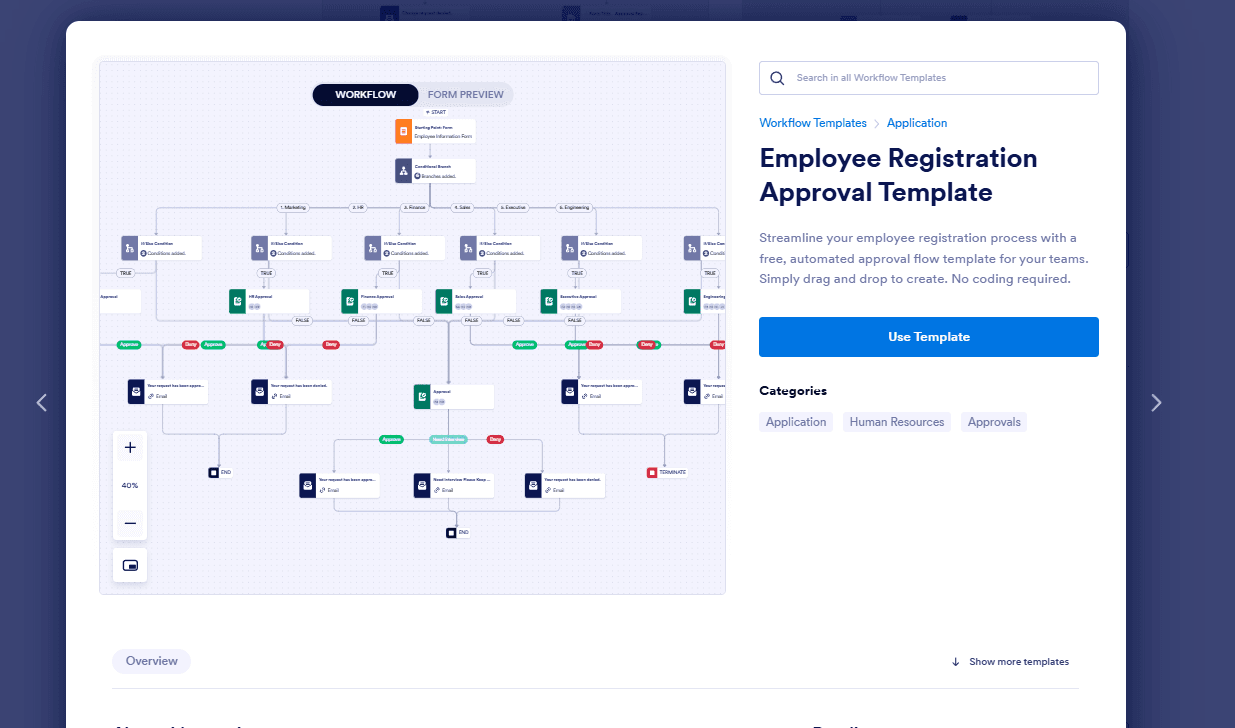
Access thousands of ready-made form templates to speed up form building across different industries.
Payment Processing
Jotform supports collecting payments through Stripe and PayPal, making it ideal for ecommerce, donations, and registrations.
Real-Time Analytics
Track form views, submissions, and performance through a centralized dashboard.
Mobile App Support
Manage forms on the go with the mobile app, available on Android and other platforms.
Ease of Use
Jotform is widely recognized for its intuitive interface and minimal setup requirements, making it accessible even for users with no technical background. The drag-and-drop builder, clear navigation, and extensive template library allow teams to launch feedback forms in minutes. Users consistently mention the straightforward design and helpful onboarding guides, which reduce friction and speed up adoption. For most teams, Jotform’s usability is a key advantage over more complex or technical feedback solutions.

Integrations
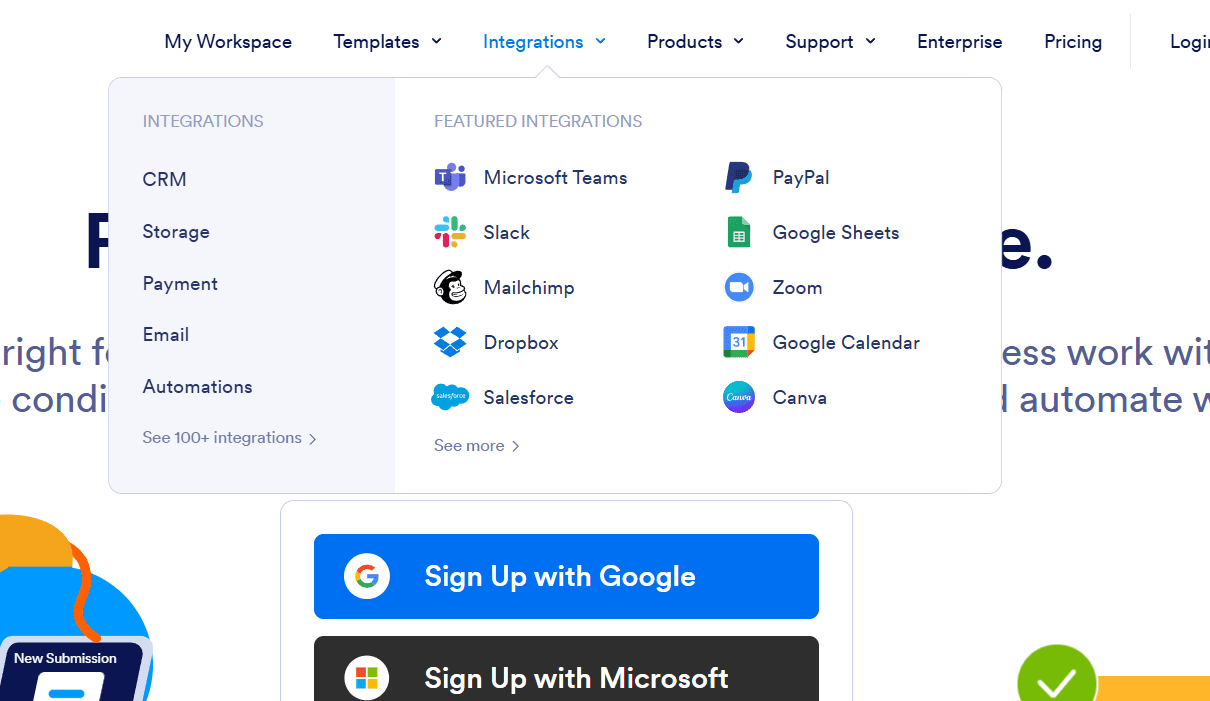
Jotform integrates with Google Sheets, Slack, PayPal, Dropbox, Salesforce, Mailchimp, Trello, Zendesk, HubSpot, and Microsoft Teams, among others.
Jotform also offers an API and connects with third-party integration tools like Zapier and Make.
Jotform Specs
- Analytics: Yes
- API: Yes
- Batch Permissions & Access: Yes
- Calendar Management: Yes
- Contact Management: Yes
- Custom Reports: Yes
- Dashboard: Yes
- Data Export: Yes
- Data Import: Yes
- Data Visualization: Yes
- Email Integration: Yes
- External Integrations: Yes
- Feedback Management: Yes
- Google Apps Integration: Yes
- Marketing Automation: Yes
- Multi-Source Feedback: No
- Multi-User: Yes
- Net Promoter Score: Yes
- Notifications: Yes
- Online Surveys: No
- Paper Surveys: No
- Scheduling: Yes
- Sentiment Analysis: No
- Template Designer: Yes
- Workflow Management: Yes


