


Figma vs. Framer: Comparison & Expert Reviews For 2026

We review tools independently, and commissions help fund our testing. See our transparency policy, our methodology, or suggest a tool.
Framer offers a dynamic platform for creating interactive designs that can elevate your team's creative workflows while Figma provides a collaborative environment that streamlines design processes for you and your team.
While both tools excel in enhancing design efficiency, they differ in their approach to interactivity and collaboration.
In this article, you'll find a detailed comparison of these UX design tools, examining their features, pros and cons, and pricing to help you make the best choice for your projects.
Figma

4.7/5
- Free plan available
- From $3/user/month
Framer
4.4/5
- Free plan available
- From $10/month (billed annually)
Why Trust Our Software Recommendations
6,700+
Reviews
20
Industry experts
16+
Evaluation factors
14
Years
Our team has been testing and reviewing software since 2012. As product managers ourselves, we know how difficult—and important—it is to choose the right software.
For this guide, we evaluated tools using hands-on testing and independent research, scoring tools using our selection criteria.
Our reviews reflect our human editorial judgment, not a sales pitch.
Expert reviewers:
- Andrew LumbySenior TPM
- Cristiano ValimSenior UI/UX Lead


| Figma | Framer | |
|---|---|---|
| Free Trial | Free plan available | Free plan available |
| Pricing | From $3/user/month | From $10/month (billed annually) |
Figma vs. Framer Pricing & Hidden Costs
Framer pricing typically follows a subscription model with tiered plans, but you might encounter extra costs for premium features or increased storage needs. Figma pricing also uses a subscription model, offering different plans and potential additional charges for advanced collaboration tools and extended storage. To choose the right tool for your design needs, evaluate the features each plan offers and consider how they align with your team's project requirements and growth potential.
| Integration | Figma | Framer |
|---|---|---|
| IntegrationSlack | Figma✅ | Framer✅ |
| IntegrationNotion | Figma✅ | Framer❌ |
| IntegrationJira | Figma✅ | Framer❌ |
| IntegrationTrello | Figma✅ | Framer✅ |
| IntegrationSketch | Figma❌ | Framer✅ |
| IntegrationAdobe XD | Figma✅ | Framer❌ |
| IntegrationMicrosoft Teams | Figma✅ | Framer❌ |
| IntegrationGoogle Drive | Figma✅ | Framer✅ |
| IntegrationAPI | Figma✅ | Framer✅ |
| IntegrationZapier | Figma✅ | Framer✅ |
With Framer's integration with Slack, you can easily streamline team communications and keep everyone updated on design changes without leaving the chat platform. Figma's integration with Jira is great for managing design and development workflows, as it allows you to attach design files directly to Jira issues. While Framer enhances communication, Figma improves project management by keeping design and development in sync.
| Factor | Figma | Framer |
|---|---|---|
| FactorData Privacy | FigmaFigma employs AES-256 encryption for data both in transit and at rest. | FramerFramer uses end-to-end encryption to protect your design data. |
| FactorRegulatory Compliance | FigmaFigma complies with SOC 2 Type II standards for data security. | FramerFramer adheres to GDPR to ensure user data protection in the EU. |
| FactorSystem Reliability | FigmaFigma guarantees high availability with its redundant server setup. | FramerFramer offers 99.9% uptime with robust infrastructure monitoring. |
Framer and Figma both offer strong security measures, but Figma's compliance with SOC 2 Type II gives it an edge in structured data protection. When evaluating these tools, consider which compliance standards and encryption methods align best with your team's security needs, and review their security documentation to ensure they meet your expectations.
| Factor | Figma | Framer |
|---|---|---|
| FactorUser Interface | FigmaFigma's interface is clean and organized, allowing easy navigation between design files. | FramerFramer's interface is intuitive, with drag-and-drop features for quick prototyping. |
| FactorOnboarding Experience | FigmaFigma provides step-by-step guides and community resources for new users. | FramerFramer offers interactive tutorials to help you get started quickly. |
| FactorSetup | FigmaFigma requires account setup but integrates smoothly with Google accounts. | FramerFramer's setup is straightforward, requiring minimal configuration. |
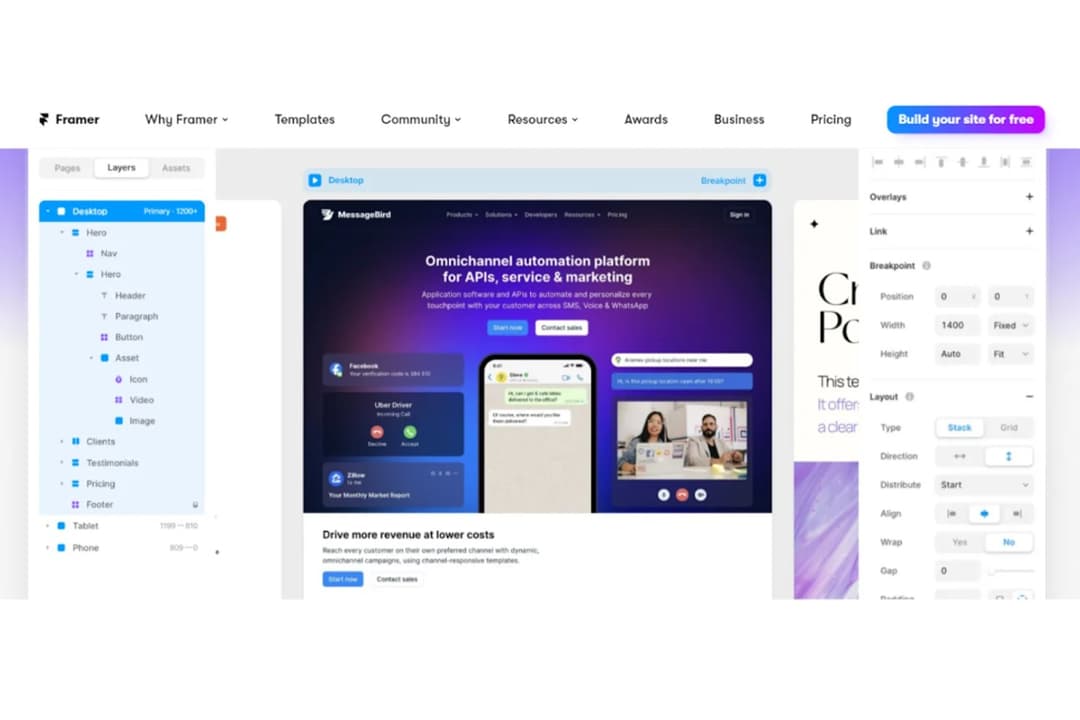
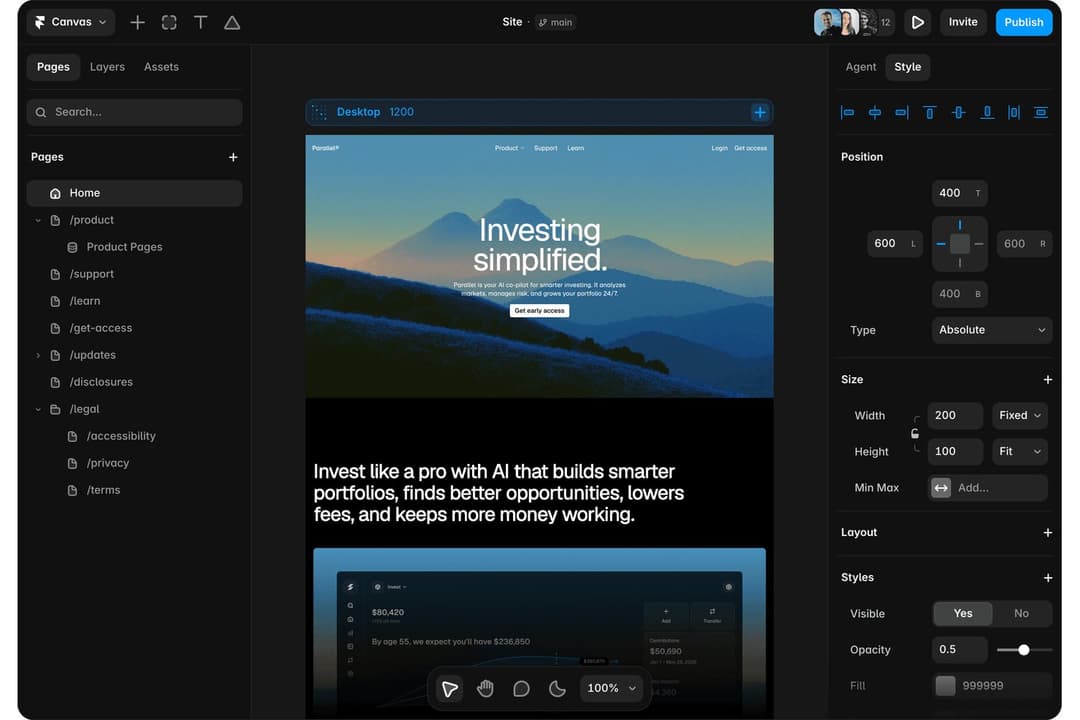
Framer is ideal for quick prototyping and building interactive landing pages, thanks to its intuitive drag-and-drop interface and dynamic auto layout features. While powerful, it may present a steeper learning curve for advanced UI design tasks.
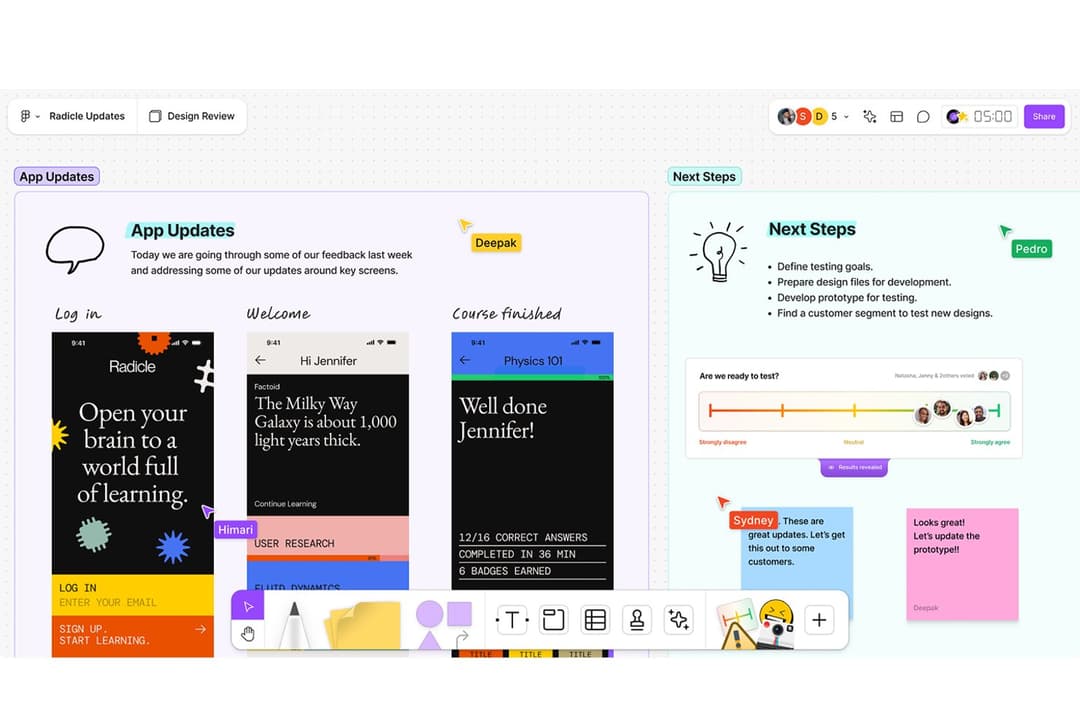
On the other hand, Figma stands out for its collaboration capabilities and structured version history, which make it easier for team members to work together on complex design projects. However, new users may find its extensive feature set slightly overwhelming at first.
Figma
- Real-time collaboration supports distributed design teams.
- Extensive plugin library expands core design capabilities.
- Cloud-based access enables instant file sharing and feedback.
- Performance can lag with large, complex design files.
- Advanced vector editing tools are less mature than some peers.
- Limited offline editing restricts work without internet.
Framer
- You can create interactive prototypes with minimal effort.
- Your team benefits from a user-friendly interface that supports creativity.
- Framer's real-time collaboration boosts your team's productivity.
- Some users find the learning curve steep initially.
- Advanced features might overwhelm smaller teams.
- You might experience occasional performance lags with complex projects.
Figma
- Remote Product TeamsFigma’s real-time editing and commenting support distributed product teams working across time zones.
- Design AgenciesCloud-based file management and easy client sharing streamline agency-client collaboration.
- Higher EducationBrowser access and free education plans make Figma accessible for student projects.
- StartupsAffordable pricing and rapid prototyping help startups iterate quickly on MVPs.
- Marketing DepartmentsEasy asset export and brand library features support campaign design needs.
- Front-End DevelopersDeveloper handoff tools and inspect mode simplify translating designs to code.
Framer
- Tech StartupsFramer helps your startup quickly prototype and test ideas, allowing faster pivots and innovation.
- Digital AgenciesYour agency can benefit from Framer’s collaborative features for seamless teamwork on client projects.
- Product DesignersFramer’s interactive prototyping lets you create engaging user experiences that stand out.
- Marketing TeamsYour marketing team can use Framer to design interactive landing pages that capture audience attention.
- Freelance DesignersYou can leverage Framer to efficiently create prototypes that impress your clients and win more projects.
- E-commerce CompaniesFramer enables your team to design and test user flows that enhance the online shopping experience.
Who Should Use Framer, and Who Should Use Figma?
In my opinion, Framer is a strong fit for designers building highly interactive mobile apps or web design prototypes in fast-paced environments like startups, though there are several Framer alternatives worth considering. It's particularly useful for creative teams focused on pushing boundaries in user interface interactions.
Figma is better suited for larger teams that rely on smooth design handoffs, organized file structures, and cloud-based workflows. If your process involves constant collaboration, feedback loops, and centralized design elements, Figma’s real-time editing and file sharing are hard to beat.
| Figma | Framer | |
|---|---|---|
| Collaboration | Figma Real-time editing and commenting for team projects | Framer Focused on individual creators |
| Integrations | Figma Syncs with tools like Jira for design workflow management | Framer Offers a built-in Framer plugin with Slack for streamlined communication |
| Pricing | Figma Subscription-based with additional tools for enterprise use | Framer Tiered subscriptions with potential extra fees |
| Prototyping Features | Figma Basic transitions suitable for wireframing and concept validation | Framer Advanced animations and interactive prototypes |
| User Interface | Figma Clean layout structured for collaborative team workflows | Framer Geared toward rapid UI design workflows |
| Cloud-Based Access | Use on any device—macOS, Windows, or iOS—via a browser |
|---|---|
| Community Resources | Access to user-generated plugins and UI kits for design acceleration |
| Cross-Platform Access | Compatible across Windows, Mac, and Android devices for cross-platform functionality and a user-friendly platform |
| Design Flexibility | Both offer layer-based editing, reusable templates, and style controls |
| Subscription Model | Pricing tiers available based on usage level and team needs |