
Userlytics-beoordeling: voordelen, nadelen, functies en prijzen uitgelegd
Userlytics onderscheidt zich door de flexibele testcreatie en het wereldwijde testpanel, waardoor het ideaal is voor uiteenlopende UX-onderzoeksbehoeften, hoewel de geavanceerde functies mogelijk het meest geschikt zijn voor grotere teams.

We review tools independently, and commissions help fund our testing. See our transparency policy, our methodology, or suggest a tool.
Userlytics is a UX research tool for product teams who need to capture unfiltered user reactions on prototypes, websites, and apps from a global participant pool. I think Userlytics works best when you want moderated or unmoderated remote studies without the setup hassles you’ll face with other tools, like Lookback. You can expect more flexible test design and broader participant recruiting, making Userlytics a stronger pick for global user research.
Userlytics Evaluation Summary
4.5/5
- From $699/month (billed annually)
- Free demo available
Waarom u onze softwareaanbevelingen kunt vertrouwen
6,700+
Reviews
20
Industry experts
16+
Evaluation factors
14
Years
Ons team test en beoordeelt software sinds 2012. Als productmanagers weten we zelf hoe moeilijk — en belangrijk — het is om de juiste software te kiezen.
Voor deze gids hebben we tools geëvalueerd met behulp van praktijktests en onafhankelijk onderzoek, waarbij we tools beoordeelden aan de hand van onze selectiecriteria.
Onze reviews weerspiegelen ons menselijke redactionele oordeel, geen verkooppraatje.
- Andrew LumbySenior TPM
- Cristiano ValimSenior UI/UX Lead
Userlytics Overview
Userlytics offers a flexible user testing platform with a large global tester pool, intuitive test builder, and video-based feedback, making it a strong choice for teams comparing research tool options. Its pricing is transparent, and onboarding is straightforward, but advanced analytics and integrations may feel limited for highly technical teams. Support is responsive, and the platform enables real-time insights, which helps new users get started quickly. Userlytics is best suited for product teams and researchers who need fast, scalable insights without a steep learning curve or heavy customization requirements.
Pros
- Offers global participant recruitment for diverse user testing.
- Provides video-based feedback with time-stamped annotations.
- Supports unmoderated, moderated, and mobile app testing.
Cons
- Lacks advanced analytics and reporting features.
- Limited integrations with third-party research tools.
- Some users report delays in participant response times.
Is Userlytics Right For Your Needs?
Who Would be a Good Fit for Userlytics?
Userlytics is a strong choice for teams that need fast, scalable user feedback and value a global tester pool, especially in industries where digital product experience is a top priority. Its video-based feedback, flexible test types, and support for both web and mobile make it well-suited for product, UX, and marketing teams in tech-forward organizations. Companies with distributed teams or those launching products in multiple markets will benefit from its international reach and unmoderated testing capabilities.
- SaaS Product TeamsUserlytics supports rapid iteration with unmoderated and moderated usability tests.
- E-Commerce CompaniesGlobal participant recruitment helps test shopping experiences across regions.
- UX Research DepartmentsTime-stamped video feedback aids in detailed usability analysis.
- Mobile App DevelopersMobile app testing is fully supported for both iOS and Android.
- Marketing TeamsRemote testing enables quick feedback on campaign landing pages.
- Agencies Serving Multiple ClientsFlexible test creation fits varied client needs and project scopes.
Who Would be a Bad Fit for Userlytics?
Userlytics may not be ideal for organizations that require deep analytics, extensive integrations, or highly specialized research workflows. Teams with strict compliance needs or those focused on in-person research may find its capabilities limiting. Companies with niche B2B audiences or those needing advanced reporting may also want to consider alternatives.
- Enterprise Analytics TeamsLacks advanced reporting and data visualization features.
- Regulated Healthcare FirmsDoes not offer HIPAA-compliant testing environments.
- In-Person Research LabsRemote-only platform cannot support on-site usability studies.
- B2B Niche MarketsGlobal panel may not reach highly specialized professional users.
- Academic Research GroupsLimited support for complex experimental design and longitudinal studies.
- Large IT DepartmentsFew integrations with enterprise research and workflow tools.
How We Test & Score Tools
We’ve spent years building, refining, and improving our software testing and scoring system. The rubric is designed to capture the nuances of software selection and what makes a tool effective, focusing on critical aspects of the decision-making process.
Below, you can see exactly how our testing and scoring works across seven criteria. It allows us to provide an unbiased evaluation of the software based on core functionality, standout features, ease of use, onboarding, customer support, integrations, customer reviews, and value for money.
Core Functionality (25% of final scoring)
The starting point of our evaluation is always the core functionality of the tool. Does it have the basic features and functions that a user would expect to see? Are any of those core features locked to higher-tiered pricing plans? At its core, we expect a tool to stand up against the baseline capabilities of its competitors.
Standout Features (25% of final scoring)
Next, we evaluate uncommon standout features that go above and beyond the core functionality typically found in tools of its kind. A high score reflects specialized or unique features that make the product faster, more efficient, or offer additional value to the user.
We also evaluate how easy it is to integrate with other tools typically found in the tech stack to expand the functionality and utility of the software. Tools offering plentiful native integrations, 3rd party connections, and API access to build custom integrations score best.
Ease of Use (10% of final scoring)
We consider how quick and easy it is to execute the tasks defined in the core functionality using the tool. High scoring software is well designed, intuitive to use, offers mobile apps, provides templates, and makes relatively complex tasks seem simple.
Onboarding (10% of final scoring)
We know how important rapid team adoption is for a new platform, so we evaluate how easy it is to learn and use a tool with minimal training. We evaluate how quickly a team member can get set up and start using the tool with no experience. High scoring solutions indicate little or no support is required.
Customer Support (10% of final scoring)
We review how quick and easy it is to get unstuck and find help by phone, live chat, or knowledge base. Tools and companies that provide real-time support score best, while chatbots score worst.
Customer Reviews (10% of final scoring)
Beyond our own testing and evaluation, we consider the net promoter score from current and past customers. We review their likelihood, given the option, to choose the tool again for the core functionality. A high scoring software reflects a high net promoter score from current or past customers.
Value for Money (10% of final scoring)
Lastly, in consideration of all the other criteria, we review the average price of entry level plans against the core features and consider the value of the other evaluation criteria. Software that delivers more, for less, will score higher.
Core Features
Global Participant Recruitment
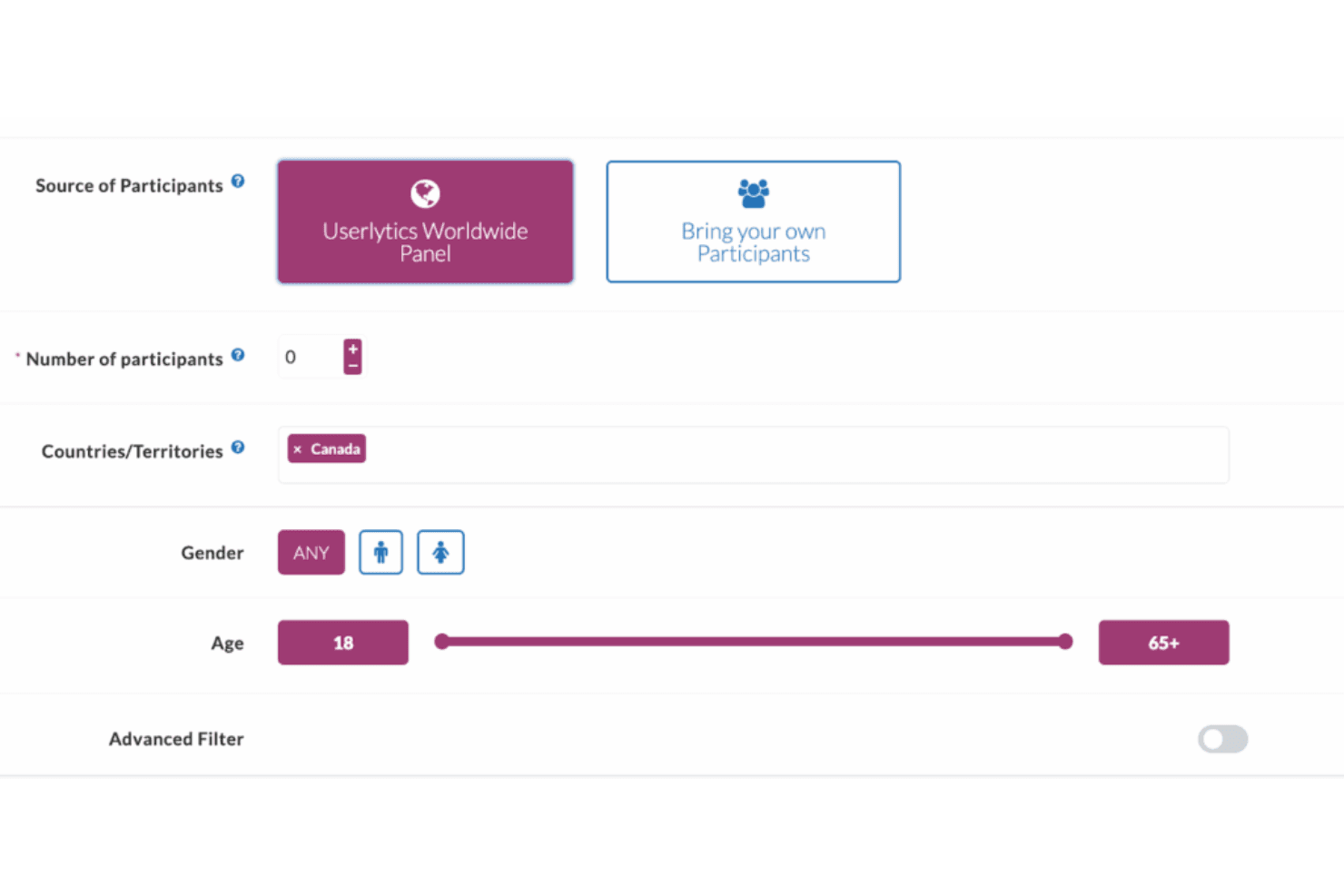
Access a worldwide panel of participants for diverse user testing. Target users by demographics, location, or device type.
Video-Based User Feedback
Capture participant screen and webcam recordings with audio commentary. Review time-stamped insights to pinpoint usability issues.
Unmoderated and Moderated Testing
Capture participant screen and webcam recordings with audio commentary. Review time-stamped insights to analyze user behavior and pinpoint usability issues.
Mobile App Testing
Test iOS and Android apps with real users on their own devices. Identify friction points in mobile experiences before launch.
Task-Based Test Builder
Create custom tasks, questions, and branching logic for each study. Adapt tests to match specific product flows or user journeys.
Automated Transcripts and Highlight Reels
Receive auto-generated transcripts and create highlight reels from session videos. Share key moments with stakeholders for faster decision-making.
Ease of Use
Userlytics is widely regarded as intuitive, with a user-friendly interface and straightforward test setup that helps new users get started quickly. The platform’s guided workflows, clear instructions, and drag-and-drop test builder reduce friction for both researchers and participants. Users appreciate the intuitive dashboard for managing studies, tracking key metrics, and reviewing results, though some mention occasional navigation quirks. Overall, its usability makes it accessible for teams with varying levels of UX research experience.
Integrations
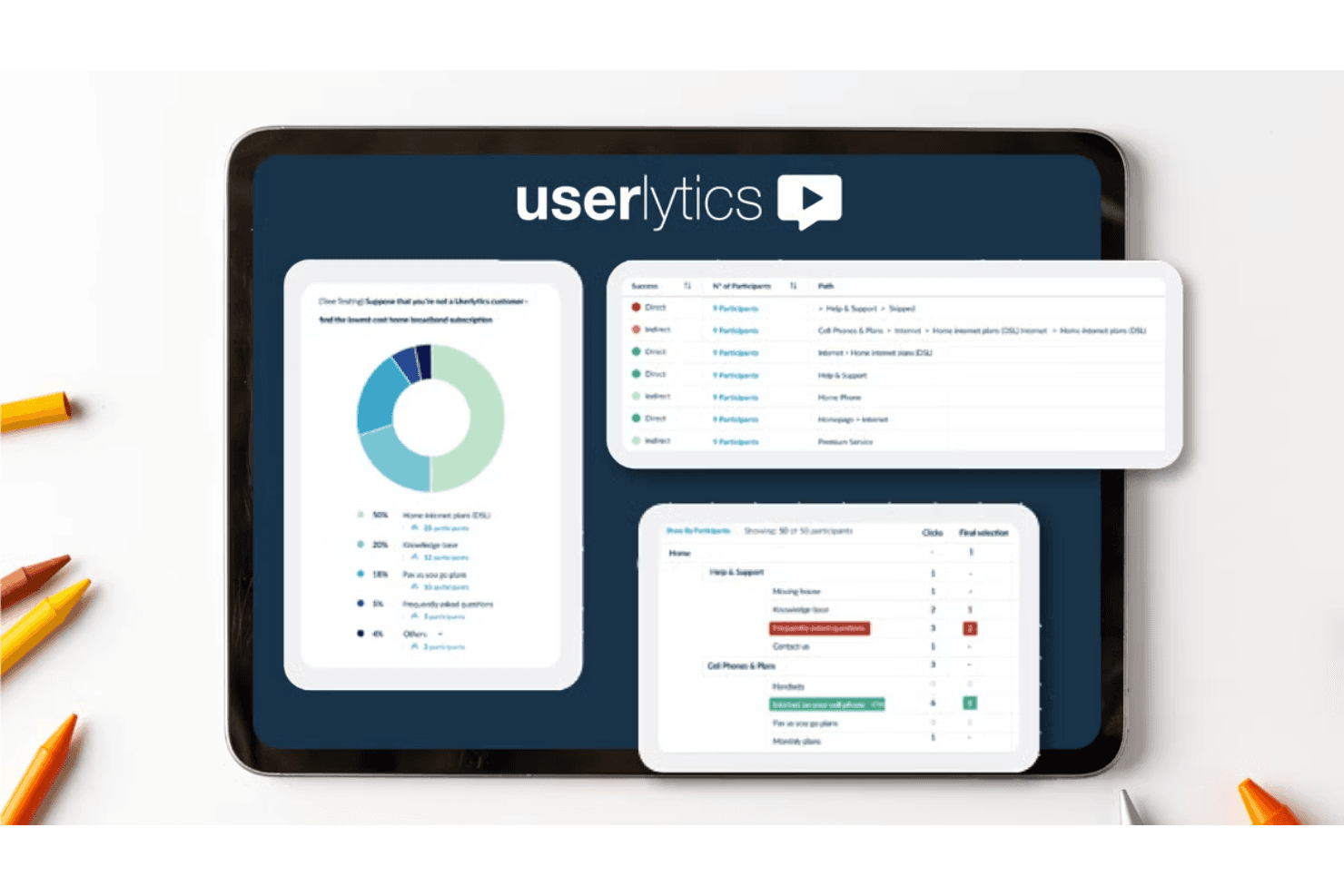
Userlytics integrates with Figma, Adobe XD, Proto.io, and InVision, among others.
Userlytics also offers an API for custom integrations.

Userlytics Specs
- A/B Testing: Yes
- API: Yes
- Data Export: Yes
- Data Import: Yes
- External Integrations: Yes
- Multi-User: Yes
- Third-Party Plugins/Add-Ons: Yes


