

Recensione di UXPin: Pro, Contro, Funzionalità e Prezzi Spiegati
Nella mia carriera ho utilizzato molti strumenti di progettazione UX/UI, incluso UXPin. In questa recensione completa ti parlerò della finalità di UXPin, dei prezzi, dei vantaggi e degli svantaggi, e molto altro.

Recensiamo gli strumenti in modo indipendente e le commissioni aiutano a finanziare i nostri test. Consulta la nostra politica sulla trasparenza, la nostra metodologia oppure suggerisci uno strumento.
UXPin is UX/UI design software built around code-based components rather than static vectors. It's a strong fit for product teams that need prototypes with real interactive logic, states, and conditions. Where Figma excels at visual design collaboration, UXPin goes further for teams that need design and engineering working from the same component library. Its Merge feature syncs live code components directly into your design environment.
UXPin Evaluation Summary
4.2/5
- From $29/user/month (billed annually)
- Free plan + 14-day free trial available
Perché fidarsi dei nostri consigli sui software
6,700+
Reviews
20
Industry experts
16+
Evaluation factors
14
Years
Il nostro team testa e recensisce software dal 2012. In quanto product manager noi stessi, sappiamo quanto sia difficile — e importante — scegliere il software giusto.
Per questa guida, abbiamo valutato gli strumenti attraverso test pratici e ricerche indipendenti, assegnando un punteggio agli strumenti in base ai nostri criteri di selezione.
Le nostre recensioni riflettono il nostro giudizio editoriale umano, non un discorso di vendita.
Revisori esperti:
- Andrew LumbySenior TPM
- Cristiano ValimSenior UI/UX Lead


UXPin Overview
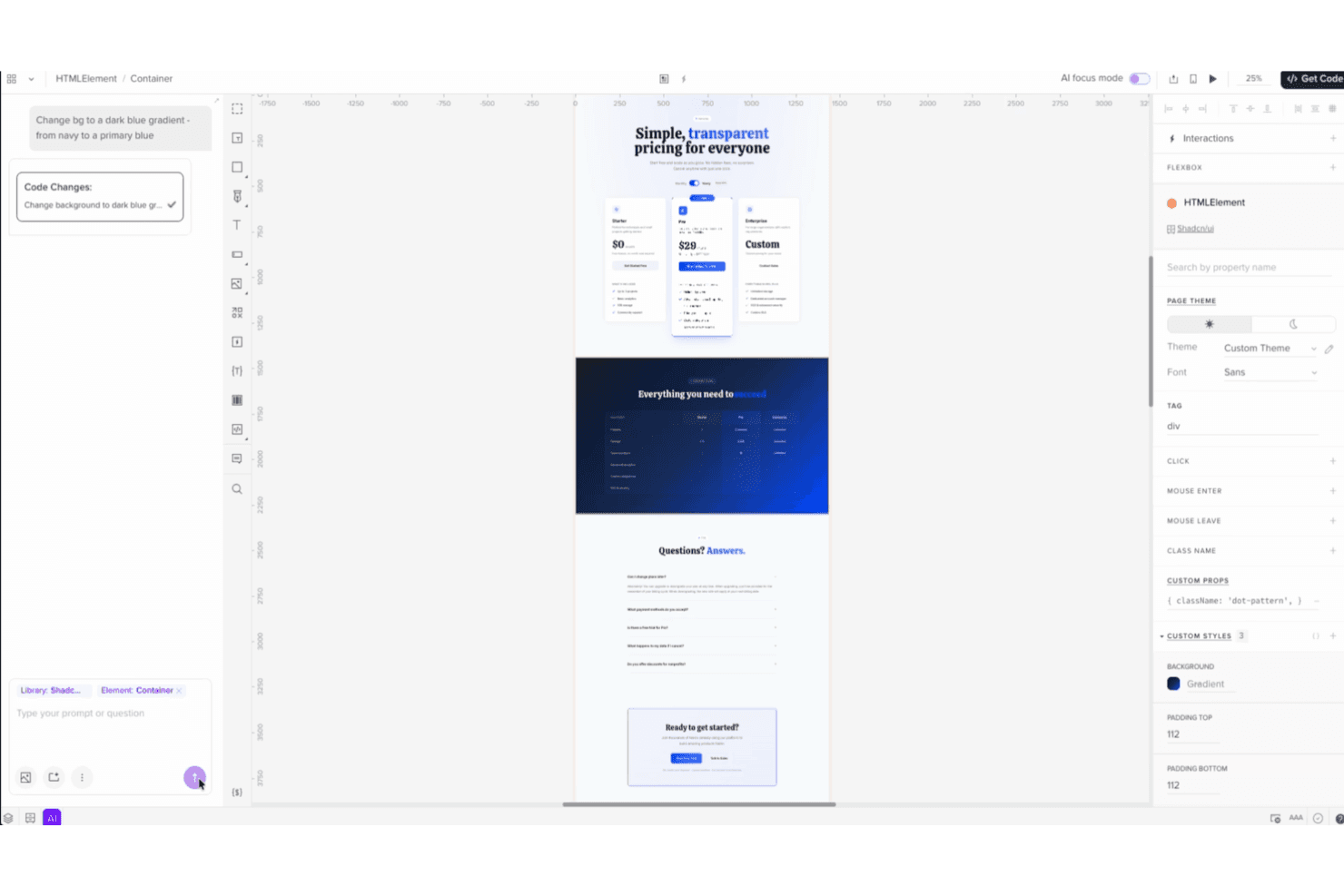
When judging UXPin against other UX/UI design software, its standout feature is the ability to prototype with real, production-ready code—making it a strong choice for teams that want to minimize handoff friction. The interface is approachable for new users, and onboarding is straightforward, but advanced features may require some ramp-up. Pricing sits at the higher end, yet the depth of functionality and strong integration options justify the investment for design teams working closely with developers.
UXPin is best suited for organizations prioritizing realistic prototyping and design-development alignment.
Pros
- You can create interactive prototypes that mirror real-world applications.
- UXPin supports team collaboration with real-time updates and feedback.
- It offers design systems management to maintain consistency across projects.
Cons
- Some users find the learning curve a bit steep initially.
- The interface can be overwhelming for new users with its extensive features.
- It may lack certain customization options that other tools provide.
Is UXPin Right For Your Needs?
Who Would be a Good Fit for UXPin?
If you’re part of a product development team, creative agency, or a tech startup, UXPin suits you well. Its strong collaboration features let your team work together seamlessly, while its design systems help you maintain consistency across projects. UXPin’s interactive prototyping is ideal for those who need to create real-world application experiences. For teams focused on delivering high-quality user experiences quickly, UXPin offers the right blend of functionality and efficiency.
- Tech StartupsYour team can benefit from UXPin’s real-time collaboration and prototyping features to iterate quickly and efficiently.
- Creative AgenciesUXPin’s design systems management helps your agency maintain brand consistency across various client projects.
- Product Development TeamsYou can utilize UXPin’s interactive prototypes to test and refine user experiences before full-scale development.
- UI/UX DesignersUXPin offers the tools you need to create detailed and interactive designs that meet client expectations.
- Education InstitutionsYour design students can learn industry-standard prototyping and design skills using UXPin’s comprehensive feature set.
- Mid-Sized BusinessesUXPin provides the scalability and collaborative tools your growing teams need for effective design workflows.
Who Would be a Bad Fit for UXPin?
If you’re a small business or solo designer with limited resources, UXPin might not be the best fit for you. Its extensive features can feel overwhelming if you don’t need advanced prototyping or collaboration tools. For those looking for a simple, straightforward design tool with a minimal learning curve, UXPin’s robust capabilities may be more than you require.
- Freelance DesignersYou might find UXPin’s feature set too complex if you’re working on smaller, less collaborative projects.
- Very Small BusinessesYour team may not need UXPin’s advanced collaboration and prototyping tools for basic design tasks.
- Non-Technical UsersIf you’re unfamiliar with UX/UI design, UXPin’s interface could be daunting without prior experience.
- Budget-Conscious TeamsIf keeping costs low is your priority, UXPin’s comprehensive features might not justify the expense for your needs.
- Basic Graphic DesignersYour focus might be more on visuals than interactivity, making UXPin’s prototyping capabilities unnecessary.
- Occasional UsersIf you only need design tools sporadically, UXPin’s learning curve and feature set might be overkill for infrequent use.
Come Testiamo e Valutiamo gli Strumenti
Abbiamo passato anni a costruire, perfezionare e migliorare il nostro sistema di test e valutazione del software. Il nostro metodo è stato progettato per cogliere le sfumature della selezione del software e ciò che rende efficace uno strumento, concentrandosi sugli aspetti critici del processo decisionale. Qui sotto puoi vedere esattamente come funzionano i nostri test e la nostra valutazione suddivisa in sette criteri. Questo ci consente di offrire una valutazione imparziale del software sulla base delle funzionalità principali, delle caratteristiche distintive, della facilità d’uso, dell’onboarding, dell’assistenza clienti, delle integrazioni, delle recensioni dei clienti e del rapporto qualità/prezzo.
Funzionalità Principali (25% del punteggio finale)
Il punto di partenza della nostra valutazione sono sempre le funzionalità principali dello strumento. Possiede le funzioni di base che un utente si aspetterebbe di trovare? Alcune di queste sono riservate ai piani tariffari più alti? Ci aspettiamo che uno strumento rispetti almeno le funzionalità di base dei competitors.
Caratteristiche Distintive (25% del punteggio finale)
Successivamente, valutiamo le caratteristiche distintive e non comuni che vanno oltre le funzioni di base normalmente riscontrate in strumenti simili. Un punteggio alto indica funzionalità specializzate o uniche che rendono il prodotto più rapido, efficiente o forniscono un valore aggiunto all’utente. Valutiamo anche la facilità con cui si possono integrare altri strumenti solitamente presenti nella stack tecnologica, ampliando così funzionalità e utilità del software. Gli strumenti che offrono molte integrazioni native, collegamenti di terze parti e accesso API per integrazioni personalizzate ottengono i punteggi migliori.
Facilità d’Uso (10% del punteggio finale)
Consideriamo quanto sia rapido e semplice eseguire le attività definite dalle funzionalità principali tramite lo strumento. Il software con il punteggio più alto è ben progettato, intuitivo da usare, offre app per dispositivi mobili, modelli preimpostati e semplifica anche le attività più complesse.
Onboarding (10% del punteggio finale)
Sappiamo quanto sia importante una rapida adozione da parte del team, quindi valutiamo quanto sia facile imparare ad usare lo strumento con una formazione minima. Valutiamo la velocità con cui un membro del team può configurarsi e iniziare a utilizzare lo strumento senza esperienza. Le soluzioni con punteggio più alto richiedono poco o nessun supporto.
Assistenza Clienti (10% del punteggio finale)
Osserviamo quanto sia facile e veloce ottenere supporto tramite telefono, chat dal vivo o knowledge base. Gli strumenti che offrono supporto in tempo reale ottengono punteggi più alti, mentre i chatbot ricevono i punteggi peggiori.
Recensioni Clienti (10% del punteggio finale)
Oltre ai nostri test e valutazioni, consideriamo il net promoter score di clienti attuali e passati. Valutiamo la probabilità che scelgano nuovamente lo strumento in base alle funzionalità principali. Un software con punteggio elevato riflette un net promoter score alto.
Rapporto Qualità/Prezzo (10% del punteggio finale)
Infine, considerando tutti gli altri criteri, confrontiamo il prezzo medio dei piani base con le funzionalità principali, esaminando il valore degli altri criteri di valutazione. Il software che offre di più, a meno, otterrà un punteggio maggiore.
Core Features
Interactive Prototyping
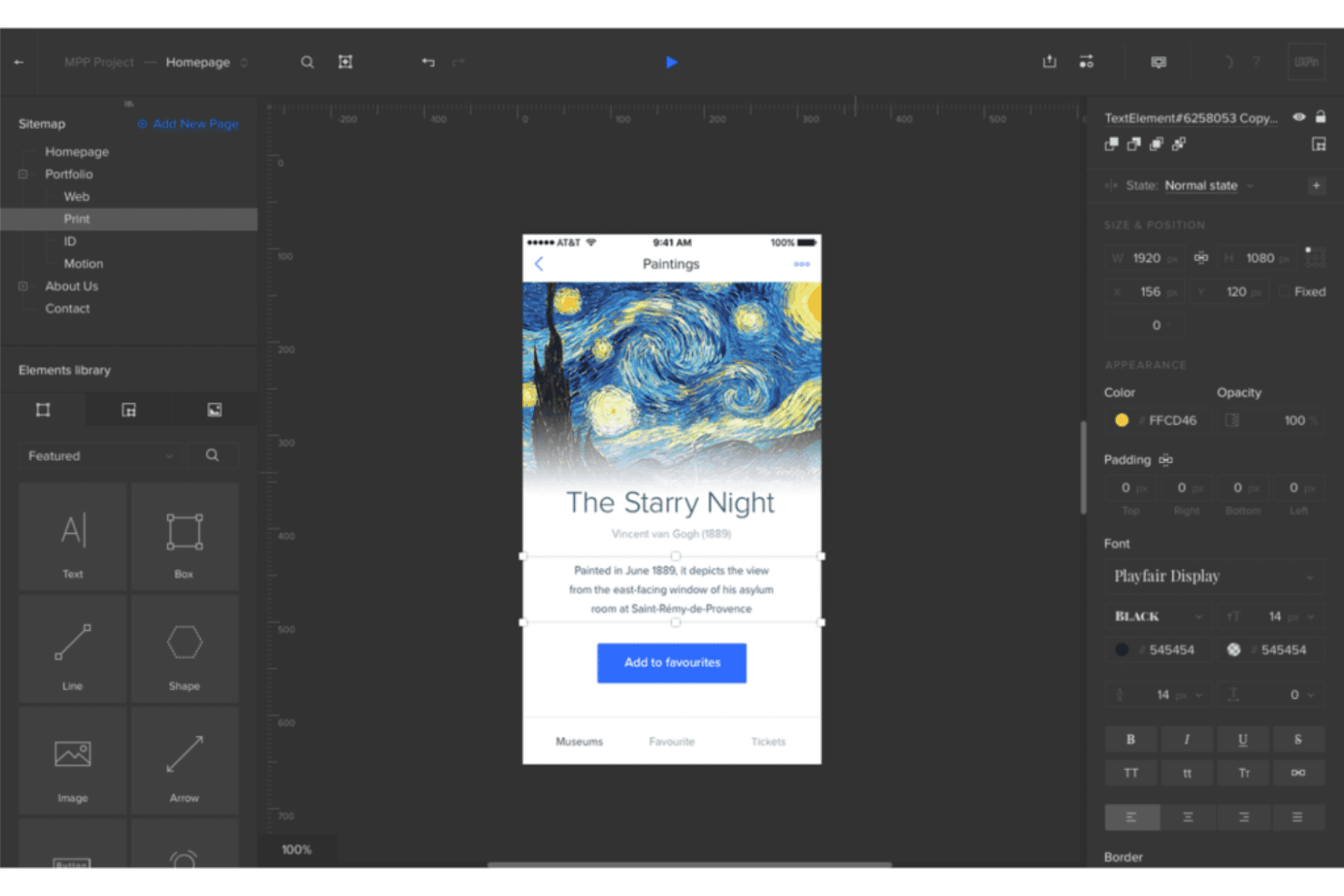
UXPin lets you create prototypes that mimic real-world applications, allowing your team to test user experiences effectively. You can easily add animations and interactivity to bring your designs to life.
Design Systems
With UXPin, you can manage and maintain design consistency across projects through centralized design systems. This feature helps your team adhere to brand guidelines effortlessly.
Real-Time Collaboration
Collaborate with your team in real-time, making it easy to share feedback and iterate designs quickly. This ensures everyone stays on the same page throughout the design process.
Responsive Design
UXPin allows you to design responsive layouts that adapt to different screen sizes. You can ensure your designs look great on any device.
Version Control
Track changes and manage different versions of your designs with ease. This feature helps you keep a record of design iterations and revert to previous versions if needed.
User Testing
UXPin supports user testing by allowing you to share prototypes with stakeholders and gather feedback. This ensures your designs meet user expectations before development begins.
Ease of Use
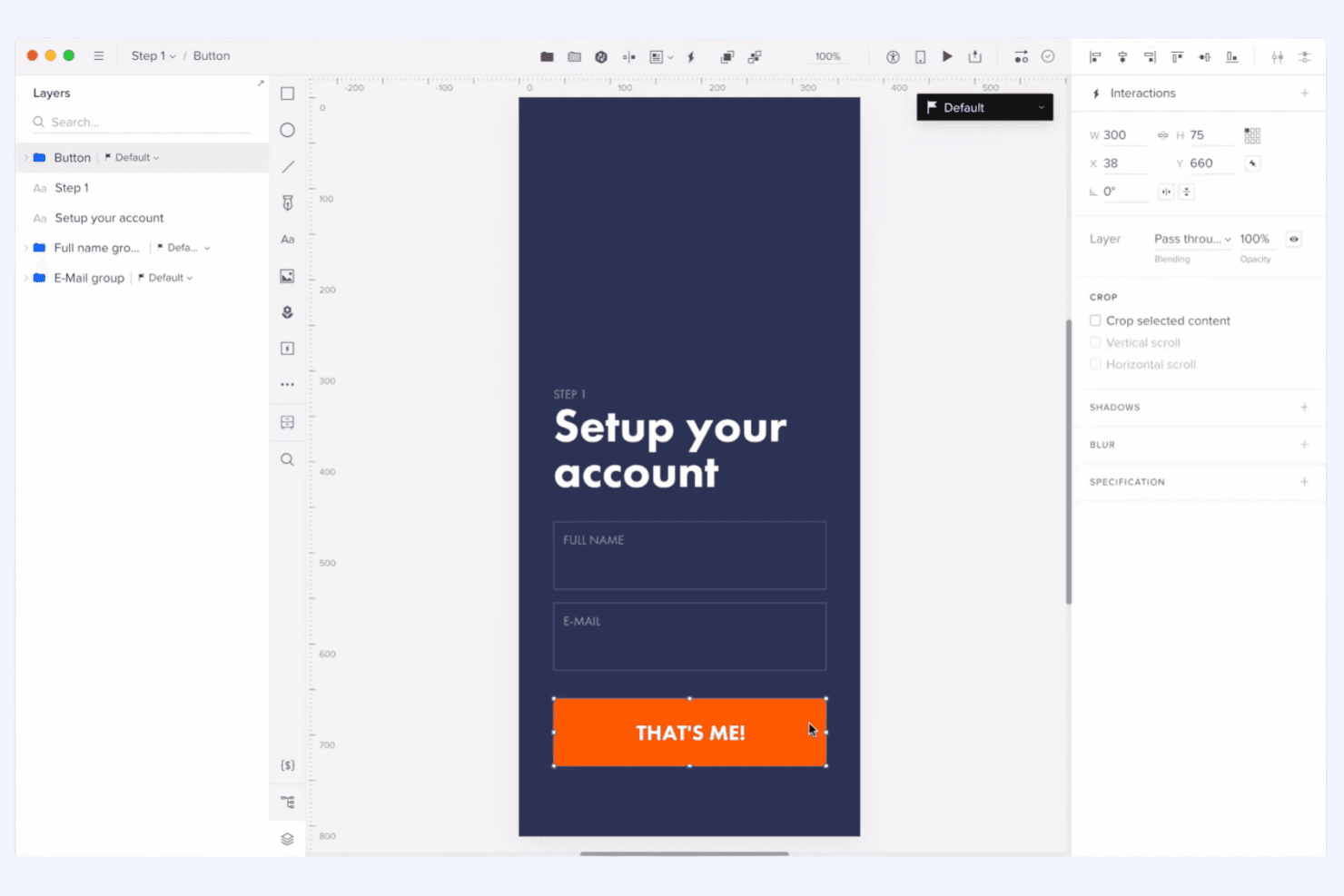
UXPin offers a comprehensive set of features that can initially feel overwhelming, especially if you’re new to design tools. However, once you get past the learning curve, its intuitive interface helps streamline your workflow. The real-time collaboration and design systems make it easier for your team to stay organized and efficient. Compared to others, UXPin balances advanced functionalities with user-friendly design, making it a solid choice for teams willing to invest time in mastering its capabilities.
Integrations
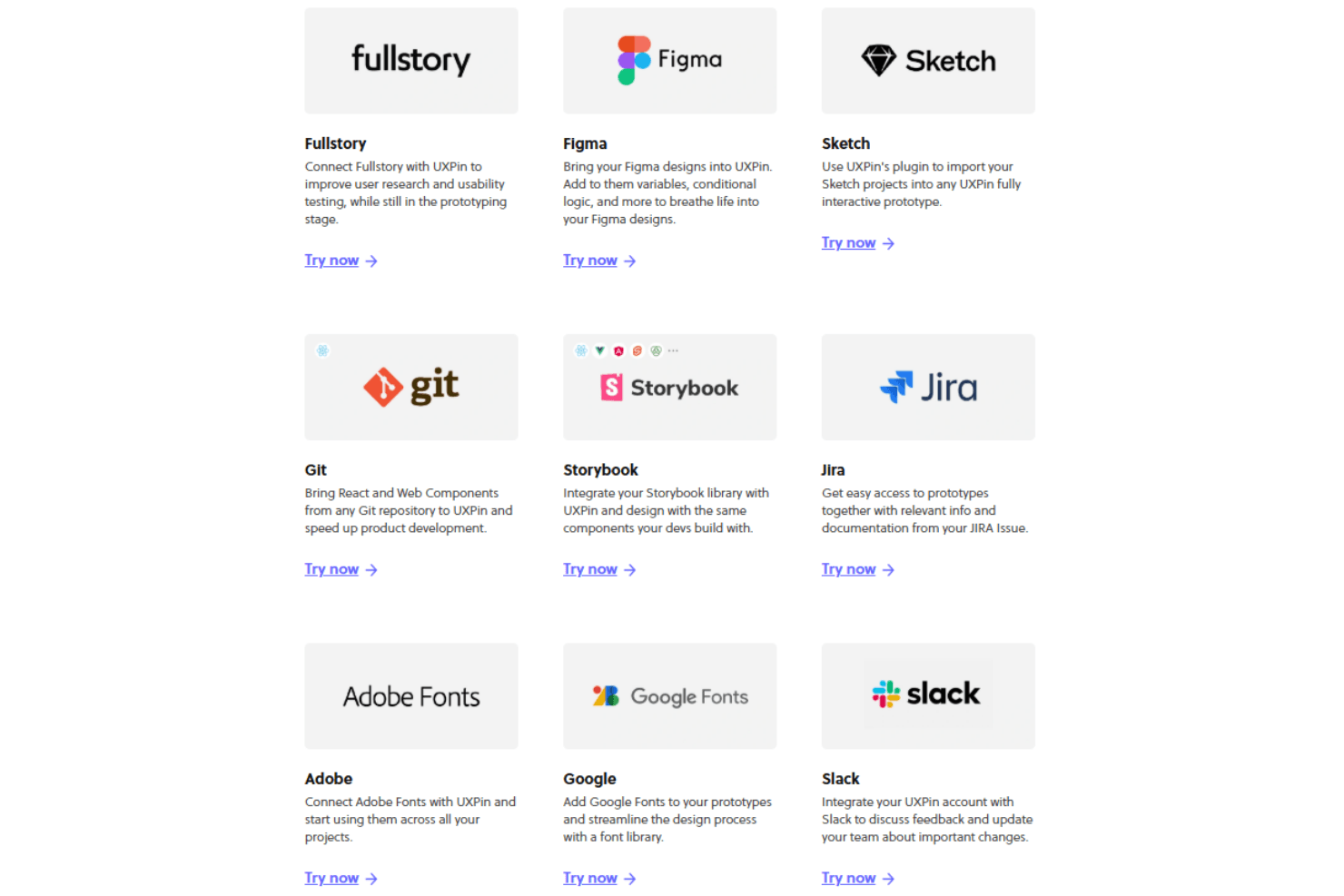
UXPin integrates with Jira, Slack, GitHub, Storybook, Microsoft Teams, Google Fonts, Unsplash, Iconfinder, Avocode, and Dropbox, among others.
UXPin also offers an API and supports connections with third-party integration tools.
UXPin Specs
- API: Yes
- Approval Workflows: Yes
- Bug Tracking: No
- Collaboration Support: Yes
- Custom Reports: No
- Design Templates: Yes
- Document Management: Yes
- External Integrations: Yes
- History/Version Control: Yes
- Multi-Source Feedback: Yes
- Multi-User: Yes
- Review Monitoring: Yes
- Template Designer: Yes
- Third-Party Plugins/Add-Ons: Yes
- Workflow Management: Yes


