

Recensione di Crazy Egg: Pro, Contro, Funzionalità e Prezzi Spiegati
Crazy Egg si distingue per i suoi test A/B intuitivi e l'analisi visiva, rendendolo ideale per i marketer che cercano insight azionabili, anche se gli utenti avanzati potrebbero trovare le sue funzionalità limitate.

Recensiamo gli strumenti in modo indipendente e le commissioni aiutano a finanziare i nostri test. Consulta la nostra politica sulla trasparenza, la nostra metodologia oppure suggerisci uno strumento.
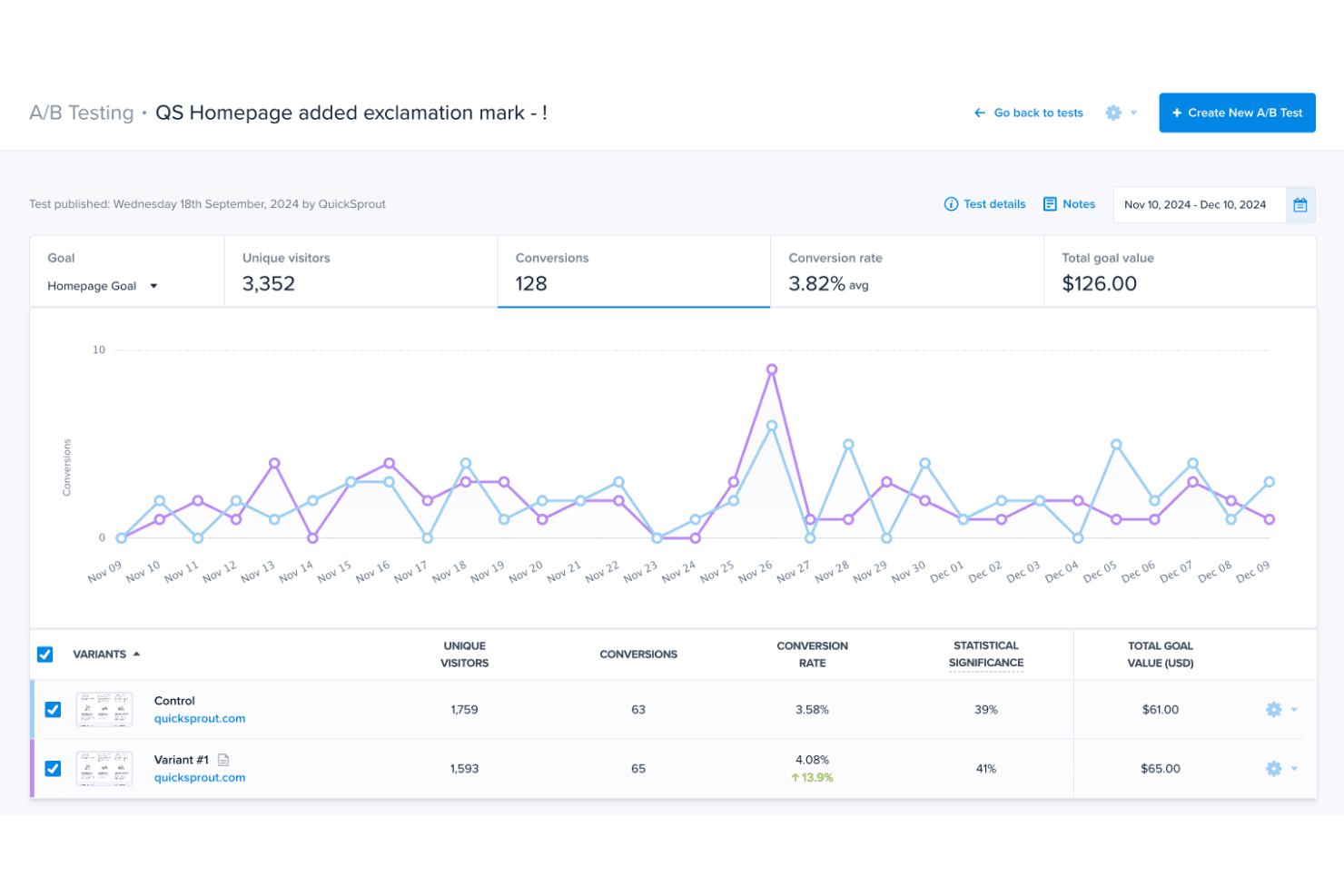
Crazy Egg is an A/B testing software that pairs split testing with visual behavior tools like heatmaps, scroll maps, and session recordings. It's a good fit for product teams who want to test page variants and understand why visitors behave the way they do—without a complex setup. If you're weighing it against something like Optimizely, Crazy Egg is the more accessible option for teams that don't need enterprise-grade experimentation infrastructure but still want behavioral context alongside their test results.
Crazy Egg Evaluation Summary
4.3/5
- From $29/month
- 30-day free trial available
Perché fidarsi dei nostri consigli sui software
6,700+
Reviews
20
Industry experts
16+
Evaluation factors
14
Years
Il nostro team testa e recensisce software dal 2012. In quanto product manager noi stessi, sappiamo quanto sia difficile — e importante — scegliere il software giusto.
Per questa guida, abbiamo valutato gli strumenti attraverso test pratici e ricerche indipendenti, assegnando un punteggio agli strumenti in base ai nostri criteri di selezione.
Le nostre recensioni riflettono il nostro giudizio editoriale umano, non un discorso di vendita.
Revisori esperti:
- Andrew LumbySenior TPM
- Cristiano ValimSenior UI/UX Lead


Crazy Egg Overview
When judging Crazy Egg as an A/B testing software, its standout strengths are its visual reporting, approachable interface, and fast onboarding. Compared to others, it's easier for non-technical teams to select and launch tests, and its pricing is transparent for small to midsize businesses. However, advanced experimenters may find its integrations and analytics less extensive. If you're determining the right fit for marketing teams or SaaS startups that value simplicity and visual insights over deep customization, Crazy Egg is a strong contender. For example, its heatmaps and scroll maps make interpreting user behavior straightforward for quick decision-making.
Pros
- Visual heatmaps make interpreting test results straightforward.
- Unlimited domains and seats included in all plans.
- Fast setup for launching basic A/B tests.
Cons
- Lacks advanced targeting and segmentation options.
- Reporting features are less detailed than some competitors.
- Limited support for multivariate or complex experiments.
Is Crazy Egg Right For Your Needs?
Who Would be a Good Fit for Crazy Egg?
Crazy Egg is best suited for teams and organizations that need quick, visual insights into user behavior without the overhead of complex setup or deep technical expertise. Its heatmaps, scroll maps, and simple A/B testing tools make it a strong choice for marketing, ecommerce, and SaaS teams focused on conversion rate optimization. Small to midsize businesses, agencies, and content teams benefit from its unlimited domains and seats, making collaboration easy. If your goal is to validate design changes or landing page tweaks with clear, actionable data, Crazy Egg is a practical solution.
- Marketing TeamsVisual reporting and fast test setup help marketers optimize campaigns quickly.
- Ecommerce StoresHeatmaps and scroll maps reveal product page performance and user drop-off points.
- SaaS StartupsUnlimited domains and seats support rapid experimentation across multiple products.
- Content TeamsScroll maps show how far readers engage with articles or landing pages.
- Digital AgenciesEasy onboarding and multi-client management fit agency workflows.
- Small BusinessesTransparent pricing and simple tools suit limited budgets and resources.
Who Would be a Bad Fit for Crazy Egg?
Crazy Egg is less suitable for organizations that require advanced experimentation, granular targeting, or deep analytics. Enterprises with complex testing needs, such as multivariate experiments or detailed segmentation, may find its feature set limiting. Teams needing robust integrations with enterprise analytics stacks or those in regulated industries may also face challenges. If your workflow depends on highly customized reporting or advanced targeting, you may need a more specialized solution from other providers.
- Large EnterprisesThe amount of user recordings may be insufficient for enterprise-level experimentation.
- Product Management TeamsLacks detailed segmentation and targeting for nuanced product experiments.
- CRO SpecialistsMissing advanced experiment types and granular reporting for optimization experts.
- Global CorporationsLimited localization and enterprise integrations hinder global deployment.
- Data Science TeamsInsufficient raw data export and analytics depth for data-driven workflows.
Come Testiamo e Valutiamo gli Strumenti
Abbiamo passato anni a costruire, perfezionare e migliorare il nostro sistema di test e valutazione del software. Il nostro metodo è stato progettato per cogliere le sfumature della selezione del software e ciò che rende efficace uno strumento, concentrandosi sugli aspetti critici del processo decisionale. Qui sotto puoi vedere esattamente come funzionano i nostri test e la nostra valutazione suddivisa in sette criteri. Questo ci consente di offrire una valutazione imparziale del software sulla base delle funzionalità principali, delle caratteristiche distintive, della facilità d’uso, dell’onboarding, dell’assistenza clienti, delle integrazioni, delle recensioni dei clienti e del rapporto qualità/prezzo.
Funzionalità Principali (25% del punteggio finale)
Il punto di partenza della nostra valutazione sono sempre le funzionalità principali dello strumento. Possiede le funzioni di base che un utente si aspetterebbe di trovare? Alcune di queste sono riservate ai piani tariffari più alti? Ci aspettiamo che uno strumento rispetti almeno le funzionalità di base dei competitors.
Caratteristiche Distintive (25% del punteggio finale)
Successivamente, valutiamo le caratteristiche distintive e non comuni che vanno oltre le funzioni di base normalmente riscontrate in strumenti simili. Un punteggio alto indica funzionalità specializzate o uniche che rendono il prodotto più rapido, efficiente o forniscono un valore aggiunto all’utente. Valutiamo anche la facilità con cui si possono integrare altri strumenti solitamente presenti nella stack tecnologica, ampliando così funzionalità e utilità del software. Gli strumenti che offrono molte integrazioni native, collegamenti di terze parti e accesso API per integrazioni personalizzate ottengono i punteggi migliori.
Facilità d’Uso (10% del punteggio finale)
Consideriamo quanto sia rapido e semplice eseguire le attività definite dalle funzionalità principali tramite lo strumento. Il software con il punteggio più alto è ben progettato, intuitivo da usare, offre app per dispositivi mobili, modelli preimpostati e semplifica anche le attività più complesse.
Onboarding (10% del punteggio finale)
Sappiamo quanto sia importante una rapida adozione da parte del team, quindi valutiamo quanto sia facile imparare ad usare lo strumento con una formazione minima. Valutiamo la velocità con cui un membro del team può configurarsi e iniziare a utilizzare lo strumento senza esperienza. Le soluzioni con punteggio più alto richiedono poco o nessun supporto.
Assistenza Clienti (10% del punteggio finale)
Osserviamo quanto sia facile e veloce ottenere supporto tramite telefono, chat dal vivo o knowledge base. Gli strumenti che offrono supporto in tempo reale ottengono punteggi più alti, mentre i chatbot ricevono i punteggi peggiori.
Recensioni Clienti (10% del punteggio finale)
Oltre ai nostri test e valutazioni, consideriamo il net promoter score di clienti attuali e passati. Valutiamo la probabilità che scelgano nuovamente lo strumento in base alle funzionalità principali. Un software con punteggio elevato riflette un net promoter score alto.
Rapporto Qualità/Prezzo (10% del punteggio finale)
Infine, considerando tutti gli altri criteri, confrontiamo il prezzo medio dei piani base con le funzionalità principali, esaminando il valore degli altri criteri di valutazione. Il software che offre di più, a meno, otterrà un punteggio maggiore.
Core Features
A/B Testing
Run experiments to compare versions of your web pages and identify which drives more conversions. Launch tests without coding.
Heatmap Reports
Visualize where users click, scroll, and interact on your site. See which content attracts attention and which areas are ignored.
Session Recordings
Watch real visitor sessions to understand user journeys and spot friction points. Replay actions to diagnose issues and optimize elements.
Scrollmaps
See how far visitors scroll down each page to gauge content engagement. Identify where users lose interest and adjust layouts accordingly.
Surveys
Deploy onsite surveys to collect direct feedback from visitors. Use customizable templates to gather insights about user needs and preferences.
Popup CTAs
Create and test popups, sticky bars, and buttons to drive conversions. Track click and conversion rates for each call-to-action in real-time.
Ease of Use
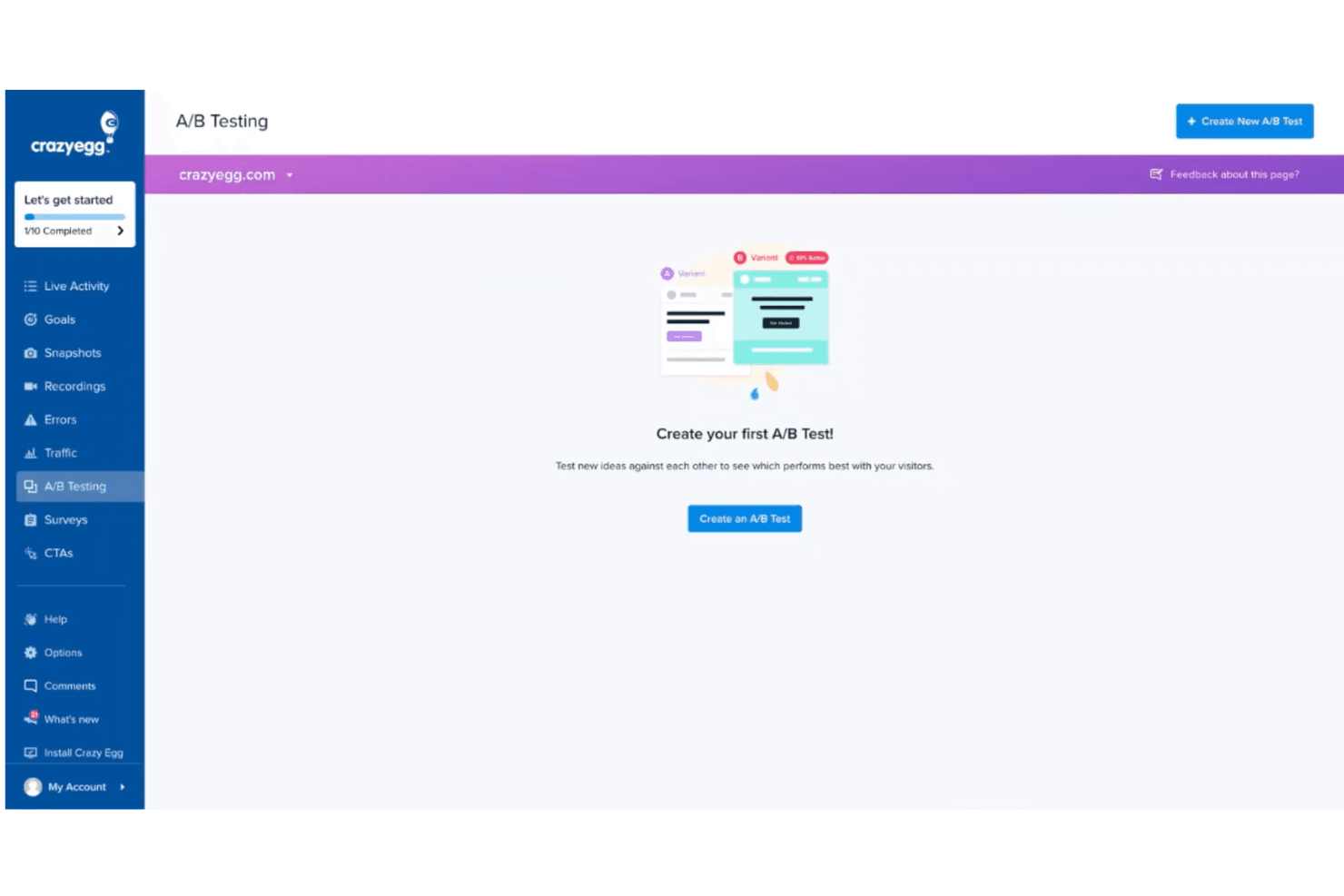
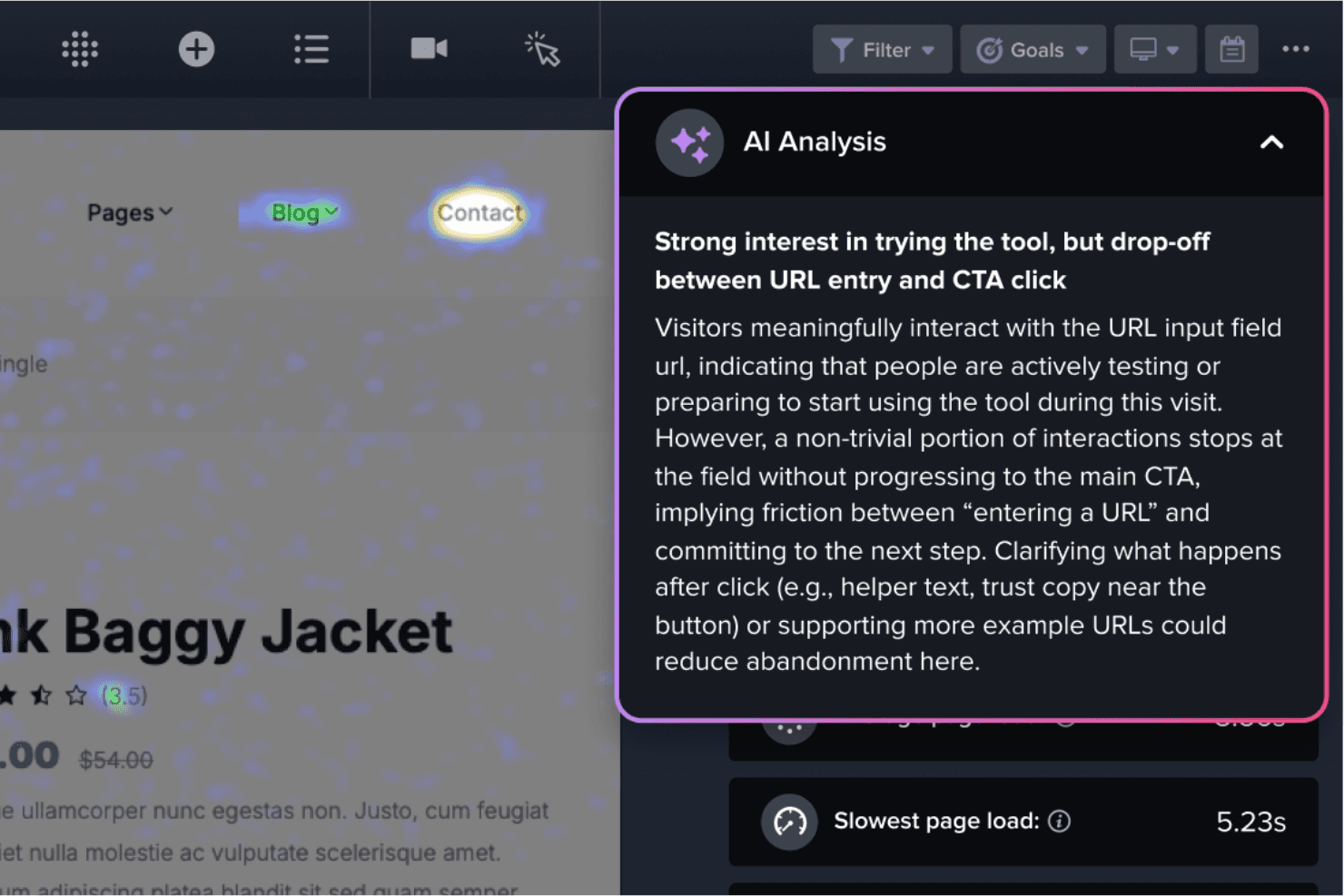
Crazy Egg is widely recognized for its intuitive interface and straightforward setup, making it accessible even for users with limited technical skills. Users consistently mention how quickly they can launch tests and interpret results thanks to clear visualizations like heatmaps and scrollmaps. The onboarding process is simple, with guided steps and helpful tooltips. While it may lack some advanced controls, its focus on clarity and speed makes it a favorite for teams prioritizing quick, actionable insights. UX designers appreciate the usability of the platform and how it surfaces user interactions through click maps and confetti views.
Integrations
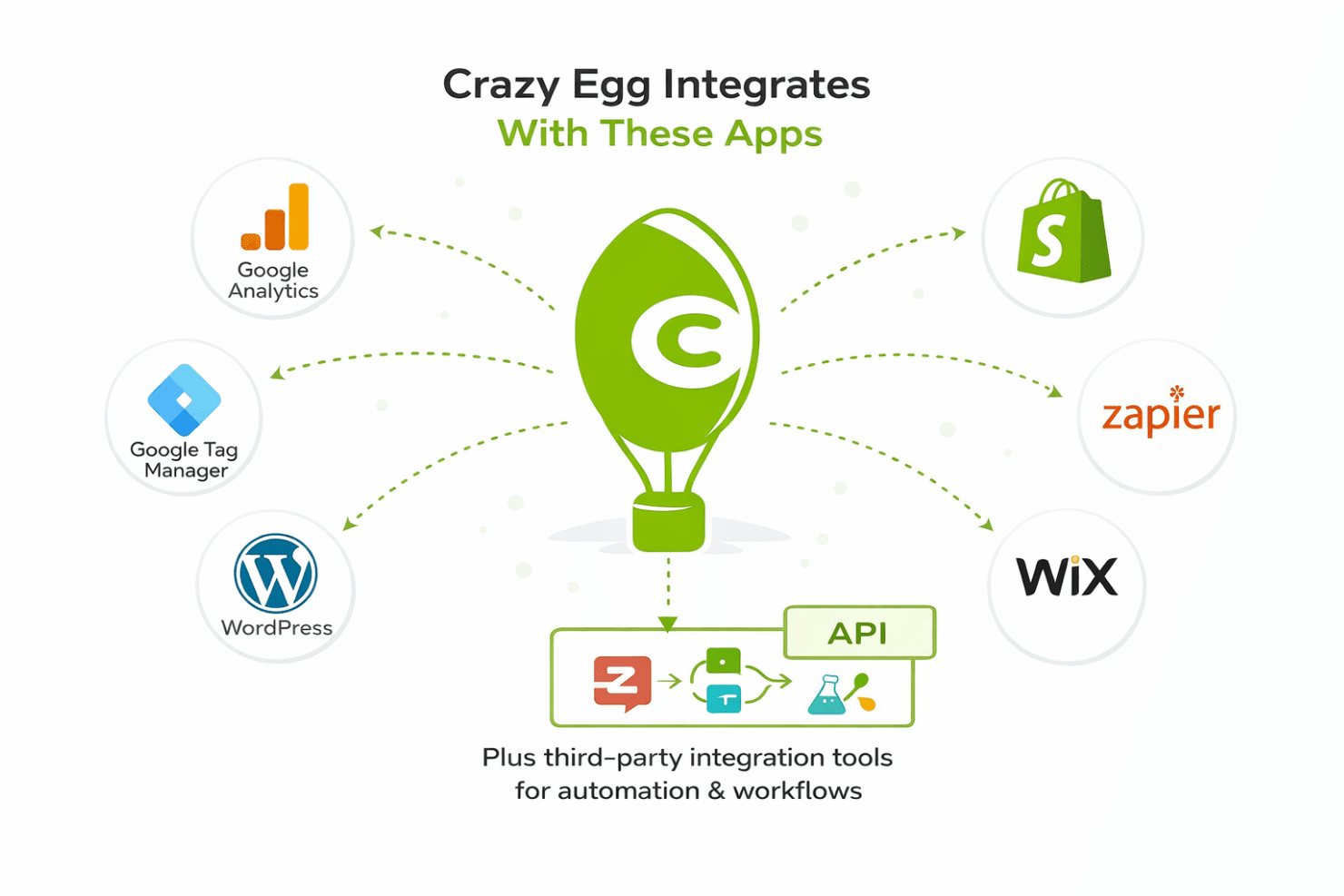
Crazy Egg integrates with Google Analytics, Shopify, Google Tag Manager, Wordpress, and Wix, among others.
Crazy Egg also offers an API and connects with third-party integration tools like Zapier for broader automation and data workflows.
Crazy Egg Specs
- A/B Testing: Yes
- AI Integration: No
- Analytics: Yes
- API: Yes
- Big Data: No
- Campaign Management: No
- Conversion Tracking: No
- Custom Reports: Yes
- Dashboard: Yes
- Data Export: Yes
- Data Import: Yes
- Data Visualization: Yes
- External Integrations: Yes
- Feedback Management: No
- Keyword Tracking: Yes
- Landing Pages: Yes
- Link Tracking: Yes
- Multi-User: Yes
- Notifications: Yes
- Process Reporting: Yes
- Referral Tracking: No
- Sentiment Analysis: No
- SEO: Yes
- Workflow Management: No


