
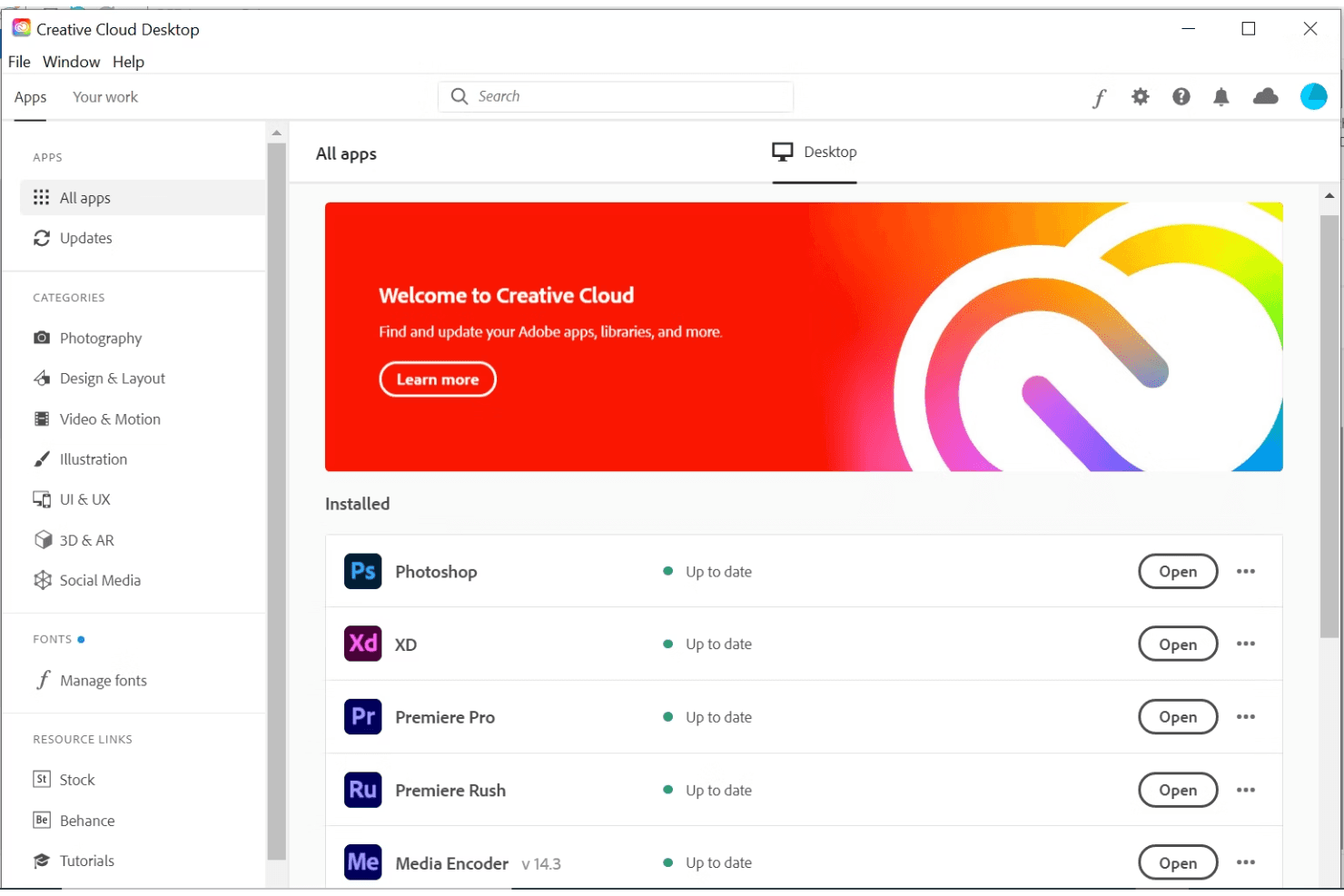
Adobe Creative Cloud is a collaborative design platform built for creative teams producing across multiple formats—UI mockups, brand assets, video, photography, and print. I'd consider it over Figma if your team works beyond digital product design alone, since Creative Cloud spans the full creative workflow in a way a single-purpose tool can't match. It's worth a close look for any team that needs a unified creative environment rather than a mix of disconnected tools.
Adobe Creative Cloud Evaluation Summary
0/5
- From $37.99/month (billed annually)
- 14-day free trial
Perché fidarsi dei nostri consigli sui software
6,700+
Reviews
20
Industry experts
16+
Evaluation factors
14
Years
Il nostro team testa e recensisce software dal 2012. In quanto product manager noi stessi, sappiamo quanto sia difficile — e importante — scegliere il software giusto.
Per questa guida, abbiamo valutato gli strumenti attraverso test pratici e ricerche indipendenti, assegnando un punteggio agli strumenti in base ai nostri criteri di selezione.
Le nostre recensioni riflettono il nostro giudizio editoriale umano, non un discorso di vendita.
Revisori esperti:
- Andrew LumbySenior TPM
- Cristiano ValimSenior UI/UX Lead


Adobe Creative Cloud Overview
In my opinion, Adobe Creative Cloud is a strong contender in collaborative design software. It offers an impressive suite of tools that cater to creative professionals, making it ideal for design teams and freelancers. While the onboarding process could be smoother, the platform's extensive features and integrations make up for it. Adobe's pricing might seem high, but the comprehensive functionality justifies the cost for those needing top-tier design capabilities. Compared to rivals, it excels in creative power but could improve in user support. If your team values creativity and versatility, Adobe Creative Cloud is worth considering.
Pros
- You get access to a vast array of professional-grade design tools.
- Your team can enjoy seamless collaboration with real-time updates.
- You have a wide selection of tutorials to enhance your skills.
Cons
- The software's interface can be overwhelming for new users.
- Your team might experience occasional performance lags on older hardware.
- Customer support doesn't always meet expectations for quick resolutions.
Is Adobe Creative Cloud Right For Your Needs?
Who Would be a Good Fit for Adobe Creative Cloud?
Adobe Creative Cloud is perfect for creative agencies, marketing teams, and freelancers who need a wide range of design tools. If your work involves graphic design, video editing, or digital art, Adobe's comprehensive suite empowers your creativity. With real-time collaboration features, your team can work together efficiently on projects. The vast library of tutorials helps you quickly learn and master new tools, making it ideal for those who value skill development alongside creative work.
- Creative AgenciesYour agency will benefit from Adobe's extensive design tools that allow for high-quality creative output.
- Marketing TeamsYour team can leverage Adobe's design capabilities to produce engaging visual content for campaigns.
- FreelancersFreelancers will find Adobe's comprehensive toolset invaluable for offering a wide range of services to clients.
- Graphic DesignersAdobe provides the advanced tools you need for detailed and professional graphic design work.
- Video EditorsYour video editing projects will shine with Adobe's powerful editing software and effects.
- Digital ArtistsDigital artists can express their creativity with Adobe's diverse tools for illustration and painting.
Who Would be a Bad Fit for Adobe Creative Cloud?
Adobe Creative Cloud might not suit small businesses or teams with limited design needs due to its complexity and extensive features. If your team doesn't require advanced design tools or has limited experience with professional design software, Adobe's platform could be overwhelming and excessive. Organizations seeking straightforward design tasks or who need quick, simple solutions may find Adobe's offerings too intricate and time-consuming to navigate.
- Small BusinessesYour small business may find Adobe's extensive features more than you need for simple design tasks.
- Non-Design DepartmentsDepartments not focused on design might struggle with Adobe's complex interface and toolset.
- Beginner UsersBeginners could feel overwhelmed by Adobe's advanced tools and professional-grade features.
- Limited Budget TeamsTeams with tight budgets might find Adobe's pricing challenging for their financial constraints.
- Casual CreatorsIf your work involves casual or hobbyist design, Adobe's professional suite might be excessive.
- Basic Task TeamsTeams focusing on basic design tasks may not need Adobe's comprehensive and detailed toolset.
Come Testiamo e Valutiamo gli Strumenti
Abbiamo passato anni a costruire, perfezionare e migliorare il nostro sistema di test e valutazione del software. Il nostro metodo è stato progettato per cogliere le sfumature della selezione del software e ciò che rende efficace uno strumento, concentrandosi sugli aspetti critici del processo decisionale. Qui sotto puoi vedere esattamente come funzionano i nostri test e la nostra valutazione suddivisa in sette criteri. Questo ci consente di offrire una valutazione imparziale del software sulla base delle funzionalità principali, delle caratteristiche distintive, della facilità d’uso, dell’onboarding, dell’assistenza clienti, delle integrazioni, delle recensioni dei clienti e del rapporto qualità/prezzo.
Funzionalità Principali (25% del punteggio finale)
Il punto di partenza della nostra valutazione sono sempre le funzionalità principali dello strumento. Possiede le funzioni di base che un utente si aspetterebbe di trovare? Alcune di queste sono riservate ai piani tariffari più alti? Ci aspettiamo che uno strumento rispetti almeno le funzionalità di base dei competitors.
Caratteristiche Distintive (25% del punteggio finale)
Successivamente, valutiamo le caratteristiche distintive e non comuni che vanno oltre le funzioni di base normalmente riscontrate in strumenti simili. Un punteggio alto indica funzionalità specializzate o uniche che rendono il prodotto più rapido, efficiente o forniscono un valore aggiunto all’utente. Valutiamo anche la facilità con cui si possono integrare altri strumenti solitamente presenti nella stack tecnologica, ampliando così funzionalità e utilità del software. Gli strumenti che offrono molte integrazioni native, collegamenti di terze parti e accesso API per integrazioni personalizzate ottengono i punteggi migliori.
Facilità d’Uso (10% del punteggio finale)
Consideriamo quanto sia rapido e semplice eseguire le attività definite dalle funzionalità principali tramite lo strumento. Il software con il punteggio più alto è ben progettato, intuitivo da usare, offre app per dispositivi mobili, modelli preimpostati e semplifica anche le attività più complesse.
Onboarding (10% del punteggio finale)
Sappiamo quanto sia importante una rapida adozione da parte del team, quindi valutiamo quanto sia facile imparare ad usare lo strumento con una formazione minima. Valutiamo la velocità con cui un membro del team può configurarsi e iniziare a utilizzare lo strumento senza esperienza. Le soluzioni con punteggio più alto richiedono poco o nessun supporto.
Assistenza Clienti (10% del punteggio finale)
Osserviamo quanto sia facile e veloce ottenere supporto tramite telefono, chat dal vivo o knowledge base. Gli strumenti che offrono supporto in tempo reale ottengono punteggi più alti, mentre i chatbot ricevono i punteggi peggiori.
Recensioni Clienti (10% del punteggio finale)
Oltre ai nostri test e valutazioni, consideriamo il net promoter score di clienti attuali e passati. Valutiamo la probabilità che scelgano nuovamente lo strumento in base alle funzionalità principali. Un software con punteggio elevato riflette un net promoter score alto.
Rapporto Qualità/Prezzo (10% del punteggio finale)
Infine, considerando tutti gli altri criteri, confrontiamo il prezzo medio dei piani base con le funzionalità principali, esaminando il valore degli altri criteri di valutazione. Il software che offre di più, a meno, otterrà un punteggio maggiore.
Core Features
Real-Time Collaboration
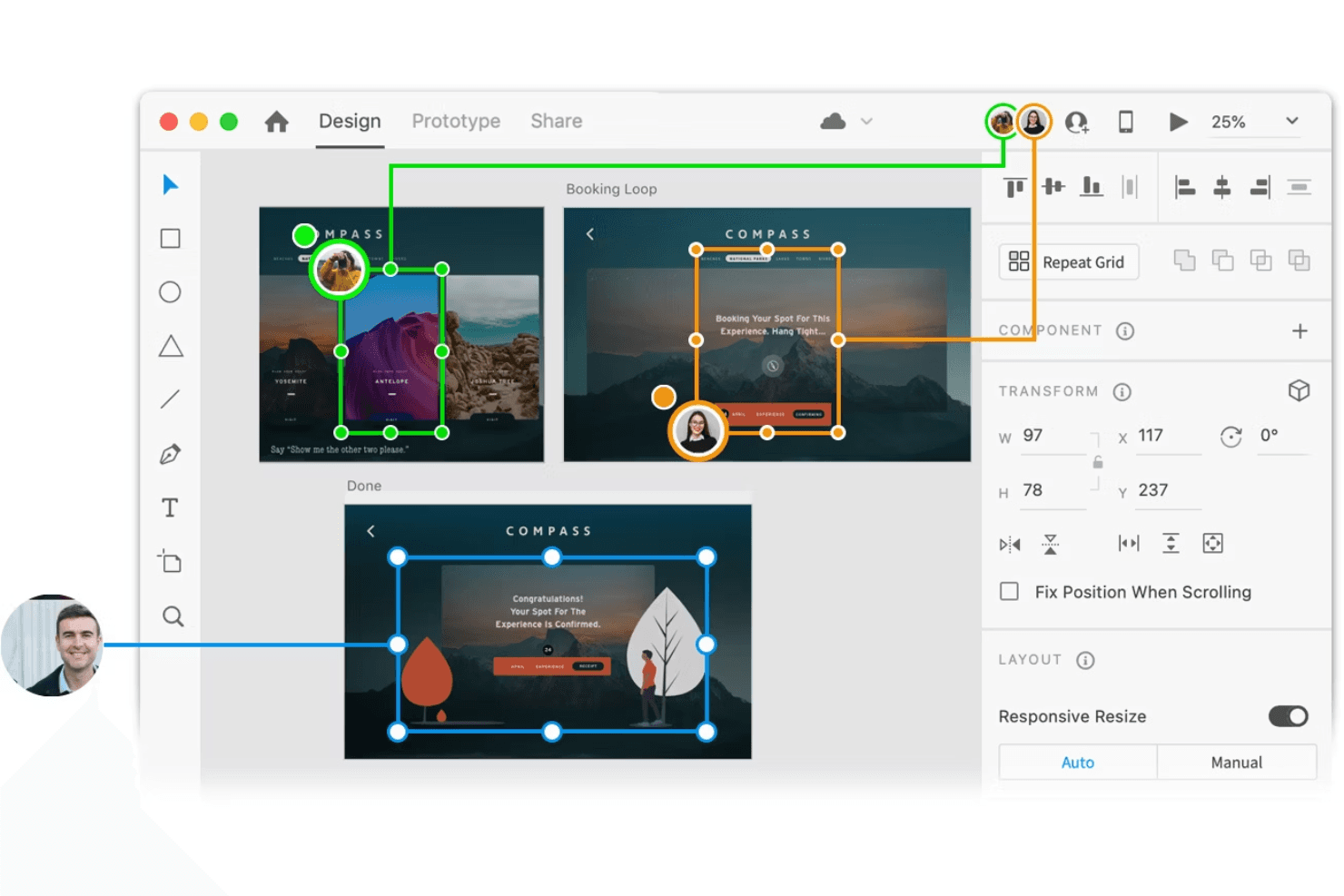
Your team can work together on projects simultaneously, seeing changes as they happen. This feature boosts efficiency and keeps everyone on the same page.
Extensive Asset Library
Access a vast collection of fonts, presets, stock images, and templates to enhance your design projects. This library saves you time and sparks creativity.
Advanced Design Tools
Use professional-grade tools for graphic design, video editing, and more. These tools give your work a polished, high-quality finish.
Cross-Platform Access
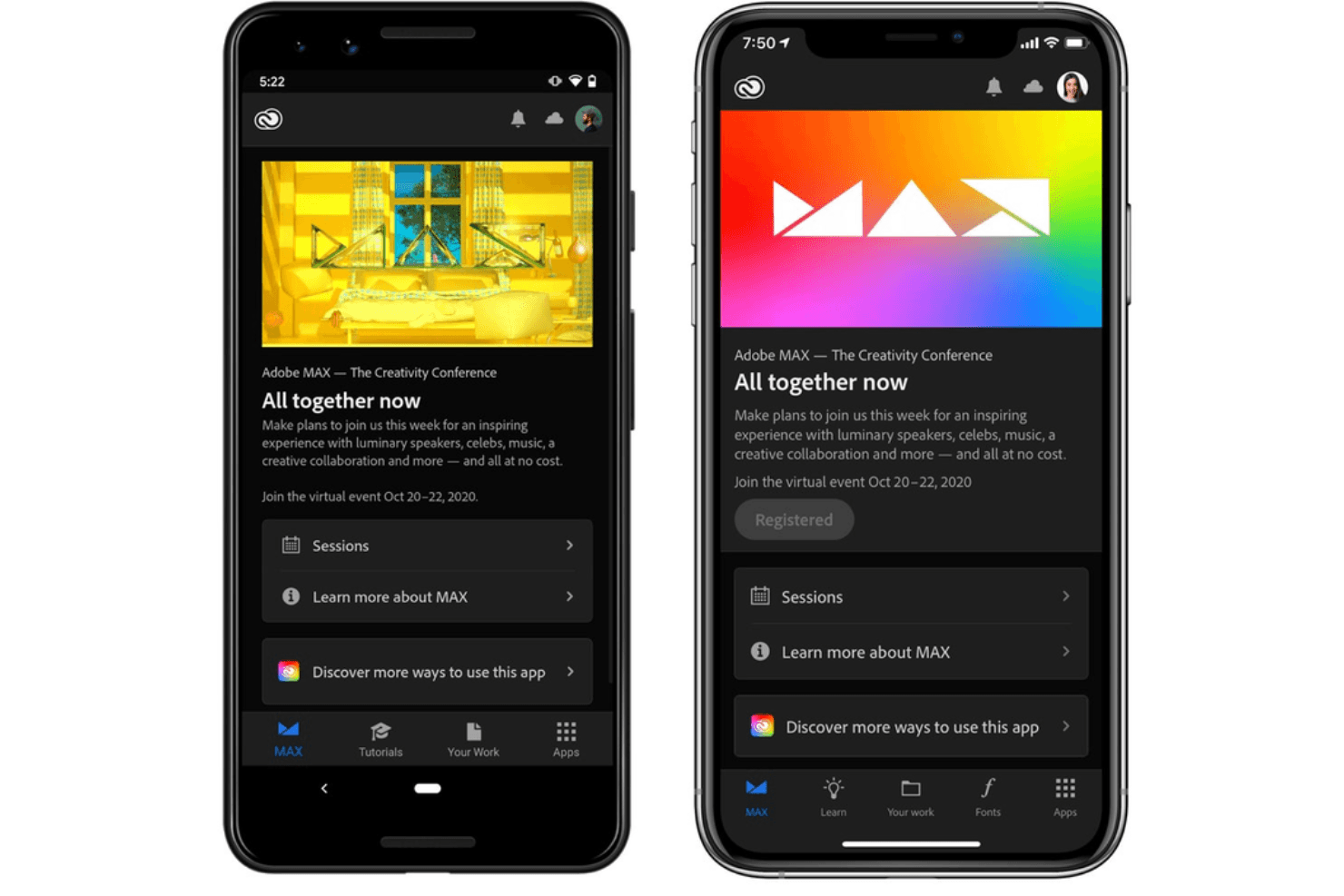
Work on your projects from any device, whether it's a desktop, tablet, or smartphone. This flexibility means you can design on the go.
Version Control
Easily track changes and revert to previous versions of your work. This feature ensures you don't lose progress and can experiment freely.
Customizable Workspaces
Tailor your workspace to fit your specific needs and preferences. This customization makes your workflow smoother and more intuitive.
Ease of Use
Adobe Creative Cloud offers powerful tools, but its interface can be overwhelming for beginners. The sheer number of features requires a learning curve, which might challenge those new to design software. However, once you get familiar, the customization options and tutorials help you tailor the workspace to your needs. If your team is experienced, you'll appreciate the depth of functionality, though beginners might need time to adapt.
Integrations
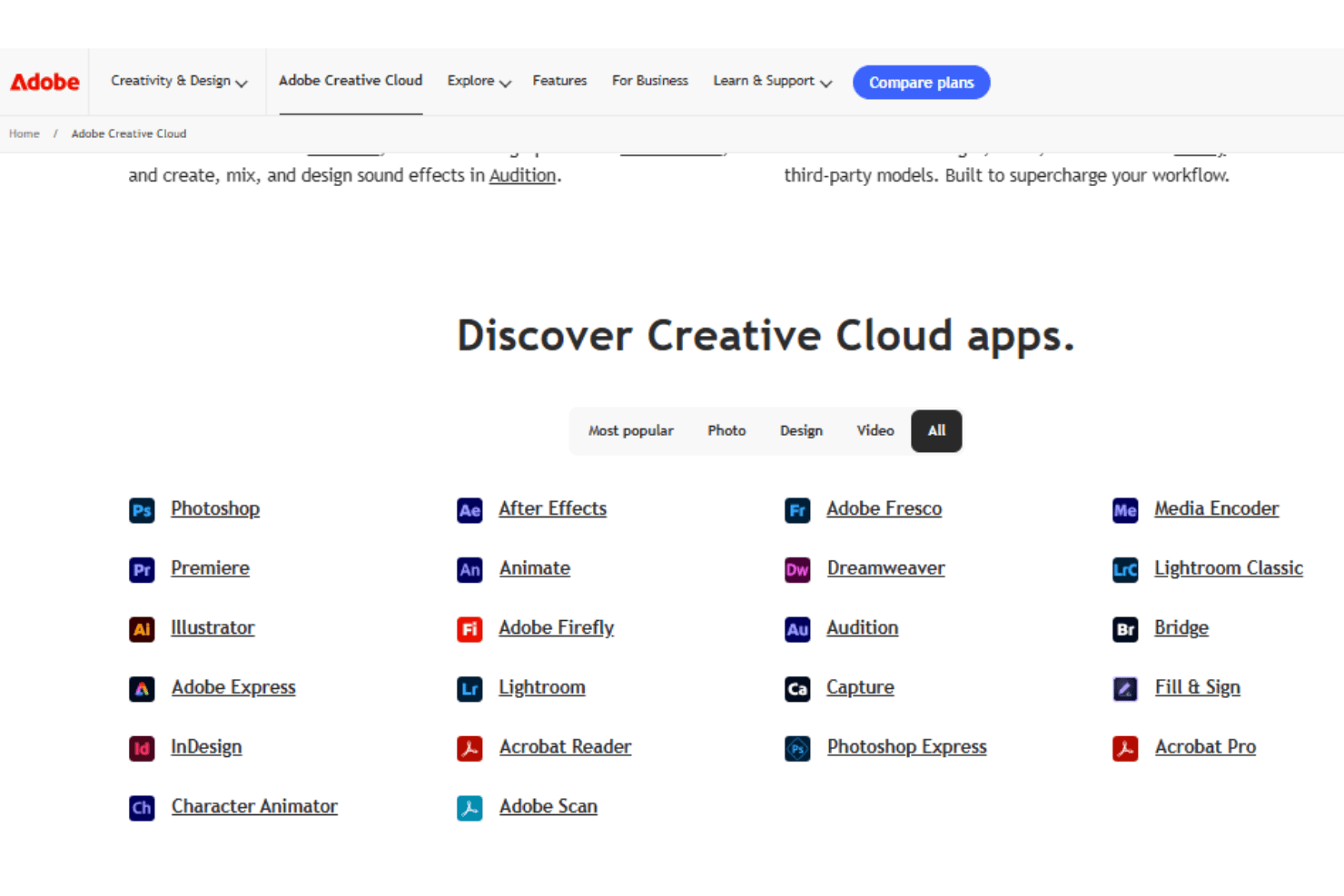
Being the host to the entire Adobe creative suite, Adobe Creative Cloud naturally integrates with all of the Adobe software including: Adobe Lightroom, Adobe Stock, Adobe Illustrator, Adobe Photoshop, Adobe Premiere Pro, Adobe InDesign, Adobe After Effects, and Adobe Acrobat, just to name a few. It also integrates with popular tools like Slack, Microsoft Teams, Trello, Asana, Dropbox, Google Drive, Zoom, Jira, Zendesk, and Salesforce.
Adobe Creative Cloud also offers an API for custom integrations and connects with third-party integration tools.
Adobe Creative Cloud Specs
- A/B Testing: Yes
- API: Yes
- Collaboration Support: Yes
- Custom Data Forms: Yes
- Dashboard: Yes
- Dashboards: Yes
- Data Export: Yes
- Data Import: Yes
- Developer Tools: Yes
- External Integrations: Yes
- Feedback Management: Yes
- Gantt Charts: Yes
- Google Apps Integration: Yes
- Multi-User: Yes
- Notifications: Yes
- Prioritization: Yes
- Product Catalog: Yes
- Release Management: Yes
- Reports: Yes
- Resource Management: Yes
- Review Monitoring: Yes
- Roadmapping: Yes
- Scheduling: Yes
- Task Scheduling/Tracking: Yes


