
Galaxy.ai-arvostelu: hyvät ja huonot puolet, ominaisuudet ja hinnoittelu selitettynä
Galaxy.ai erottuu edukseen intuitiivisella tekoälypohjaisella mallikuvien luomisella, joka tarjoaa nopeasti laadukkaita tuloksia, mutta se ei välttämättä sovi käyttäjille, jotka tarvitsevat syvällisiä mukautusmahdollisuuksia tai tiettyihin käyttötarkoituksiin suunniteltuja ominaisuuksia.

We review tools independently, and commissions help fund our testing. See our transparency policy, our methodology, or suggest a tool.
Galaxy.ai is an AI-powered mockup generator for product teams who need to visualize designs in realistic environments without a dedicated design resource. I'd consider it over Placeit if you need more than a fixed template library. Galaxy.ai's AI generation lets you build mockups from scratch rather than adapting your work to preset formats. This review covers the core features, pricing, and where it fits in your workflow.
Galaxy.ai Evaluation Summary
2.8/5
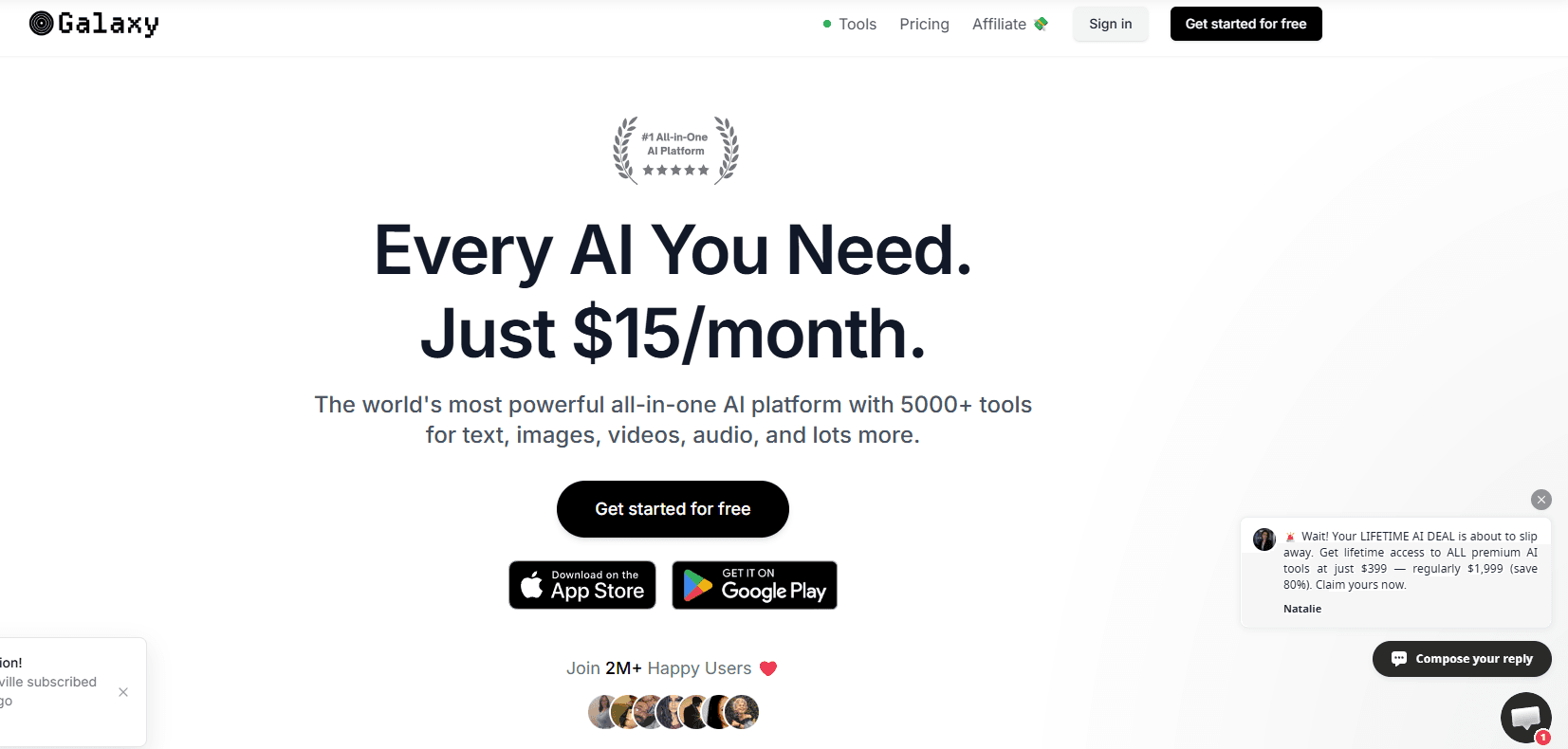
- From $15/month (billed annually)
- Free plan available
Why Trust Our Software Recommendations
6,700+
Reviews
20
Industry experts
16+
Evaluation factors
14
Years
Our team has been testing and reviewing software since 2012. As product managers ourselves, we know how difficult—and important—it is to choose the right software.
For this guide, we evaluated tools using hands-on testing and independent research, scoring tools using our selection criteria.
Our reviews reflect our human editorial judgment, not a sales pitch.
Expert reviewers:
- Andrew LumbySenior TPM
- Cristiano ValimSenior UI/UX Lead


Galaxy.ai Overview
When evaluating Galaxy.ai, the fact that it's an all-in-one platform with access to a wide array of AI models and LLMs makes it especially stand out. Pricing is competitive for the feature set, though advanced customization and deep integrations are limited compared to some alternatives. If you're selecting a tool for rapid prototyping, client presentations, or internal design reviews, Galaxy.ai is a strong choice—especially for SaaS teams or agencies prioritizing speed and simplicity over granular control.
Pros
- Access to a wide range of AI image models.
- Fast generation of high-quality mockup visuals.
- Affordable pricing compared to most alternatives.
Cons
- Credit-based usage limits advanced mockup features.
- Credit costs for each tool are not always transparent.
- Lacks advanced mockup editing and export options.
Is Galaxy.ai Right For Your Needs?
Who Would be a Good Fit for Galaxy.ai?
Galaxy.ai is a strong choice for teams that need to generate device mockups quickly and at scale, especially when speed and automation matter more than deep design customization. Its batch processing, watermark-free exports, and AI-driven device adaptation make it ideal for fast-moving environments and roles focused on rapid prototyping or marketing visuals. Whether you're an entrepreneur, a business owner scaling a brand, or a content creator producing ai-generated assets at volume, galaxy.ai can help you deliver consistent results with minimal manual effort. If your workflow values efficiency and you don't require advanced integrations or niche templates, this platform is worth it.
- Startup Product TeamsGalaxy.ai's fast onboarding and batch mockup generation support rapid iteration cycles.
- Marketing DepartmentsQuickly create device mockups for campaign visuals without design bottlenecks.
- SaaS Demo CreatorsAI adapts a single design to multiple device frames for demo assets.
- FreelancersNo watermark on exports allows for client-ready mockups on the free plan.
- Social Media ManagersBatch processing enables fast content creation for multiple platforms.
- E-commerce SellersEasily generate product display images for online listings and ads.
Who Would be a Bad Fit for Galaxy.ai?
Galaxy.ai is less suitable for teams that need highly specialized templates, advanced design integrations, or export flexibility beyond standard image formats. If your workflow depends on direct plugin integrations with design tools, or you require a wide range of device and scene options—including android device frames or screenshots for specific screen sizes—you may find galaxy.ai limiting. It's also not ideal for industries where pixel-perfect customization or unique branding elements are essential to every mockup.
- Large Creative AgenciesLimited template variety restricts options for diverse client needs.
- Enterprise UX TeamsNo direct design tool integration slows down design handoff.
- Print Design StudiosExport options are limited to PNG and JPG, not print-ready formats.
- Game Development StudiosLacks gaming device frames and interactive mockup features.
- Fashion RetailersNo apparel or lifestyle templates for showcasing clothing products.
- Branding ConsultantsMinimal scene customization limits unique brand presentation in mockups.
How We Test & Score Tools
We’ve spent years building, refining, and improving our software testing and scoring system. The rubric is designed to capture the nuances of software selection and what makes a tool effective, focusing on critical aspects of the decision-making process.
Below, you can see exactly how our testing and scoring works across seven criteria. It allows us to provide an unbiased evaluation of the software based on core functionality, standout features, ease of use, onboarding, customer support, integrations, customer reviews, and value for money.
Core Functionality (25% of final scoring)
The starting point of our evaluation is always the core functionality of the tool. Does it have the basic features and functions that a user would expect to see? Are any of those core features locked to higher-tiered pricing plans? At its core, we expect a tool to stand up against the baseline capabilities of its competitors.
Standout Features (25% of final scoring)
Next, we evaluate uncommon standout features that go above and beyond the core functionality typically found in tools of its kind. A high score reflects specialized or unique features that make the product faster, more efficient, or offer additional value to the user.
We also evaluate how easy it is to integrate with other tools typically found in the tech stack to expand the functionality and utility of the software. Tools offering plentiful native integrations, 3rd party connections, and API access to build custom integrations score best.
Ease of Use (10% of final scoring)
We consider how quick and easy it is to execute the tasks defined in the core functionality using the tool. High scoring software is well designed, intuitive to use, offers mobile apps, provides templates, and makes relatively complex tasks seem simple.
Onboarding (10% of final scoring)
We know how important rapid team adoption is for a new platform, so we evaluate how easy it is to learn and use a tool with minimal training. We evaluate how quickly a team member can get set up and start using the tool with no experience. High scoring solutions indicate little or no support is required.
Customer Support (10% of final scoring)
We review how quick and easy it is to get unstuck and find help by phone, live chat, or knowledge base. Tools and companies that provide real-time support score best, while chatbots score worst.
Customer Reviews (10% of final scoring)
Beyond our own testing and evaluation, we consider the net promoter score from current and past customers. We review their likelihood, given the option, to choose the tool again for the core functionality. A high scoring software reflects a high net promoter score from current or past customers.
Value for Money (10% of final scoring)
Lastly, in consideration of all the other criteria, we review the average price of entry level plans against the core features and consider the value of the other evaluation criteria. Software that delivers more, for less, will score higher.
Core Features
AI Image Generator
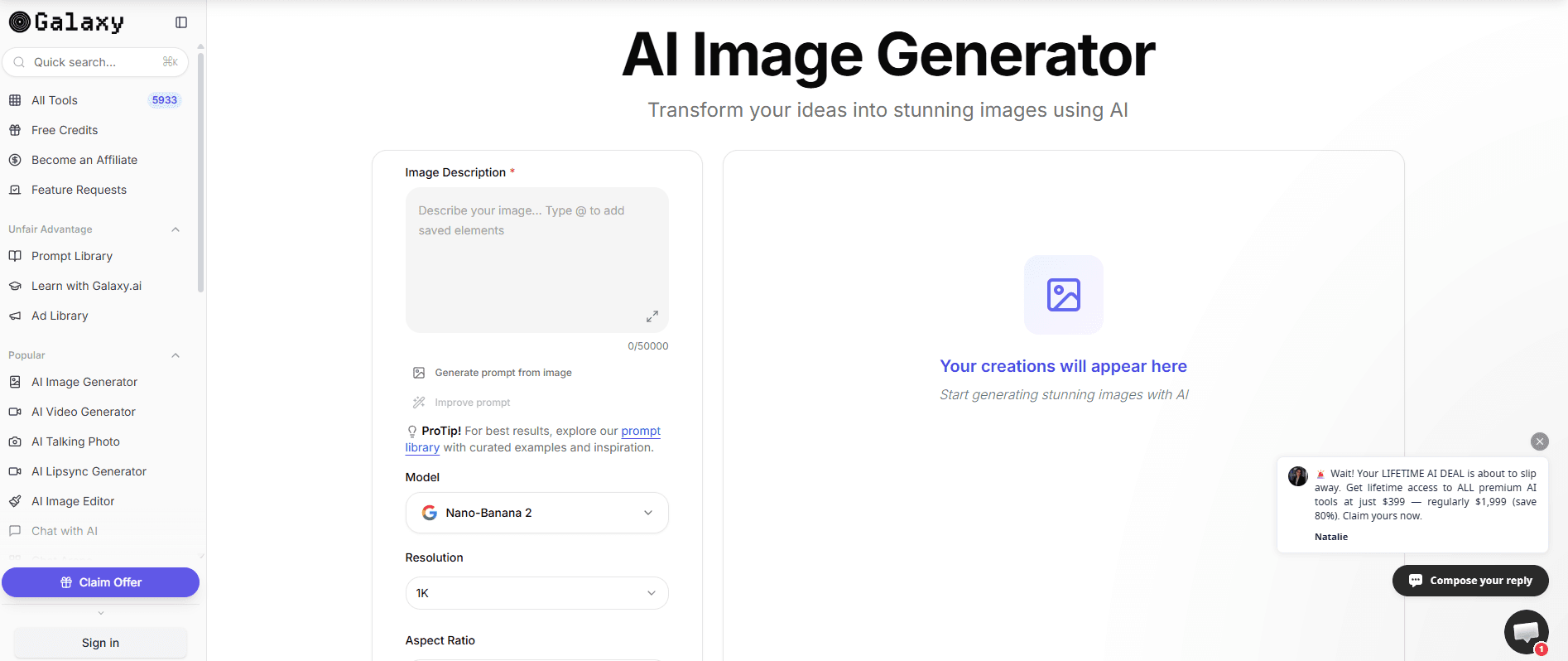
Generate high-quality mockups from text prompts using multiple AI models. Choose from a range of models for different visual styles to support image generation at scale.
AI Photo Editor
Edit and enhance generated mockups with advanced AI-powered tools. Make quick adjustments such as object removal or background changes directly in the platform.
Ready-Made Prompts
Access a library of proven prompts to speed up mockup creation. These prompts help users achieve consistent, professional results without manual tweaking.
AI Background Changer
Swap or remove backgrounds from mockups in one click. This feature is useful for adapting visuals to different branding or presentation needs.
AI Object Remover
Erase unwanted elements from mockups with AI precision. Clean up images for a polished, client-ready look in seconds.
Ease of Use
Galaxy.ai is highly user-friendly, with a clean interface and intuitive workflows that let users generate mockups in just a few clicks. The platform's ready-made prompts and AI-powered editing tools minimize manual effort, making it accessible even for those without design experience. User reviews consistently highlight the fast onboarding and straightforward navigation, though some note that credit-based pricing can make it harder to experiment freely with all features.
Integrations
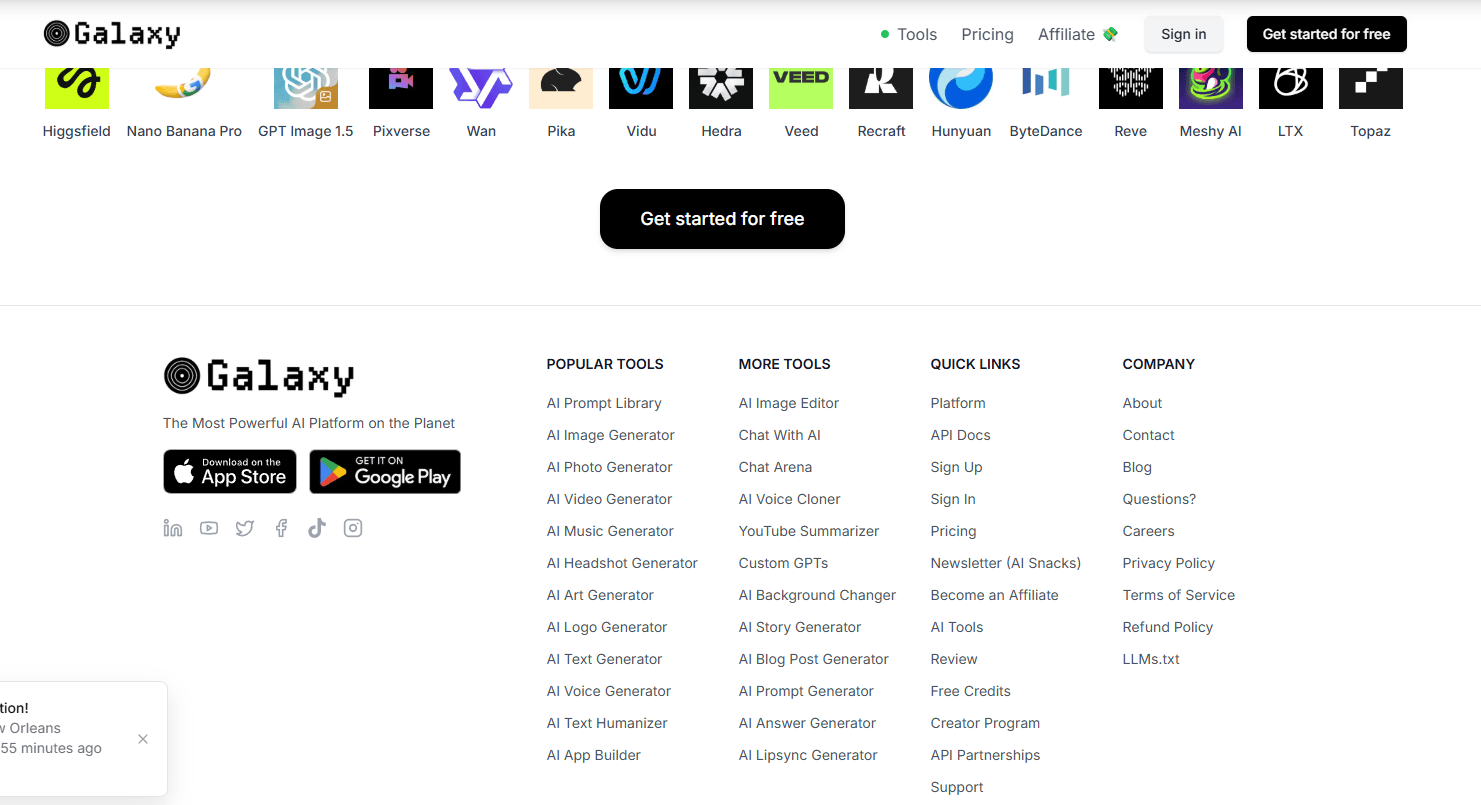
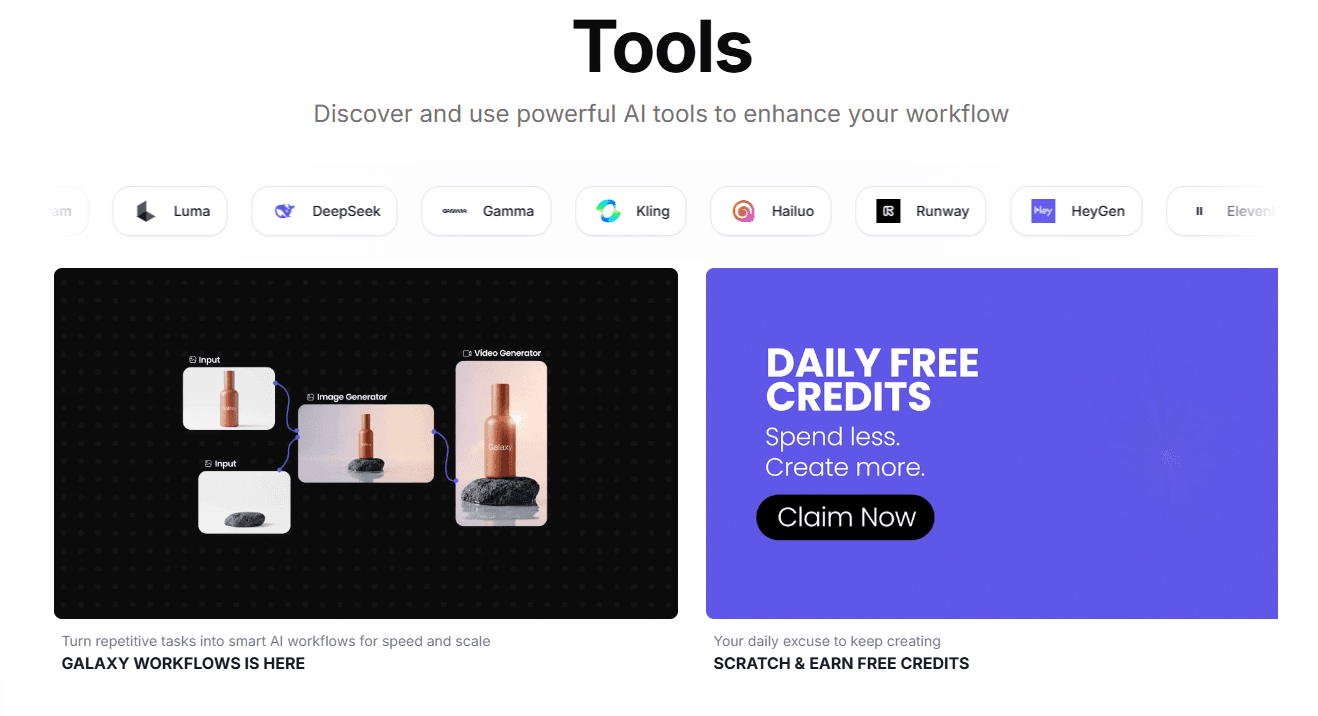
Galaxy.ai integrates with AI models like ChatGPT 5.2, Gemini, Claude, Perplexity, Veo 3.1, Sora 2, Grok, Flux, Stable Diffusion, DeepSeek, and Midjourney, among others.
Galaxy.ai also offers an API and supports custom integrations through its API partnerships.
Galaxy.ai Specs
- API: Yes
- Approval Workflows: No
- Bug Tracking: No
- Collaboration Support: Yes
- Custom Reports: No
- Design Templates: Yes
- Document Management: No
- External Integrations: Yes
- History/Version Control: No
- Multi-Source Feedback: No
- Multi-User: Yes
- Review Monitoring: No
- Template Designer: Yes
- Third-Party Plugins/Add-Ons: No
- Workflow Management: No


