
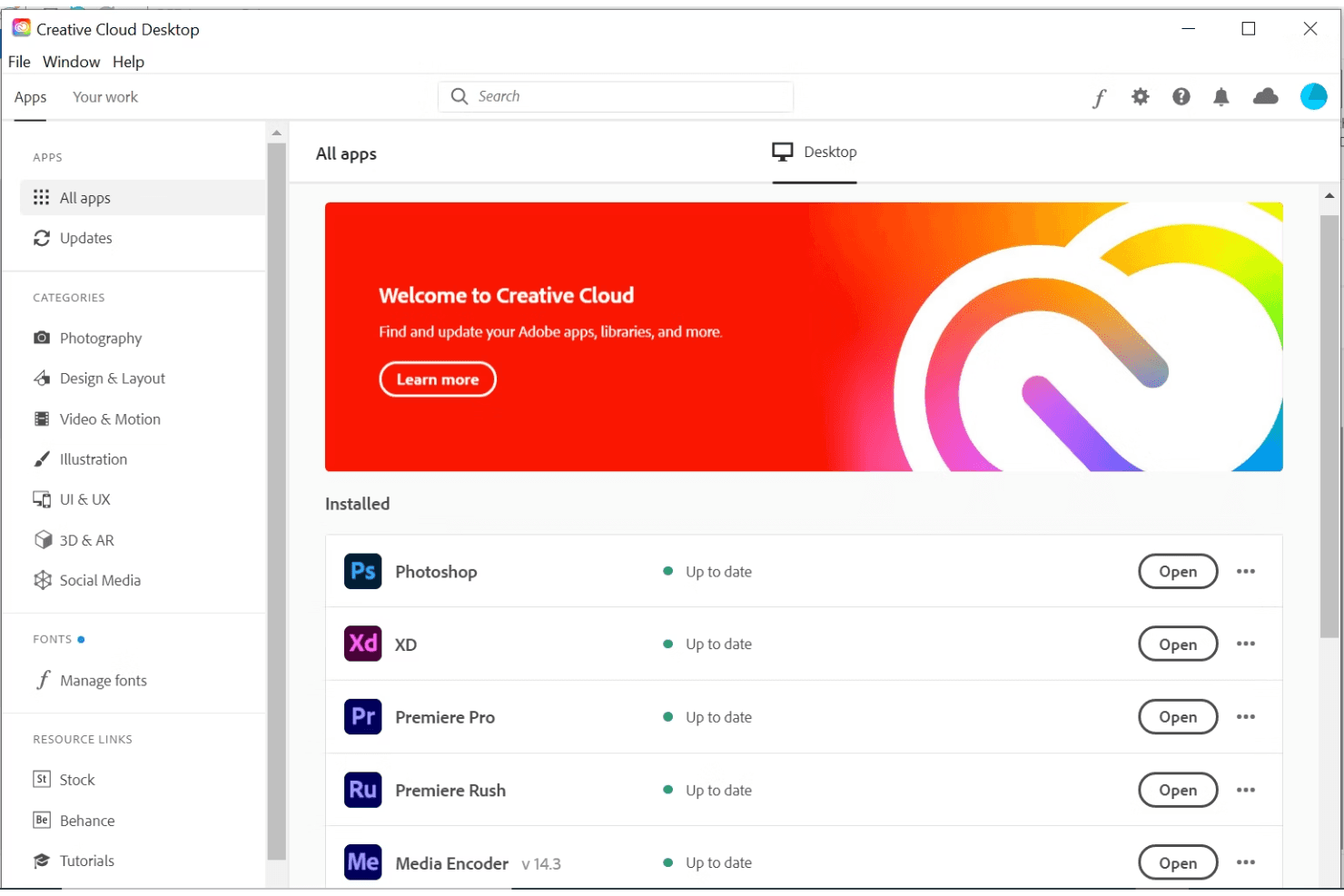
Adobe Creative Cloud is a collaborative design platform built for creative teams producing across multiple formats—UI mockups, brand assets, video, photography, and print. I'd consider it over Figma if your team works beyond digital product design alone, since Creative Cloud spans the full creative workflow in a way a single-purpose tool can't match. It's worth a close look for any team that needs a unified creative environment rather than a mix of disconnected tools.
Adobe Creative Cloud Evaluation Summary
0/5
- From $37.99/month (billed annually)
- 14-day free trial
Why Trust Our Software Recommendations
6,700+
Reviews
20
Industry experts
16+
Evaluation factors
14
Years
Our team has been testing and reviewing software since 2012. As product managers ourselves, we know how difficult—and important—it is to choose the right software.
For this guide, we evaluated tools using hands-on testing and independent research, scoring tools using our selection criteria.
Our reviews reflect our human editorial judgment, not a sales pitch.
Expert reviewers:
- Andrew LumbySenior TPM
- Cristiano ValimSenior UI/UX Lead


Adobe Creative Cloud Overview
In my opinion, Adobe Creative Cloud is a strong contender in collaborative design software. It offers an impressive suite of tools that cater to creative professionals, making it ideal for design teams and freelancers. While the onboarding process could be smoother, the platform's extensive features and integrations make up for it. Adobe's pricing might seem high, but the comprehensive functionality justifies the cost for those needing top-tier design capabilities. Compared to rivals, it excels in creative power but could improve in user support. If your team values creativity and versatility, Adobe Creative Cloud is worth considering.
Pros
- You get access to a vast array of professional-grade design tools.
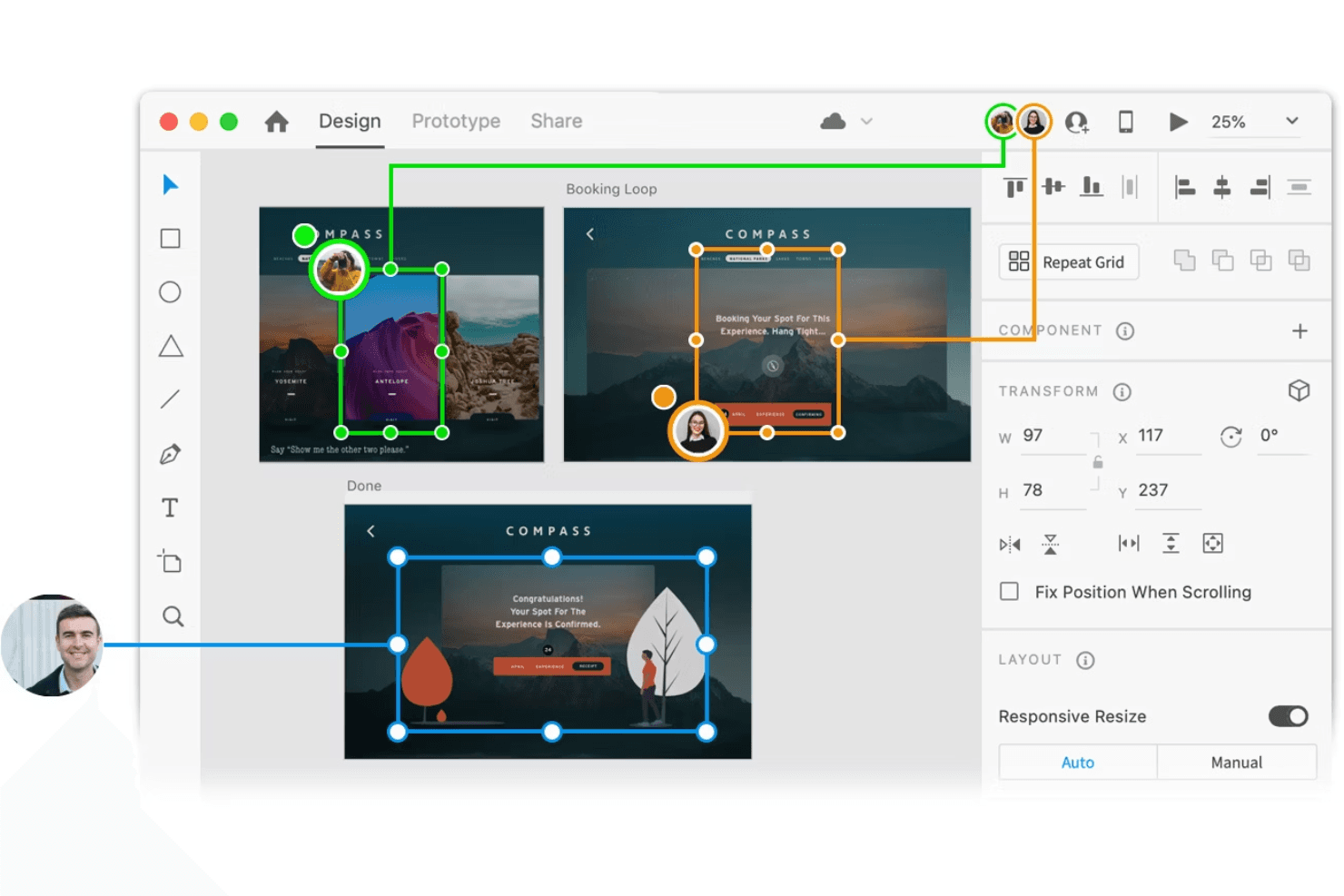
- Your team can enjoy seamless collaboration with real-time updates.
- You have a wide selection of tutorials to enhance your skills.
Cons
- The software's interface can be overwhelming for new users.
- Your team might experience occasional performance lags on older hardware.
- Customer support doesn't always meet expectations for quick resolutions.
Is Adobe Creative Cloud Right For Your Needs?
Who Would be a Good Fit for Adobe Creative Cloud?
Adobe Creative Cloud is perfect for creative agencies, marketing teams, and freelancers who need a wide range of design tools. If your work involves graphic design, video editing, or digital art, Adobe's comprehensive suite empowers your creativity. With real-time collaboration features, your team can work together efficiently on projects. The vast library of tutorials helps you quickly learn and master new tools, making it ideal for those who value skill development alongside creative work.
- Creative AgenciesYour agency will benefit from Adobe's extensive design tools that allow for high-quality creative output.
- Marketing TeamsYour team can leverage Adobe's design capabilities to produce engaging visual content for campaigns.
- FreelancersFreelancers will find Adobe's comprehensive toolset invaluable for offering a wide range of services to clients.
- Graphic DesignersAdobe provides the advanced tools you need for detailed and professional graphic design work.
- Video EditorsYour video editing projects will shine with Adobe's powerful editing software and effects.
- Digital ArtistsDigital artists can express their creativity with Adobe's diverse tools for illustration and painting.
Who Would be a Bad Fit for Adobe Creative Cloud?
Adobe Creative Cloud might not suit small businesses or teams with limited design needs due to its complexity and extensive features. If your team doesn't require advanced design tools or has limited experience with professional design software, Adobe's platform could be overwhelming and excessive. Organizations seeking straightforward design tasks or who need quick, simple solutions may find Adobe's offerings too intricate and time-consuming to navigate.
- Small BusinessesYour small business may find Adobe's extensive features more than you need for simple design tasks.
- Non-Design DepartmentsDepartments not focused on design might struggle with Adobe's complex interface and toolset.
- Beginner UsersBeginners could feel overwhelmed by Adobe's advanced tools and professional-grade features.
- Limited Budget TeamsTeams with tight budgets might find Adobe's pricing challenging for their financial constraints.
- Casual CreatorsIf your work involves casual or hobbyist design, Adobe's professional suite might be excessive.
- Basic Task TeamsTeams focusing on basic design tasks may not need Adobe's comprehensive and detailed toolset.
How We Test & Score Tools
We’ve spent years building, refining, and improving our software testing and scoring system. The rubric is designed to capture the nuances of software selection and what makes a tool effective, focusing on critical aspects of the decision-making process.
Below, you can see exactly how our testing and scoring works across seven criteria. It allows us to provide an unbiased evaluation of the software based on core functionality, standout features, ease of use, onboarding, customer support, integrations, customer reviews, and value for money.
Core Functionality (25% of final scoring)
The starting point of our evaluation is always the core functionality of the tool. Does it have the basic features and functions that a user would expect to see? Are any of those core features locked to higher-tiered pricing plans? At its core, we expect a tool to stand up against the baseline capabilities of its competitors.
Standout Features (25% of final scoring)
Next, we evaluate uncommon standout features that go above and beyond the core functionality typically found in tools of its kind. A high score reflects specialized or unique features that make the product faster, more efficient, or offer additional value to the user.
We also evaluate how easy it is to integrate with other tools typically found in the tech stack to expand the functionality and utility of the software. Tools offering plentiful native integrations, 3rd party connections, and API access to build custom integrations score best.
Ease of Use (10% of final scoring)
We consider how quick and easy it is to execute the tasks defined in the core functionality using the tool. High scoring software is well designed, intuitive to use, offers mobile apps, provides templates, and makes relatively complex tasks seem simple.
Onboarding (10% of final scoring)
We know how important rapid team adoption is for a new platform, so we evaluate how easy it is to learn and use a tool with minimal training. We evaluate how quickly a team member can get set up and start using the tool with no experience. High scoring solutions indicate little or no support is required.
Customer Support (10% of final scoring)
We review how quick and easy it is to get unstuck and find help by phone, live chat, or knowledge base. Tools and companies that provide real-time support score best, while chatbots score worst.
Customer Reviews (10% of final scoring)
Beyond our own testing and evaluation, we consider the net promoter score from current and past customers. We review their likelihood, given the option, to choose the tool again for the core functionality. A high scoring software reflects a high net promoter score from current or past customers.
Value for Money (10% of final scoring)
Lastly, in consideration of all the other criteria, we review the average price of entry level plans against the core features and consider the value of the other evaluation criteria. Software that delivers more, for less, will score higher.
Core Features
Real-Time Collaboration
Your team can work together on projects simultaneously, seeing changes as they happen. This feature boosts efficiency and keeps everyone on the same page.
Extensive Asset Library
Access a vast collection of fonts, presets, stock images, and templates to enhance your design projects. This library saves you time and sparks creativity.
Advanced Design Tools
Use professional-grade tools for graphic design, video editing, and more. These tools give your work a polished, high-quality finish.
Cross-Platform Access
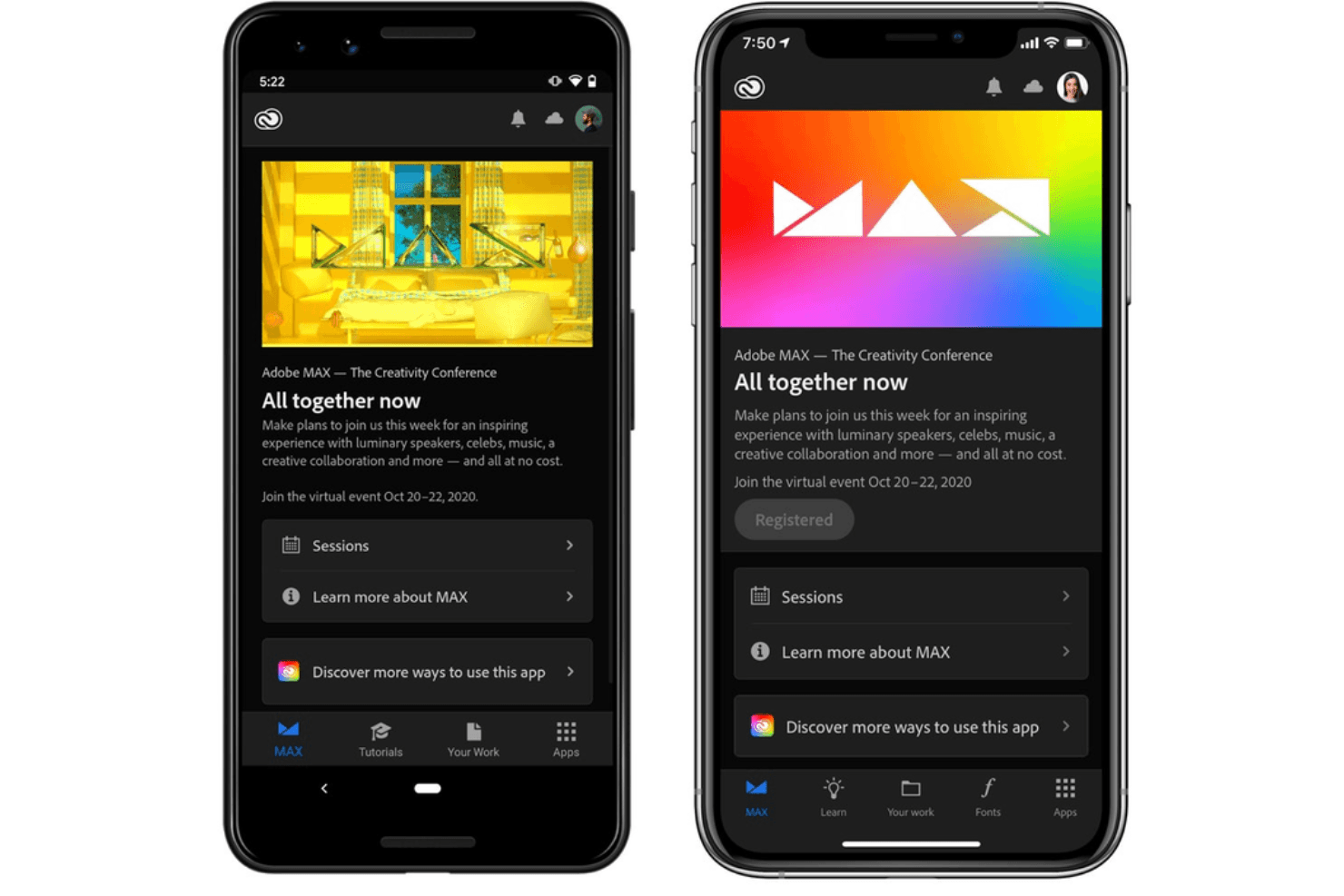
Work on your projects from any device, whether it's a desktop, tablet, or smartphone. This flexibility means you can design on the go.
Version Control
Easily track changes and revert to previous versions of your work. This feature ensures you don't lose progress and can experiment freely.
Customizable Workspaces
Tailor your workspace to fit your specific needs and preferences. This customization makes your workflow smoother and more intuitive.
Ease of Use
Adobe Creative Cloud offers powerful tools, but its interface can be overwhelming for beginners. The sheer number of features requires a learning curve, which might challenge those new to design software. However, once you get familiar, the customization options and tutorials help you tailor the workspace to your needs. If your team is experienced, you'll appreciate the depth of functionality, though beginners might need time to adapt.
Integrations
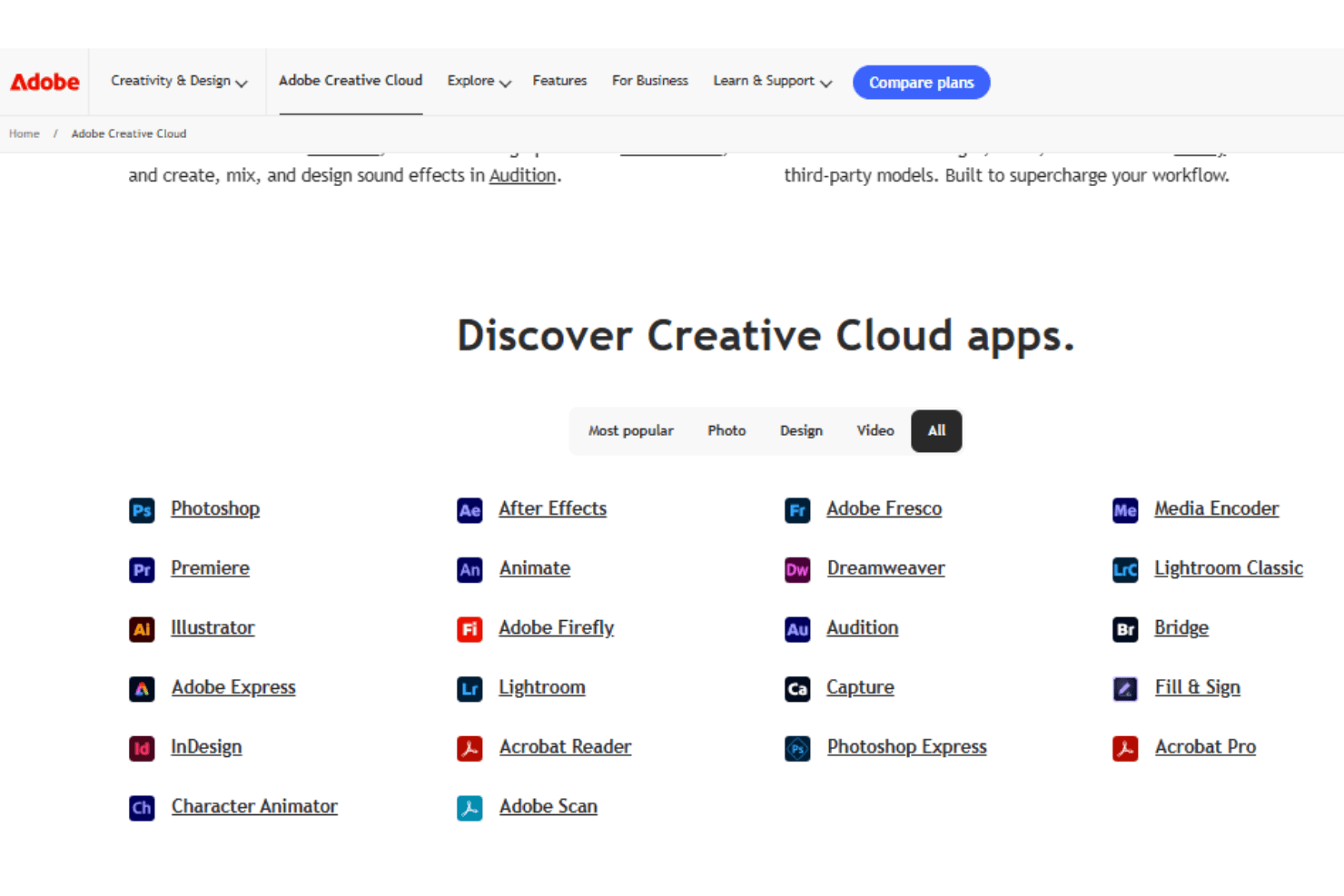
Being the host to the entire Adobe creative suite, Adobe Creative Cloud naturally integrates with all of the Adobe software including: Adobe Lightroom, Adobe Stock, Adobe Illustrator, Adobe Photoshop, Adobe Premiere Pro, Adobe InDesign, Adobe After Effects, and Adobe Acrobat, just to name a few. It also integrates with popular tools like Slack, Microsoft Teams, Trello, Asana, Dropbox, Google Drive, Zoom, Jira, Zendesk, and Salesforce.
Adobe Creative Cloud also offers an API for custom integrations and connects with third-party integration tools.
Adobe Creative Cloud Specs
- A/B Testing: Yes
- API: Yes
- Collaboration Support: Yes
- Custom Data Forms: Yes
- Dashboard: Yes
- Dashboards: Yes
- Data Export: Yes
- Data Import: Yes
- Developer Tools: Yes
- External Integrations: Yes
- Feedback Management: Yes
- Gantt Charts: Yes
- Google Apps Integration: Yes
- Multi-User: Yes
- Notifications: Yes
- Prioritization: Yes
- Product Catalog: Yes
- Release Management: Yes
- Reports: Yes
- Resource Management: Yes
- Review Monitoring: Yes
- Roadmapping: Yes
- Scheduling: Yes
- Task Scheduling/Tracking: Yes


