

Userbrain Review: Pros, Cons, Features and Pricing
Userbrain excels in usability testing with its user-friendly interface and affordable pricing, making it a top choice for teams seeking efficient feedback.

We review tools independently, and commissions help fund our testing. See our transparency policy, our methodology, or suggest a tool.
Userbrain is a usability testing tool built for product teams that want a steady stream of recorded user sessions without coordinating a full research operation. It's worth considering if your team runs tests regularly but doesn't need the enterprise infrastructure of UserTesting—Userbrain's subscription model and built-in participant panel make it easier to get ongoing feedback without the per-test pricing or the project management overhead that comes with larger platforms.
Userbrain Evaluation Summary
4.2/5
- From $0/month
Why Trust Our Software Recommendations
6,700+
Reviews
20
Industry experts
16+
Evaluation factors
14
Years
Our team has been testing and reviewing software since 2012. As product managers ourselves, we know how difficult—and important—it is to choose the right software.
For this guide, we evaluated tools using hands-on testing and independent research, scoring tools using our selection criteria.
Our reviews reflect our human editorial judgment, not a sales pitch.
Expert reviewers:
- Andrew LumbySenior TPM
- Cristiano ValimSenior UI/UX Lead


Userbrain Overview
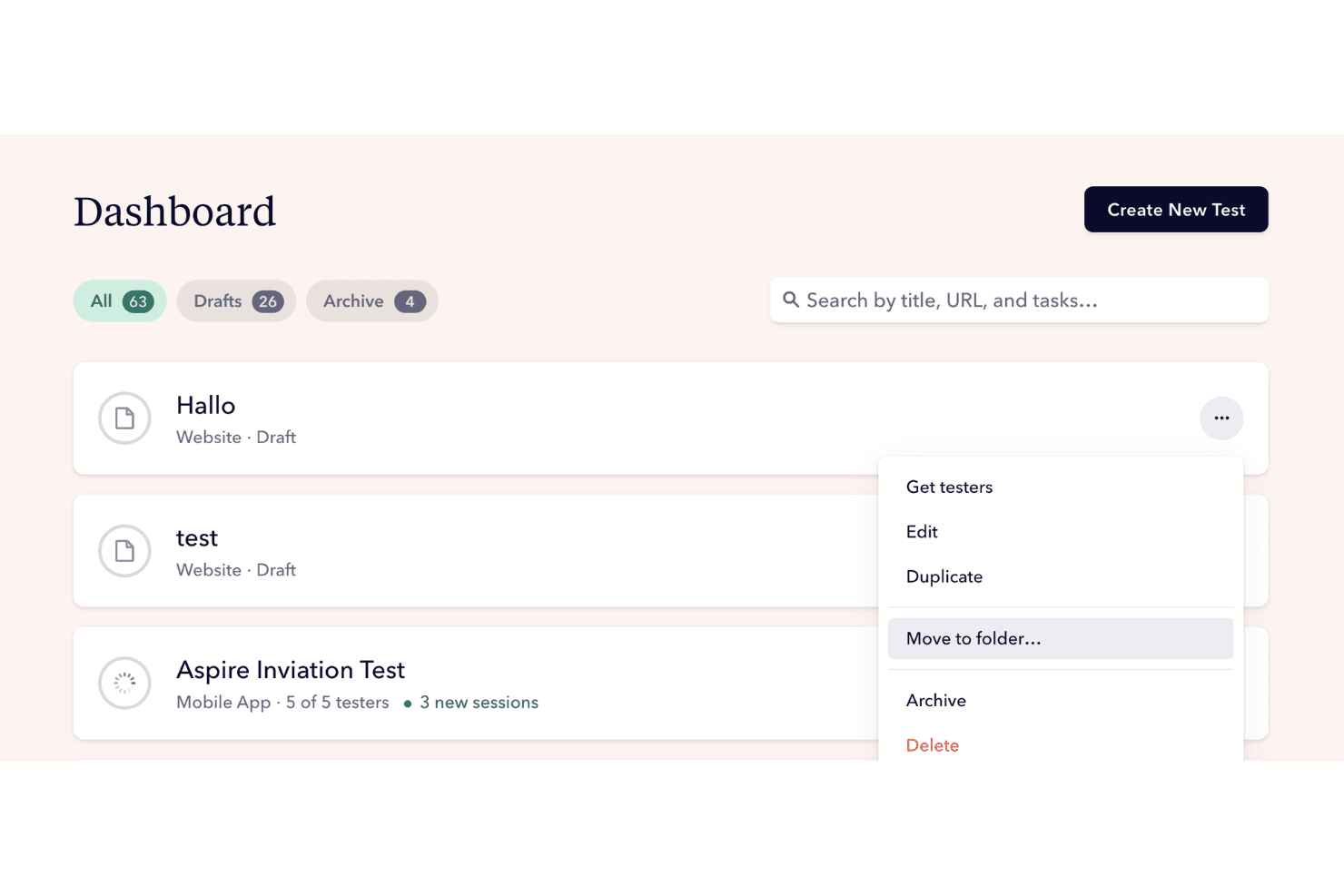
In my opinion, Userbrain is a strong contender in the usability testing tools space. It excels in ease of use and quick setup, making it ideal for teams that need fast, actionable insights on their prototypes without the hassle. The pricing is competitive, especially for startups and small teams. However, its customer support could be more responsive compared to others. Userbrain stands out for offering a straightforward, no-frills approach to usability testing, which is perfect for teams looking to validate their user experience without getting bogged down in complex features. If you're after simplicity and speed, Userbrain is a solid choice.
Pros
- You can quickly gather real user feedback with minimal setup.
- The interface is intuitive, making it easy for your team to navigate.
- Userbrain offers fast insights, helping your team make decisions swiftly.
Cons
- Customer support response times could be quicker for your urgent queries.
- It lacks some advanced features found in other usability tools.
- You might find the reporting options a bit limited for detailed analysis.
Is Userbrain Right For Your Needs?
Who Would be a Good Fit for Userbrain?
Userbrain is perfect for small to medium-sized tech startups and digital agencies where quick, actionable feedback is crucial. If your team values speed and simplicity in usability testing and user research, Userbrain's intuitive interface and fast insights make it a great choice. Product managers and UX designers will find it especially useful for validating user experiences without the complexity of more advanced tools. Its ease of use allows you to focus on improving your product rather than getting bogged down in technicalities.
- Tech StartupsUserbrain provides quick user feedback that helps your startup iterate rapidly.
- Digital AgenciesAgencies can use Userbrain to validate design concepts and improve client projects efficiently.
- Product ManagersIt helps you gather user insights without complex setups, aiding in informed decision-making.
- UX DesignersUserbrain's simple interface allows you to test user experiences on web and mobile apps.
- Small BusinessesSmall teams benefit from its affordability and ease of use for direct user feedback.
- Remote TeamsUserbrain's online platform lets your remote team collaborate seamlessly on usability testing.
Who Would be a Bad Fit for Userbrain?
Userbrain might not suit large enterprises or industries requiring advanced, detailed analytics due to its limited reporting capabilities. If your team needs extensive integrations with other software or highly customizable testing options, you might find Userbrain lacking in these areas. Teams focused on in-depth data analysis or those requiring robust customer support may want to consider other tools with richer features and more comprehensive support options.
- Large EnterprisesUserbrain lacks the advanced analytics and scalability that big companies often require.
- Data-Driven TeamsIf your team relies on deep data analysis, Userbrain's reporting might not meet your needs.
- Complex ProjectsFor projects needing extensive customization, Userbrain's simplicity might be a limitation.
- Corporate IT DepartmentsIf your IT department needs extensive integrations, Userbrain may not offer sufficient options.
- Customer Service TeamsTeams needing immediate support might find Userbrain's support response times too slow.
- Industries with Compliance NeedsUserbrain may not provide the necessary compliance features for heavily regulated industries.
How We Test & Score Tools
We’ve spent years building, refining, and improving our software testing and scoring system. The rubric is designed to capture the nuances of software selection and what makes a tool effective, focusing on critical aspects of the decision-making process.
Below, you can see exactly how our testing and scoring works across seven criteria. It allows us to provide an unbiased evaluation of the software based on core functionality, standout features, ease of use, onboarding, customer support, integrations, customer reviews, and value for money.
Core Functionality (25% of final scoring)
The starting point of our evaluation is always the core functionality of the tool. Does it have the basic features and functions that a user would expect to see? Are any of those core features locked to higher-tiered pricing plans? At its core, we expect a tool to stand up against the baseline capabilities of its competitors.
Standout Features (25% of final scoring)
Next, we evaluate uncommon standout features that go above and beyond the core functionality typically found in tools of its kind. A high score reflects specialized or unique features that make the product faster, more efficient, or offer additional value to the user.
We also evaluate how easy it is to integrate with other tools typically found in the tech stack to expand the functionality and utility of the software. Tools offering plentiful native integrations, 3rd party connections, and API access to build custom integrations score best.
Ease of Use (10% of final scoring)
We consider how quick and easy it is to execute the tasks defined in the core functionality using the tool. High scoring software is well designed, intuitive to use, offers mobile apps, provides templates, and makes relatively complex tasks seem simple.
Onboarding (10% of final scoring)
We know how important rapid team adoption is for a new platform, so we evaluate how easy it is to learn and use a tool with minimal training. We evaluate how quickly a team member can get set up and start using the tool with no experience. High scoring solutions indicate little or no support is required.
Customer Support (10% of final scoring)
We review how quick and easy it is to get unstuck and find help by phone, live chat, or knowledge base. Tools and companies that provide real-time support score best, while chatbots score worst.
Customer Reviews (10% of final scoring)
Beyond our own testing and evaluation, we consider the net promoter score from current and past customers. We review their likelihood, given the option, to choose the tool again for the core functionality. A high scoring software reflects a high net promoter score from current or past customers.
Value for Money (10% of final scoring)
Lastly, in consideration of all the other criteria, we review the average price of entry level plans against the core features and consider the value of the other evaluation criteria. Software that delivers more, for less, will score higher.
Core Features
User Feedback Collection
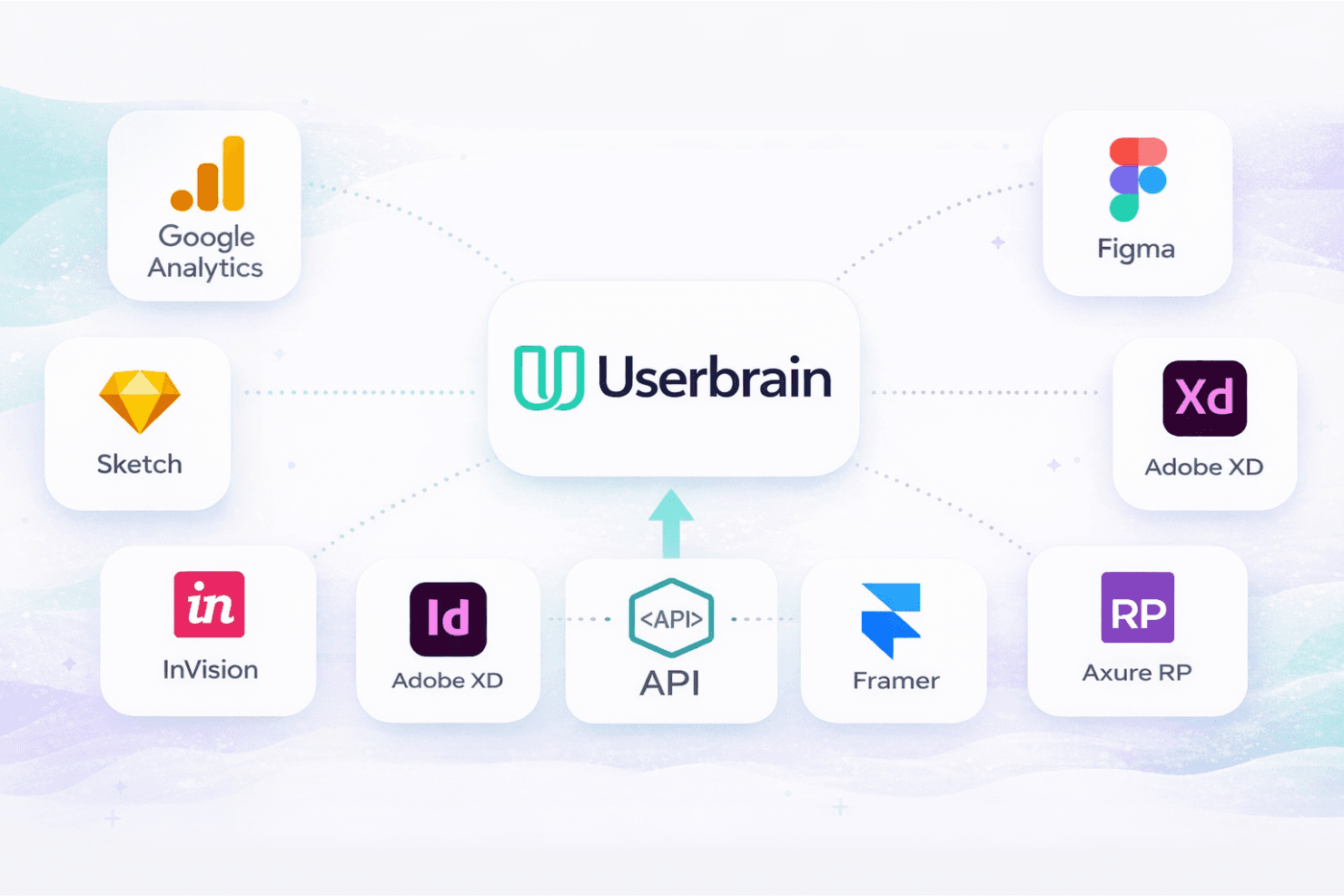
Userbrain lets you gather feedback from real users quickly, providing high-quality insights.. This feature allows your team to see how users interact with your product.
Task-Based Testing
You can set up specific tasks for users to complete using customizable templates, helping you evaluate particular aspects of your product. This approach ensures you get focused feedback.
Video Recordings
Userbrain records users as they navigate your product, giving you a visual understanding of their interactions. These recordings help you identify usability issues you might otherwise miss.
Simple Interface
The intuitive design of Userbrain's interface makes it easy for your team to set up tests and analyze results. You won't waste time learning complex systems, allowing you to focus on your product.
Quick Setup
Userbrain's straightforward setup process means you can start testing in minutes. This ease of use is perfect for teams that need feedback without delays.
Automated Weekly Tests
Userbrain automates regular testing, so you constantly receive fresh insights without manual intervention. This feature ensures your team stays updated on user behavior and product performance.
Ease of Use
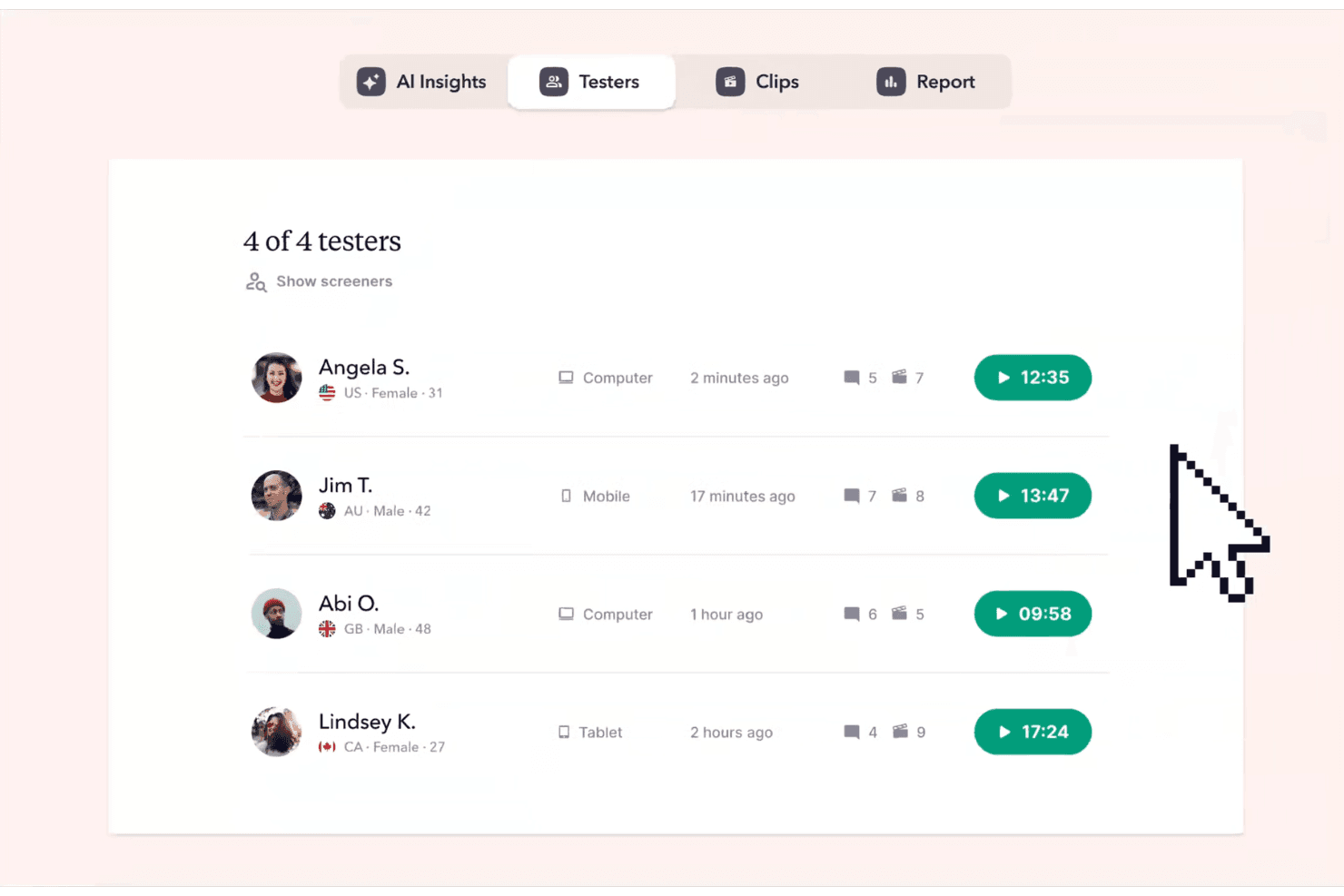
Userbrain stands out for its user-friendly interface and straightforward setup, making it a breeze for your team to start testing quickly. You won't need extensive training to navigate its features, allowing you to focus on gathering valuable user feedback. Compared to other tools, it offers a simpler experience, which many users appreciate for its efficiency. The intuitive design ensures you can easily set up tests, view results, and make informed decisions without any fuss.
Integrations
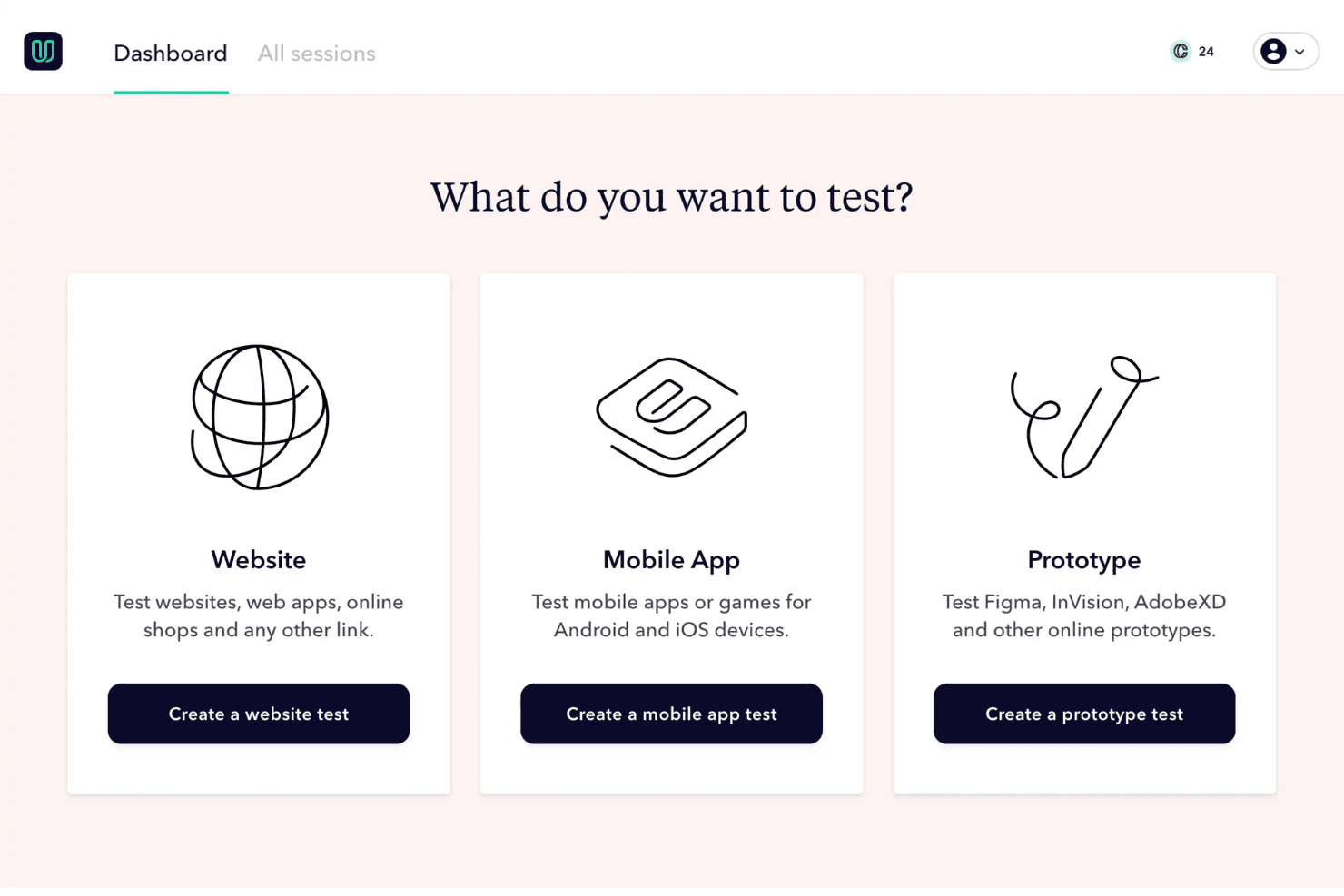
Userbrain integrates with Google Analytics, Figma, Sketch, Adobe XD, InVision, Framer, and Axure RP.
Userbrain also offers an API for custom integrations.
Userbrain Specs
- Analytics: Yes
- API: Yes
- Calendar Management: No
- Chat: No
- Click-to-Dial: No
- CRM Integration: No
- Customer Management: No
- Customer Service: No
- Dashboard: Yes
- Dashboards: No
- Data Export: Yes
- Data Import: Yes
- Data Visualization: Yes
- External Integrations: Yes
- Feedback Management: Yes
- Knowledge Base: Yes
- Lead Management: No
- Lead Scoring: No
- Multi-Source Feedback: Yes
- Multi-User: Yes
- Net Promoter Score: No
- Notifications: Yes
- Omnichannel Referrals: No
- Online Surveys: Yes
- Review Moderation: No
- Scheduling: Yes
- Sentiment Analysis: No
- Social Media Monitoring: No


