
Recensione Dynatrace: Pro, Contro, Funzionalità e Prezzi
Dynatrace eccelle nell'offrire approfondimenti completi e automazione, rendendolo una scelta di primo livello per i team che cercano capacità avanzate di tracciamento degli utenti.

Recensiamo gli strumenti in modo indipendente e le commissioni aiutano a finanziare i nostri test. Consulta la nostra politica sulla trasparenza, la nostra metodologia oppure suggerisci uno strumento.
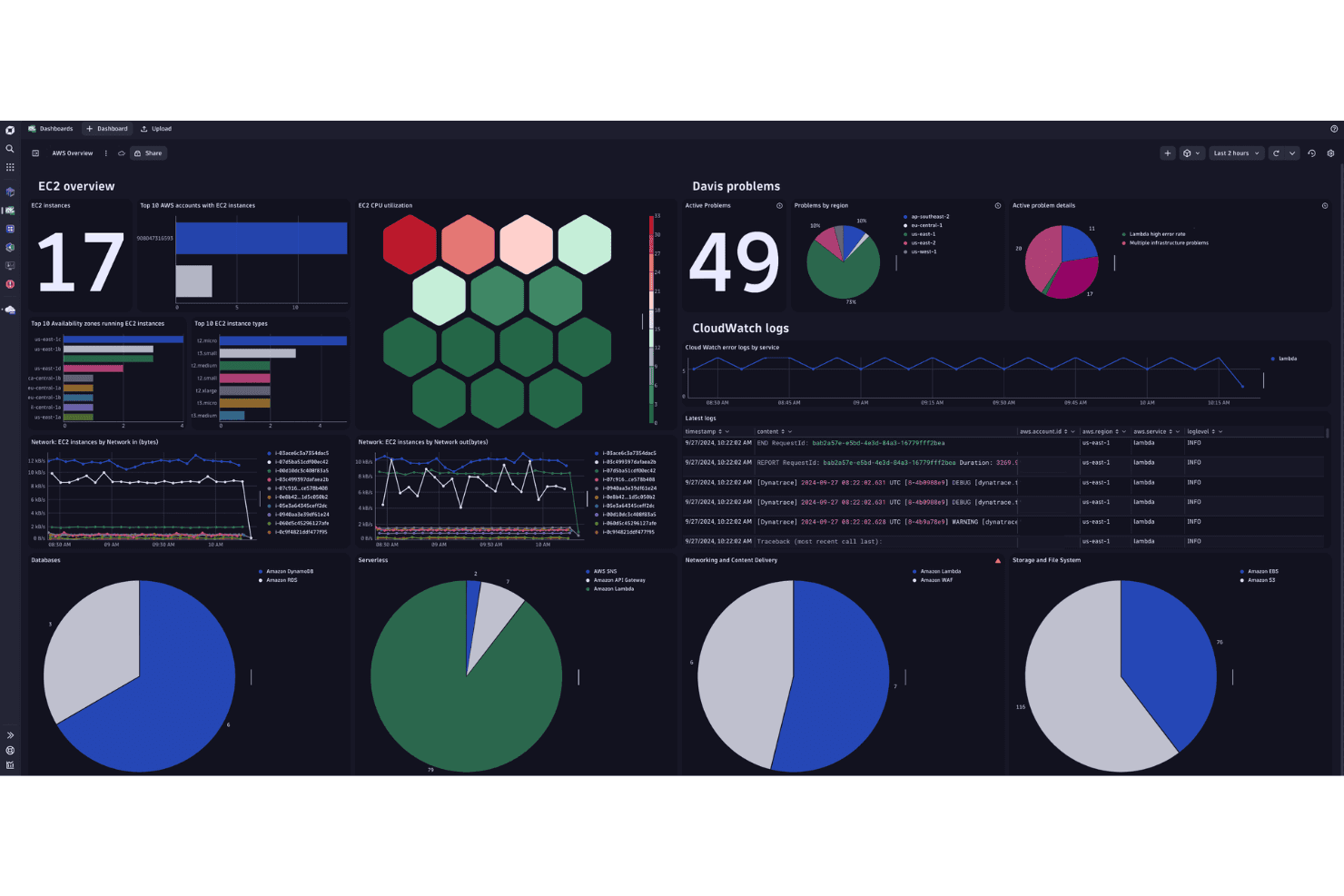
Dynatrace is a user tracking software that combines real user monitoring, session replay, and full-stack observability in a single platform. It's worth considering if your team needs to connect user behavior data directly to backend performance metrics—not just capture sessions in isolation. I'd choose it over FullStory if you want to trace a frustrating user experience back to a specific API call or infrastructure issue, rather than stopping at the front-end behavioral layer.
Dynatrace Evaluation Summary
4.5/5
- From $7/host/month
- Free demo + 15-day free trial available
Perché fidarsi dei nostri consigli sui software
6,700+
Reviews
20
Industry experts
16+
Evaluation factors
14
Years
Il nostro team testa e recensisce software dal 2012. In quanto product manager noi stessi, sappiamo quanto sia difficile — e importante — scegliere il software giusto.
Per questa guida, abbiamo valutato gli strumenti attraverso test pratici e ricerche indipendenti, assegnando un punteggio agli strumenti in base ai nostri criteri di selezione.
Le nostre recensioni riflettono il nostro giudizio editoriale umano, non un discorso di vendita.
- Andrew LumbySenior TPM
- Cristiano ValimSenior UI/UX Lead
Dynatrace Overview
In my opinion, Dynatrace is a top-tier user tracking software with excellent automation and insightful analytics. While it excels in detailed monitoring and integration capabilities, its pricing might deter smaller teams. The user interface is intuitive, but the onboarding process could be smoother. It's best suited for large enterprises needing robust monitoring and insights. If your team values detailed analytics and automation, Dynatrace is worth considering. However, if cost is a concern, exploring other options might be wise.
Pros
- You get real-time insights that help improve your team's application performance.
- The software's automation features save your team time and effort in monitoring.
- It offers detailed analytics that help you make informed decisions.
Cons
- You might find the learning curve steep for new users.
- The user interface can be overwhelming with its many options.
- Your team may need more time to fully utilize all features.
Is Dynatrace Right For Your Needs?
Who Would be a Good Fit for Dynatrace?
If you're in IT or DevOps, Dynatrace is a solid choice for monitoring and optimizing application performance. Large enterprises in sectors like finance and healthcare benefit from its real-time insights and automation. The software's detailed analytics help your team identify performance bottlenecks quickly. It's particularly useful if you need to manage complex systems, optimize remote workflows, and require robust monitoring tools.
- Large EnterprisesDynatrace offers comprehensive monitoring and analytics, making it ideal for your large-scale operations.
- IT DepartmentsYour team can leverage its real-time insights to improve system performance and user experience.
- Finance IndustryDynatrace helps you maintain secure and efficient applications, crucial in handling sensitive financial data.
- Healthcare SectorThe software supports your need for reliable and fast applications, essential in healthcare service delivery.
- DevOps TeamsDynatrace's automation features save you time and streamline your monitoring tasks.
- E-commerce CompaniesIt provides you with detailed user behavior analytics, helping improve your customer experience and sales.
Who Would be a Bad Fit for Dynatrace?
If you're a small business or startup with limited resources, Dynatrace might not be the best fit for you. Its complexity and cost can be overwhelming for teams without dedicated IT support. If your operations don't require detailed analytics or advanced monitoring features, you might find Dynatrace's capabilities excessive for your needs.
- Small StartupsYou may find Dynatrace too complex and costly for your limited operations.
- Non-Technical TeamsWithout IT expertise, your team might struggle with its advanced features.
- Budget-Conscious BusinessesIf you're watching your budget, Dynatrace's pricing might be prohibitive.
- Simple ApplicationsFor basic monitoring needs, you might not need Dynatrace’s advanced capabilities.
- FreelancersThe software's robust features are likely beyond what you need for solo projects.
- Local RetailersYour straightforward operations might not benefit from the detailed insights Dynatrace provides.
Come Testiamo e Valutiamo gli Strumenti
Abbiamo passato anni a costruire, perfezionare e migliorare il nostro sistema di test e valutazione del software. Il nostro metodo è stato progettato per cogliere le sfumature della selezione del software e ciò che rende efficace uno strumento, concentrandosi sugli aspetti critici del processo decisionale. Qui sotto puoi vedere esattamente come funzionano i nostri test e la nostra valutazione suddivisa in sette criteri. Questo ci consente di offrire una valutazione imparziale del software sulla base delle funzionalità principali, delle caratteristiche distintive, della facilità d’uso, dell’onboarding, dell’assistenza clienti, delle integrazioni, delle recensioni dei clienti e del rapporto qualità/prezzo.
Funzionalità Principali (25% del punteggio finale)
Il punto di partenza della nostra valutazione sono sempre le funzionalità principali dello strumento. Possiede le funzioni di base che un utente si aspetterebbe di trovare? Alcune di queste sono riservate ai piani tariffari più alti? Ci aspettiamo che uno strumento rispetti almeno le funzionalità di base dei competitors.
Caratteristiche Distintive (25% del punteggio finale)
Successivamente, valutiamo le caratteristiche distintive e non comuni che vanno oltre le funzioni di base normalmente riscontrate in strumenti simili. Un punteggio alto indica funzionalità specializzate o uniche che rendono il prodotto più rapido, efficiente o forniscono un valore aggiunto all’utente. Valutiamo anche la facilità con cui si possono integrare altri strumenti solitamente presenti nella stack tecnologica, ampliando così funzionalità e utilità del software. Gli strumenti che offrono molte integrazioni native, collegamenti di terze parti e accesso API per integrazioni personalizzate ottengono i punteggi migliori.
Facilità d’Uso (10% del punteggio finale)
Consideriamo quanto sia rapido e semplice eseguire le attività definite dalle funzionalità principali tramite lo strumento. Il software con il punteggio più alto è ben progettato, intuitivo da usare, offre app per dispositivi mobili, modelli preimpostati e semplifica anche le attività più complesse.
Onboarding (10% del punteggio finale)
Sappiamo quanto sia importante una rapida adozione da parte del team, quindi valutiamo quanto sia facile imparare ad usare lo strumento con una formazione minima. Valutiamo la velocità con cui un membro del team può configurarsi e iniziare a utilizzare lo strumento senza esperienza. Le soluzioni con punteggio più alto richiedono poco o nessun supporto.
Assistenza Clienti (10% del punteggio finale)
Osserviamo quanto sia facile e veloce ottenere supporto tramite telefono, chat dal vivo o knowledge base. Gli strumenti che offrono supporto in tempo reale ottengono punteggi più alti, mentre i chatbot ricevono i punteggi peggiori.
Recensioni Clienti (10% del punteggio finale)
Oltre ai nostri test e valutazioni, consideriamo il net promoter score di clienti attuali e passati. Valutiamo la probabilità che scelgano nuovamente lo strumento in base alle funzionalità principali. Un software con punteggio elevato riflette un net promoter score alto.
Rapporto Qualità/Prezzo (10% del punteggio finale)
Infine, considerando tutti gli altri criteri, confrontiamo il prezzo medio dei piani base con le funzionalità principali, esaminando il valore degli altri criteri di valutazione. Il software che offre di più, a meno, otterrà un punteggio maggiore.
Core Features
Real-Time Monitoring
You receive instant insights into application performance, allowing you to make timely adjustments. It helps you maintain optimal functionality and user satisfaction.
AI-Driven Alerts
Get notified immediately about anomalies with AI-powered alerts that enhance your response time. This feature ensures you stay ahead of potential issues.
End-User Experience Monitoring
Track how users interact with your applications to identify any bottlenecks. You can improve user satisfaction by addressing these issues promptly.
Automatic Root Cause Analysis
Dynatrace uses AI to pinpoint the root cause of performance issues, saving you time and effort. This means quicker resolutions and less downtime.
Full-Stack Monitoring
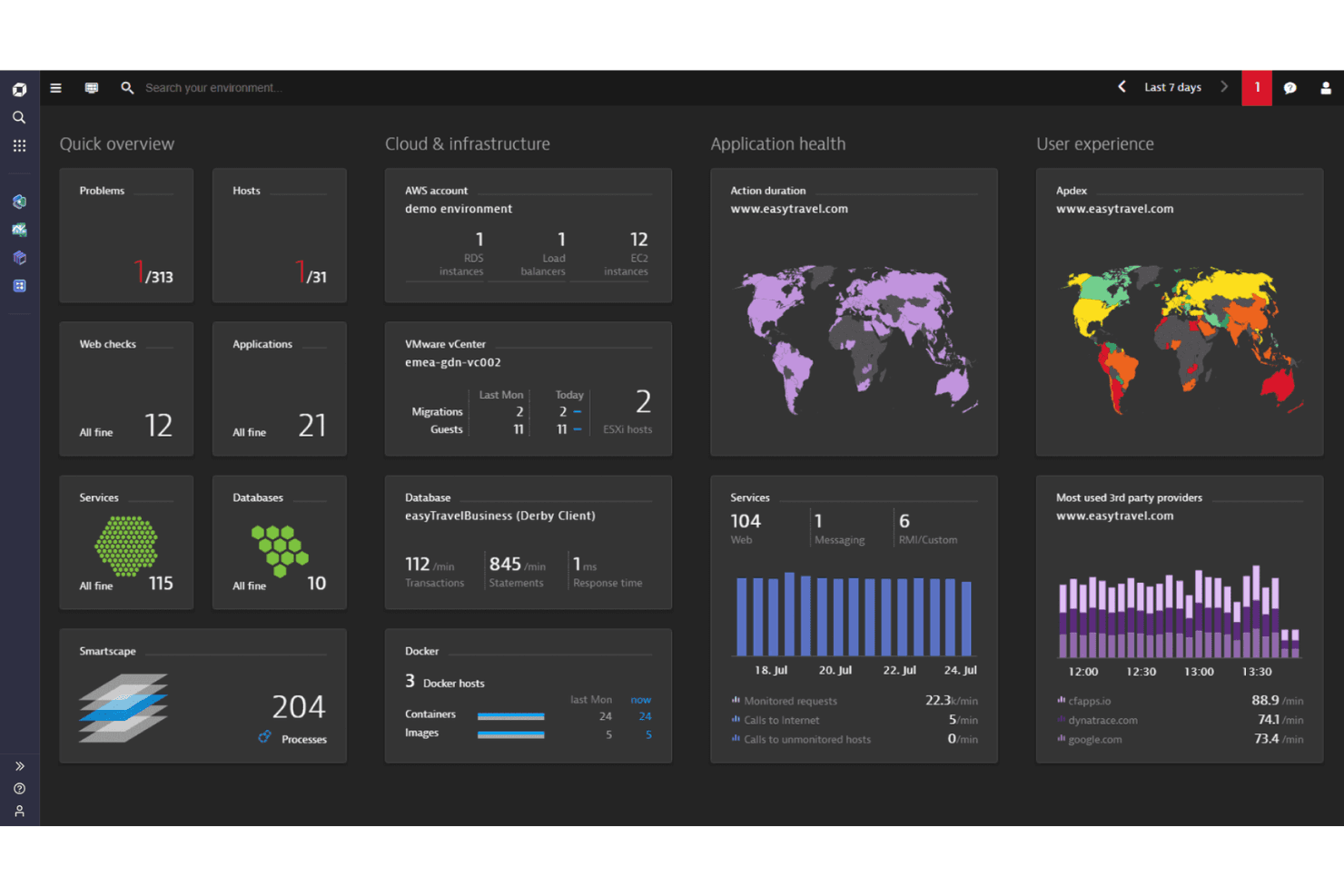
Monitor everything from infrastructure to applications with a single solution. You gain a comprehensive view, helping you manage complex IT environments efficiently.
Cloud Monitoring
Keep track of your cloud resources to ensure they’re running smoothly. It supports multi-cloud environments, giving you flexibility and control.
Ease of Use
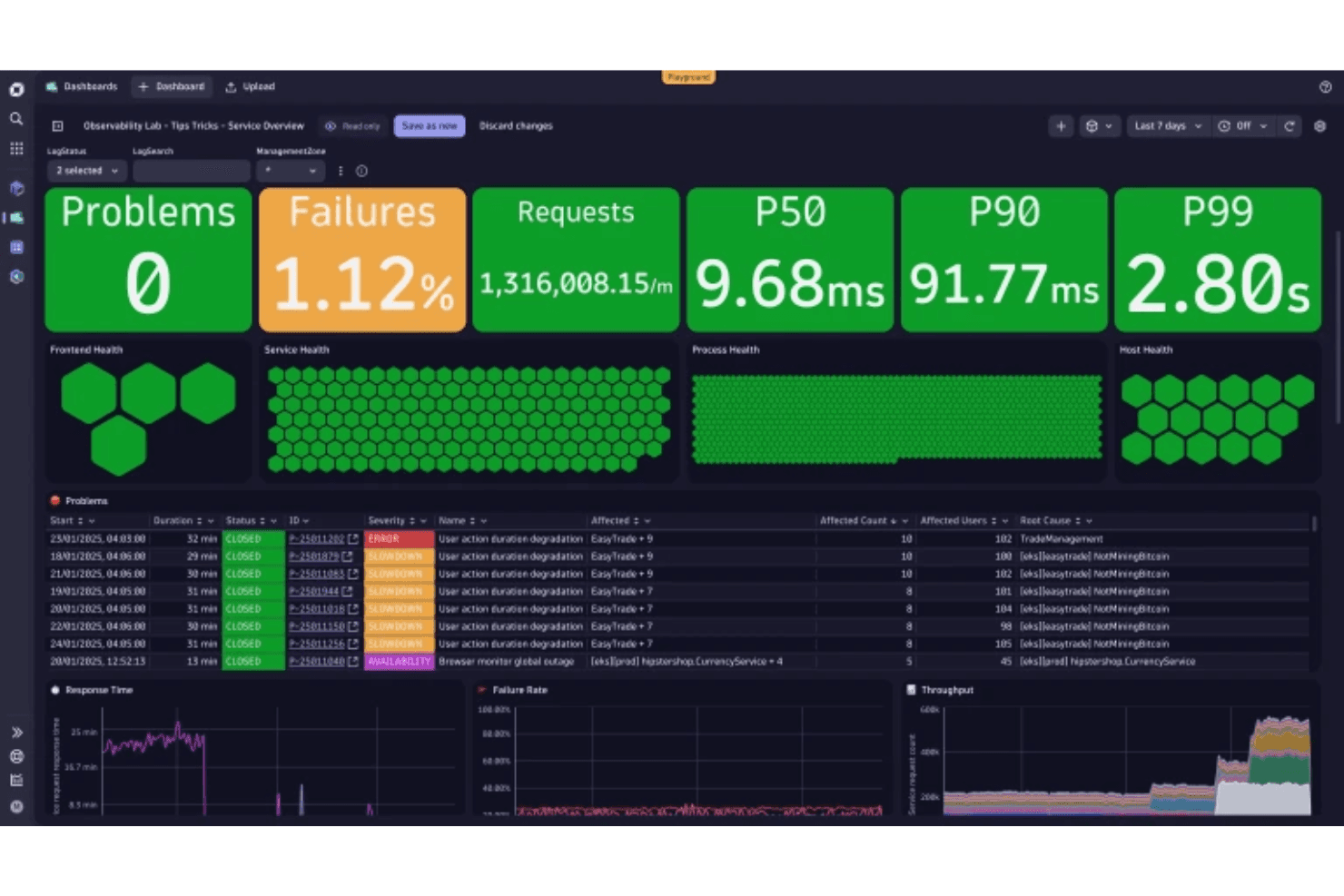
Dynatrace offers a powerful set of tools, but its complexity can be daunting at first. The user interface is detailed, which might require some time to get used to, especially if you’re new to such comprehensive systems. However, once you get the hang of it, the AI-driven insights and automated features make managing application performance much easier. Your team will appreciate the depth of data and the streamlined processes, even if the initial learning curve is steep.
Integrations
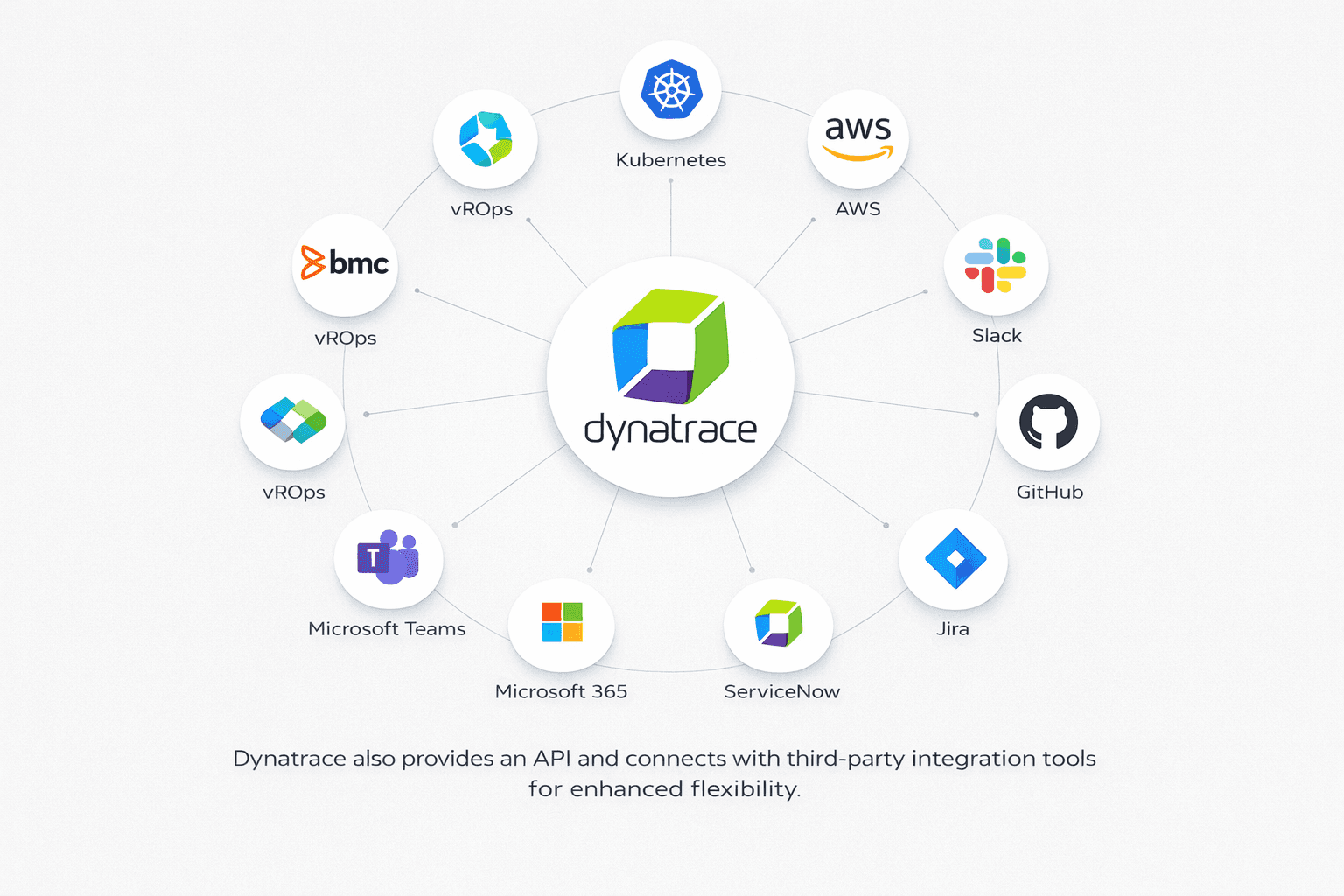
Dynatrace integrates with Kubernetes, AWS, Slack, GitHub, Jira, Microsoft 365, Microsoft Teams, ServiceNow, BMC (Remedy, Remedyforce, Helix), and vROps.
Dynatrace also provides an API and connects with third-party integration tools for enhanced flexibility.
Dynatrace Specs
- AI Integration: Yes
- API: Yes
- Automated Testing: No
- Browser Compatibility Testing: No
- Bug Tracking: No
- Code Review: No
- Custom Reports: Yes
- Data Export: Yes
- Data Import: Yes
- Developer Tools: Yes
- External Integrations: Yes
- Malware Protection: No
- Multi-User: Yes
- Notifications: Yes
- Performance Testing: Yes
- Process Reporting: Yes
- Static Analysis: No
- Status Notifications: Yes
- Workflow Management: No


