
Canva-arvostelu: hyvät ja huonot puolet, ominaisuudet ja hinnoittelu selitettynä
Canva erottuu helppokäyttöisillä suunnittelutyökaluillaan, jotka tekevät ammattimaisten suunnitelmien luomisesta kaikkien ulottuvilla olevaa, mutta siitä saattaa puuttua syvyyttä edistyneille suunnittelijoille, jotka haluavat täyden luovan hallinnan.

We review tools independently, and commissions help fund our testing. See our transparency policy, our methodology, or suggest a tool.
Canva is a design tool for teams that need to create marketing assets, presentations, and branded content without relying on a dedicated designer. I'd lean toward it over Adobe Express when your team needs a broader template library and a drag-and-drop editing experience that non-designers can pick up from day one.
Canva Evaluation Summary
4.7/5
- From $144/user/year (billed annually)
- Free plan + 14-day free trial available
Why Trust Our Software Recommendations
6,700+
Reviews
20
Industry experts
16+
Evaluation factors
14
Years
Our team has been testing and reviewing software since 2012. As product managers ourselves, we know how difficult—and important—it is to choose the right software.
For this guide, we evaluated tools using hands-on testing and independent research, scoring tools using our selection criteria.
Our reviews reflect our human editorial judgment, not a sales pitch.
Expert reviewers:
- Andrew LumbySenior TPM
- Cristiano ValimSenior UI/UX Lead


Canva Overview
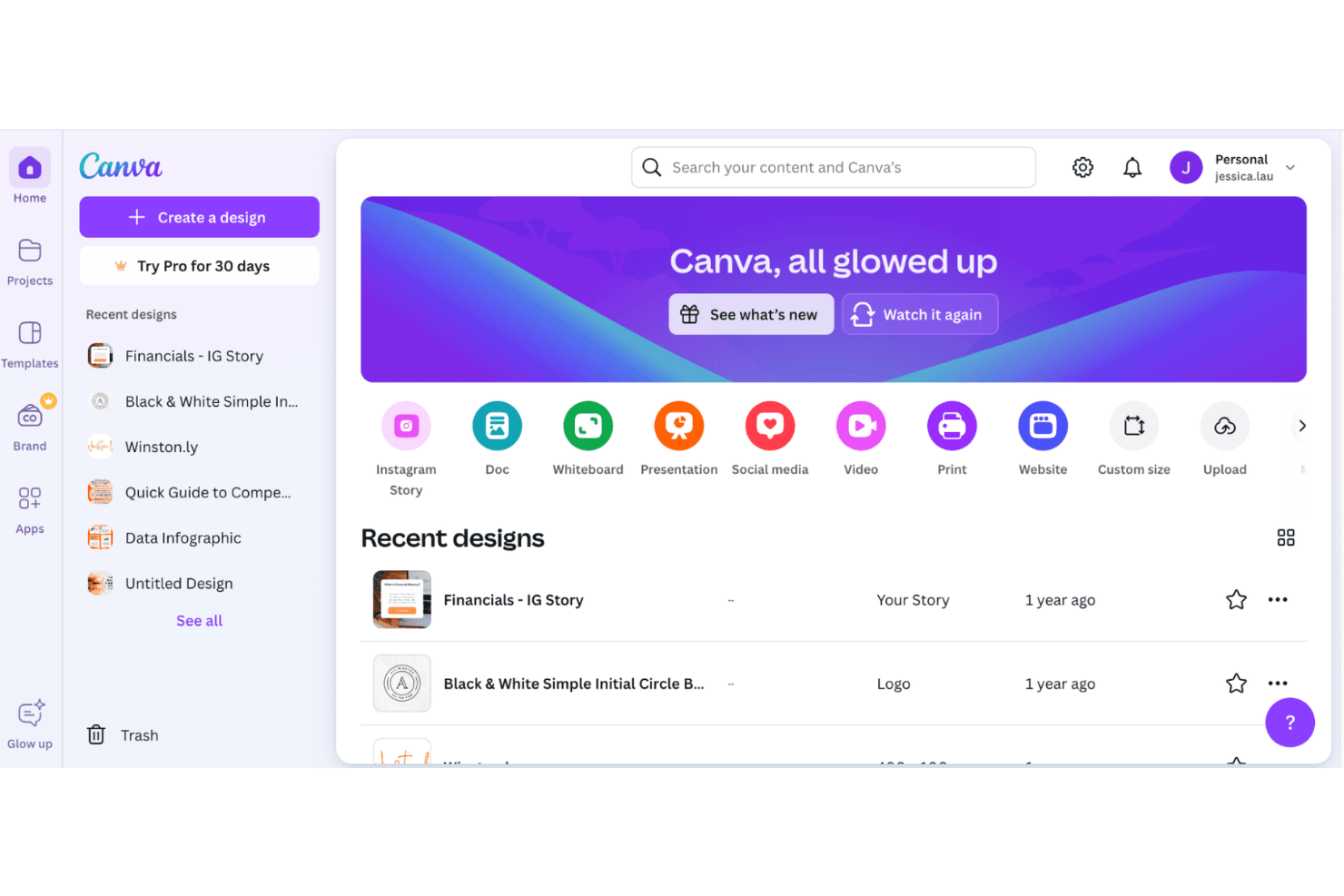
When judging Canva against other design tools, its intuitive interface, vast template library, and simple onboarding make it a top pick for teams needing quick, polished visuals. Pricing is transparent and accessible, and integrations with cloud storage and productivity apps add flexibility. While it can underperform for advanced design specs or custom workflows, Canva excels for marketing teams, educators, and small businesses seeking collaborative, no-fuss design. If you're selecting a tool for rapid content creation and easy team adoption, Canva is a strong contender — particularly for beginners who might otherwise face a steep learning curve with tools like Adobe Photoshop or Illustrator.
Pros
- Extensive template and asset library for quick projects
- Real-time team collaboration on shared designs
- Built-in AI tools for text, image, and video generation
Cons
- Limited vector editing and advanced design controls
- Output quality can be inconsistent for print projects
- Brand management features lack granular permissions
Is Canva Right For Your Needs?
Who Would be a Good Fit for Canva?
Canva is a strong choice for teams and individuals who need to produce professional-looking visuals quickly without advanced design expertise. Its template-driven approach, collaborative features, and AI-powered tools make it ideal for marketing, education, and small business environments where speed and accessibility matter more than deep customization. Canva's browser-based platform and asset library also support remote teams and non-designers who need to create on-brand visual content at scale — without the learning curve of tools like Adobe Photoshop or Illustrator.
- Social Media ManagersCanva's pre-sized templates and scheduling tools simplify content creation for multiple platforms.
- Small Business OwnersAffordable pricing and easy branding tools help small teams create consistent marketing materials.
- EducatorsEducation-specific templates and classroom collaboration features support lesson planning and student projects.
- Event PlannersDrag-and-drop invitations, flyers, and signage templates speed up event collateral production.
- Nonprofit TeamsFree plans for nonprofits and simple donation campaign templates support outreach efforts.
- Internal CommunicationsReady-made newsletter and announcement templates help HR and comms teams share updates quickly.
Who Would be a Bad Fit for Canva?
Canva may not suit organizations or professionals who require advanced design capabilities, highly specialized workflows, or strict brand governance. Its limitations in vector editing, print output quality, and granular permissions can be a barrier for creative agencies, large enterprises, or technical design teams that need more control and precision.
- Creative AgenciesLacks advanced vector editing and layered design controls for complex client work.
- Large EnterprisesBrand management tools do not offer detailed user permissions or approval workflows.
- Print Production TeamsOutput resolution and color management can be inconsistent for high-end print jobs.
- UX/UI DesignersNo support for prototyping, wireframing, or interactive design elements.
- Engineering DepartmentsLimited technical drawing and diagramming capabilities compared to specialized CAD tools.
- Legal and ComplianceInsufficient audit trails and document control for regulated industries.
How We Test & Score Tools
We’ve spent years building, refining, and improving our software testing and scoring system. The rubric is designed to capture the nuances of software selection and what makes a tool effective, focusing on critical aspects of the decision-making process.
Below, you can see exactly how our testing and scoring works across seven criteria. It allows us to provide an unbiased evaluation of the software based on core functionality, standout features, ease of use, onboarding, customer support, integrations, customer reviews, and value for money.
Core Functionality (25% of final scoring)
The starting point of our evaluation is always the core functionality of the tool. Does it have the basic features and functions that a user would expect to see? Are any of those core features locked to higher-tiered pricing plans? At its core, we expect a tool to stand up against the baseline capabilities of its competitors.
Standout Features (25% of final scoring)
Next, we evaluate uncommon standout features that go above and beyond the core functionality typically found in tools of its kind. A high score reflects specialized or unique features that make the product faster, more efficient, or offer additional value to the user.
We also evaluate how easy it is to integrate with other tools typically found in the tech stack to expand the functionality and utility of the software. Tools offering plentiful native integrations, 3rd party connections, and API access to build custom integrations score best.
Ease of Use (10% of final scoring)
We consider how quick and easy it is to execute the tasks defined in the core functionality using the tool. High scoring software is well designed, intuitive to use, offers mobile apps, provides templates, and makes relatively complex tasks seem simple.
Onboarding (10% of final scoring)
We know how important rapid team adoption is for a new platform, so we evaluate how easy it is to learn and use a tool with minimal training. We evaluate how quickly a team member can get set up and start using the tool with no experience. High scoring solutions indicate little or no support is required.
Customer Support (10% of final scoring)
We review how quick and easy it is to get unstuck and find help by phone, live chat, or knowledge base. Tools and companies that provide real-time support score best, while chatbots score worst.
Customer Reviews (10% of final scoring)
Beyond our own testing and evaluation, we consider the net promoter score from current and past customers. We review their likelihood, given the option, to choose the tool again for the core functionality. A high scoring software reflects a high net promoter score from current or past customers.
Value for Money (10% of final scoring)
Lastly, in consideration of all the other criteria, we review the average price of entry level plans against the core features and consider the value of the other evaluation criteria. Software that delivers more, for less, will score higher.
Core Features
Template Library
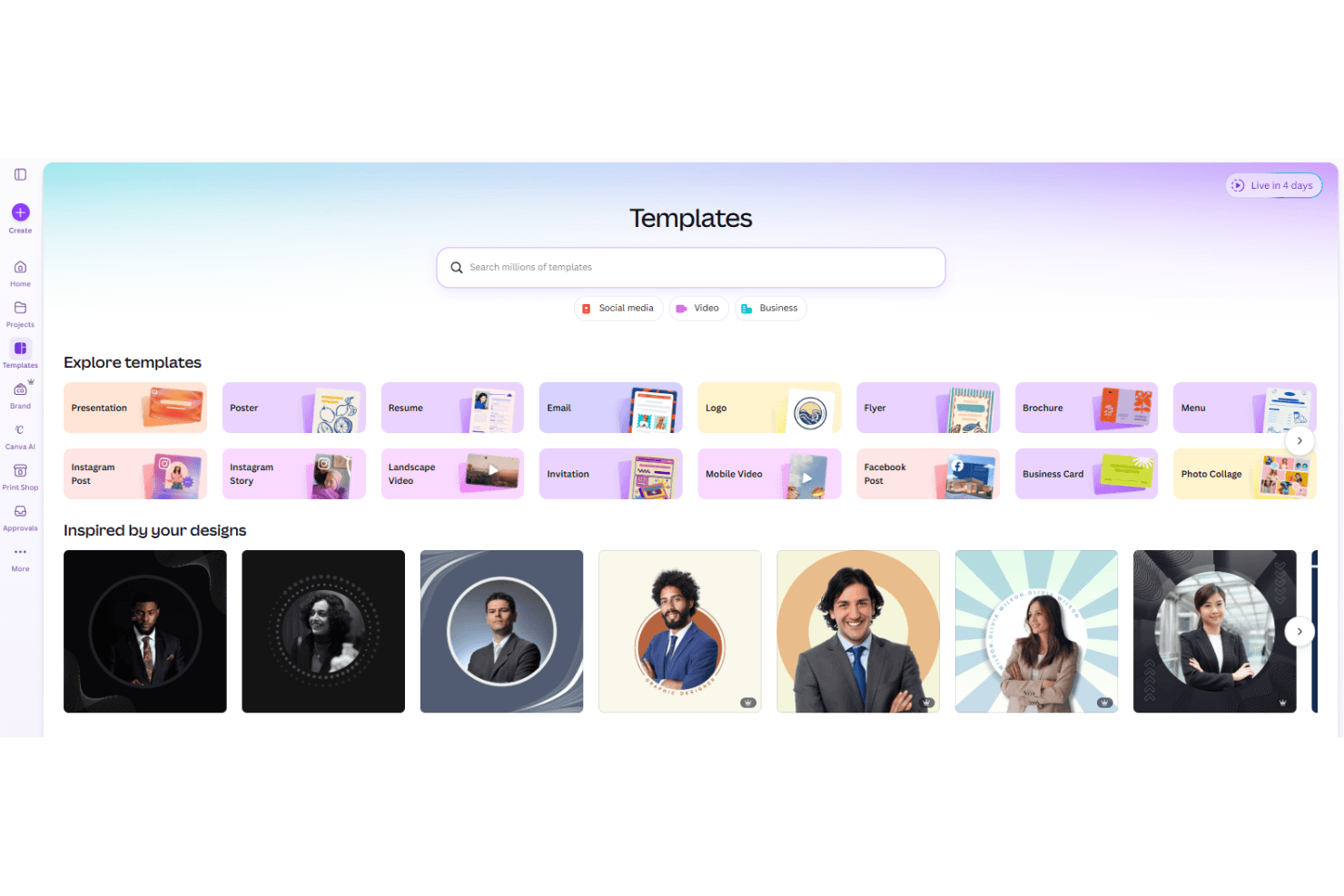
Access thousands of pre-designed templates for social media graphics, presentations, infographics, and print. Users can quickly customize layouts to match their brand or project needs.
Drag-and-Drop Editor
Easily move, resize, and arrange elements on the canvas with intuitive controls. This feature allows beginners and non-designers alike to create polished visuals without technical skills.
Brand Kit
Store logos, fonts, and color palettes for consistent, on-brand designs across all projects. Teams can lock brand assets to maintain visual standards.
AI-Powered Design Tools
Canva AI features include Magic Write for copy, a background remover, a magic eraser, and image generation. These tools speed up content creation and help spark creative ideas.
Collaboration and Commenting
Invite team members to edit, review, and comment on designs in real time. This streamlines feedback and approval processes for distributed teams.
Export and Download Options
Download designs in multiple formats including PNG, JPG, PDF, and MP4 for web, print, or video use. Users can adjust quality settings to suit their output needs.
Ease of Use
Canva is widely recognized for its approachable interface and minimal onboarding requirements, making it accessible to users with no formal design background. The drag-and-drop editor, clear navigation, and contextual tooltips help users create polished visuals quickly. User reviews consistently highlight how easy it is to start a project, collaborate with others, and access templates — which significantly reduces the learning curve often associated with design software like Adobe Photoshop, Illustrator, or Adobe Express.
Integrations
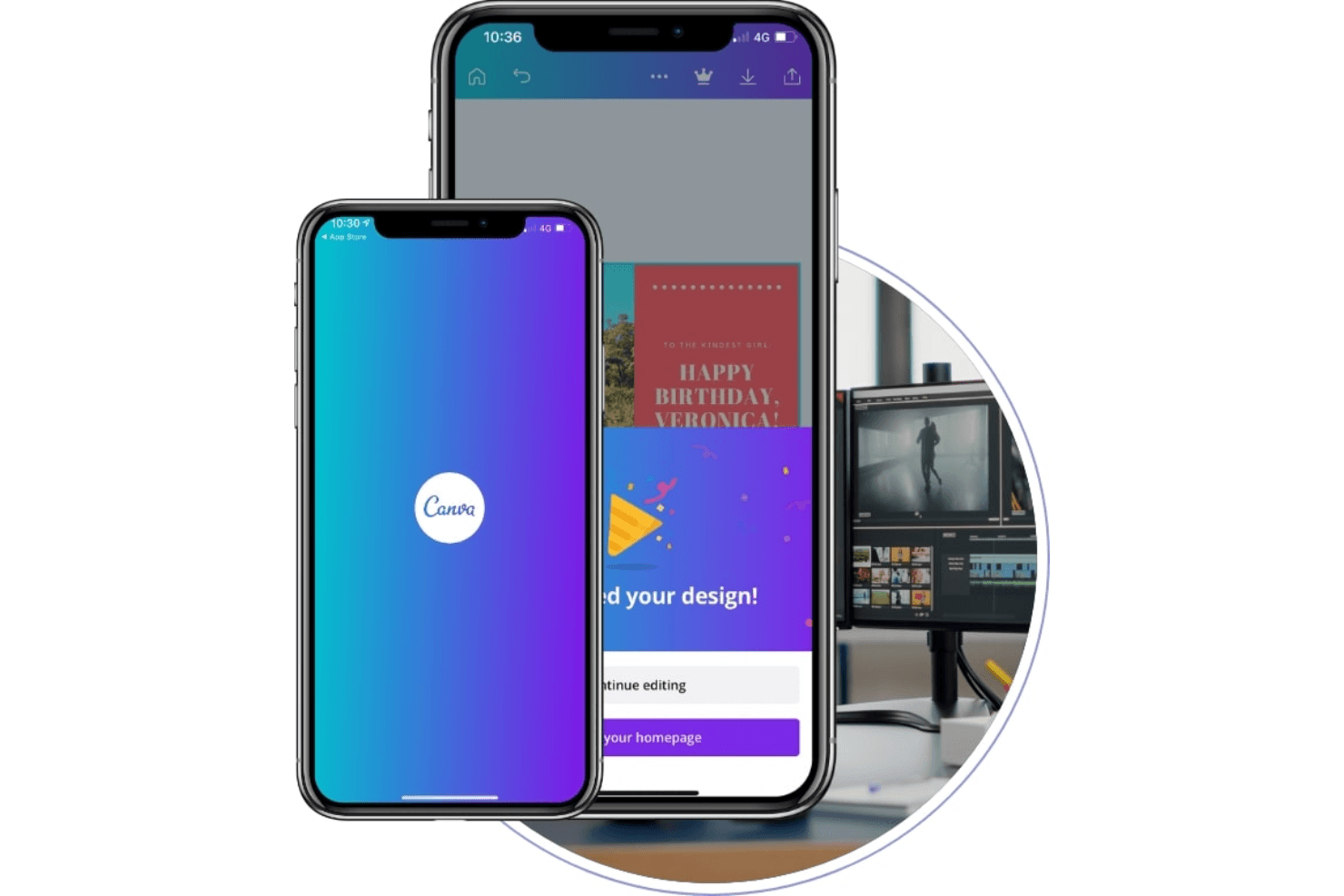
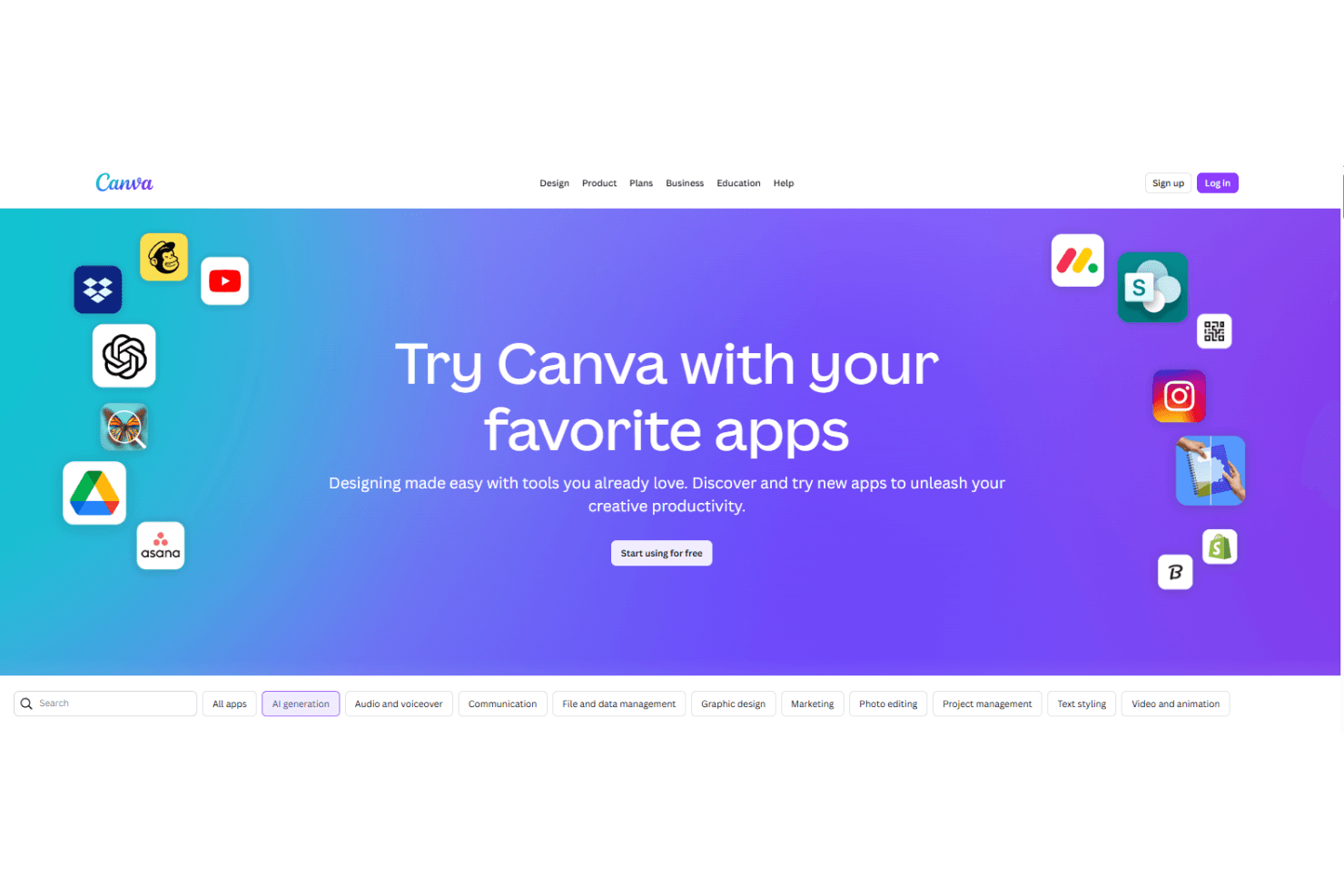
Canva integrates with Asana, Google Workspace, Slack, Microsoft Teams, Meta, Mailchimp, and many more through its Apps Marketplace.
Canva also offers an API and connects with third-party integration tools for expanded automation and workflow options.
Canva Specs
- CAD Tools: Yes
- Data Export: Yes
- Data Import: Yes
- Multi-User: Yes
- Pixel Graphics: Yes
- Third-Party Plugins/Add-Ons: Yes
- Vector File Support: Yes
- Video: Yes


