

Reseña de UXPin: Ventajas, Desventajas, Características y Precios Explicados
En mi carrera, he utilizado muchas herramientas de diseño UX/UI, incluida UXPin. En esta reseña exhaustiva, permíteme contarte sobre el propósito de UXPin, sus precios, ventajas y desventajas, y mucho más.

Revisamos las herramientas de forma independiente y las comisiones ayudan a financiar nuestras pruebas. Consulta nuestra política de transparencia, nuestra metodología, o sugiere una herramienta.
UXPin is UX/UI design software built around code-based components rather than static vectors. It's a strong fit for product teams that need prototypes with real interactive logic, states, and conditions. Where Figma excels at visual design collaboration, UXPin goes further for teams that need design and engineering working from the same component library. Its Merge feature syncs live code components directly into your design environment.
UXPin Evaluation Summary
4.2/5
- From $29/user/month (billed annually)
- Free plan + 14-day free trial available
Por qué confiar en nuestras recomendaciones de software
6,700+
Reviews
20
Industry experts
16+
Evaluation factors
14
Years
Nuestro equipo lleva probando y evaluando software desde 2012. Como gestores de producto, sabemos lo difícil —y lo importante— que es elegir el software adecuado.
Para esta guía, evaluamos las herramientas mediante pruebas prácticas e investigación independiente, puntuando las herramientas según nuestros criterios de selección.
Nuestras reseñas reflejan nuestro criterio editorial humano, no un discurso de ventas.
Revisores expertos:
 Hannah ClarkSenior TPM
- Cristiano ValimSenior UI/UX Lead

UXPin Overview
When judging UXPin against other UX/UI design software, its standout feature is the ability to prototype with real, production-ready code—making it a strong choice for teams that want to minimize handoff friction. The interface is approachable for new users, and onboarding is straightforward, but advanced features may require some ramp-up. Pricing sits at the higher end, yet the depth of functionality and strong integration options justify the investment for design teams working closely with developers.
UXPin is best suited for organizations prioritizing realistic prototyping and design-development alignment.
Pros
- You can create interactive prototypes that mirror real-world applications.
- UXPin supports team collaboration with real-time updates and feedback.
- It offers design systems management to maintain consistency across projects.
Cons
- Some users find the learning curve a bit steep initially.
- The interface can be overwhelming for new users with its extensive features.
- It may lack certain customization options that other tools provide.
Is UXPin Right For Your Needs?
Who Would be a Good Fit for UXPin?
If you’re part of a product development team, creative agency, or a tech startup, UXPin suits you well. Its strong collaboration features let your team work together seamlessly, while its design systems help you maintain consistency across projects. UXPin’s interactive prototyping is ideal for those who need to create real-world application experiences. For teams focused on delivering high-quality user experiences quickly, UXPin offers the right blend of functionality and efficiency.
- Tech StartupsYour team can benefit from UXPin’s real-time collaboration and prototyping features to iterate quickly and efficiently.
- Creative AgenciesUXPin’s design systems management helps your agency maintain brand consistency across various client projects.
- Product Development TeamsYou can utilize UXPin’s interactive prototypes to test and refine user experiences before full-scale development.
- UI/UX DesignersUXPin offers the tools you need to create detailed and interactive designs that meet client expectations.
- Education InstitutionsYour design students can learn industry-standard prototyping and design skills using UXPin’s comprehensive feature set.
- Mid-Sized BusinessesUXPin provides the scalability and collaborative tools your growing teams need for effective design workflows.
Who Would be a Bad Fit for UXPin?
If you’re a small business or solo designer with limited resources, UXPin might not be the best fit for you. Its extensive features can feel overwhelming if you don’t need advanced prototyping or collaboration tools. For those looking for a simple, straightforward design tool with a minimal learning curve, UXPin’s robust capabilities may be more than you require.
- Freelance DesignersYou might find UXPin’s feature set too complex if you’re working on smaller, less collaborative projects.
- Very Small BusinessesYour team may not need UXPin’s advanced collaboration and prototyping tools for basic design tasks.
- Non-Technical UsersIf you’re unfamiliar with UX/UI design, UXPin’s interface could be daunting without prior experience.
- Budget-Conscious TeamsIf keeping costs low is your priority, UXPin’s comprehensive features might not justify the expense for your needs.
- Basic Graphic DesignersYour focus might be more on visuals than interactivity, making UXPin’s prototyping capabilities unnecessary.
- Occasional UsersIf you only need design tools sporadically, UXPin’s learning curve and feature set might be overkill for infrequent use.
Cómo Probamos y Puntamos Herramientas
Llevamos años construyendo, refinando y mejorando nuestro sistema de pruebas y puntuación de software. La rúbrica está diseñada para captar los matices de la selección de software y lo que hace que una herramienta sea eficaz, centrándose en aspectos críticos del proceso de decisión. A continuación, puedes ver exactamente cómo funcionan nuestras pruebas y puntuaciones a través de siete criterios. Esto nos permite proporcionar una evaluación imparcial del software según funcionalidad principal, características destacadas, facilidad de uso, implementación, soporte al cliente, integraciones, reseñas de clientes y relación calidad-precio.
Funcionalidad Principal (25% de la puntuación final)
El punto de partida de nuestra evaluación siempre es la funcionalidad principal de la herramienta. ¿Cuenta con las funciones básicas que un usuario espera ver? ¿Alguna de esas funciones centrales está limitada a planes de precios superiores? Esperamos que una herramienta esté a la altura de las capacidades básicas de sus competidores.
Características Destacadas (25% de la puntuación final)
Luego evaluamos características especiales poco comunes que van más allá de la funcionalidad principal que normalmente se encuentra en herramientas similares. Una alta puntuación refleja características especializadas o únicas que hacen que el producto sea más rápido, eficiente u ofrezca valor añadido al usuario. También evaluamos lo fácil que es integrar con otras herramientas habituales en el entorno tecnológico para ampliar la funcionalidad y utilidad del software. Las herramientas que ofrecen integraciones nativas abundantes, conexiones de terceros y acceso por API para crear integraciones personalizadas obtienen la mejor puntuación.
Facilidad de Uso (10% de la puntuación final)
Consideramos lo rápido y sencillo que es llevar a cabo las tareas definidas en la funcionalidad principal usando la herramienta. El software con alta puntuación está bien diseñado, es intuitivo, ofrece apps móviles, tiene plantillas y hace que tareas relativamente complejas parezcan simples.
Implementación (10% de la puntuación final)
Sabemos lo importante que es la adopción rápida del equipo para una nueva plataforma, así que evaluamos la facilidad de aprendizaje y uso de una herramienta con entrenamiento mínimo. Evaluamos cuán rápidamente un miembro del equipo puede configurar y empezar a usar la herramienta sin experiencia previa. Las soluciones con alta puntuación indican que se requiere poco o ningún soporte.
Soporte al Cliente (10% de la puntuación final)
Revisamos lo rápido y sencillo que es desatascarse y encontrar ayuda por teléfono, chat en vivo o base de conocimientos. Los productos y empresas que ofrecen soporte en tiempo real obtienen mejor puntuación, mientras que los chats automáticos obtienen la peor.
Reseñas de Clientes (10% de la puntuación final)
Más allá de nuestras propias pruebas y evaluaciones, consideramos el net promoter score de clientes actuales y pasados. Revisamos su probabilidad, dadas las opciones, de elegir la herramienta de nuevo por su funcionalidad principal. Un software con alta puntuación refleja un alto net promoter score de clientes actuales o anteriores.
Relación Calidad-Precio (10% de la puntuación final)
Por último, teniendo en cuenta todos los demás criterios, revisamos el precio promedio de los planes de nivel de entrada frente a las funcionalidades principales y consideramos el valor de los demás criterios de evaluación. El software que ofrece más por menos, obtendrá una puntuación mayor.
Core Features
Interactive Prototyping
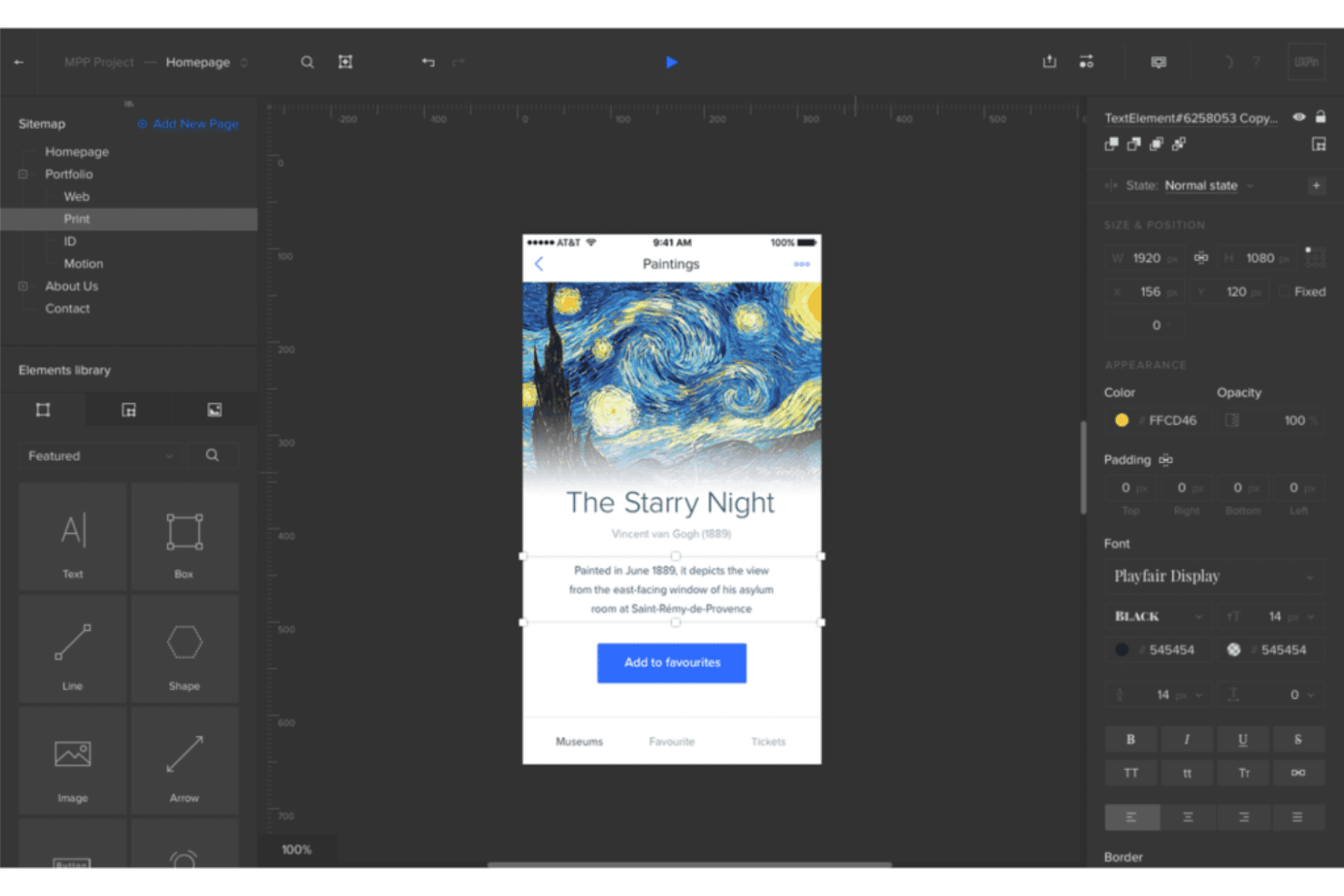
UXPin lets you create prototypes that mimic real-world applications, allowing your team to test user experiences effectively. You can easily add animations and interactivity to bring your designs to life.
Design Systems
With UXPin, you can manage and maintain design consistency across projects through centralized design systems. This feature helps your team adhere to brand guidelines effortlessly.
Real-Time Collaboration
Collaborate with your team in real-time, making it easy to share feedback and iterate designs quickly. This ensures everyone stays on the same page throughout the design process.
Responsive Design
UXPin allows you to design responsive layouts that adapt to different screen sizes. You can ensure your designs look great on any device.
Version Control
Track changes and manage different versions of your designs with ease. This feature helps you keep a record of design iterations and revert to previous versions if needed.
User Testing
UXPin supports user testing by allowing you to share prototypes with stakeholders and gather feedback. This ensures your designs meet user expectations before development begins.
Ease of Use
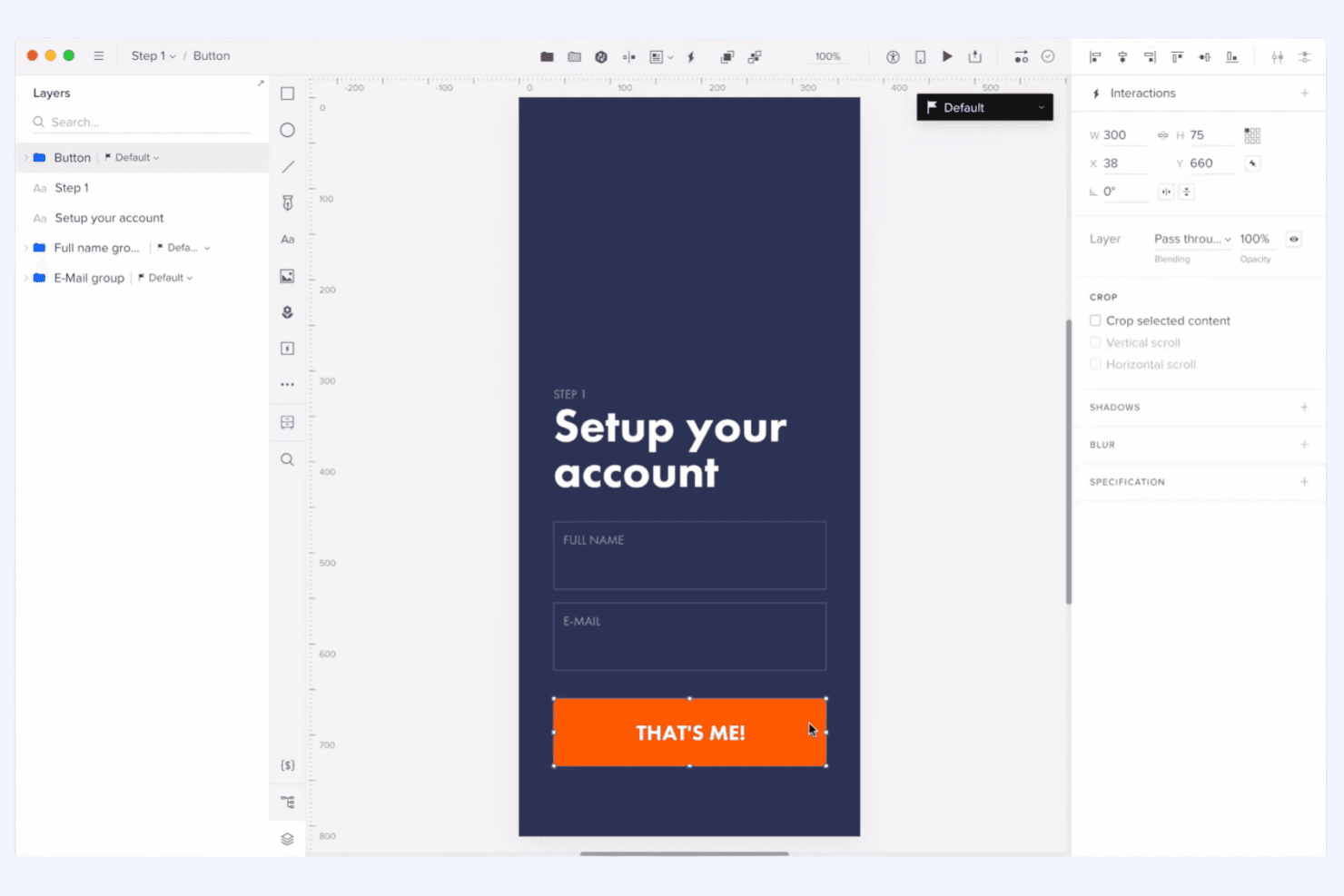
UXPin offers a comprehensive set of features that can initially feel overwhelming, especially if you’re new to design tools. However, once you get past the learning curve, its intuitive interface helps streamline your workflow. The real-time collaboration and design systems make it easier for your team to stay organized and efficient. Compared to others, UXPin balances advanced functionalities with user-friendly design, making it a solid choice for teams willing to invest time in mastering its capabilities.
Integrations
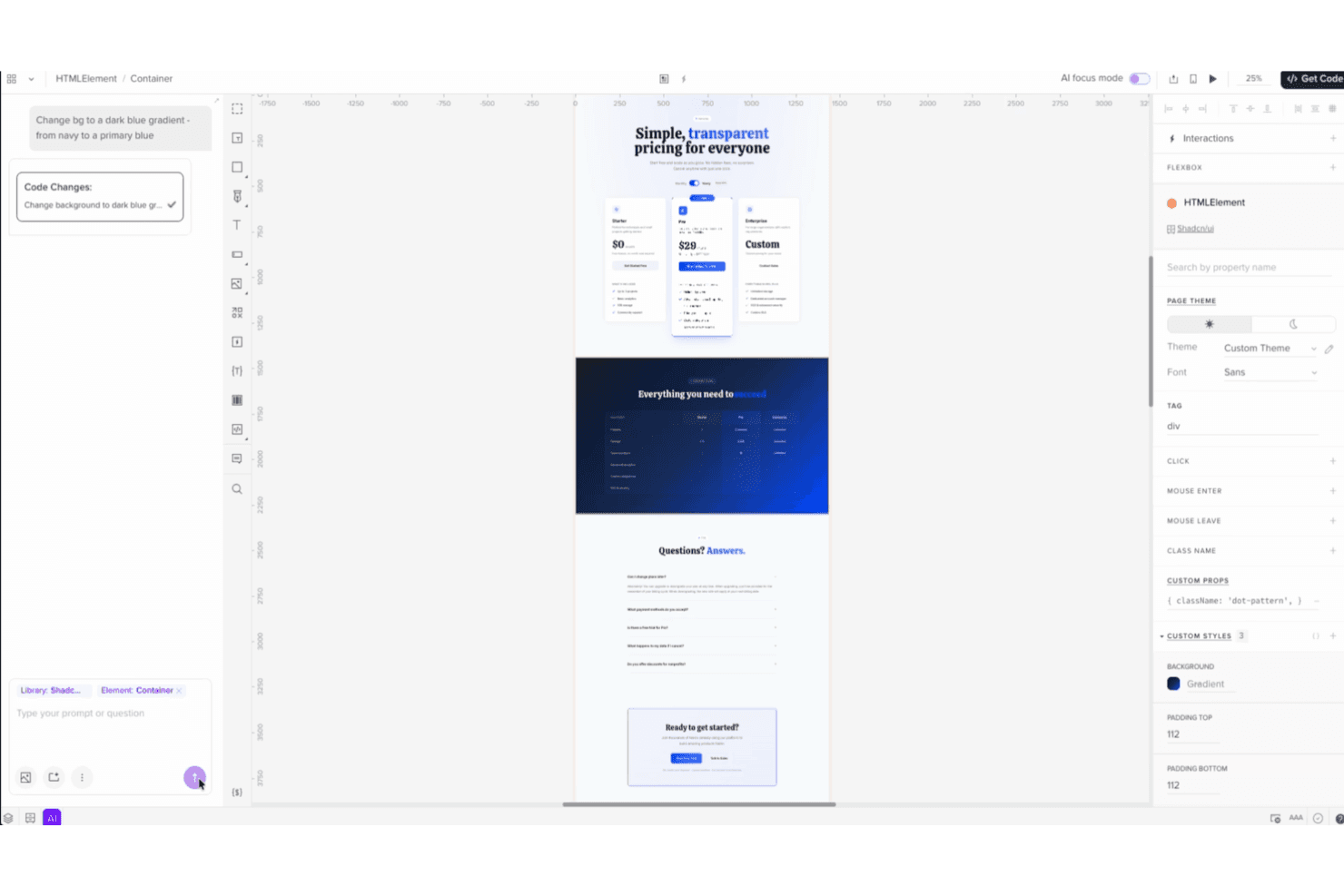
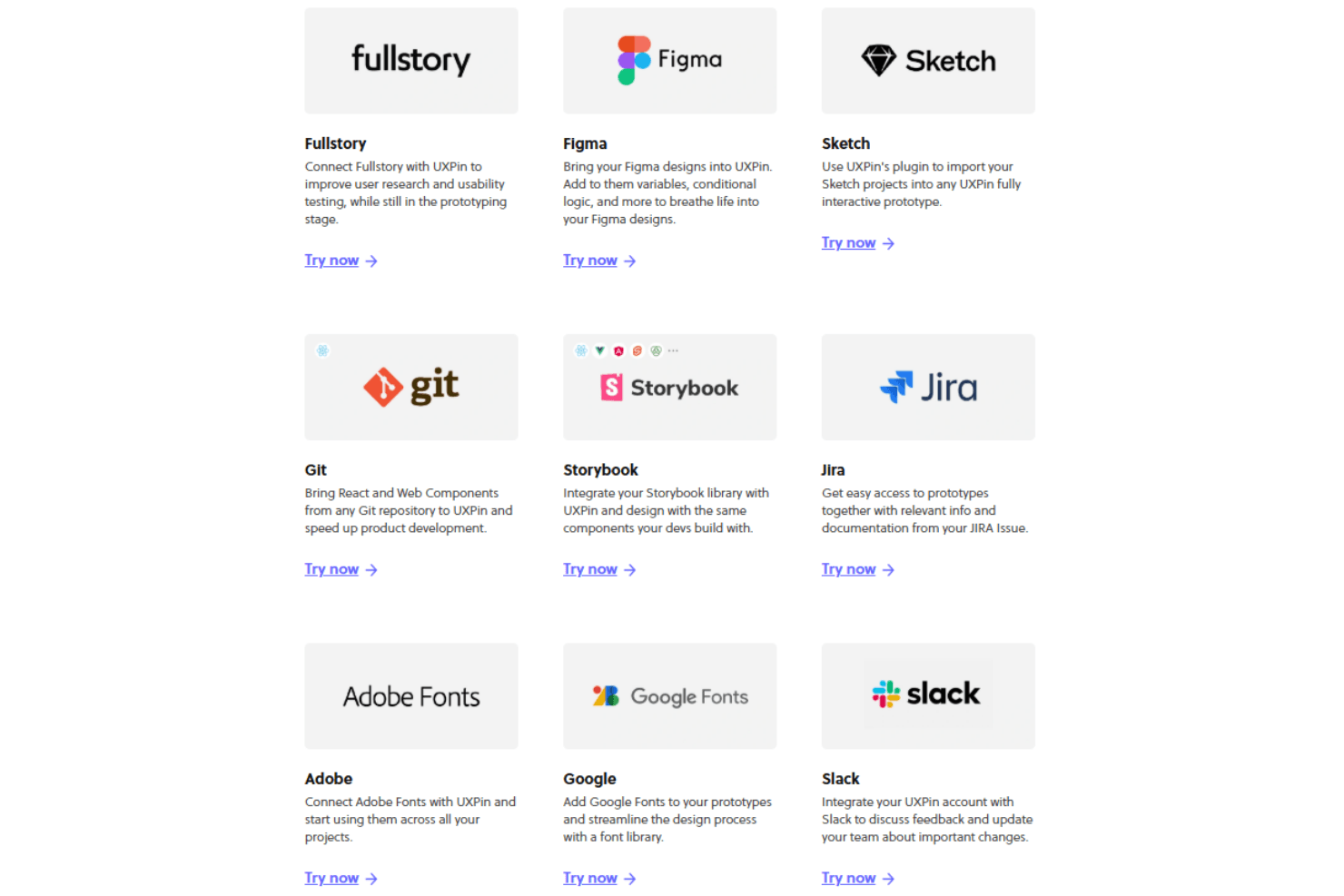
UXPin integrates with Jira, Slack, GitHub, Storybook, Microsoft Teams, Google Fonts, Unsplash, Iconfinder, Avocode, and Dropbox, among others.
UXPin also offers an API and supports connections with third-party integration tools.
UXPin Specs
- API: Yes
- Approval Workflows: Yes
- Bug Tracking: No
- Collaboration Support: Yes
- Custom Reports: No
- Design Templates: Yes
- Document Management: Yes
- External Integrations: Yes
- History/Version Control: Yes
- Multi-Source Feedback: Yes
- Multi-User: Yes
- Review Monitoring: Yes
- Template Designer: Yes
- Third-Party Plugins/Add-Ons: Yes
- Workflow Management: Yes


