
Reseña de Affinity: Ventajas, Desventajas, Características y Precios
Affinity destaca por sus herramientas de colaboración fluidas y funciones de nivel profesional; si deseas control creativo sin los dolores de cabeza habituales del software de diseño, esta reseña es para ti.

Revisamos las herramientas de forma independiente y las comisiones ayudan a financiar nuestras pruebas. Consulta nuestra política de transparencia, nuestra metodología, o sugiere una herramienta.
Affinity Designer is a collaborative design software for teams that need professional-grade vector and raster design tools in a single workspace. It's worth a close look if your team wants the depth of Adobe Illustrator—precise vector editing, multi-page layouts, and real-time collaboration—without locking into a recurring Creative Cloud subscription. Affinity Designer's one-time purchase model makes it a practical choice for product and design teams working within a defined budget.
Affinity Designer Evaluation Summary
4.6/5
- Pricing upon request
- Free plan available
Por qué confiar en nuestras recomendaciones de software
6,700+
Reviews
20
Industry experts
16+
Evaluation factors
14
Years
Nuestro equipo lleva probando y evaluando software desde 2012. Como gestores de producto, sabemos lo difícil —y lo importante— que es elegir el software adecuado.
Para esta guía, evaluamos las herramientas mediante pruebas prácticas e investigación independiente, puntuando las herramientas según nuestros criterios de selección.
Nuestras reseñas reflejan nuestro criterio editorial humano, no un discurso de ventas.
Revisores expertos:
 Hannah ClarkSenior TPM
- Cristiano ValimSenior UI/UX Lead

Affinity Designer Overview
In my opinion, Affinity is a solid choice for collaborative design, especially for freelancers and small teams. It stands out with its professional-grade features and absence of subscription fees, making it a cost-effective alternative to Adobe Illustrator. However, its onboarding could be smoother, and the customer support might not be as responsive as some competitors. It's best suited for users who value powerful vector tools and are comfortable with a bit of a learning curve. If you're deciding between design software, Affinity offers great functionality at a fraction of the cost, though it might not have as many integrations as Adobe products.
Pros
- You get powerful vector tools for precise graphic design.
- It operates on a freemium model.
- Your team can enjoy a seamless workflow with its intuitive interface.
Cons
- You might find the learning curve a bit steep for beginners.
- Customer support response times can be slower than expected.
- It lacks some advanced features found in other design software.
Is Affinity Designer Right For Your Needs?
Who Would be a Good Fit for Affinity Designer?
Affinity is a great fit for freelancers, small design agencies, and marketing teams. Because it offers powerful vector tools and a freemium model, it's perfect for those who want professional-grade design capabilities without ongoing costs. You’ll appreciate its intuitive interface, which simplifies your workflow. If your team values design precision and needs a tool that doesn’t break the bank, Affinity is a smart choice.
- Freelance DesignersYou'll love the affordability and powerful vector tools for creating detailed designs.
- Small AgenciesYour team can benefit from its professional features without the hefty price tag of competitors.
- Marketing TeamsIt’s ideal for producing high-quality vector graphics quickly and efficiently for campaigns.
- Graphic ArtistsYou'll find its precision tools perfect for creating intricate artwork and illustrations.
- Educational InstitutionsStudents can learn professional-grade design without high software costs.
- NonprofitsYour budget will appreciate the freemium model while still accessing quality design features.
Who Would be a Bad Fit for Affinity Designer?
Affinity might not be the best choice for large enterprises or teams heavily reliant on cloud-based collaboration. If your team needs advanced integrations with other software or relies on extensive customer support, you might find Affinity lacking. It’s also not ideal for businesses that require a robust onboarding process, as its learning curve can be steep for beginners. Consider other industry-standard options if you need seamless collaboration and extensive support.
- Large EnterprisesYour team might struggle with its limited integration capabilities compared to more robust enterprise solutions.
- Remote TeamsYou may find the lack of real-time cloud collaboration features a hindrance for seamless teamwork.
- Beginner DesignersYou’ll likely face challenges with its learning curve if you’re new to design software.
- Tech-Heavy IndustriesYour work may require software with advanced technical features that Affinity doesn’t offer.
- Customer Support-Dependent TeamsYou might find the support response times inadequate for urgent needs.
- Software DevelopersYour projects often need tools with extensive code integration, which Affinity doesn’t provide.
Cómo Probamos y Puntamos Herramientas
Llevamos años construyendo, refinando y mejorando nuestro sistema de pruebas y puntuación de software. La rúbrica está diseñada para captar los matices de la selección de software y lo que hace que una herramienta sea eficaz, centrándose en aspectos críticos del proceso de decisión. A continuación, puedes ver exactamente cómo funcionan nuestras pruebas y puntuaciones a través de siete criterios. Esto nos permite proporcionar una evaluación imparcial del software según funcionalidad principal, características destacadas, facilidad de uso, implementación, soporte al cliente, integraciones, reseñas de clientes y relación calidad-precio.
Funcionalidad Principal (25% de la puntuación final)
El punto de partida de nuestra evaluación siempre es la funcionalidad principal de la herramienta. ¿Cuenta con las funciones básicas que un usuario espera ver? ¿Alguna de esas funciones centrales está limitada a planes de precios superiores? Esperamos que una herramienta esté a la altura de las capacidades básicas de sus competidores.
Características Destacadas (25% de la puntuación final)
Luego evaluamos características especiales poco comunes que van más allá de la funcionalidad principal que normalmente se encuentra en herramientas similares. Una alta puntuación refleja características especializadas o únicas que hacen que el producto sea más rápido, eficiente u ofrezca valor añadido al usuario. También evaluamos lo fácil que es integrar con otras herramientas habituales en el entorno tecnológico para ampliar la funcionalidad y utilidad del software. Las herramientas que ofrecen integraciones nativas abundantes, conexiones de terceros y acceso por API para crear integraciones personalizadas obtienen la mejor puntuación.
Facilidad de Uso (10% de la puntuación final)
Consideramos lo rápido y sencillo que es llevar a cabo las tareas definidas en la funcionalidad principal usando la herramienta. El software con alta puntuación está bien diseñado, es intuitivo, ofrece apps móviles, tiene plantillas y hace que tareas relativamente complejas parezcan simples.
Implementación (10% de la puntuación final)
Sabemos lo importante que es la adopción rápida del equipo para una nueva plataforma, así que evaluamos la facilidad de aprendizaje y uso de una herramienta con entrenamiento mínimo. Evaluamos cuán rápidamente un miembro del equipo puede configurar y empezar a usar la herramienta sin experiencia previa. Las soluciones con alta puntuación indican que se requiere poco o ningún soporte.
Soporte al Cliente (10% de la puntuación final)
Revisamos lo rápido y sencillo que es desatascarse y encontrar ayuda por teléfono, chat en vivo o base de conocimientos. Los productos y empresas que ofrecen soporte en tiempo real obtienen mejor puntuación, mientras que los chats automáticos obtienen la peor.
Reseñas de Clientes (10% de la puntuación final)
Más allá de nuestras propias pruebas y evaluaciones, consideramos el net promoter score de clientes actuales y pasados. Revisamos su probabilidad, dadas las opciones, de elegir la herramienta de nuevo por su funcionalidad principal. Un software con alta puntuación refleja un alto net promoter score de clientes actuales o anteriores.
Relación Calidad-Precio (10% de la puntuación final)
Por último, teniendo en cuenta todos los demás criterios, revisamos el precio promedio de los planes de nivel de entrada frente a las funcionalidades principales y consideramos el valor de los demás criterios de evaluación. El software que ofrece más por menos, obtendrá una puntuación mayor.
Core Features
Vector Tools
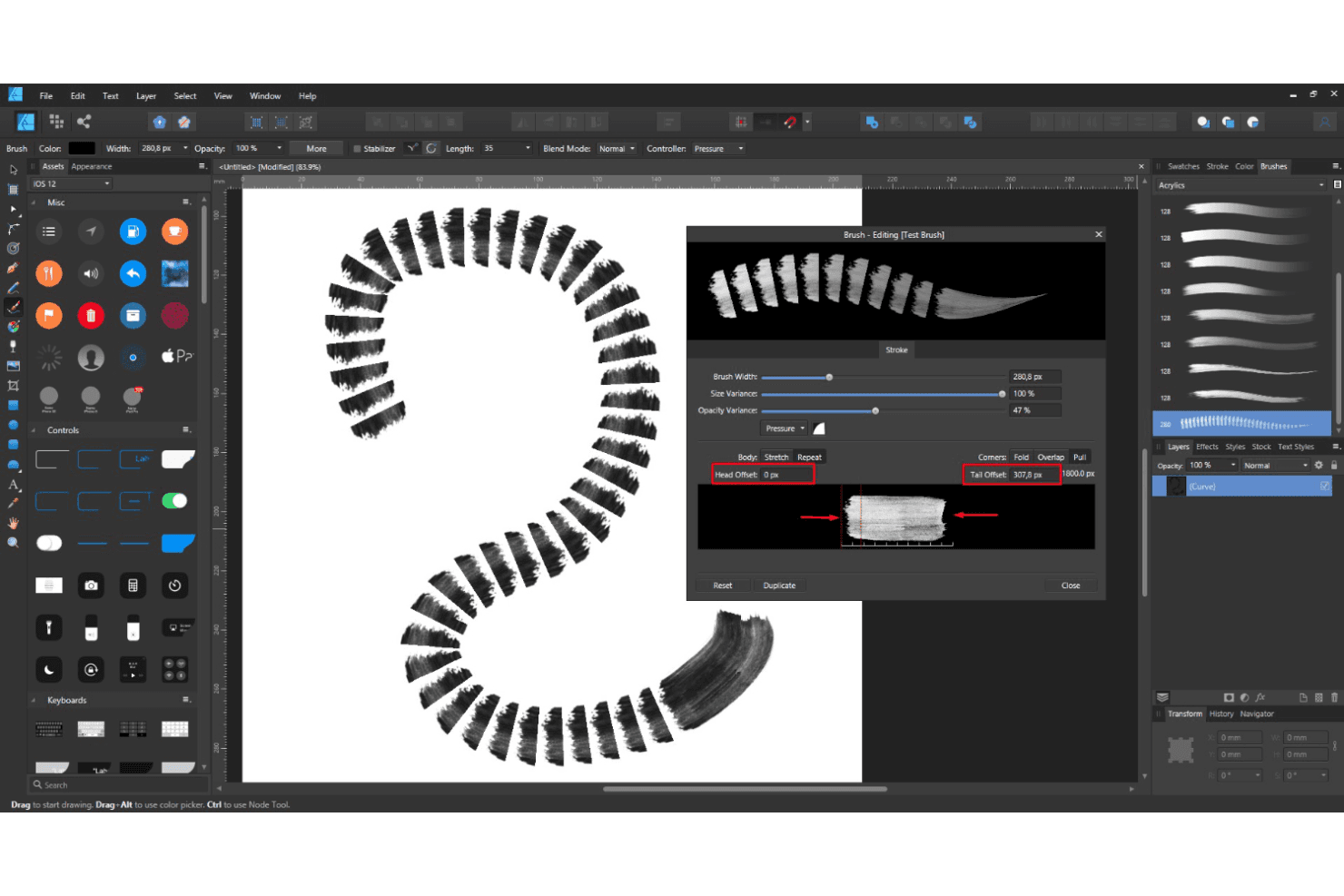
Affinity provides powerful vector brushes for precise graphic creation. Your team can create scalable, detailed designs with ease.
Artboards
You can work on multiple designs in one document with artboards. This feature helps streamline your workflow and organize projects efficiently.
Layer Controls
With intuitive layer management, you can easily edit and arrange components. It provides flexibility and control over your design elements.
Color Management
Your work benefits from professional color management, ensuring accurate and vibrant visuals. The software supports both RGB and CMYK color spaces.
Page Layout Management
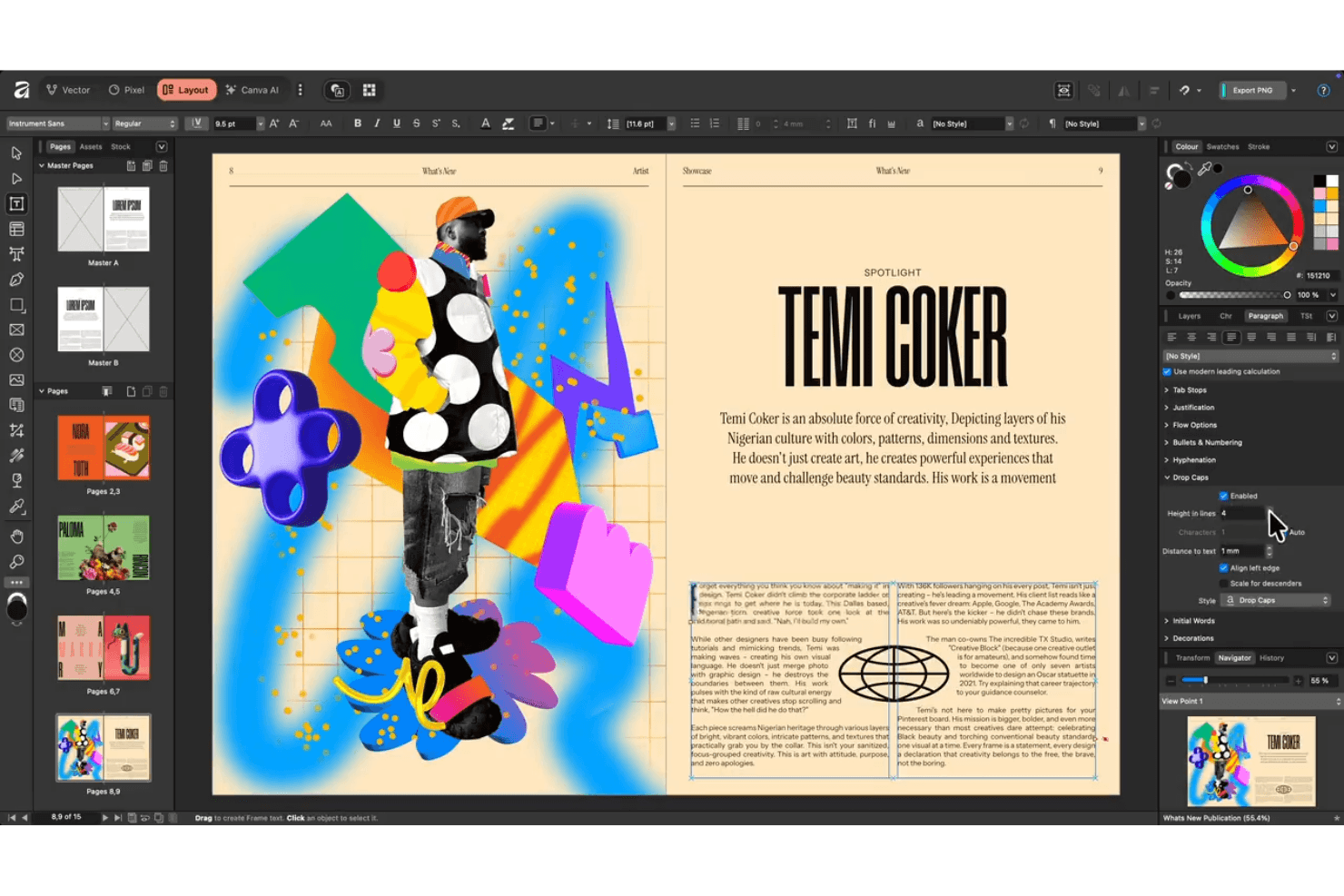
Smart master pages, autoflow, advanced typography, and access to a wide array of fonts help you build books, brochures, and reports with professional polish.
Ease of Use
Affinity is fairly user-friendly, though it may feel a bit challenging for beginners. Its intuitive interface helps streamline your workflow, but the learning curve can be steep if you're new to design software. You'll appreciate the logical layout of tools and features once you get accustomed to it. With practice, your team can efficiently harness its powerful capabilities, making it a solid choice for those willing to invest a little time in learning.
Integrations
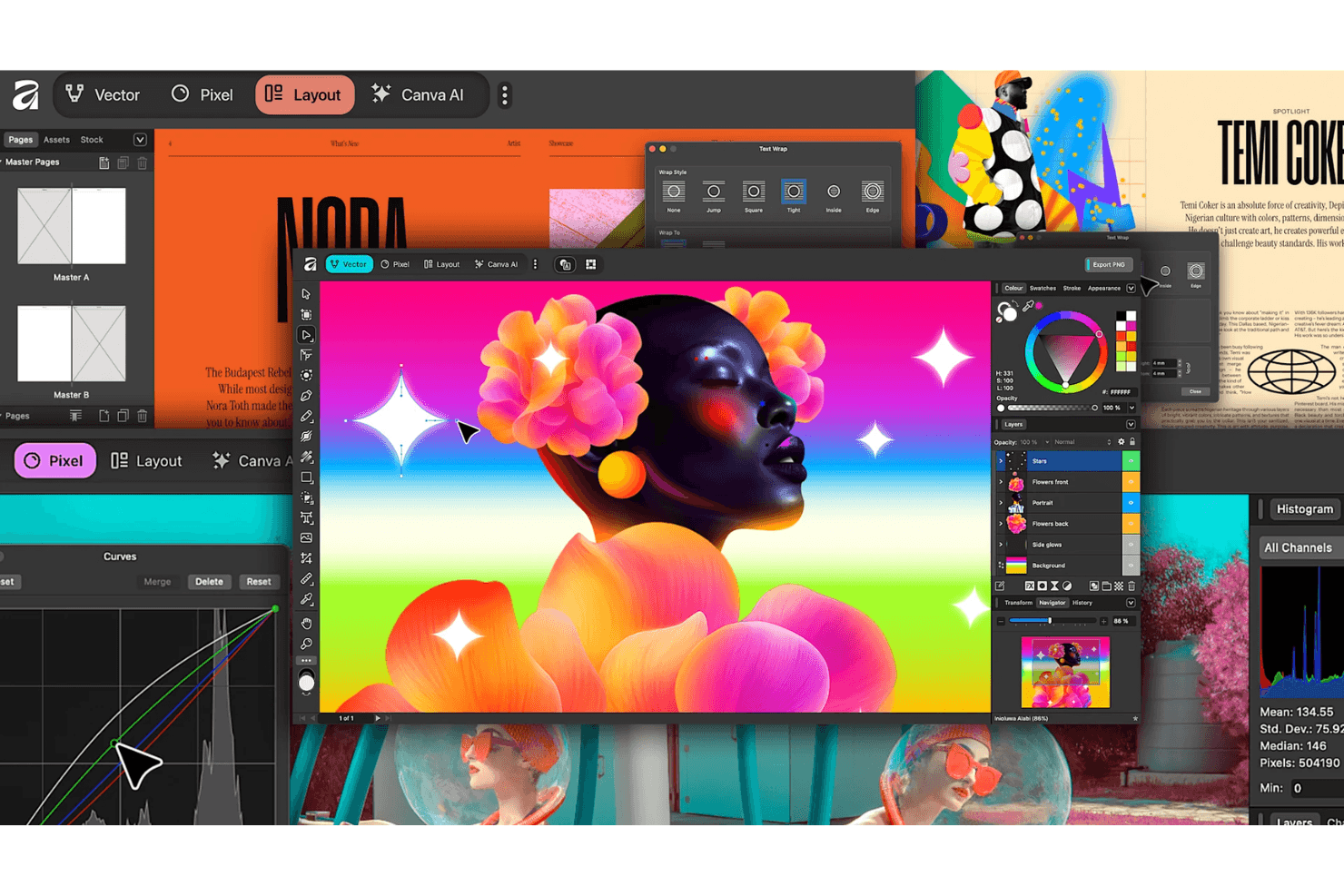
Affinity integrates natively with Canva. It also supports files from Adobe Photoshop, Adobe Illustrator, Adobe InDesign, Sketch, CorelDRAW, Figma, GIMP, Inkscape, Pixelmator, and Procreate — maintaining metadata and layer information.
Affinity does not offer an API and does not connect with third-party integration tools.
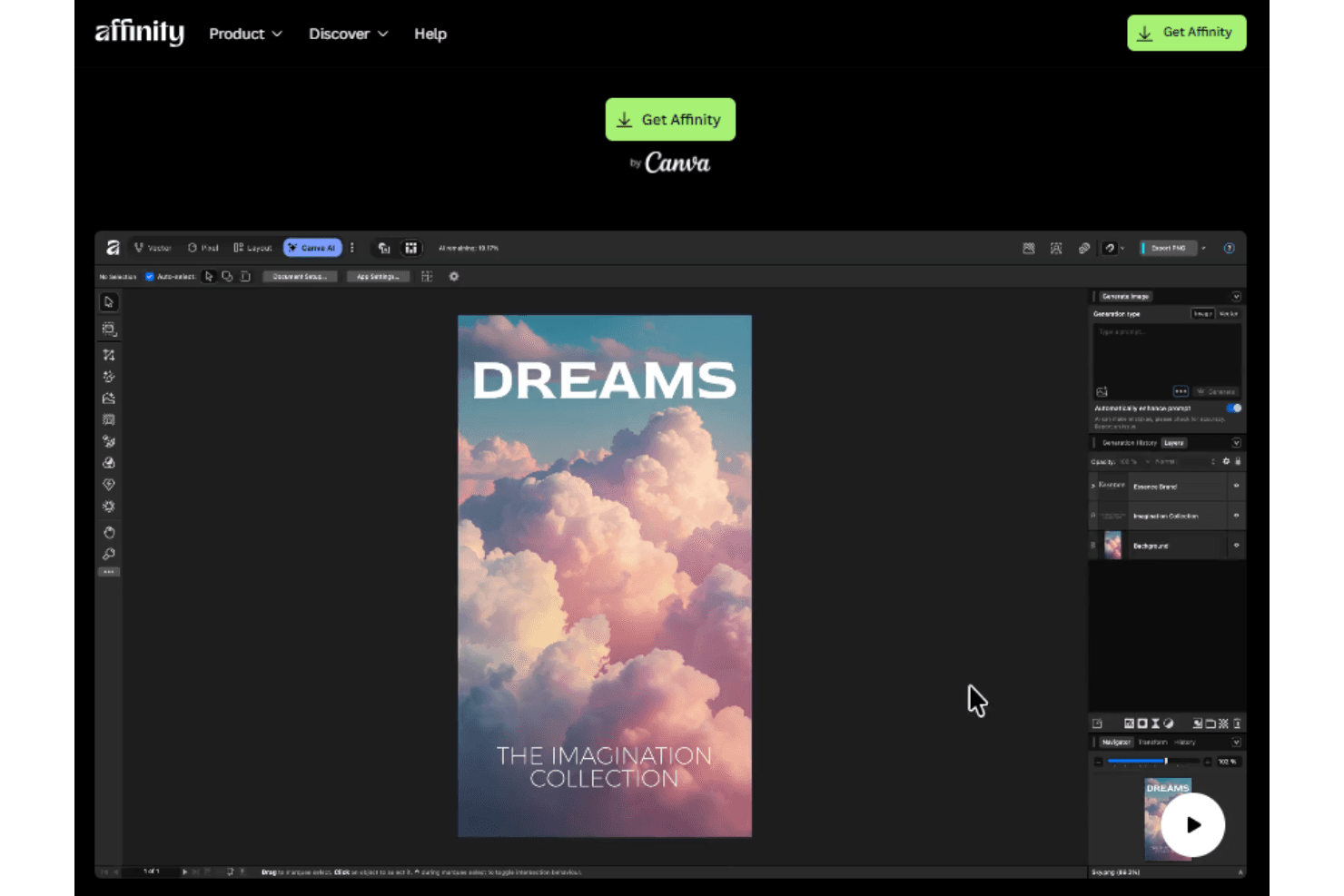
Affinity Designer Specs
- CAD Tools: Yes
- Data Export: Yes
- Data Import: Yes
- Multi-User: Yes
- Pixel Graphics: Yes
- Third-Party Plugins/Add-Ons: Yes
- Vector File Support: Yes
- Video: Yes


