
Reseña de Adobe XD: Ventajas, Desventajas, Características y Precios
Adobe XD destaca por su diseño intuitivo y capacidades de integración, lo que lo convierte en una opción principal para equipos enfocados en diseño responsivo.

Revisamos las herramientas de forma independiente y las comisiones ayudan a financiar nuestras pruebas. Consulta nuestra política de transparencia, nuestra metodología, o sugiere una herramienta.
Adobe XD is one of the most responsive design prototyping tools built for product and UX teams that need to design, prototype, and share interactive, device-adaptive UI mockups. I'd consider it over Figma if your workflow already runs on Adobe Creative Cloud—the native handoff between XD, Photoshop, and Illustrator keeps assets in sync without the extra import steps you'd deal with in a standalone tool.
Adobe XD Evaluation Summary
4.2/5
- From $22.99/month (billed annually)
- Free trial available
Por qué confiar en nuestras recomendaciones de software
6,700+
Reviews
20
Industry experts
16+
Evaluation factors
14
Years
Nuestro equipo lleva probando y evaluando software desde 2012. Como gestores de producto, sabemos lo difícil —y lo importante— que es elegir el software adecuado.
Para esta guía, evaluamos las herramientas mediante pruebas prácticas e investigación independiente, puntuando las herramientas según nuestros criterios de selección.
Nuestras reseñas reflejan nuestro criterio editorial humano, no un discurso de ventas.
Revisores expertos:
 Hannah ClarkSenior TPM
- Cristiano ValimSenior UI/UX Lead

Adobe XD Overview
In my opinion, Adobe XD is a solid choice for teams focused on creating responsive designs. Its integration with other Adobe products makes it a natural fit for teams already using Adobe Creative Cloud. The interface is intuitive, though onboarding could be smoother. Compared to other tools, Adobe XD shines with its design capabilities and ease of use, but customer support and onboarding might need some improvement. If you're in a creative industry or a design-focused team, considering Adobe XD for its seamless design features and integration capabilities would be wise.
Pros
- You can quickly design and prototype in one place.
- It offers an intuitive interface that's easy to navigate.
- Your team will appreciate the collaborative features for real-time feedback.
Cons
- You might find the onboarding process a bit lacking.
- Customer support could be more responsive.
- Some advanced features may require a learning curve.
Is Adobe XD Right For Your Needs?
Who Would be a Good Fit for Adobe XD?
Adobe XD is a great fit for creative teams in tech startups, digital agencies, and marketing departments looking for an intuitive design tool. If your team values seamless collaboration and rapid prototyping, Adobe XD's real-time feedback features and easy-to-use interface will suit you well. Designers and UX professionals will find its capabilities especially helpful for web design, creating interactive and responsive designs efficiently.
- Tech StartupsAdobe XD helps your startup quickly iterate designs and prototypes, fostering innovation and collaboration among your team.
- Digital AgenciesYour agency can deliver interactive designs to clients faster with Adobe XD’s prototyping and feedback features.
- Marketing TeamsAdobe XD’s design capabilities allow your marketing team to create engaging visuals that align with your brand.
- UX DesignersThe tool’s interactive prototyping features make it ideal for UX designers creating user-friendly interfaces.
- Product DevelopmentYour product team benefits from Adobe XD’s easy collaboration and design iteration features, enhancing your product design process.
- Small BusinessesAdobe XD offers small businesses an accessible tool to create professional designs without a steep learning curve.
Who Would be a Bad Fit for Adobe XD?
Adobe XD might not suit large enterprises with complex design needs that require extensive customization and integration with non-Adobe tools. If your team relies heavily on advanced animation features or detailed customer support, you might find Adobe XD lacking. Additionally, industries needing intricate 3D design capabilities will find Adobe XD's focus on 2D design limiting. It's also not ideal for teams that need extensive onboarding support or those who are not already using Adobe Creative Cloud.
- Large EnterprisesYour enterprise may need more advanced features and integrations than Adobe XD offers.
- Animation StudiosAdobe XD lacks the advanced animation tools your studio might require for complex projects.
- 3D DesignersIf your work involves 3D design, Adobe XD's focus on 2D won't meet your needs.
- Customer Support TeamsAdobe XD doesn't offer the extensive support your team might need for troubleshooting.
- Non-Creative Cloud UsersIf your team isn't using Adobe Creative Cloud, integrating Adobe XD might be cumbersome.
- Educational InstitutionsYour institution might need more comprehensive onboarding resources than Adobe XD provides.
Cómo Probamos y Puntamos Herramientas
Llevamos años construyendo, refinando y mejorando nuestro sistema de pruebas y puntuación de software. La rúbrica está diseñada para captar los matices de la selección de software y lo que hace que una herramienta sea eficaz, centrándose en aspectos críticos del proceso de decisión. A continuación, puedes ver exactamente cómo funcionan nuestras pruebas y puntuaciones a través de siete criterios. Esto nos permite proporcionar una evaluación imparcial del software según funcionalidad principal, características destacadas, facilidad de uso, implementación, soporte al cliente, integraciones, reseñas de clientes y relación calidad-precio.
Funcionalidad Principal (25% de la puntuación final)
El punto de partida de nuestra evaluación siempre es la funcionalidad principal de la herramienta. ¿Cuenta con las funciones básicas que un usuario espera ver? ¿Alguna de esas funciones centrales está limitada a planes de precios superiores? Esperamos que una herramienta esté a la altura de las capacidades básicas de sus competidores.
Características Destacadas (25% de la puntuación final)
Luego evaluamos características especiales poco comunes que van más allá de la funcionalidad principal que normalmente se encuentra en herramientas similares. Una alta puntuación refleja características especializadas o únicas que hacen que el producto sea más rápido, eficiente u ofrezca valor añadido al usuario. También evaluamos lo fácil que es integrar con otras herramientas habituales en el entorno tecnológico para ampliar la funcionalidad y utilidad del software. Las herramientas que ofrecen integraciones nativas abundantes, conexiones de terceros y acceso por API para crear integraciones personalizadas obtienen la mejor puntuación.
Facilidad de Uso (10% de la puntuación final)
Consideramos lo rápido y sencillo que es llevar a cabo las tareas definidas en la funcionalidad principal usando la herramienta. El software con alta puntuación está bien diseñado, es intuitivo, ofrece apps móviles, tiene plantillas y hace que tareas relativamente complejas parezcan simples.
Implementación (10% de la puntuación final)
Sabemos lo importante que es la adopción rápida del equipo para una nueva plataforma, así que evaluamos la facilidad de aprendizaje y uso de una herramienta con entrenamiento mínimo. Evaluamos cuán rápidamente un miembro del equipo puede configurar y empezar a usar la herramienta sin experiencia previa. Las soluciones con alta puntuación indican que se requiere poco o ningún soporte.
Soporte al Cliente (10% de la puntuación final)
Revisamos lo rápido y sencillo que es desatascarse y encontrar ayuda por teléfono, chat en vivo o base de conocimientos. Los productos y empresas que ofrecen soporte en tiempo real obtienen mejor puntuación, mientras que los chats automáticos obtienen la peor.
Reseñas de Clientes (10% de la puntuación final)
Más allá de nuestras propias pruebas y evaluaciones, consideramos el net promoter score de clientes actuales y pasados. Revisamos su probabilidad, dadas las opciones, de elegir la herramienta de nuevo por su funcionalidad principal. Un software con alta puntuación refleja un alto net promoter score de clientes actuales o anteriores.
Relación Calidad-Precio (10% de la puntuación final)
Por último, teniendo en cuenta todos los demás criterios, revisamos el precio promedio de los planes de nivel de entrada frente a las funcionalidades principales y consideramos el valor de los demás criterios de evaluación. El software que ofrece más por menos, obtendrá una puntuación mayor.
Core Features
Design Tools
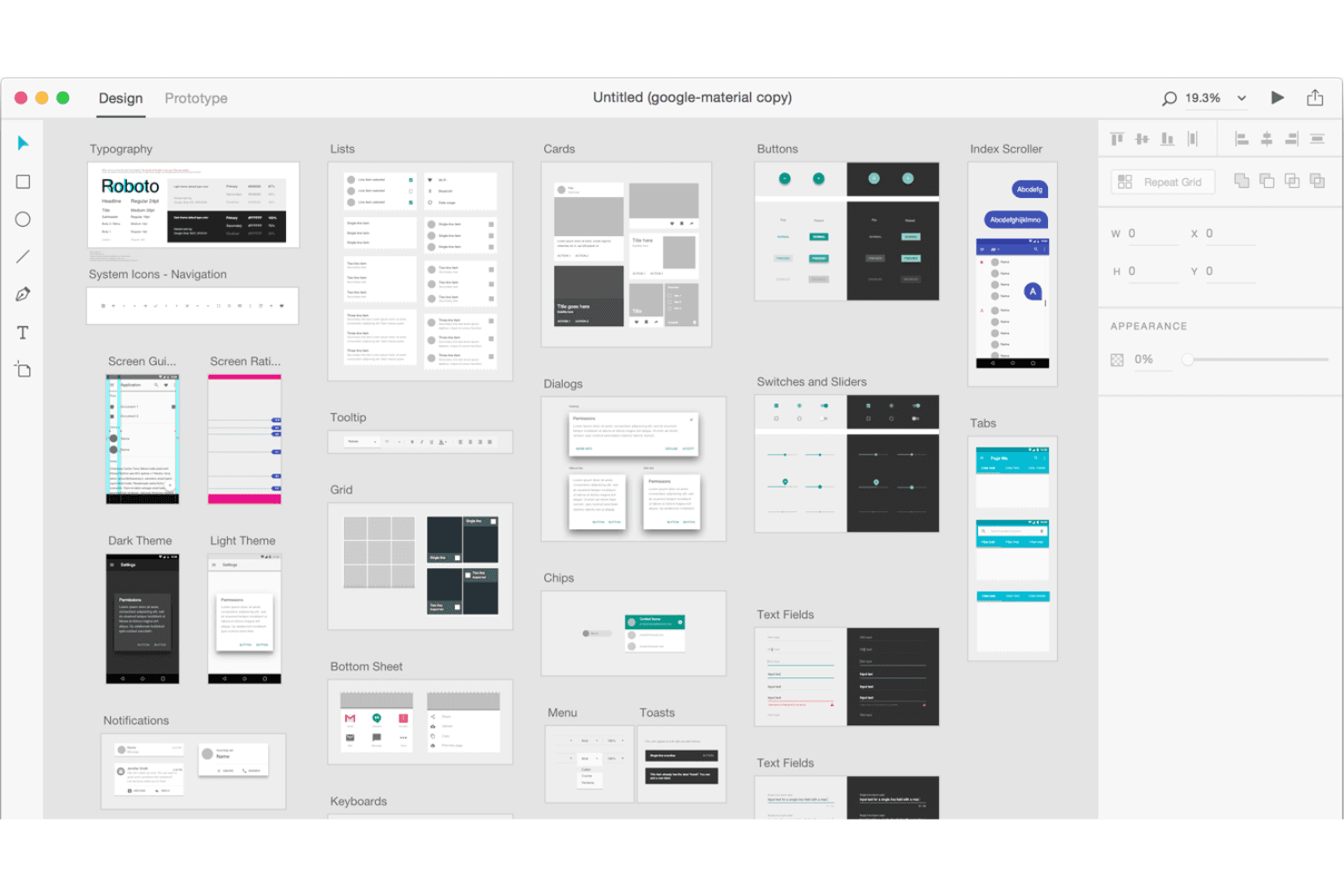
Adobe XD provides a range of vector-based design tools that let you create precise and scalable graphics. Your team can design with ease and flexibility.
Prototyping
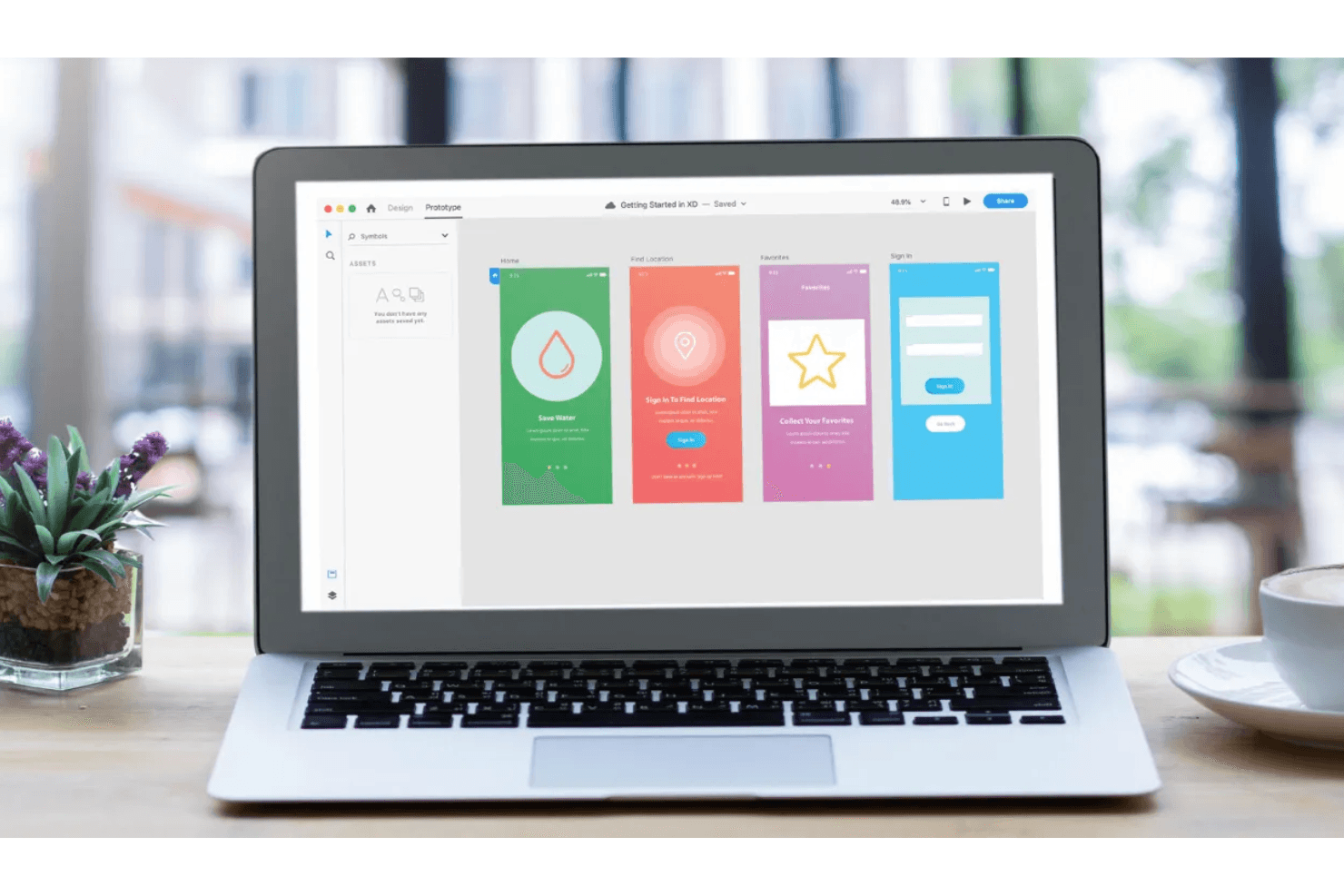
You can link screens and elements to create wireframes and high fidelity, interactive prototypes, mimicking user experience. This feature helps visualize user flow effectively.
Repeat Grid
With this tool, you can duplicate elements and adjust them in a grid layout. It saves you time in creating consistent designs.
Responsive Resize
This feature automatically adjusts your design layout when scaling for different screen sizes. It ensures your designs look great across devices.
Collaboration Tools
Real-time collaboration allows your team to build design systems together and gather feedback instantly. It enhances team productivity and communication.
Artboards
You can create multiple artboards for different screens or states within a single project. It helps in organizing and managing your design workflow.
Ease of Use
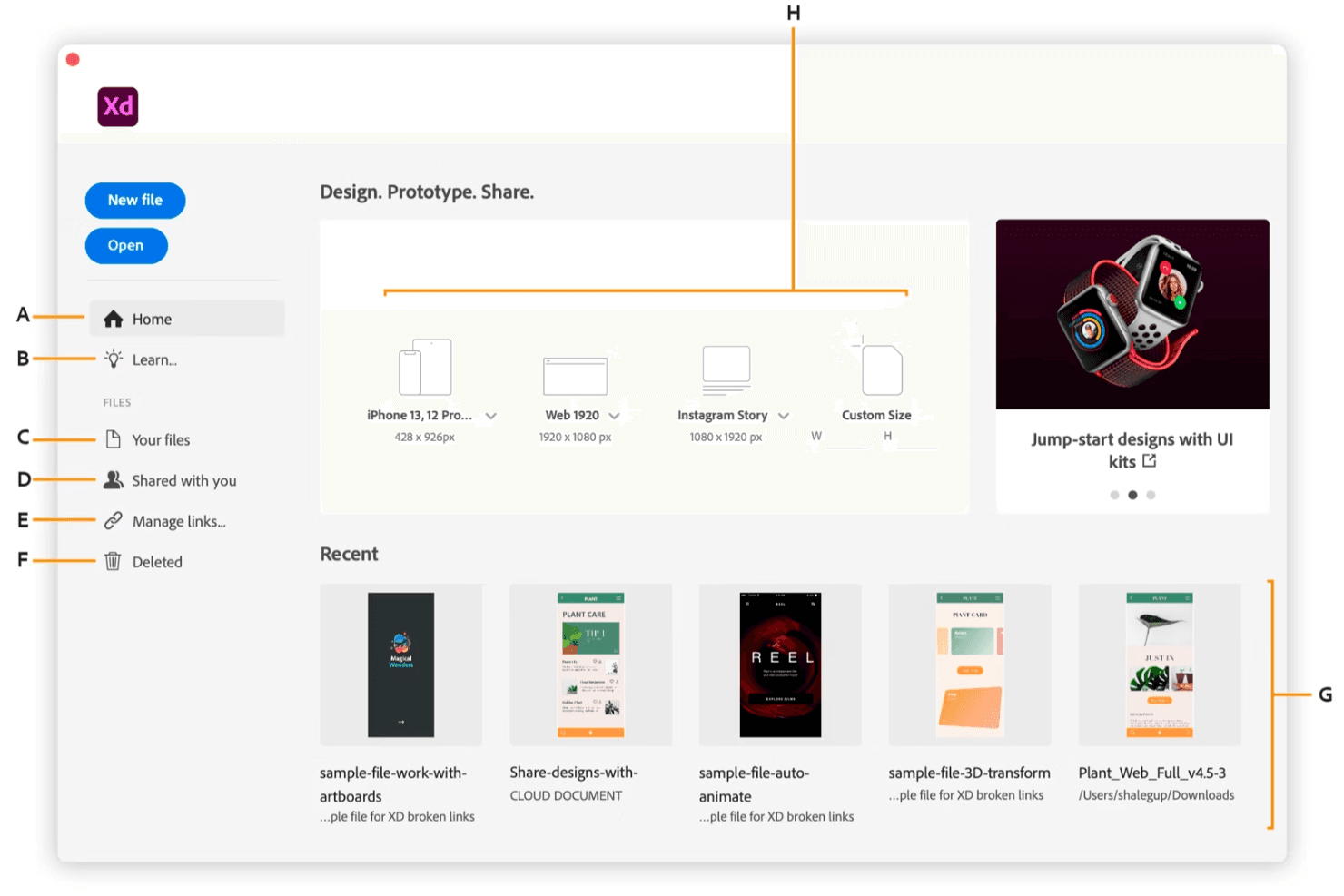
Adobe XD has an intuitive interface and straightforward navigation. If your team is already familiar with the Adobe ecosystem and design tools, then they will find it easy to jump in and start designing, though beginners unfamiliar with Adobe products might face a steep learning curve. Features like the Repeat Grid and Responsive Resize simplify tasks that would otherwise be time-consuming. Compared to other tools, Adobe XD stands out for its seamless design-to-prototype workflow, making it a favorite among users for its accessibility and efficiency in creating responsive designs.
Integrations
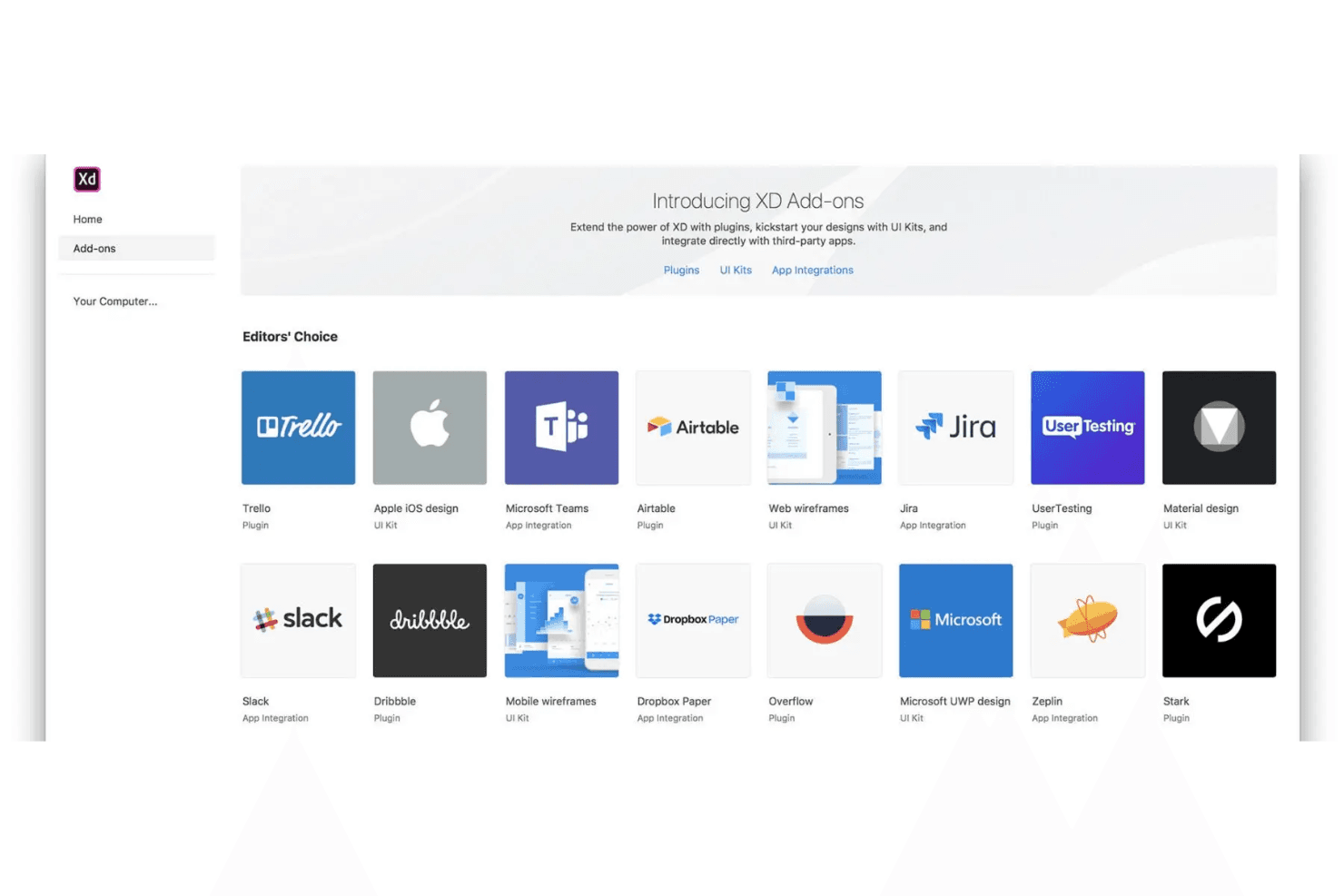
Adobe XD integrates with Adobe Photoshop, Adobe Illustrator, Slack, Microsoft Teams, Jira, Figma, and Zeplin.
Adobe XD also has an API and connects with third-party integration tools.
Adobe XD Specs
- A/B Testing: Yes
- API: Yes
- Collaboration Support: Yes
- Custom Data Forms: Yes
- Dashboard: Yes
- Dashboards: Yes
- Data Export: Yes
- Data Import: Yes
- Developer Tools: Yes
- External Integrations: Yes
- Feedback Management: Yes
- Gantt Charts: Yes
- Google Apps Integration: Yes
- Multi-User: Yes
- Notifications: Yes
- Prioritization: Yes
- Product Catalog: Yes
- Release Management: Yes
- Reports: Yes
- Resource Management: Yes
- Review Monitoring: Yes
- Roadmapping: Yes
- Scheduling: Yes
- Task Scheduling/Tracking: Yes


