
Reseña de Dynatrace: Pros, Contras, Características y Precios
Dynatrace destaca por ofrecer perspectivas completas y automatización, convirtiéndose en una de las mejores opciones para equipos que buscan capacidades avanzadas de seguimiento de usuarios.

Revisamos las herramientas de forma independiente y las comisiones ayudan a financiar nuestras pruebas. Consulta nuestra política de transparencia, nuestra metodología, o sugiere una herramienta.
Dynatrace is a user tracking software that combines real user monitoring, session replay, and full-stack observability in a single platform. It's worth considering if your team needs to connect user behavior data directly to backend performance metrics—not just capture sessions in isolation. I'd choose it over FullStory if you want to trace a frustrating user experience back to a specific API call or infrastructure issue, rather than stopping at the front-end behavioral layer.
Dynatrace Evaluation Summary
4.5/5
- From $7/host/month
- Free demo + 15-day free trial available
Por qué confiar en nuestras recomendaciones de software
6,700+
Reviews
20
Industry experts
16+
Evaluation factors
14
Years
Nuestro equipo lleva probando y evaluando software desde 2012. Como gestores de producto, sabemos lo difícil —y lo importante— que es elegir el software adecuado.
Para esta guía, evaluamos las herramientas mediante pruebas prácticas e investigación independiente, puntuando las herramientas según nuestros criterios de selección.
Nuestras reseñas reflejan nuestro criterio editorial humano, no un discurso de ventas.
 Hannah ClarkSenior TPM
- Cristiano ValimSenior UI/UX Lead
Dynatrace Overview
In my opinion, Dynatrace is a top-tier user tracking software with excellent automation and insightful analytics. While it excels in detailed monitoring and integration capabilities, its pricing might deter smaller teams. The user interface is intuitive, but the onboarding process could be smoother. It's best suited for large enterprises needing robust monitoring and insights. If your team values detailed analytics and automation, Dynatrace is worth considering. However, if cost is a concern, exploring other options might be wise.
Pros
- You get real-time insights that help improve your team's application performance.
- The software's automation features save your team time and effort in monitoring.
- It offers detailed analytics that help you make informed decisions.
Cons
- You might find the learning curve steep for new users.
- The user interface can be overwhelming with its many options.
- Your team may need more time to fully utilize all features.
Is Dynatrace Right For Your Needs?
Who Would be a Good Fit for Dynatrace?
If you're in IT or DevOps, Dynatrace is a solid choice for monitoring and optimizing application performance. Large enterprises in sectors like finance and healthcare benefit from its real-time insights and automation. The software's detailed analytics help your team identify performance bottlenecks quickly. It's particularly useful if you need to manage complex systems, optimize remote workflows, and require robust monitoring tools.
- Large EnterprisesDynatrace offers comprehensive monitoring and analytics, making it ideal for your large-scale operations.
- IT DepartmentsYour team can leverage its real-time insights to improve system performance and user experience.
- Finance IndustryDynatrace helps you maintain secure and efficient applications, crucial in handling sensitive financial data.
- Healthcare SectorThe software supports your need for reliable and fast applications, essential in healthcare service delivery.
- DevOps TeamsDynatrace's automation features save you time and streamline your monitoring tasks.
- E-commerce CompaniesIt provides you with detailed user behavior analytics, helping improve your customer experience and sales.
Who Would be a Bad Fit for Dynatrace?
If you're a small business or startup with limited resources, Dynatrace might not be the best fit for you. Its complexity and cost can be overwhelming for teams without dedicated IT support. If your operations don't require detailed analytics or advanced monitoring features, you might find Dynatrace's capabilities excessive for your needs.
- Small StartupsYou may find Dynatrace too complex and costly for your limited operations.
- Non-Technical TeamsWithout IT expertise, your team might struggle with its advanced features.
- Budget-Conscious BusinessesIf you're watching your budget, Dynatrace's pricing might be prohibitive.
- Simple ApplicationsFor basic monitoring needs, you might not need Dynatrace’s advanced capabilities.
- FreelancersThe software's robust features are likely beyond what you need for solo projects.
- Local RetailersYour straightforward operations might not benefit from the detailed insights Dynatrace provides.
Cómo Probamos y Puntamos Herramientas
Llevamos años construyendo, refinando y mejorando nuestro sistema de pruebas y puntuación de software. La rúbrica está diseñada para captar los matices de la selección de software y lo que hace que una herramienta sea eficaz, centrándose en aspectos críticos del proceso de decisión. A continuación, puedes ver exactamente cómo funcionan nuestras pruebas y puntuaciones a través de siete criterios. Esto nos permite proporcionar una evaluación imparcial del software según funcionalidad principal, características destacadas, facilidad de uso, implementación, soporte al cliente, integraciones, reseñas de clientes y relación calidad-precio.
Funcionalidad Principal (25% de la puntuación final)
El punto de partida de nuestra evaluación siempre es la funcionalidad principal de la herramienta. ¿Cuenta con las funciones básicas que un usuario espera ver? ¿Alguna de esas funciones centrales está limitada a planes de precios superiores? Esperamos que una herramienta esté a la altura de las capacidades básicas de sus competidores.
Características Destacadas (25% de la puntuación final)
Luego evaluamos características especiales poco comunes que van más allá de la funcionalidad principal que normalmente se encuentra en herramientas similares. Una alta puntuación refleja características especializadas o únicas que hacen que el producto sea más rápido, eficiente u ofrezca valor añadido al usuario. También evaluamos lo fácil que es integrar con otras herramientas habituales en el entorno tecnológico para ampliar la funcionalidad y utilidad del software. Las herramientas que ofrecen integraciones nativas abundantes, conexiones de terceros y acceso por API para crear integraciones personalizadas obtienen la mejor puntuación.
Facilidad de Uso (10% de la puntuación final)
Consideramos lo rápido y sencillo que es llevar a cabo las tareas definidas en la funcionalidad principal usando la herramienta. El software con alta puntuación está bien diseñado, es intuitivo, ofrece apps móviles, tiene plantillas y hace que tareas relativamente complejas parezcan simples.
Implementación (10% de la puntuación final)
Sabemos lo importante que es la adopción rápida del equipo para una nueva plataforma, así que evaluamos la facilidad de aprendizaje y uso de una herramienta con entrenamiento mínimo. Evaluamos cuán rápidamente un miembro del equipo puede configurar y empezar a usar la herramienta sin experiencia previa. Las soluciones con alta puntuación indican que se requiere poco o ningún soporte.
Soporte al Cliente (10% de la puntuación final)
Revisamos lo rápido y sencillo que es desatascarse y encontrar ayuda por teléfono, chat en vivo o base de conocimientos. Los productos y empresas que ofrecen soporte en tiempo real obtienen mejor puntuación, mientras que los chats automáticos obtienen la peor.
Reseñas de Clientes (10% de la puntuación final)
Más allá de nuestras propias pruebas y evaluaciones, consideramos el net promoter score de clientes actuales y pasados. Revisamos su probabilidad, dadas las opciones, de elegir la herramienta de nuevo por su funcionalidad principal. Un software con alta puntuación refleja un alto net promoter score de clientes actuales o anteriores.
Relación Calidad-Precio (10% de la puntuación final)
Por último, teniendo en cuenta todos los demás criterios, revisamos el precio promedio de los planes de nivel de entrada frente a las funcionalidades principales y consideramos el valor de los demás criterios de evaluación. El software que ofrece más por menos, obtendrá una puntuación mayor.
Core Features
Real-Time Monitoring
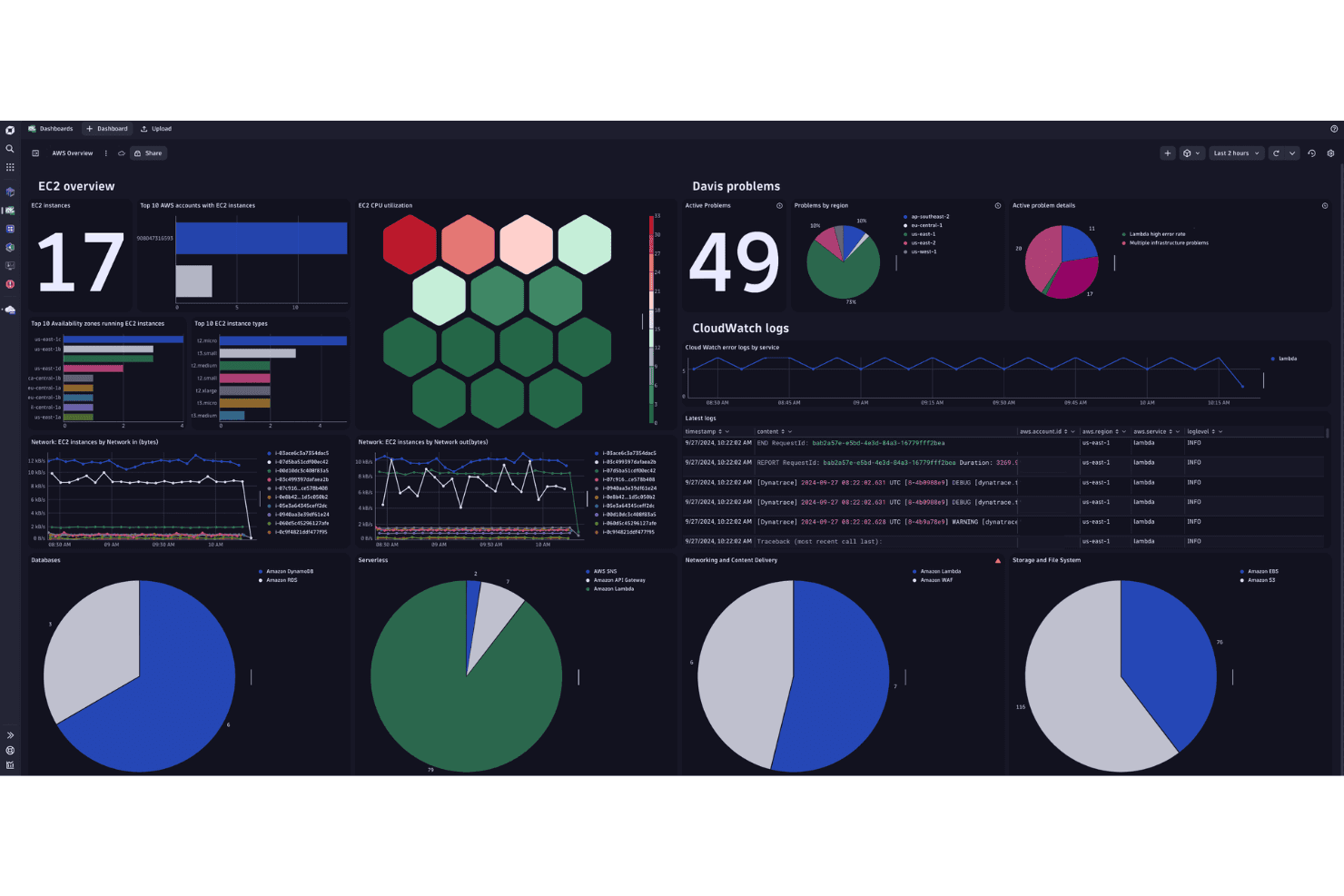
You receive instant insights into application performance, allowing you to make timely adjustments. It helps you maintain optimal functionality and user satisfaction.
AI-Driven Alerts
Get notified immediately about anomalies with AI-powered alerts that enhance your response time. This feature ensures you stay ahead of potential issues.
End-User Experience Monitoring
Track how users interact with your applications to identify any bottlenecks. You can improve user satisfaction by addressing these issues promptly.
Automatic Root Cause Analysis
Dynatrace uses AI to pinpoint the root cause of performance issues, saving you time and effort. This means quicker resolutions and less downtime.
Full-Stack Monitoring
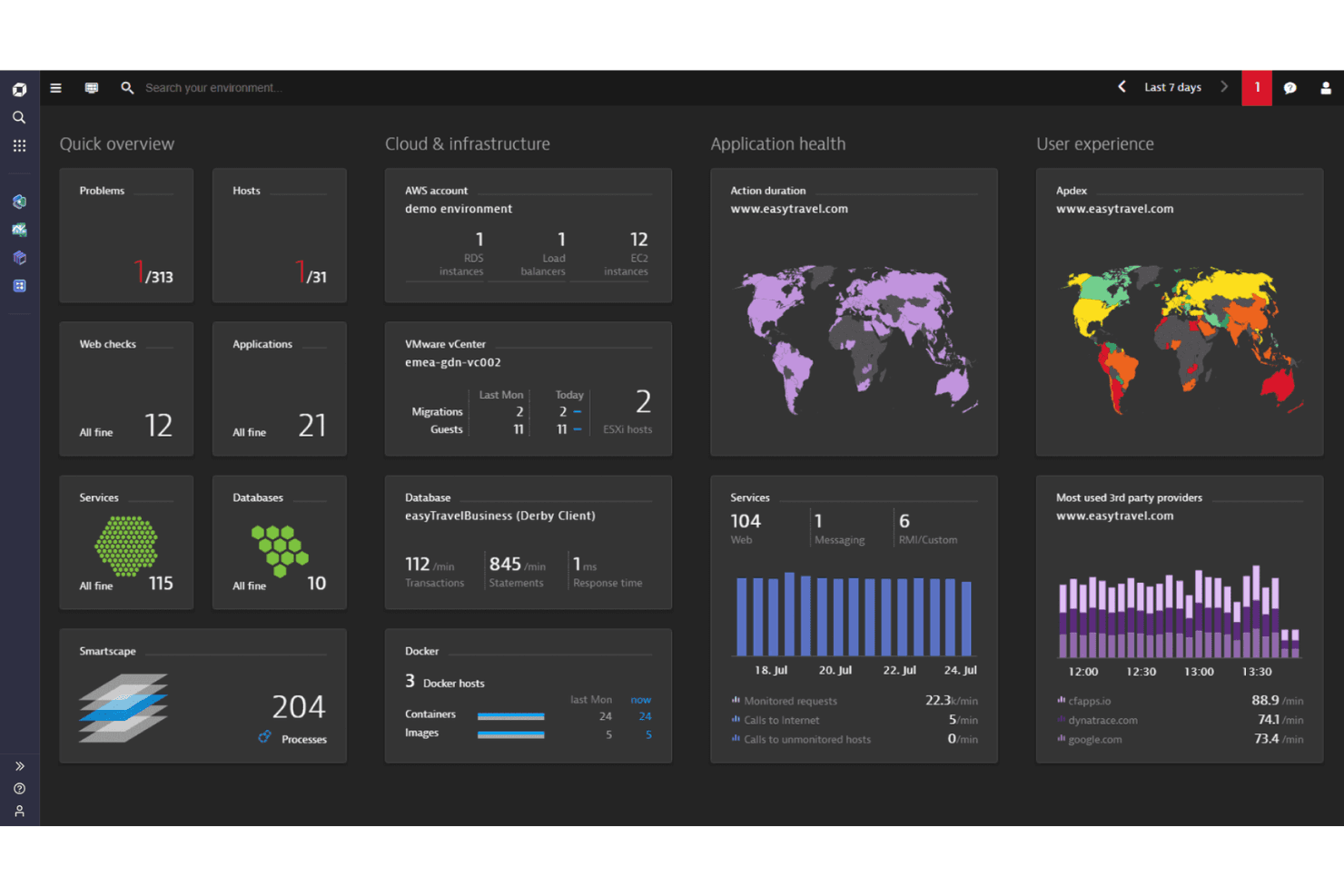
Monitor everything from infrastructure to applications with a single solution. You gain a comprehensive view, helping you manage complex IT environments efficiently.
Cloud Monitoring
Keep track of your cloud resources to ensure they’re running smoothly. It supports multi-cloud environments, giving you flexibility and control.
Ease of Use
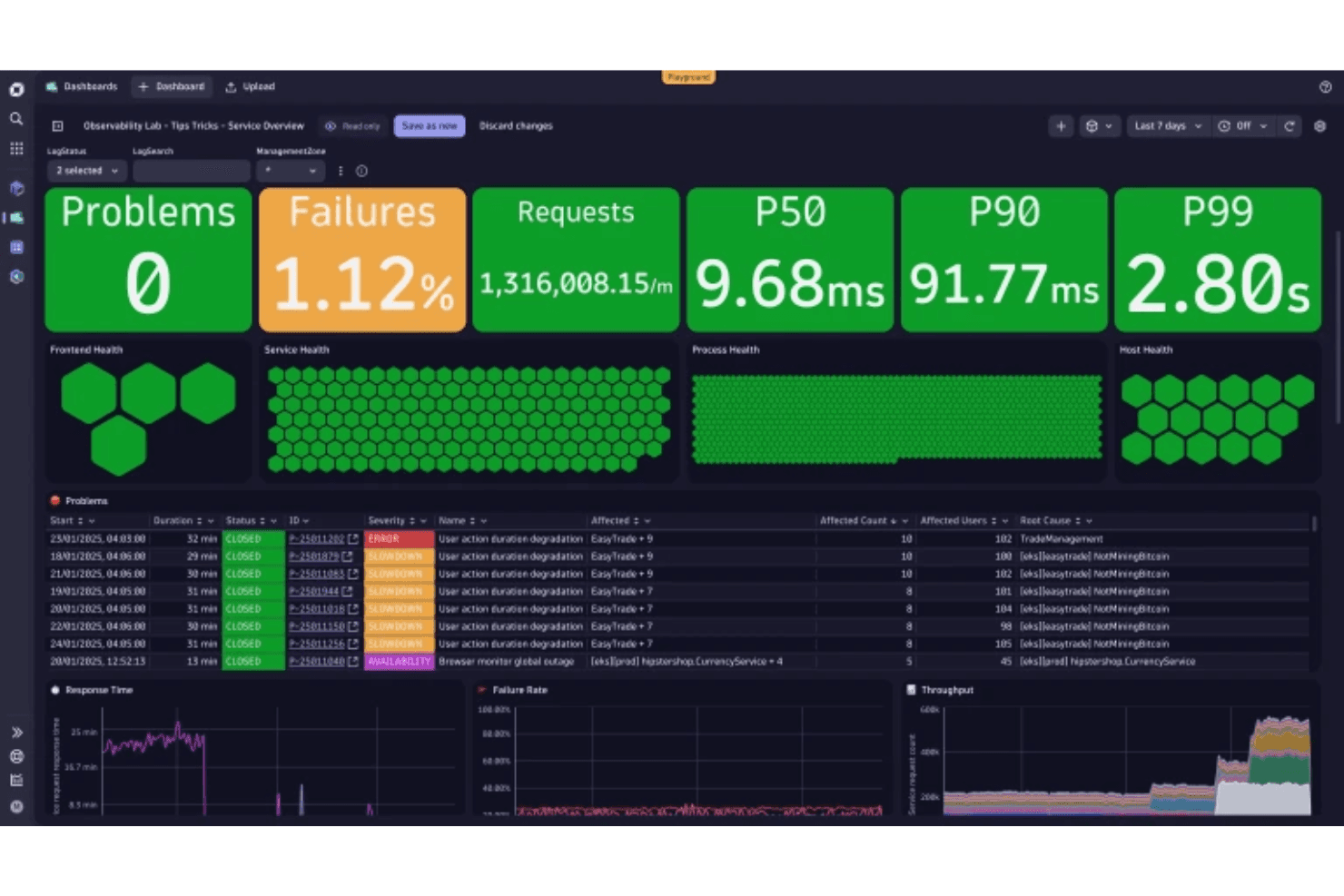
Dynatrace offers a powerful set of tools, but its complexity can be daunting at first. The user interface is detailed, which might require some time to get used to, especially if you’re new to such comprehensive systems. However, once you get the hang of it, the AI-driven insights and automated features make managing application performance much easier. Your team will appreciate the depth of data and the streamlined processes, even if the initial learning curve is steep.
Integrations
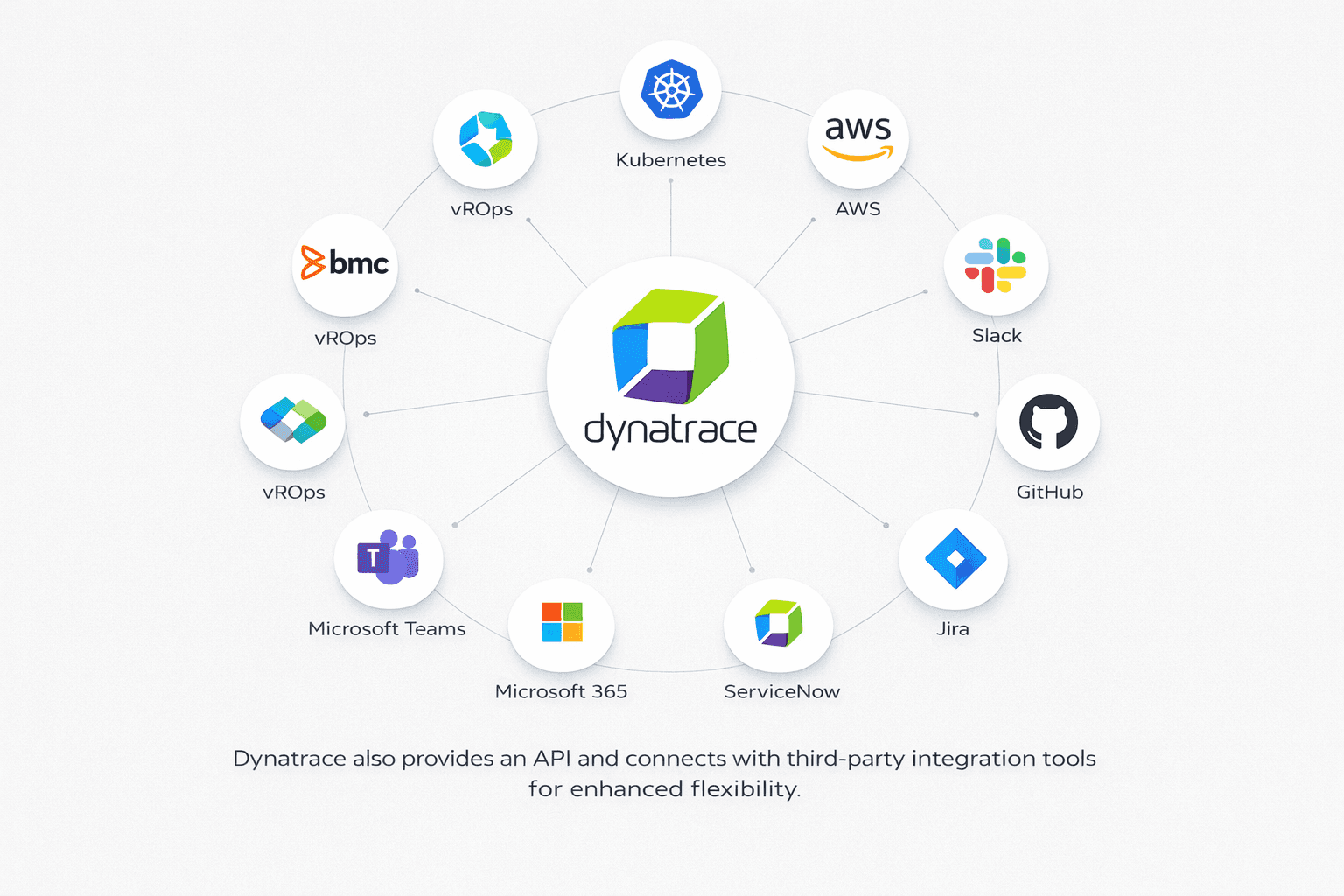
Dynatrace integrates with Kubernetes, AWS, Slack, GitHub, Jira, Microsoft 365, Microsoft Teams, ServiceNow, BMC (Remedy, Remedyforce, Helix), and vROps.
Dynatrace also provides an API and connects with third-party integration tools for enhanced flexibility.
Dynatrace Specs
- AI Integration: Yes
- API: Yes
- Automated Testing: No
- Browser Compatibility Testing: No
- Bug Tracking: No
- Code Review: No
- Custom Reports: Yes
- Data Export: Yes
- Data Import: Yes
- Developer Tools: Yes
- External Integrations: Yes
- Malware Protection: No
- Multi-User: Yes
- Notifications: Yes
- Performance Testing: Yes
- Process Reporting: Yes
- Static Analysis: No
- Status Notifications: Yes
- Workflow Management: No


